
This page is not an official page of the app or its developer, but an independent editorial publication created for informational and commentary purposes. Unless expressly stated otherwise, neither the app nor its developer is affiliated with, endorsed by, sponsored by, authorized by, or otherwise officially connected with MWM, Apple, Google Play, the app publisher, or the app's developer, and nothing on this page implies that the app was developed using MWM's services. Any trademarks, logos, screenshots, and other content remain the property of their respective owners.

Handy Art Reference Tool
Stop struggling with awkward selfies and mirrors. Master anatomy with rotatable 3D hands, heads, and feet featuring fully adjustable 3-point lighting for your digital and traditional art.
Downloads
526K+User Rating
Total Ratings
4K+Publisher
Category
EducationLocales
1Latest Version
5.1.1Size
246.2 MBFirst Released
Nov 11, 2011Master Every Angle and Shadow
From comic book pencillers to digital painters, Handy provides the high-fidelity 3D reference you need to nail anatomy and lighting every single time.
Infinite Pose Customization
Stop searching for the right photo. Pose 3D hands, feet, and skulls exactly how you need them to solve the toughest anatomical challenges.
Cinematic Lighting Control
Master your shading with fully adjustable 3-point lighting. Easily visualize how shadows fall across complex forms to add depth to your art.
Frequently Asked Questions
Everything you need to know about Handy Art Reference Tool
What is the Handy Art Reference Tool?
The Handy Art Reference Tool is an artist's reference application. It provides rotatable 3D models of hands, heads, and feet, along with customizable lighting, to assist artists with drawing and painting.
Can I rotate the 3D models in the Handy Art Reference Tool?
Yes, the Handy Art Reference Tool features several rotatable 3D limbs, including hands and feet, and head busts. This allows artists to view them from exact angles for precise reference.
Does Handy Art Reference Tool include models for heads?
Yes, the Handy Art Reference Tool includes over 10 different 3D head busts. These provide reference for various male, female, and skull models, with adjustable 3-point lighting.
How can I customize lighting in the Handy Art Reference Tool?
The Handy Art Reference Tool offers fully adjustable 3-point lighting. Users can customize light sources to understand shadows and forms, which is useful for painting and detailed rendering.
Are foot models included in the Handy Art Reference Tool?
Foot models are available in the Handy Art Reference Tool as an expansion. The 'Foot rigs' pack requires an additional in-app purchase to access these models.
What is the Animal Skulls pack in Handy Art Reference Tool?
The Animal Skulls pack in Handy Art Reference Tool offers over 10 different animal species. It serves as anatomical reference or inspiration for creature design, requiring an additional purchase.
Can I edit model materials in Handy Art Reference Tool?
Yes, Handy v5 allows editing model materials. Users can selectively toggle textures, adjust specularity, or tint models with a specific color, enhancing customization options.
What types of artists can use the Handy Art Reference Tool?
The Handy Art Reference Tool is suitable for a wide range of artists. It benefits comic book artists, painters, and casual sketchers by providing essential 3D reference models.
Does Handy Art Reference Tool offer pre-set poses for hands?
Yes, the Handy Art Reference Tool includes a variety of pre-set poses for hands. Artists can also customize and edit their own poses for hands, feet, and skulls within the app.
The following screenshots and description are sourced directly from the app's official store listing and are the property of the app developer.
App Store
Screenshots
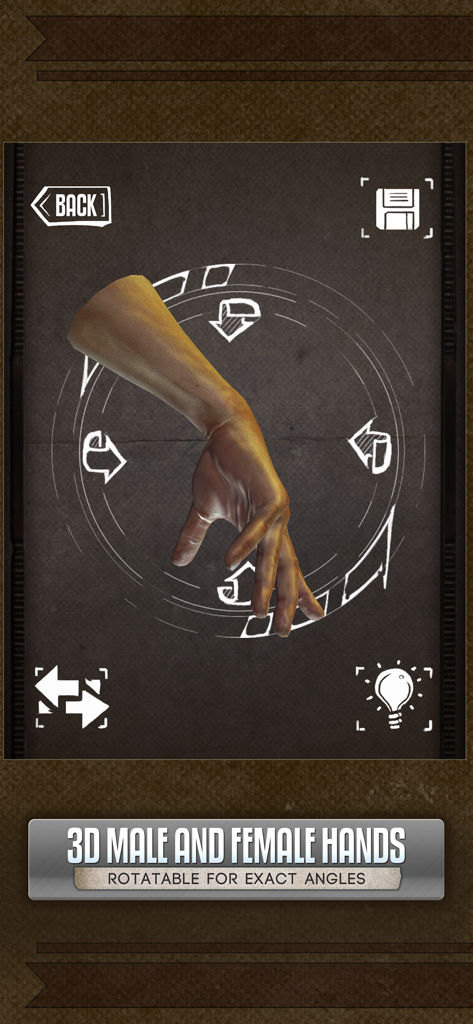
A rotatable 3D hand model in the Handy app for drawing anatomical reference and poses
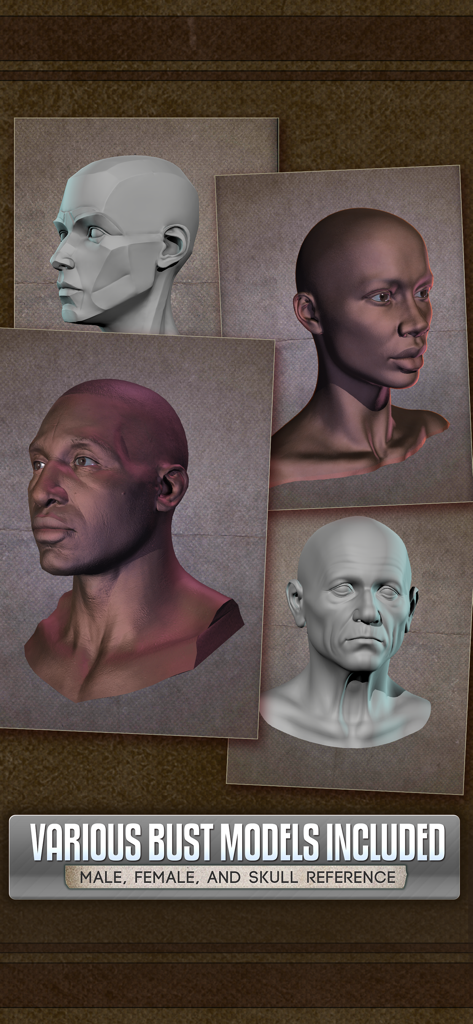
A collection of 3D head bust models for male and female anatomical art reference
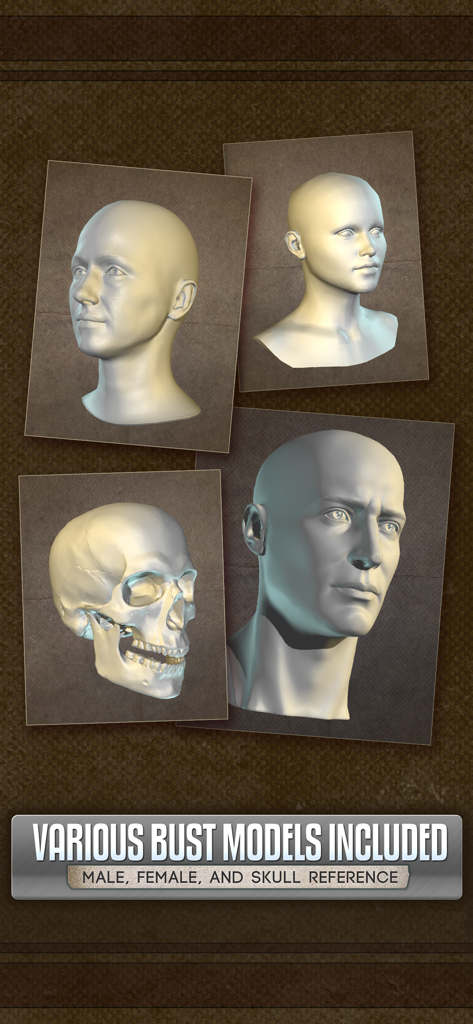
3D male and female head busts and human skull models for art reference
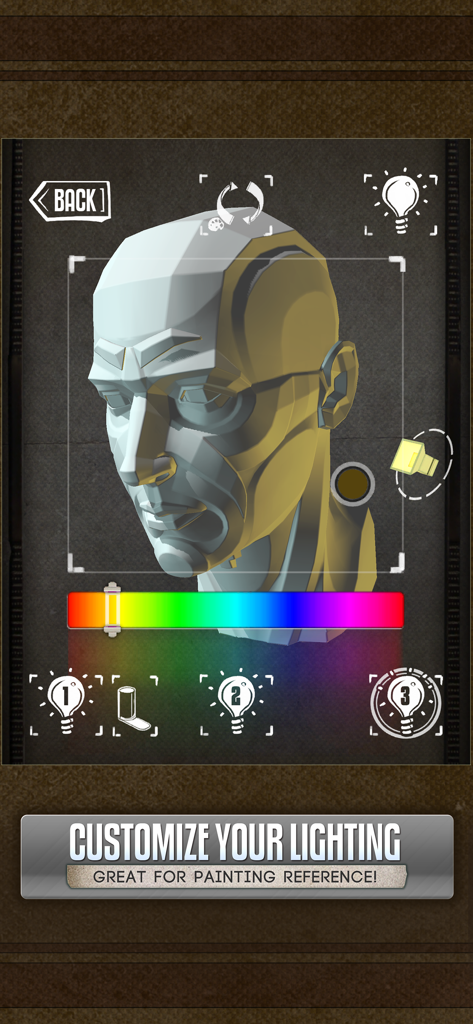
Interface of Handy Art Reference Tool with 3D head bust and lighting controls
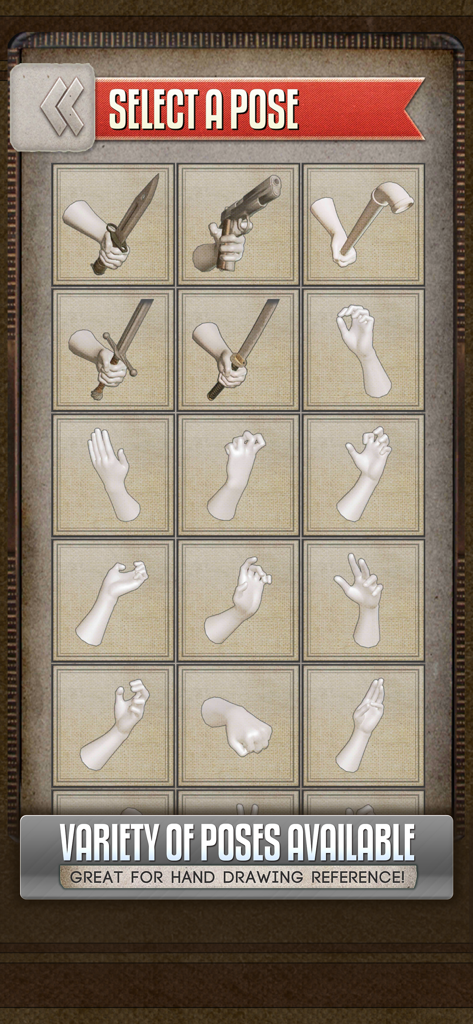
A grid of 3D hand poses for drawing reference
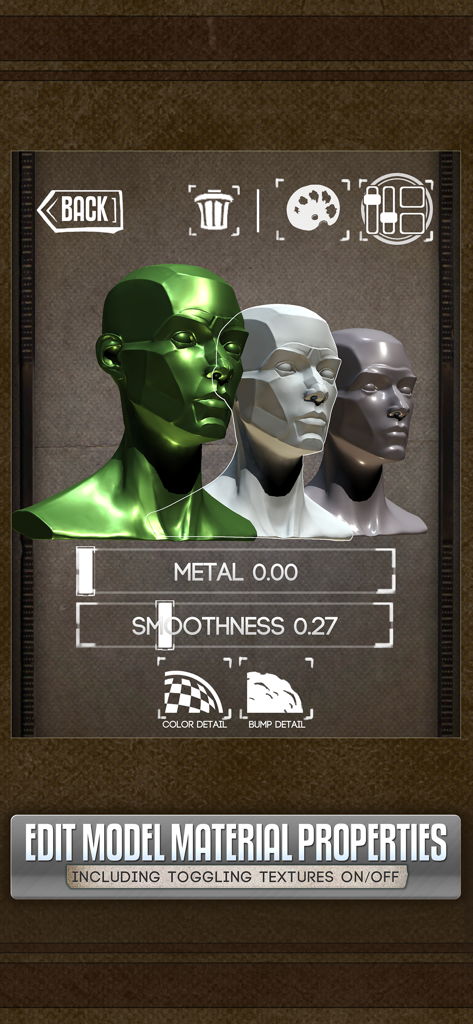
Interface to edit 3D model material properties including metalness and smoothness in the Handy app
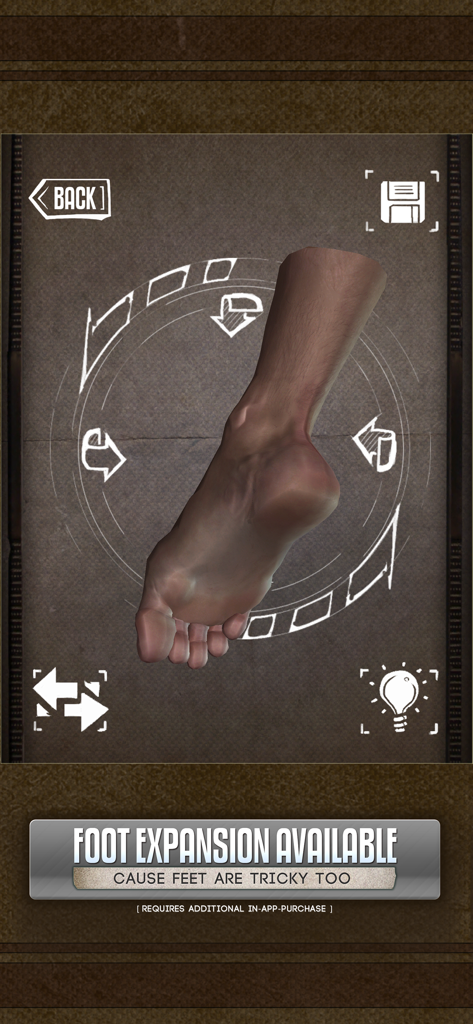
A 3D rotatable foot model for anatomical reference and drawing practice.
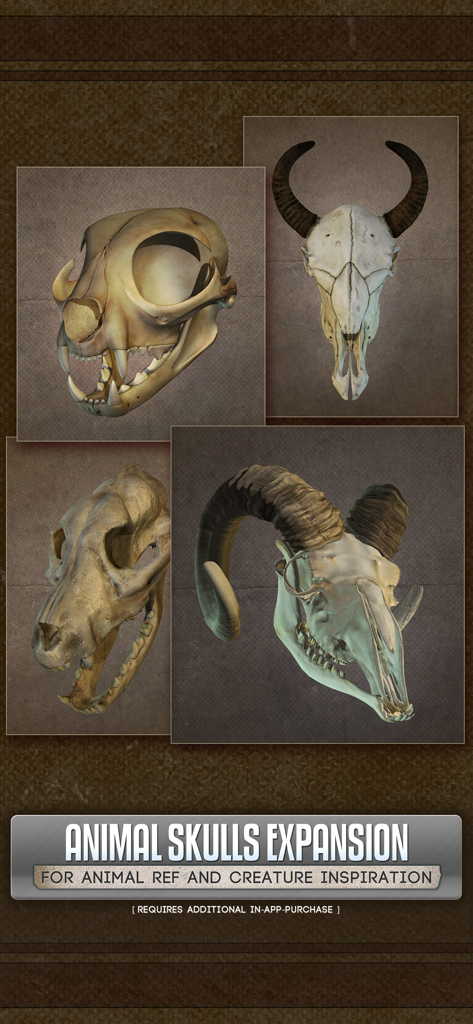
3D animal skulls collection for artistic reference and creature design
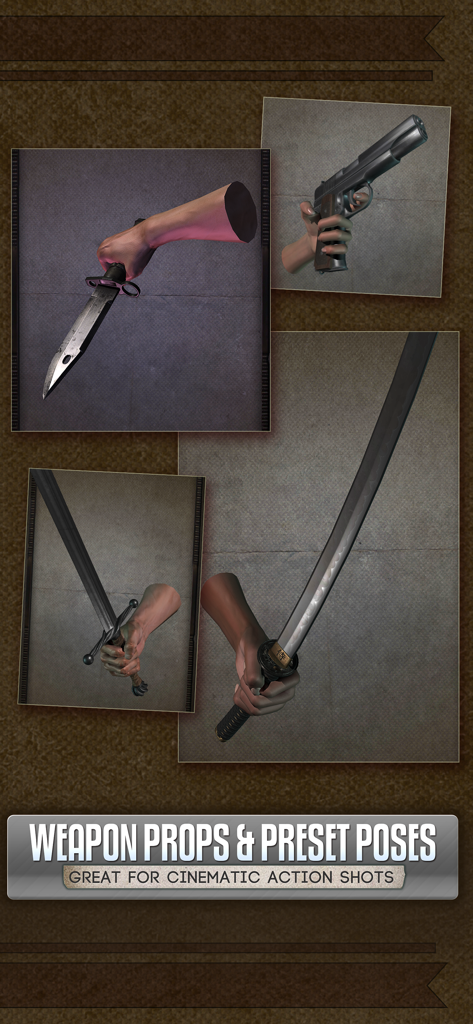
3D hand models holding weapons like swords and guns for drawing reference in the Handy Art Reference Tool app.
Description
Download
More Like This
Apps with similar features and user experience

Previs Pro - Storyboard Fast
Ghostwheel LLC

Moblo - 3D furniture modeling
MYTIforge

Head Model Studio - Art Study
Wes Castain

Manikin
UNSH VOF

Magic Poser - Art Pose Tool
Wombat Studio, Inc.

ArtPose
shawn ogle

ArtPose Female Edition
shawn ogle

Pose Croquis
Kazuaki Matsuda

Easy Pose -Best Posing App
Park Kiyoung
This page is not an official page of the app or its developer, but an independent editorial publication created for informational and commentary purposes. Unless expressly stated otherwise, neither the app nor its developer is affiliated with, endorsed by, sponsored by, authorized by, or otherwise officially connected with MWM, Apple, Google Play, the app publisher, or the app's developer, and nothing on this page implies that the app was developed using MWM's services. Any trademarks, logos, screenshots, and other content remain the property of their respective owners.