
This page is not an official page of the app or its developer, but an independent editorial publication created for informational and commentary purposes. Unless expressly stated otherwise, neither the app nor its developer is affiliated with, endorsed by, sponsored by, authorized by, or otherwise officially connected with MWM, Apple, Google Play, the app publisher, or the app's developer, and nothing on this page implies that the app was developed using MWM's services. Any trademarks, logos, screenshots, and other content remain the property of their respective owners.


Pose Croquis
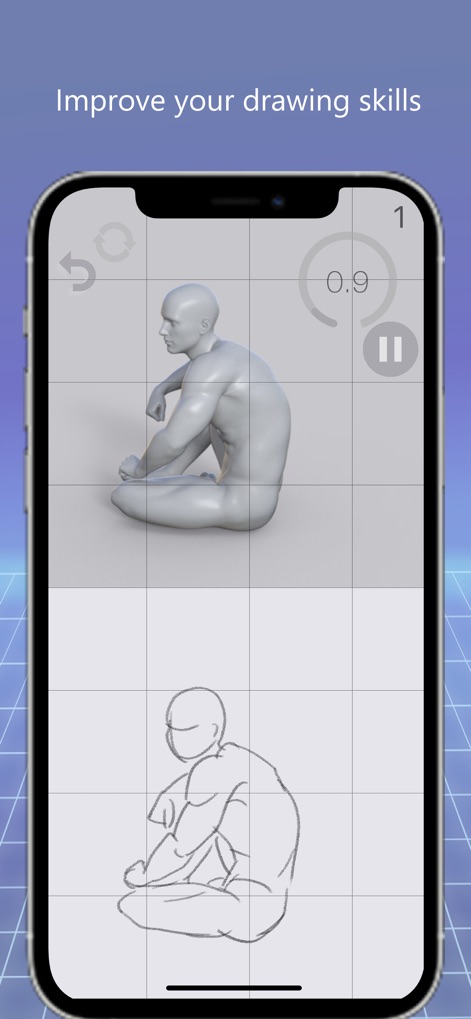
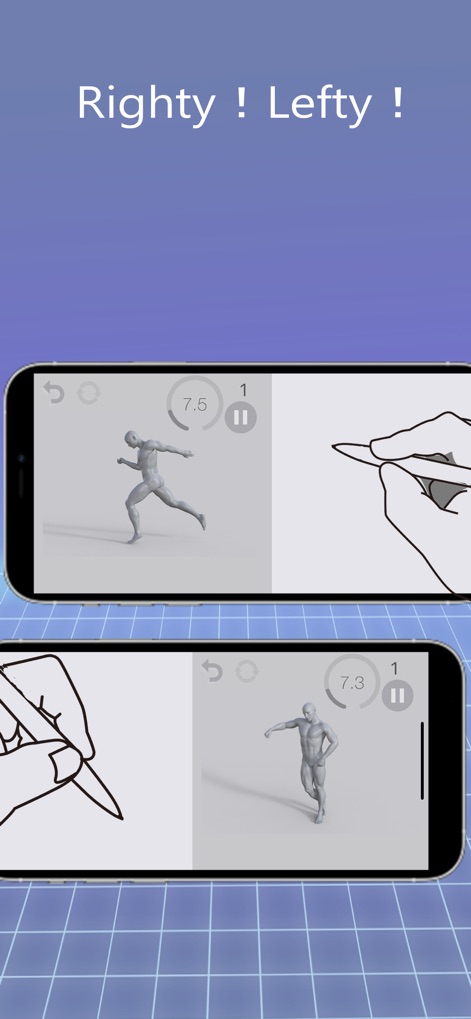
Elevate your digital art with timed practice sessions, instant overlay feedback, and professional tools designed specifically for the Apple Pencil and iPad.
Downloads
258K+User Rating
Total Ratings
100Publisher
Category
Graphics & DesignLocales
1Latest Version
2.0.0Size
43.2 MBFirst Released
Apr 27, 2021Elevate Your Digital Artistry
From 30-second warm-ups to detailed anatomy studies, Pose Croquis provides the professional tools you need to master the human form on your iPad.
Rapid Gesture Sessions
Sharpen your skills with timed pose rotations. Choose intervals from 10 to 120 seconds to build muscle memory and fluid lines.
Precision Overlay Tool
Eliminate guesswork by comparing your sketch directly against the model. Perfect your proportions with instant visual validation.
The following screenshots and description are sourced directly from the app's official store listing and are the property of the app developer.
App Store
Screenshots


Description
Download
More Like This
Apps with similar features and user experience
Handy Art Reference Tool
Scott McKie

Previs Pro - Storyboard Fast
Ghostwheel LLC

Moblo - 3D furniture modeling
MYTIforge

Head Model Studio - Art Study
Wes Castain

Manikin
UNSH VOF

Magic Poser - Art Pose Tool
Wombat Studio, Inc.

ArtPose
shawn ogle

ArtPose Female Edition
shawn ogle

Easy Pose -Best Posing App
Park Kiyoung
This page is not an official page of the app or its developer, but an independent editorial publication created for informational and commentary purposes. Unless expressly stated otherwise, neither the app nor its developer is affiliated with, endorsed by, sponsored by, authorized by, or otherwise officially connected with MWM, Apple, Google Play, the app publisher, or the app's developer, and nothing on this page implies that the app was developed using MWM's services. Any trademarks, logos, screenshots, and other content remain the property of their respective owners.