
This page is not an official page of the app or its developer, but an independent editorial publication created for informational and commentary purposes. Unless expressly stated otherwise, neither the app nor its developer is affiliated with, endorsed by, sponsored by, authorized by, or otherwise officially connected with MWM, Apple, Google Play, the app publisher, or the app's developer, and nothing on this page implies that the app was developed using MWM's services. Any trademarks, logos, screenshots, and other content remain the property of their respective owners.


HP Poly Studio Mobile
No more menu-diving. The app gives users direct command over their audio, anywhere.
Downloads
1M+User Rating
Total Ratings
442Publisher
Category
UtilitiesLocales
18Latest Version
5.0.1Size
81.1 MBFirst Released
Sep 26, 2011An evaluation of core functionalities designed for the modern professional and their HP Poly devices.
HP Poly Studio Mobile: Key Features Analysis
Customizable Home Screen Shortcuts
The app allows users to create quick access shortcuts (up to three) for frequently used settings like noise cancellation or bass boost directly on the home screen, enhancing productivity and adaptability.
Find My Device Locator
This tool features a 'Find My Device' function, enabling users to quickly locate misplaced HP Poly Bluetooth devices, preventing loss and reducing downtime.
Comprehensive Device Personalization
The app provides extensive options for personalizing HP Poly Bluetooth devices, allowing users to tailor audio settings and preferences for various professional and personal needs, ensuring optimal experience.
Over-the-Air Software Updates
It facilitates seamless over-the-air software updates for connected devices, ensuring they always have the latest features and performance enhancements without manual effort.
Integrated Quick Start & Support
This tool offers built-in Quick Start Guides and Fit Tests for new devices, along with access to detailed user guides and support information, simplifying setup and troubleshooting.
Enterprise IT Management Capabilities
For organizations, the app enables IT administrators to monitor device telemetry, manage inventory, and standardize configurations for supported devices, supporting a well-managed corporate environment.
The following screenshots and description are sourced directly from the app's official store listing and are the property of the app developer.
App Store
Screenshots
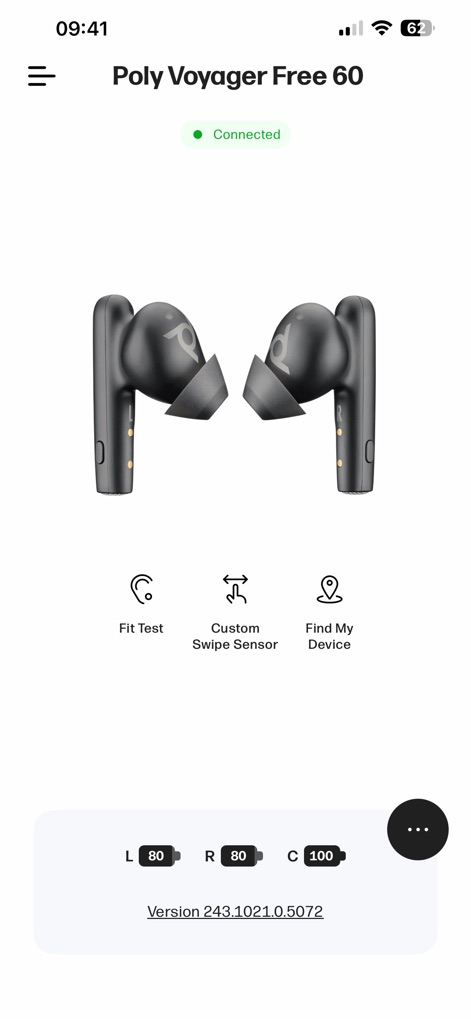
Observe the intuitive display of connection status and individual earbud battery levels, granting users quick access to essential features such as the Fit Test and Custom Swipe Sensor.
Device Management Hub
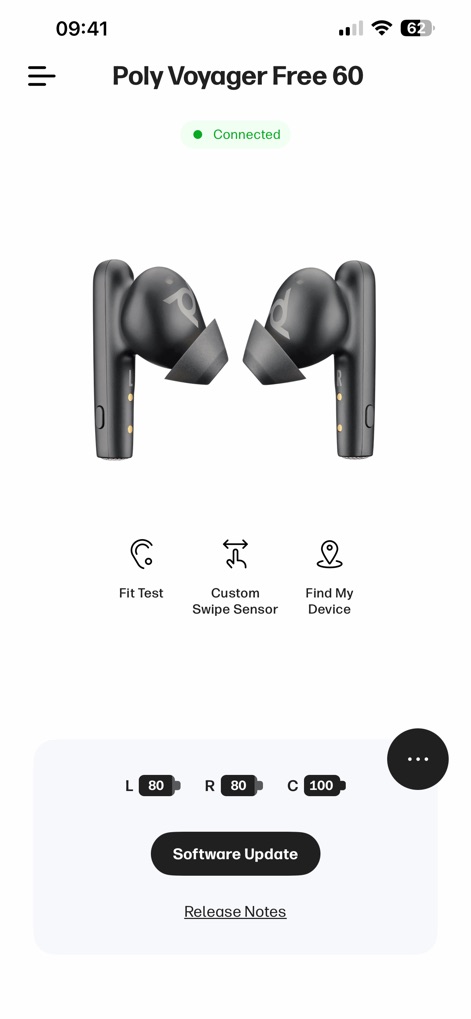
This view highlights the immediate prompt for available software updates and provides convenient access to detailed release notes directly from the home screen.
Stay Updated Easily
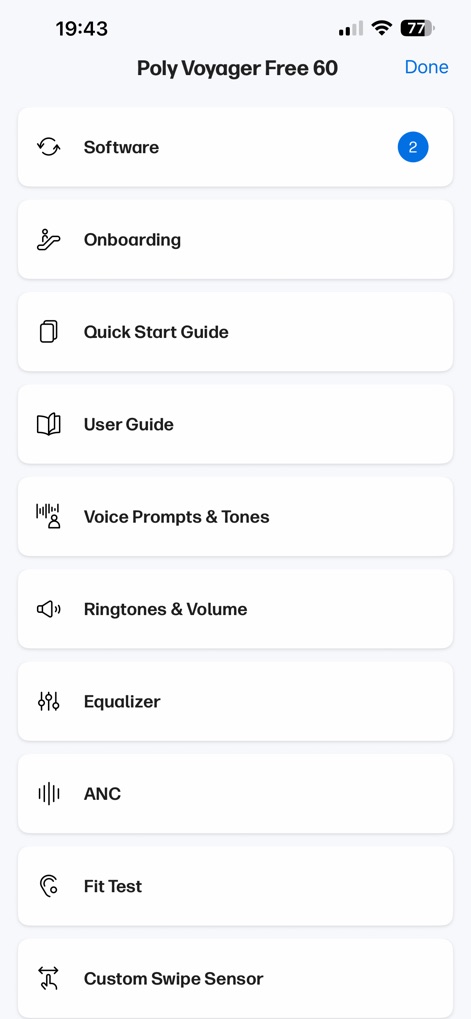
Explore the extensive settings menu, offering users a centralized hub for managing software updates and fine-tuning audio settings like the Equalizer and Active Noise Cancellation (ANC).
Comprehensive Settings Menu
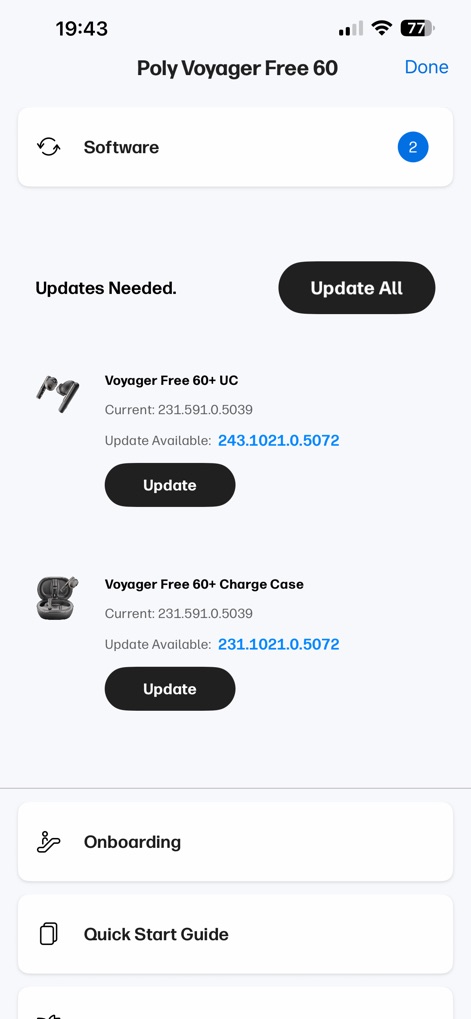
This screen details pending software updates for both the connected device and its charging case, allowing users to update individual components or initiate an "Update All" process.
Seamless Software Updates
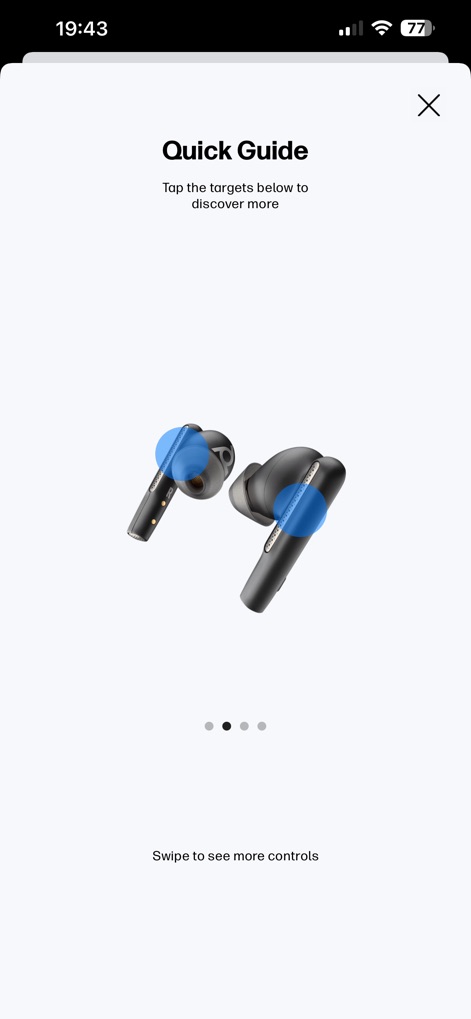
Discover how the interactive Quick Guide utilizes visual cues and highlighted areas on the device to demonstrate key controls and features.
Interactive Quick Guide
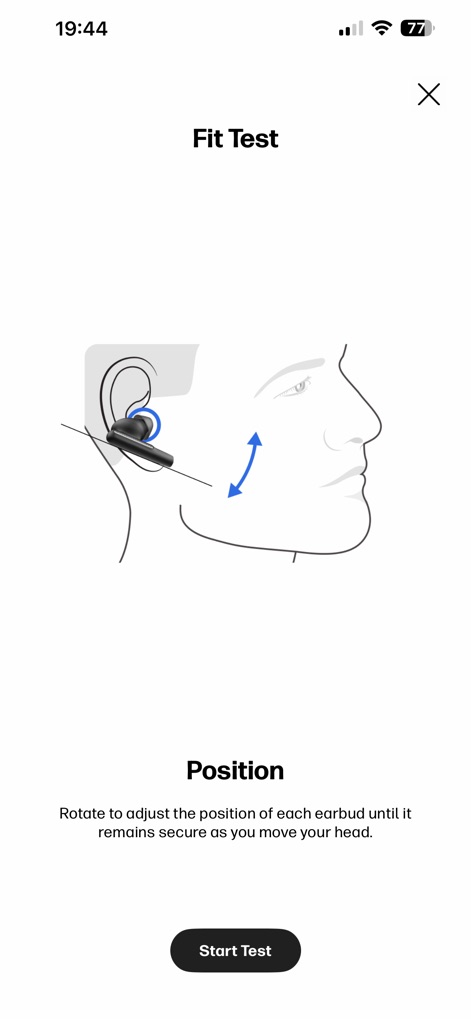
The Fit Test feature intelligently guides users to adjust earbud position for optimal comfort and sound, ensuring a secure and personalized listening experience.
Optimal Fit Ensured
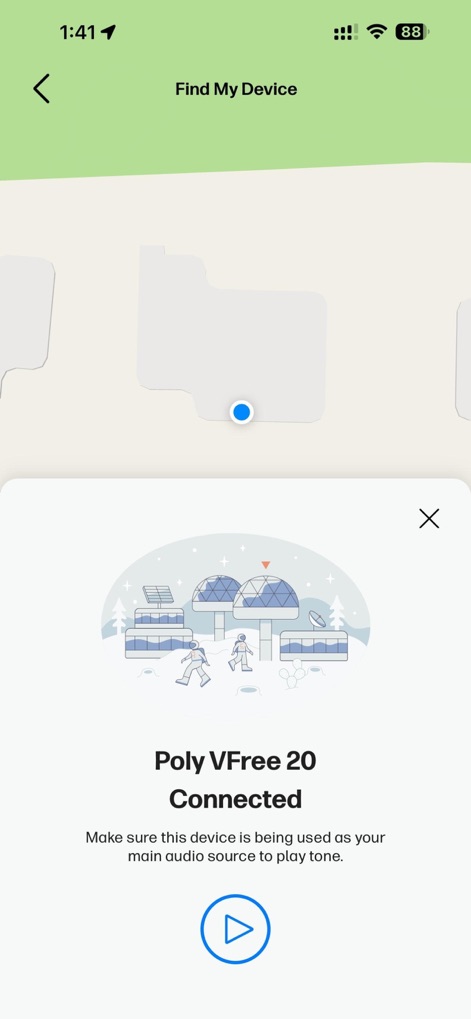
The Find My Device feature efficiently displays the device's last known location on a map and enables users to play an audible tone to quickly pinpoint its exact whereabouts.
Locate Your Device
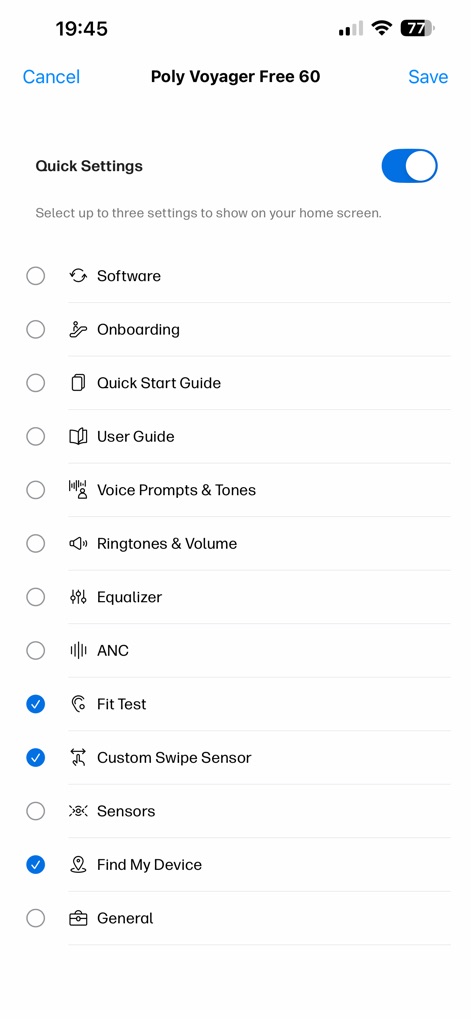
Users can personalize their home screen by selecting up to three frequently used quick settings, offering instant access to features like the Fit Test and the Custom Swipe Sensor.
Personalized Quick Settings
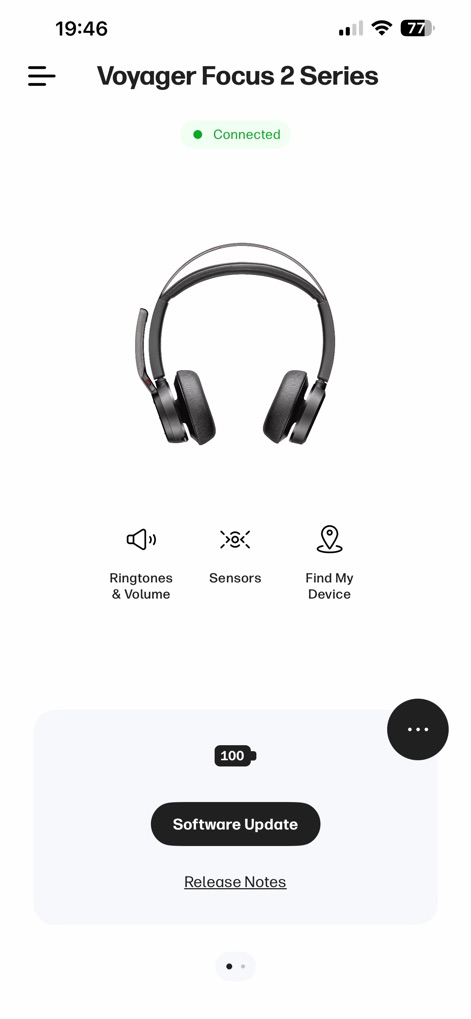
This dashboard presents the connected status and battery level of the Voyager Focus 2 Series headset, offering quick access to essential controls like Ringtones & Volume and device Sensors.
Headset Control Dashboard
Description
Download
More Like This
Apps with similar features and user experience

Bose
Bose Corporation

Marshall Bluetooth
Marshall Group AB (publ)

JBL PartyBox
Harman International Industries

Bose Connect
Bose Corporation

Bose QC Earbuds
Bose Corporation

JBL Headphones
Harman International Industries

soundcore
Power Mobile Life LLC

JBL Portable
Harman International Industries

Xiaomi Earbuds
Beijing Xiaomi Co., Ltd
This page is not an official page of the app or its developer, but an independent editorial publication created for informational and commentary purposes. Unless expressly stated otherwise, neither the app nor its developer is affiliated with, endorsed by, sponsored by, authorized by, or otherwise officially connected with MWM, Apple, Google Play, the app publisher, or the app's developer, and nothing on this page implies that the app was developed using MWM's services. Any trademarks, logos, screenshots, and other content remain the property of their respective owners.