
This page is not an official page of the app or its developer, but an independent editorial publication created for informational and commentary purposes. Unless expressly stated otherwise, neither the app nor its developer is affiliated with, endorsed by, sponsored by, authorized by, or otherwise officially connected with MWM, Apple, Google Play, the app publisher, or the app's developer, and nothing on this page implies that the app was developed using MWM's services. Any trademarks, logos, screenshots, and other content remain the property of their respective owners.

ファミマネットワークプリント
Easily print high-quality photos, professional ID headshots, and office documents directly from your smartphone. Fast, affordable, and available 24/7 across Japan.
Downloads
5M+User Rating
Total Ratings
1K+Publisher
Category
LifestyleLocales
1Latest Version
1.14Size
22.6 MBFirst Released
Mar 25, 2019Your Personal Office on Every Corner
Skip the hassle of finding a print shop. From official documents to vacation memories, turn any FamilyMart in Japan into your personal printing station directly from your smartphone.
On-Demand Document Printing
Perfect for expats and digital nomads. Print PDFs, resumes, and office documents (Word, Excel, PowerPoint) in seconds without needing a home printer.
Professional ID & Visa Photos
Save time and money on your residency paperwork. Create high-quality ID photos for visas and Japanese residence cards for a fraction of the cost of a photo booth.
Frequently Asked Questions
Everything you need to know about ファミマネットワークプリント
What is ファミマネットワークプリント?
ファミマネットワークプリント is an app that allows users to easily print photos and documents from their smartphones at FamilyMart stores nationwide.
What types of documents can ファミマネットワークプリント print?
ファミマネットワークプリント can print PDF, Word, Excel, and PowerPoint files directly from your smartphone.
Does ファミマネットワークプリント offer ID photo printing?
Yes, ファミマネットワークプリント includes a convenient ID photo function for printing certification photos suitable for resumes or licenses.
Is registration required to use ファミマネットワークプリント?
No, registration is not required to use the ファミマネットワークプリント app. Users can access printing services directly.
How much does it cost to print photos with ファミマネットワークプリント?
Color L-size photos cost 30 yen per sheet when printed using ファミマネットワークプリント services at FamilyMart multi-copy machines.
Can I print documents in black and white with ファミマネットワークプリント?
Yes, black and white A4 documents can be printed using ファミマネットワークプリント for 20 yen per sheet.
Can I decorate photos before printing with ファミマネットワークプリント?
Yes, the ファミマネットワークプリント app allows users to decorate photos with frames, stamps, and comments before printing.
Can ファミマネットワークプリント share photos with friends or family?
Yes, ファミマネットワークプリント allows users to share their user number via LINE or Facebook to send photos to distant family and friends.
Does ファミマネットワークプリント support printing multiple photos on one sheet?
Yes, the ファミマネットワークプリント app offers a split print function, allowing users to arrange multiple photos within a single frame for printing.
Can I print my images as stickers using ファミマネットワークプリント?
Yes, the ファミマネットワークプリント app allows users to print images as seals. Select "シール" (seal) from the paper choices at the multi-copy machine.
Where can I use the ファミマネットワークプリント service?
ファミマネットワークプリント allows users to print documents and photos at any FamilyMart convenience store nationwide using their multi-copy machines.
The following screenshots and description are sourced directly from the app's official store listing and are the property of the app developer.
App Store
Screenshots
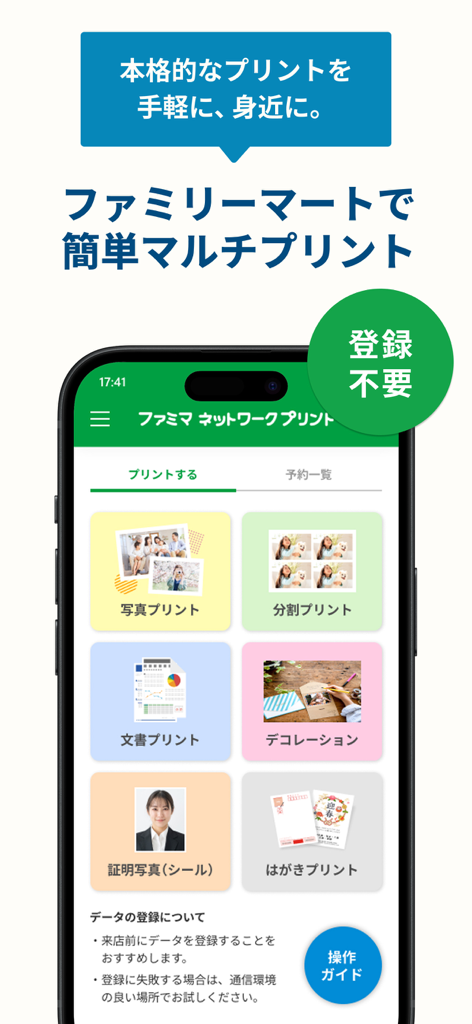
Main menu of the FamilyMart Network Print app showing options for printing photos documents and ID photos
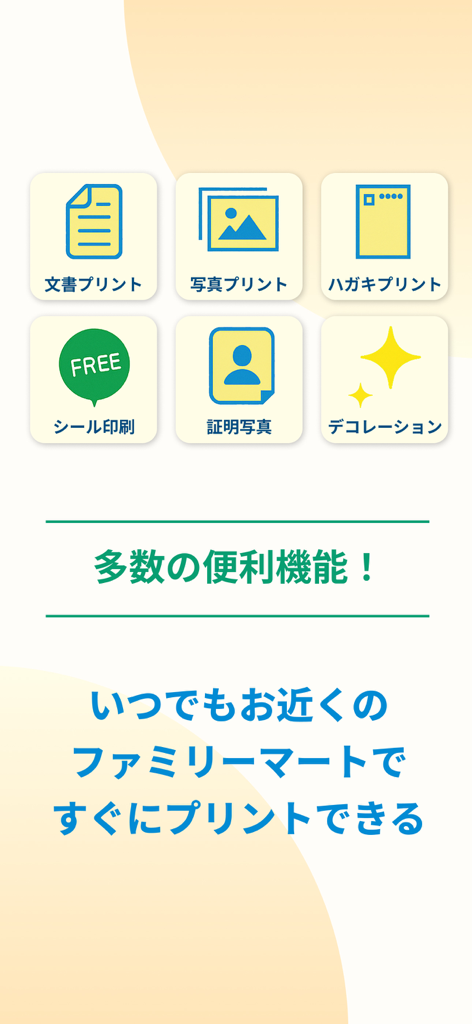
Interface of the FamilyMart Network Print app showing various printing services including documents, photos, and ID photos.
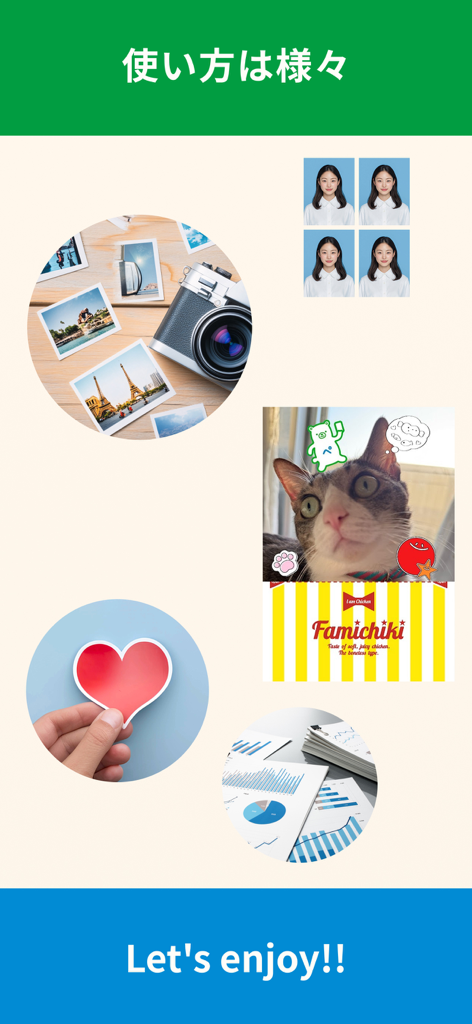
A collage showing various printing options including ID photos, travel pictures, decorated pet photos, and business documents.
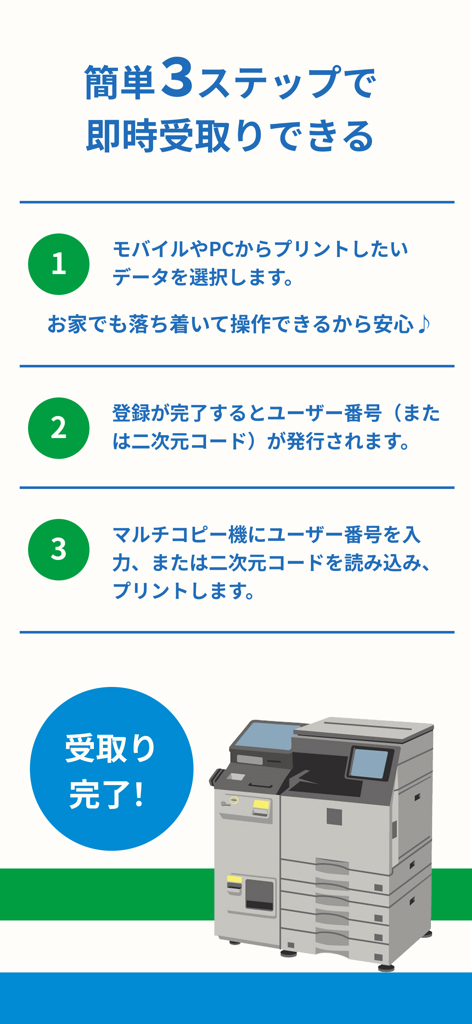
Infographic showing the three-step process for using the FamilyMart Network Print app to print documents at a convenience store
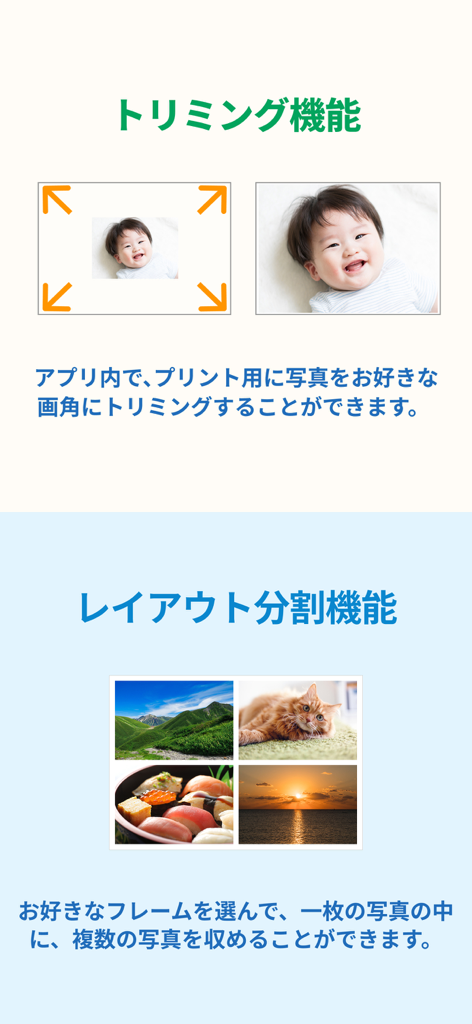
Screenshot of the FamilyMart Network Print app showing photo trimming and multi-photo layout features.
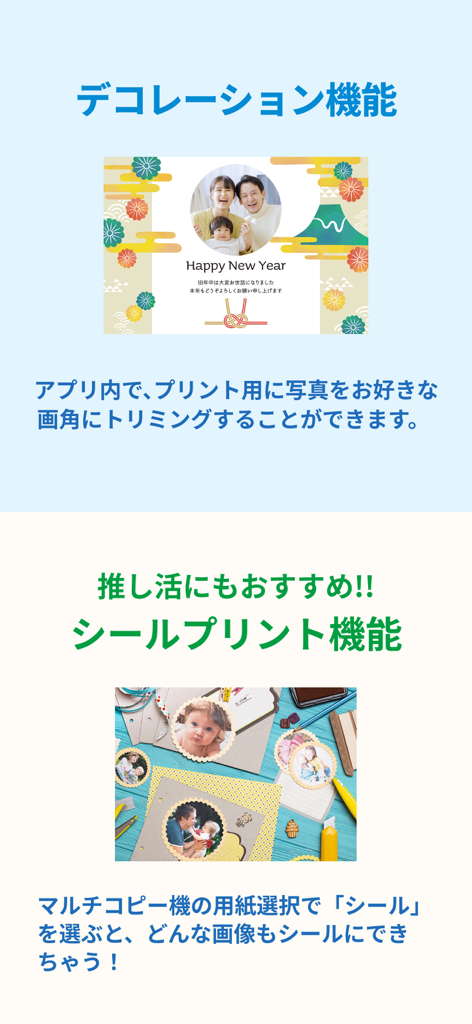
Screenshots of the FamilyMart Network Print app showcasing photo decoration frames and sticker printing features.
Description
Download
More Like This
Apps with similar features and user experience

Photo Print: CVS Quick Prints
PlusMinusOne, Inc.

Princh
Princh ApS
7-Eleven Multicopy
FUJIFILM Business Innovation Corp.

COPIX
KOPIKS, OOO
Network Print
Sharp Corporation

FUJIFILM WPS Photo Transfer
FUJIFILM Corporation

printingbox
VISIONOTS Co.,Ltd

Wepa Print
WEPA Inc.

Xerox® Workplace
Xerox Corporation
This page is not an official page of the app or its developer, but an independent editorial publication created for informational and commentary purposes. Unless expressly stated otherwise, neither the app nor its developer is affiliated with, endorsed by, sponsored by, authorized by, or otherwise officially connected with MWM, Apple, Google Play, the app publisher, or the app's developer, and nothing on this page implies that the app was developed using MWM's services. Any trademarks, logos, screenshots, and other content remain the property of their respective owners.