
This page is not an official page of the app or its developer, but an independent editorial publication created for informational and commentary purposes. Unless expressly stated otherwise, neither the app nor its developer is affiliated with, endorsed by, sponsored by, authorized by, or otherwise officially connected with MWM, Apple, Google Play, the app publisher, or the app's developer, and nothing on this page implies that the app was developed using MWM's services. Any trademarks, logos, screenshots, and other content remain the property of their respective owners.


Image Converter JPEG PNG HEIC
Effortlessly transform HEIC, PSD, and 30+ formats into high-quality JPEGs or PNGs. Built for mobile-first creators, freelancers, and professionals who need results in seconds.
Downloads
351K+User Rating
Total Ratings
500Publisher
Category
UtilitiesLocales
22Latest Version
1.0.32Size
57.7 MBFirst Released
Jul 6, 2022Professional Image Conversion, Simplified
Bridge the gap between your iPhone and any platform. Convert HEIC, PNG, JPEG, and even professional PSD files instantly on the go.
Universal Compatibility
Turn Apple’s HEIC photos into web-ready JPEGs or PNGs instantly. Ensure your files are accepted by any website, portal, or Windows system.
Pro-Level File Support
Handle professional assets like PSD, EPS, and TIFF files without a desktop. Perfect for freelancers and creators who need to work mobile.
Frequently Asked Questions
Everything you need to know about Image Converter JPEG PNG HEIC
What is Image Converter PNG JPEG HEIC?
Image Converter PNG JPEG HEIC is an application that allows users to quickly convert image formats directly from their phone. It supports many popular image formats for easy and fast conversion.
What image formats can Image Converter PNG JPEG HEIC convert to?
The Image Converter app supports conversion to popular formats including PNG, JPEG, JPG, HEIC, GIF, EPS, PSD, WEBP, BMP, ICO, TIFF, ODD, PS, SVG, and EXR.
How do I convert an image using the Image Converter app?
To convert an image, open the Image Converter app, select your image, choose the desired output format, and tap convert. The finished image is then ready to save or share.
What are the ways to add images to Image Converter PNG JPEG HEIC for conversion?
Users can add images from their phone's file system, gallery, via URL, directly from a computer, or from another application. This provides multiple input options.
Can I share converted images from Image Converter PNG JPEG HEIC?
Yes, the Image Converter app allows you to save finished images to your phone's gallery or share them directly on social networks. You can also share via other installed applications.
Does Image Converter PNG JPEG HEIC offer a free trial?
Yes, Image Converter offers a 3-day free trial period specifically for the weekly subscription plan. This trial automatically renews into the weekly plan unless canceled at least 24 hours prior.
What subscription options are available for Image Converter PNG JPEG HEIC?
Image Converter offers three subscription types: a weekly plan which includes a 3-day free trial, a monthly plan, and an annual plan for user convenience.
How do I manage auto-renewal for my Image Converter PNG JPEG HEIC subscription?
You can manage your subscription and turn off auto-renewal after purchase by accessing your Apple ID account settings in the App Store. Renewal charges occur within 24 hours before the period ends.
Are files converted using Image Converter PNG JPEG HEIC processed securely?
Yes, files are uploaded over an encrypted connection. The app states files are immediately deleted from the server after conversion, and no identifiable records of the conversion are kept.
Does Image Converter PNG JPEG HEIC store a history of past conversions?
Yes, Image Converter PNG JPEG HEIC allows users to view the history of their previous conversions directly within the application for easy access and re-use.
Can I convert HEIC images to JPG using Image Converter PNG JPEG HEIC?
Yes, Image Converter PNG JPEG HEIC supports converting HEIC images to JPG, as well as many other popular formats including PNG, GIF, and WebP, ensuring broad compatibility.
The following screenshots and description are sourced directly from the app's official store listing and are the property of the app developer.
App Store
Screenshots
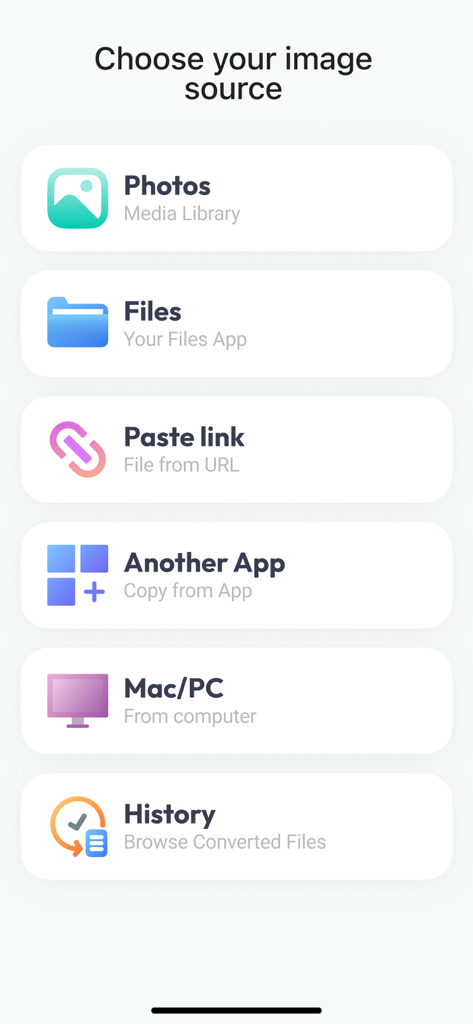
Interface of an image converter app showing source options like Photos, Files, URL, and computer transfer.
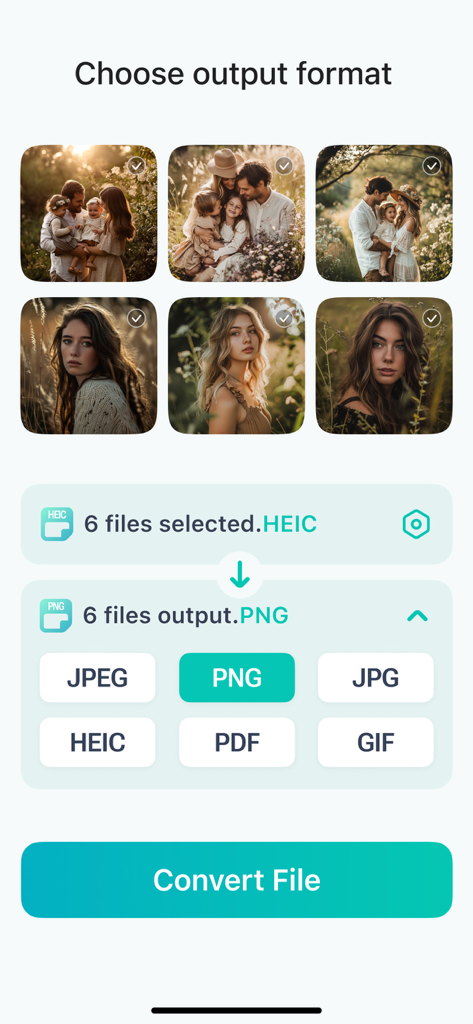
Mobile app interface showing six HEIC images selected for conversion to PNG format with various output options like JPEG and PDF.
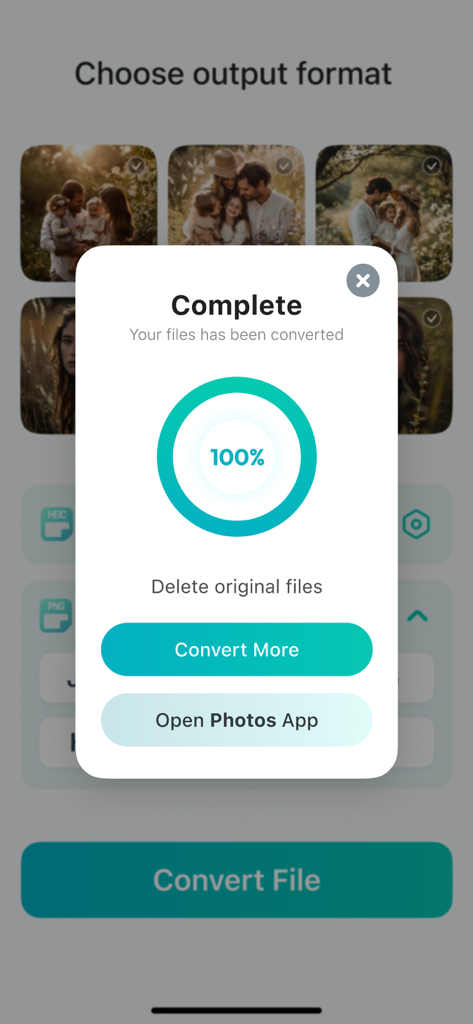
Screen showing a successful 100 percent image conversion with options to convert more or view in photos app
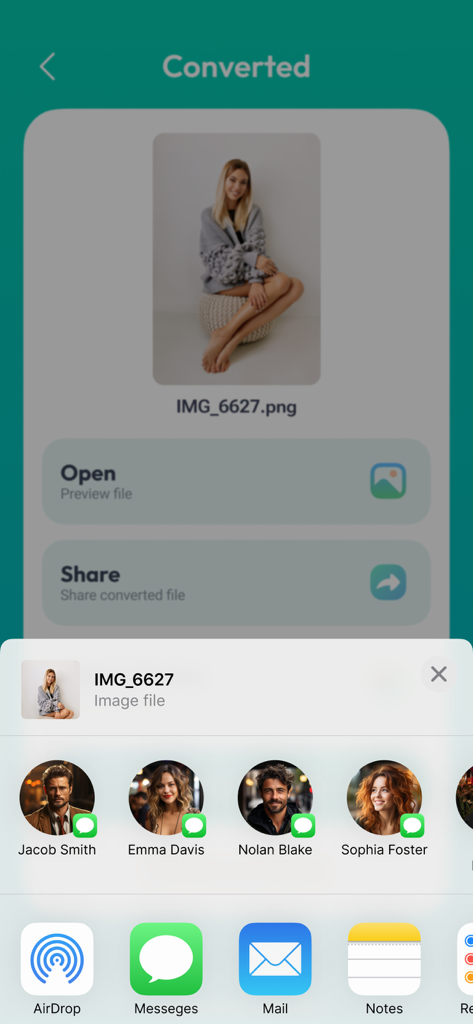
A screenshot of the Image Converter app showing a converted PNG file ready to be shared via the iOS share menu.
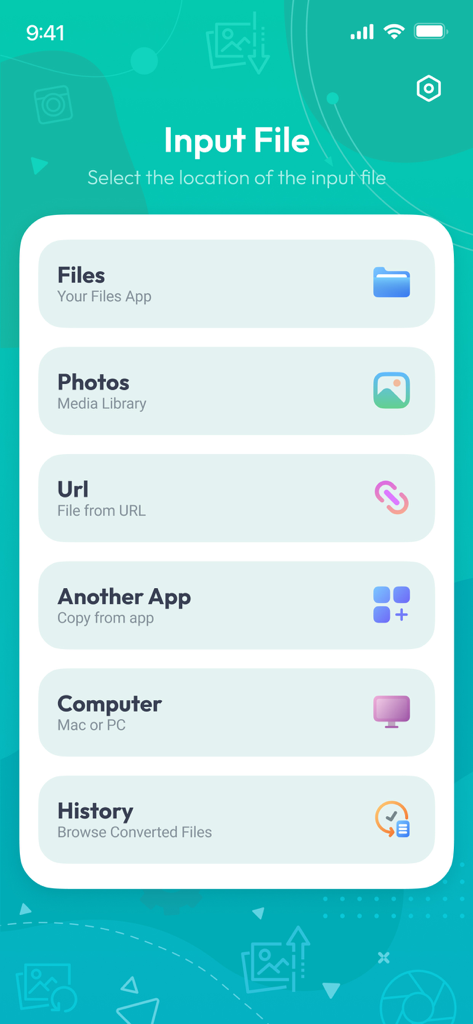
Interface showing options to select an input image from Files, Photos, URL, or Computer for conversion.
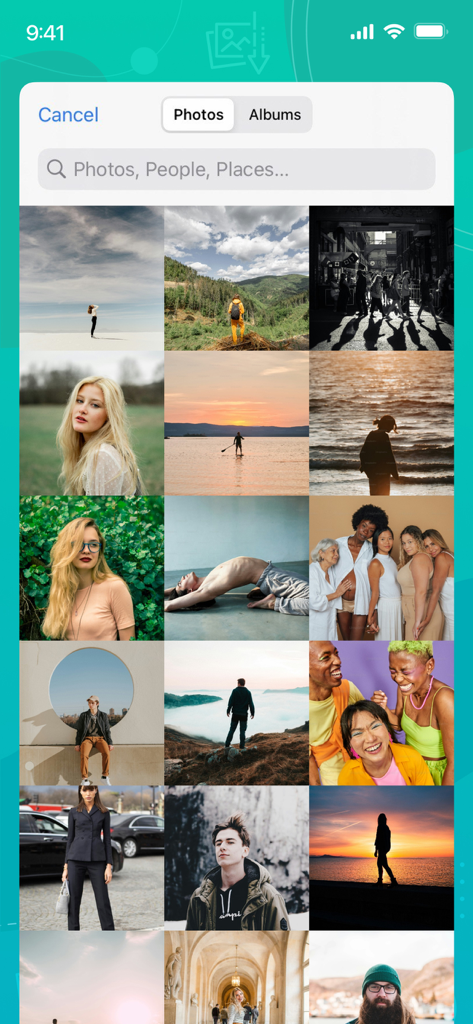
iPhone screen showing a grid of photos in the gallery for selecting images to convert
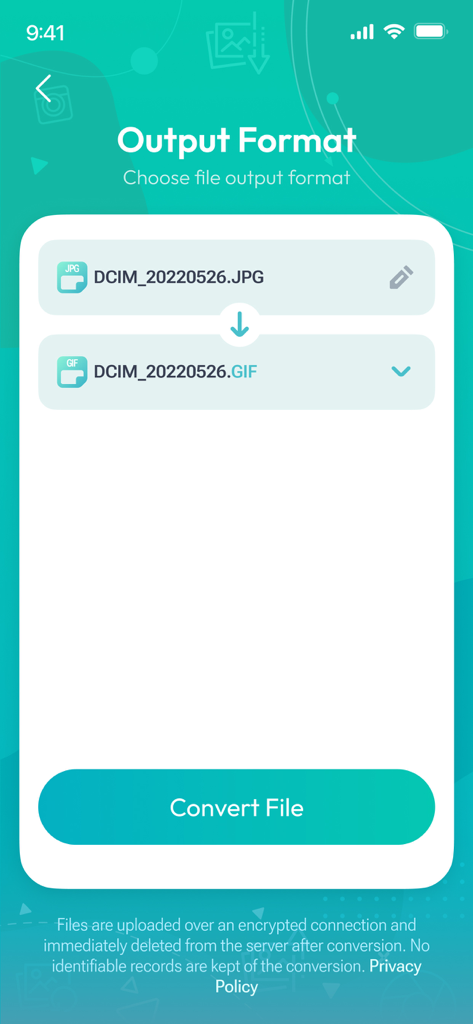
Interface of the Image Converter app showing the selection of GIF as the output format for a JPG image
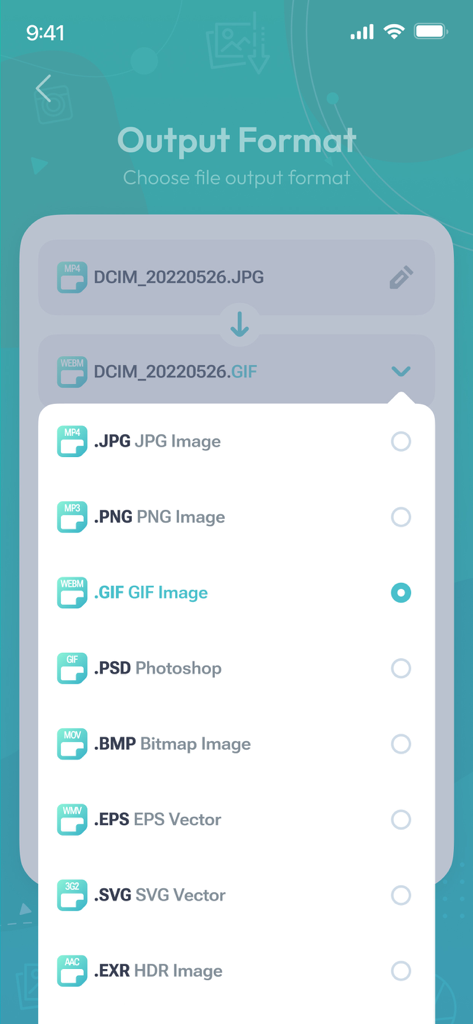
A list of image file format options like JPG PNG and GIF in an output format selection menu
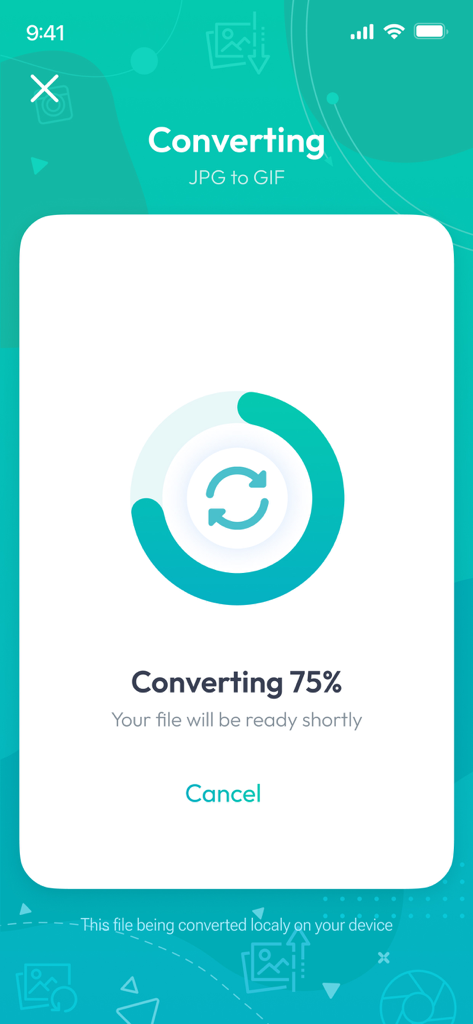
A smartphone screen displaying the progress of an image being converted from JPG to GIF format.
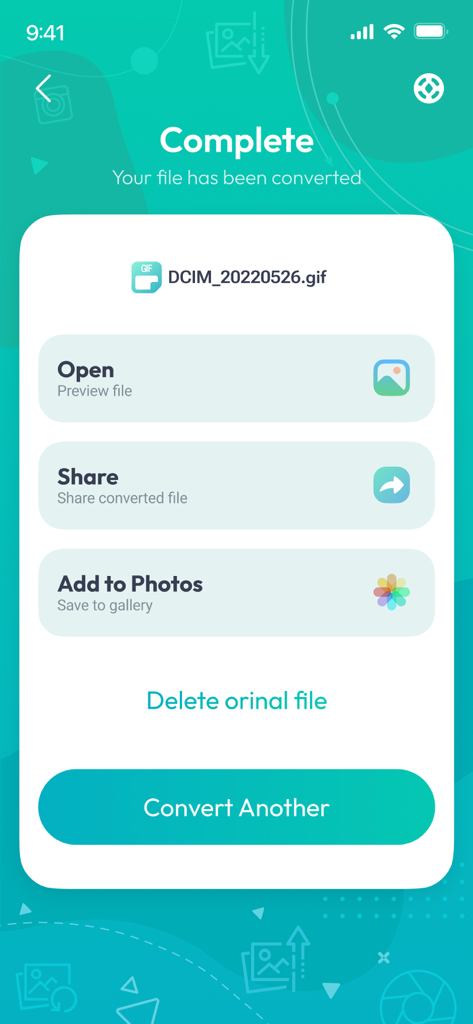
Image converter app showing a successful conversion complete screen with options to open share or save to photos
Description
Download
More Like This
Apps with similar features and user experience

Square Fit Photo Video Editor
Honk Honk Punch Pty Ltd

Image Size
Vitalij Schaefer

Compress Photos & Pictures
New Marketing Lab, Inc

JPEG-PNG Image file converter
handyCloset Inc.

Compress Photos, Resize Image
SMDA GROUP SP. Z OO

Photo Resizer: resize image
Ryoichi Fukugawa

Photo Compress - Shrink Pics
Brachmann Online Marketing GmbH & Co. KG

Size Image
Abdullah Albalawi

Photo & Picture Resizer
Farluner Apps Grzegorz Balcerzak
This page is not an official page of the app or its developer, but an independent editorial publication created for informational and commentary purposes. Unless expressly stated otherwise, neither the app nor its developer is affiliated with, endorsed by, sponsored by, authorized by, or otherwise officially connected with MWM, Apple, Google Play, the app publisher, or the app's developer, and nothing on this page implies that the app was developed using MWM's services. Any trademarks, logos, screenshots, and other content remain the property of their respective owners.