
This page is not an official page of the app or its developer, but an independent editorial publication created for informational and commentary purposes. Unless expressly stated otherwise, neither the app nor its developer is affiliated with, endorsed by, sponsored by, authorized by, or otherwise officially connected with MWM, Apple, Google Play, the app publisher, or the app's developer, and nothing on this page implies that the app was developed using MWM's services. Any trademarks, logos, screenshots, and other content remain the property of their respective owners.


Size Image
Prepare your photos for visa lottery, passports, and administrative portals in seconds. Secure, batch processing that works entirely offline to keep your data private.
Downloads
129K+User Rating
Total Ratings
1K+Publisher
Category
Photo & VideoLocales
1Latest Version
1.3Size
1.3 MBFirst Released
Mar 4, 2024Streamlined Resizing for Seamless Submissions
Stop fighting with legacy web portals. Convert your high-res photos into perfectly compliant files for any application in seconds.
Exact 480x640 Precision
Meet strict dimension requirements for visas, passports, and ID badges instantly. No more rejected uploads due to incorrect sizing.
Private and Offline
Your sensitive personal documents stay on your device. Process everything without an internet connection for maximum data security.
Frequently Asked Questions
Everything you need to know about Size Image
What is "Resize Image" used for?
Resize Image is a fast application for resizing images to 480x640 pixels without an internet connection. It exports images in JPG and PNG formats.
Does "Resize Image" function offline?
Yes, Resize Image operates without the need for an internet connection, providing offline image resizing capabilities.
What image formats does "Resize Image" support for export?
Resize Image supports exporting images in both JPG and PNG formats, ensuring broad compatibility and quality.
What is the target resolution for images resized by "Resize Image"?
Resize Image specifically resizes images to a target resolution of 480x640 pixels.
Can users process multiple images with "Resize Image"?
Yes, Resize Image enables the processing of batches of images quickly, saving time and enhancing productivity.
How do users start resizing an image with "Resize Image"?
Users start by selecting images from their photo library within Resize Image using the "Photo Library" button on the main screen.
The following screenshots and description are sourced directly from the app's official store listing and are the property of the app developer.
App Store
Screenshots
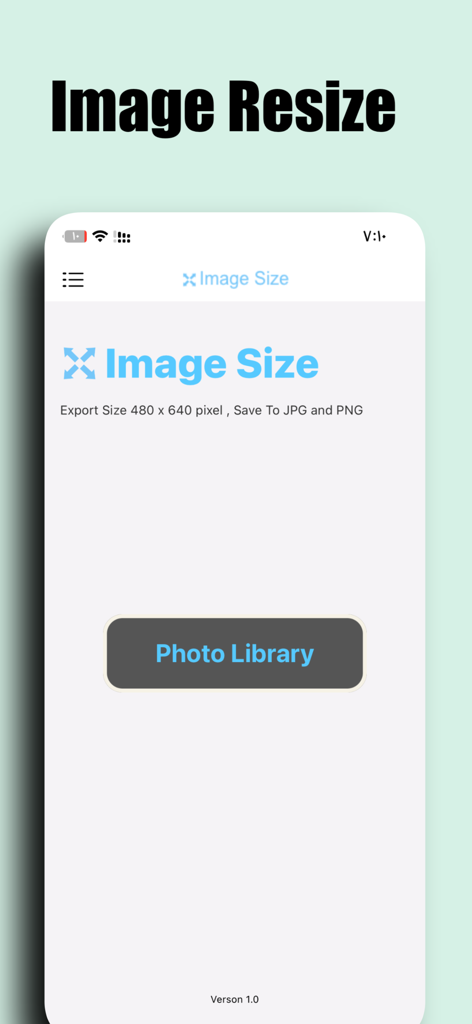
Interface of the Size Image app showing the option to resize images to 480x640 pixels with a photo library selection button
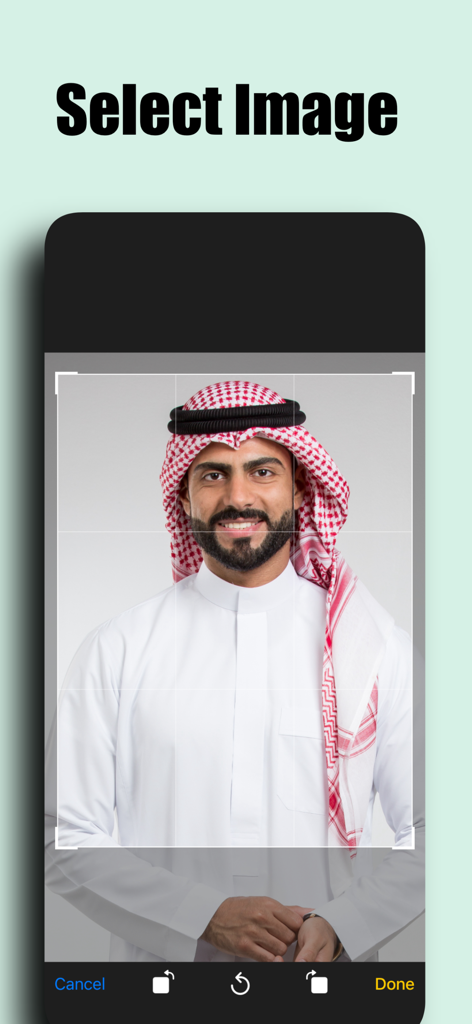
Mobile app interface showing the selection of a portrait photo for resizing
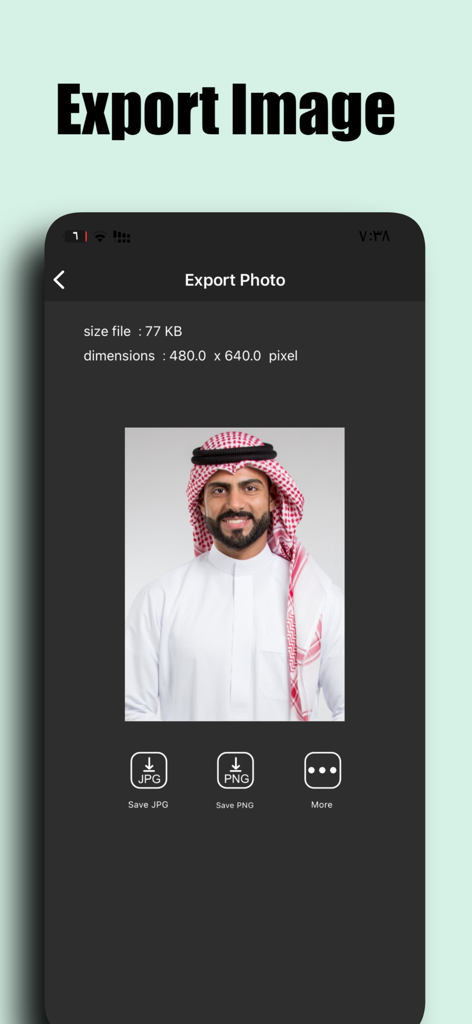
Export screen of Size Image app showing a resized photo with 480x640 dimensions
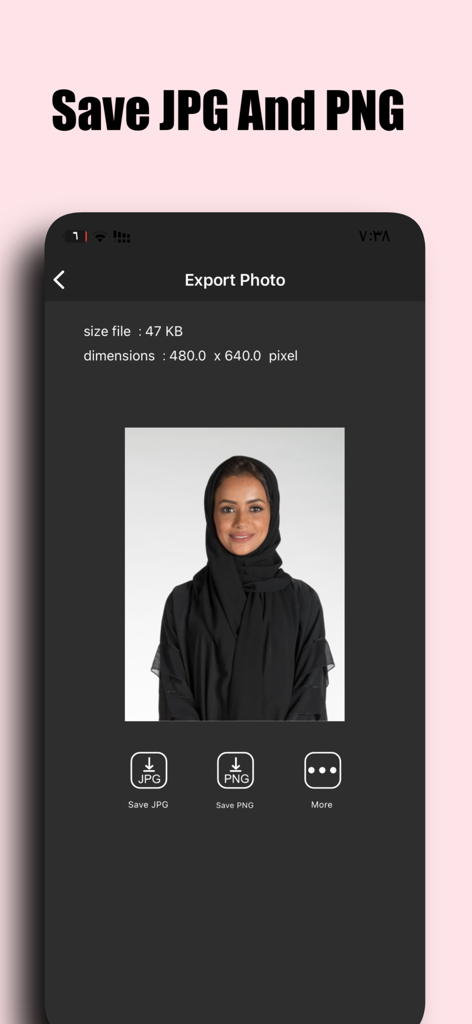
Export screen of the Size Image app showing options to save a resized photo as JPG or PNG
Description
Download
More Like This
Apps with similar features and user experience

Square Fit Photo Video Editor
Honk Honk Punch Pty Ltd

Image Size
Vitalij Schaefer

Compress Photos & Pictures
New Marketing Lab, Inc

JPEG-PNG Image file converter
handyCloset Inc.

Compress Photos, Resize Image
SMDA GROUP SP. Z OO

Photo Resizer: resize image
Ryoichi Fukugawa

Photo Compress - Shrink Pics
Brachmann Online Marketing GmbH & Co. KG

Photo & Picture Resizer
Farluner Apps Grzegorz Balcerzak

Easy Photo Compressor
Osawa Shunsuke
This page is not an official page of the app or its developer, but an independent editorial publication created for informational and commentary purposes. Unless expressly stated otherwise, neither the app nor its developer is affiliated with, endorsed by, sponsored by, authorized by, or otherwise officially connected with MWM, Apple, Google Play, the app publisher, or the app's developer, and nothing on this page implies that the app was developed using MWM's services. Any trademarks, logos, screenshots, and other content remain the property of their respective owners.