
This page is not an official page of the app or its developer, but an independent editorial publication created for informational and commentary purposes. Unless expressly stated otherwise, neither the app nor its developer is affiliated with, endorsed by, sponsored by, authorized by, or otherwise officially connected with MWM, Apple, Google Play, the app publisher, or the app's developer, and nothing on this page implies that the app was developed using MWM's services. Any trademarks, logos, screenshots, and other content remain the property of their respective owners.


LightPDF: AI Chat PDF, Scanner
Stop wasting hours reading and formatting. Chat with your documents to get instant answers, scan paperwork with OCR, and convert files on the go with the smartest toolkit for modern productivity.
Downloads
152K+User Rating
Total Ratings
100Publisher
Category
ProductivityLocales
8Latest Version
2.11.29Size
112.5 MBFirst Released
Jun 28, 2022Maximize Your Productivity with AI-Driven Document Tools
Stop wasting hours on manual reading and formatting. LightPDF combines cutting-edge AI with a professional toolkit to help you master your workflow on the move.
Instant AI Insights
Chat directly with your PDFs to get instant summaries, cited answers, and key data points without reading every page.
Intelligent Mobile Scanner
Turn physical notes and contracts into high-quality PDFs. Use AI-powered OCR to extract text and remove handwriting instantly.
Frequently Asked Questions
Everything you need to know about LightPDF: AI Chat PDF, Scanner
What is LightPDF and what does it do?
LightPDF is an AI-powered mobile PDF toolkit. It allows users to summarize, chat with PDFs, scan documents, convert file formats, edit, read, and manage PDFs on their mobile devices.
Can I chat with documents using LightPDF's AI assistant?
Yes, LightPDF features an AI Chat Assistant that allows you to ask questions directly to your PDFs, scans, Excel, Word, PPT, and ePub documents, receiving answers with cited sources.
What types of files can LightPDF convert?
LightPDF can convert PDFs to Word, JPG, PNG, Excel, PPT, and TXT. It also converts Word, PPT, Excel, JPG, PNG, and CAD formats into PDFs. OCR technology supports converting scans to editable text.
Does LightPDF offer document scanning features?
Yes, LightPDF functions as an Intelligent Phone Scanner. It converts photos of papers, cards, and books into PDFs. It also extracts and copies text from paper and removes handwriting.
Can I collaborate on PDF documents with LightPDF?
Yes, LightPDF enables teamwork by allowing users to share files via links. Multiple people can simultaneously view, edit, highlight, sign, and add comments on the same PDF document, enhancing productivity.
How do subscriptions work for LightPDF?
LightPDF subscriptions are charged to your credit card via your iTunes account and automatically renew. To avoid renewal, you must cancel at least 24 hours before the current period ends in your App Store Account Settings.
Can LightPDF remove watermarks from images?
Yes, LightPDF's AI automatically recognizes and removes watermarks from images. This feature eliminates manual editing for large logos and full-screen watermarks, enhancing learning efficiency.
Is LightPDF available on multiple operating systems?
Yes, LightPDF is accessible across multiple devices and operating systems, including Windows, macOS, Android, and iOS, allowing users to manage PDFs anywhere, anytime.
Can I edit and sign PDFs using LightPDF?
Yes, LightPDF's cloud-based editor allows you to edit, sign, and add images to PDF files. You can also highlight, draw markups, insert notes, and reduce file size within the application.
Does LightPDF support OCR for text extraction?
Yes, LightPDF is equipped with OCR technology. It can recognize and extract text from PDF scans and photos, converting them into editable formats like docx, xlsx, pptx, pdf, and txt.
The following screenshots and description are sourced directly from the app's official store listing and are the property of the app developer.
App Store
Screenshots
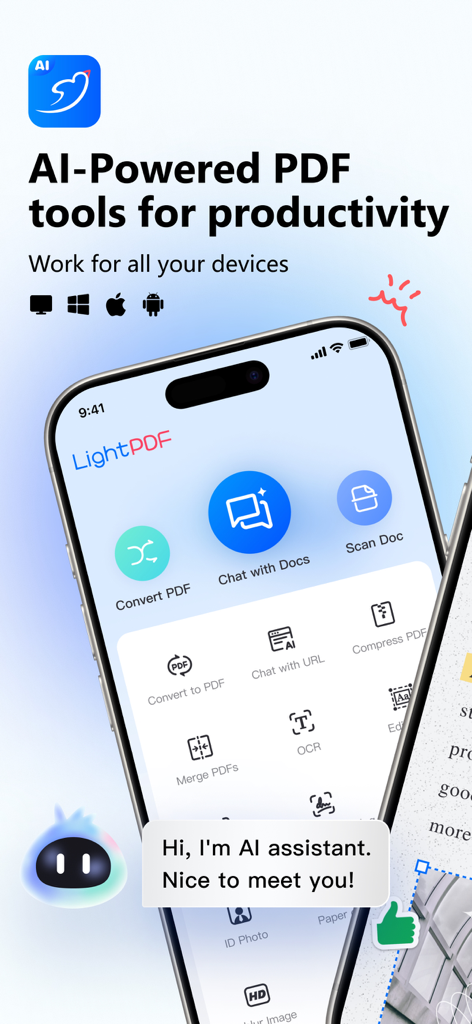
LightPDF app interface displaying AI powered document tools like scanning and chatting with PDFs
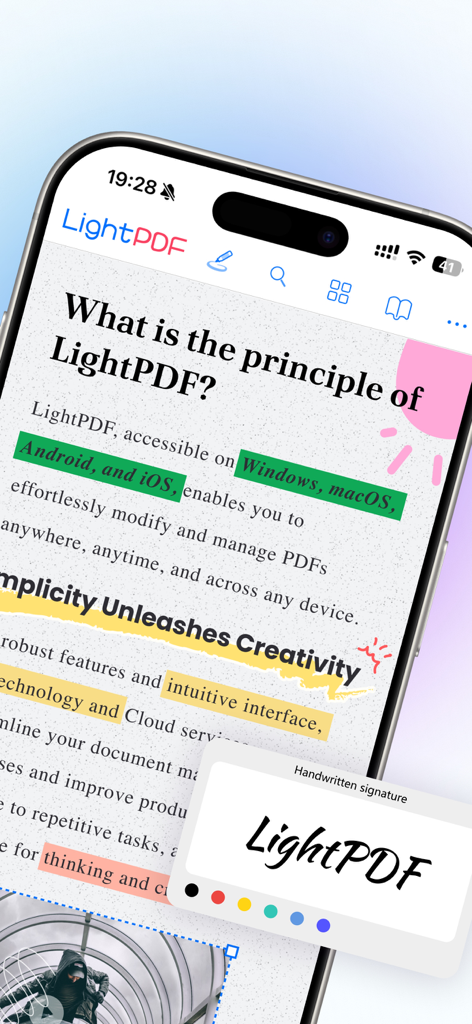
LightPDF mobile app interface showing a PDF with colorful highlights and a handwritten signature tool
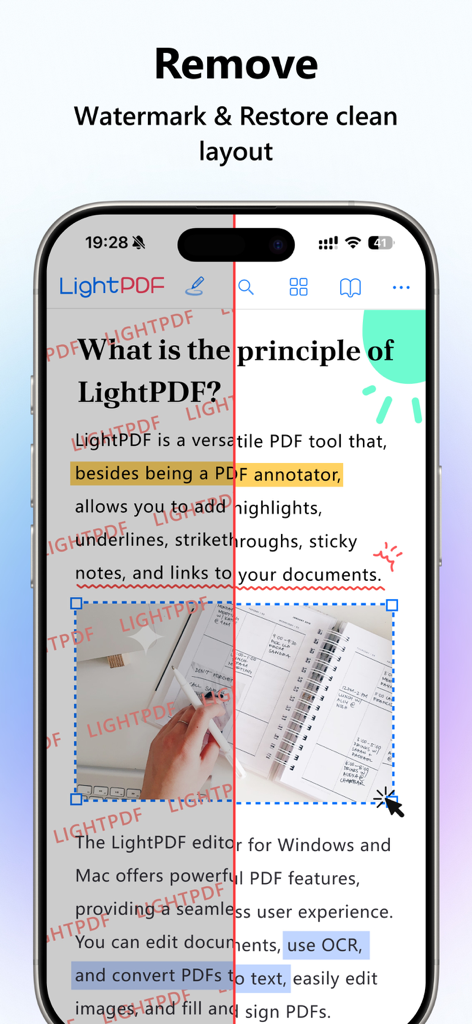
Before and after comparison of a PDF document showing the removal of red watermarks and restoration of a clean layout using LightPDF.
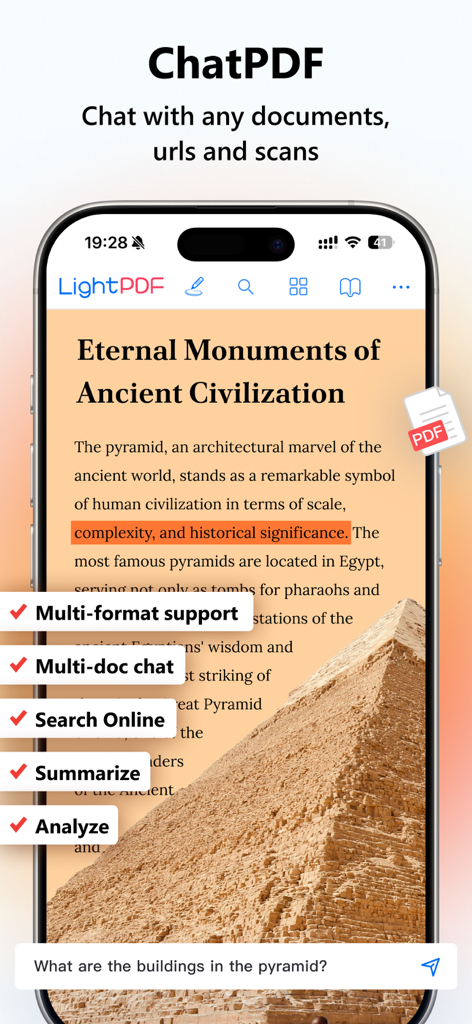
LightPDF app interface showing the AI chat assistant analyzing a document on a smartphone
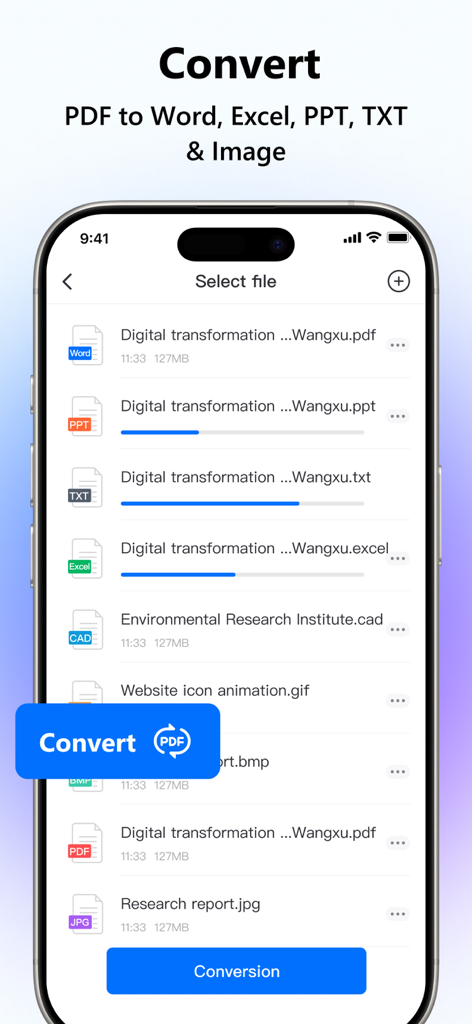
Interface of LightPDF app showing progress of converting PDF files to Word, Excel, and PowerPoint formats
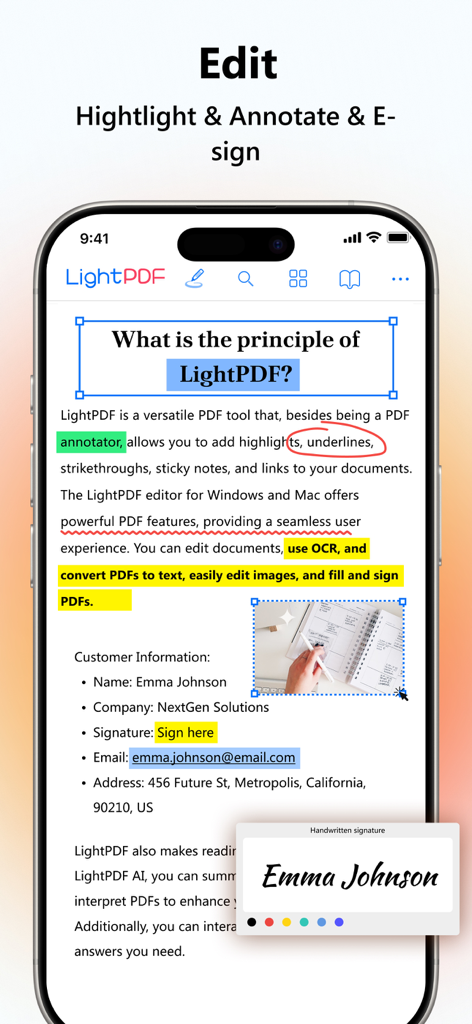
Screenshot of LightPDF app demonstrating PDF editing highlighting and e-signing capabilities
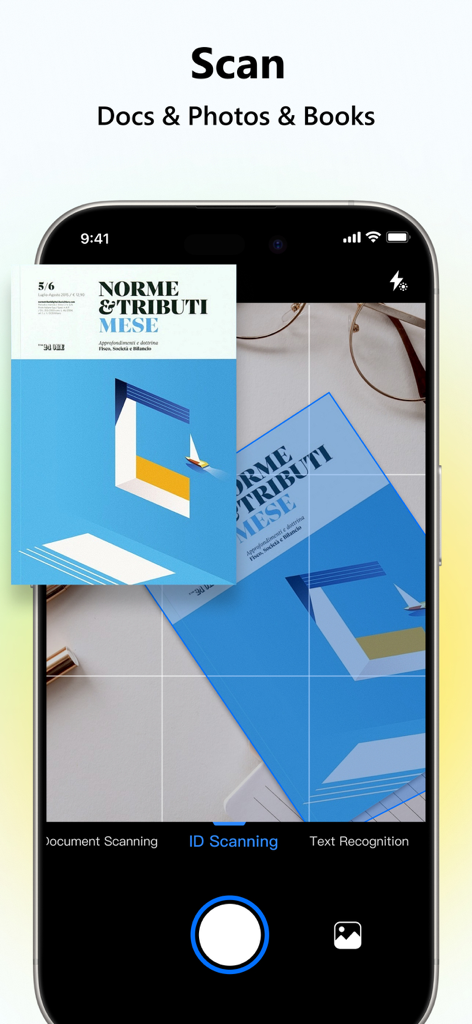
Smartphone screen using the LightPDF app to scan a document with text recognition features
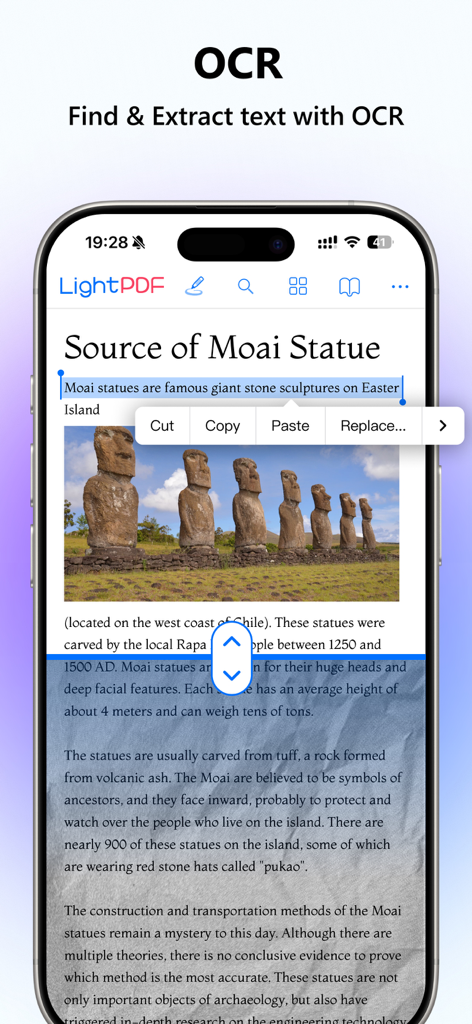
LightPDF mobile app showing OCR feature to find and extract text from a scanned document
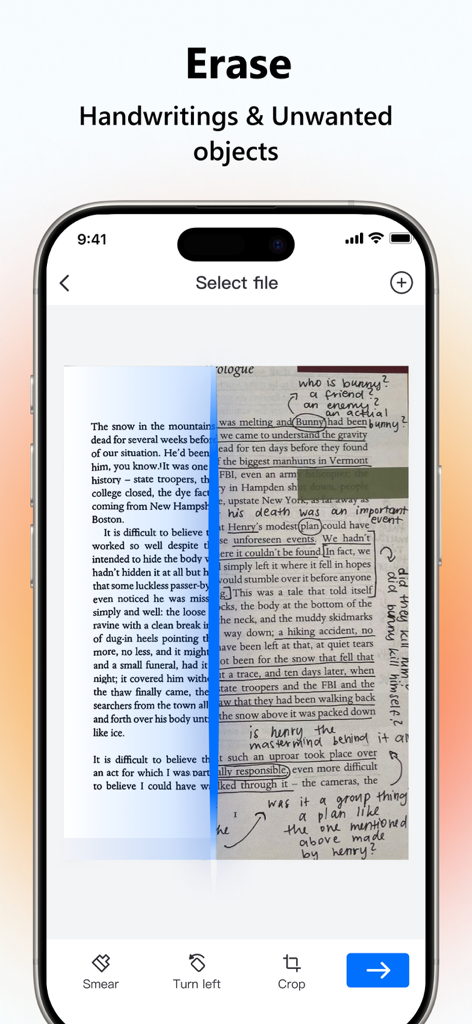
A comparison showing a scanned page before and after erasing handwriting and markings using LightPDF
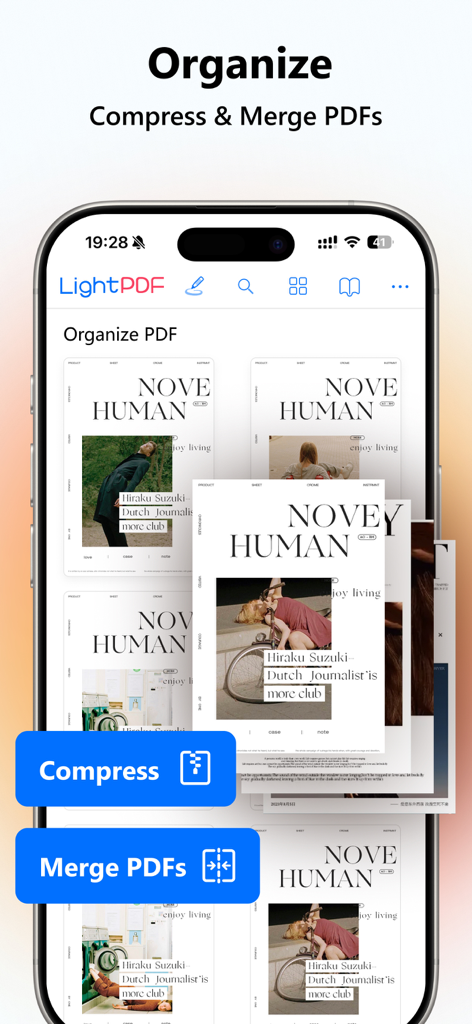
LightPDF app screen showing options to organize, compress and merge PDF documents on a mobile phone.
Description
Download
More Like This
Apps with similar features and user experience

PDF PRO Scan Image & Documents
Balzo srl

The PDF Scanner, PDF editor HQ
NEXT K.U.M. LTD

CamScanner - PDF Scanner App
INTSIG Information Co., Ltd

Adobe Scan: PDF & OCR Scanner
Adobe Inc.

WPS Office: PDF, Docs, Sheets
KINGSOFT OFFICE SOFTWARE CORPORATION LIMITED

iLovePDF - PDF Editor & Scan
ILOVEPDF S.L.

Scanner App: Genius Scan
The Grizzly Labs

Microsoft Lens: PDF Scanner
Microsoft Corporation

Clear Scan: Doc Scanner App
INDY MOBILE APP COMPANY LIMITED
This page is not an official page of the app or its developer, but an independent editorial publication created for informational and commentary purposes. Unless expressly stated otherwise, neither the app nor its developer is affiliated with, endorsed by, sponsored by, authorized by, or otherwise officially connected with MWM, Apple, Google Play, the app publisher, or the app's developer, and nothing on this page implies that the app was developed using MWM's services. Any trademarks, logos, screenshots, and other content remain the property of their respective owners.