
This page is not an official page of the app or its developer, but an independent editorial publication created for informational and commentary purposes. Unless expressly stated otherwise, neither the app nor its developer is affiliated with, endorsed by, sponsored by, authorized by, or otherwise officially connected with MWM, Apple, Google Play, the app publisher, or the app's developer, and nothing on this page implies that the app was developed using MWM's services. Any trademarks, logos, screenshots, and other content remain the property of their respective owners.


Remote Control for Sky Q
Lose the plastic remote, not the control. Effortlessly browse, record, and manage your Sky Q box directly from your iPhone, iPad, or Apple Watch.
Downloads
61K+User Rating
Total Ratings
700Publisher
Category
UtilitiesLocales
1Latest Version
2.7.7Size
37.1 MBFirst Released
Oct 30, 2024Your Sky Q, Redefined
Experience the ultimate convenience of a digital remote that lives on your favorite devices. Perfect for busy professionals and modern multi-room setups.
Always Within Reach
Eliminate the hunt for a physical remote by using the iPhone or Apple Watch you already have in your hand for instant control.
Precision Playback Control
Take full command of your viewing with intuitive gestures to pause, rewind, and fast-forward with zero lag and total reliability.
The following screenshots and description are sourced directly from the app's official store listing and are the property of the app developer.
App Store
Screenshots
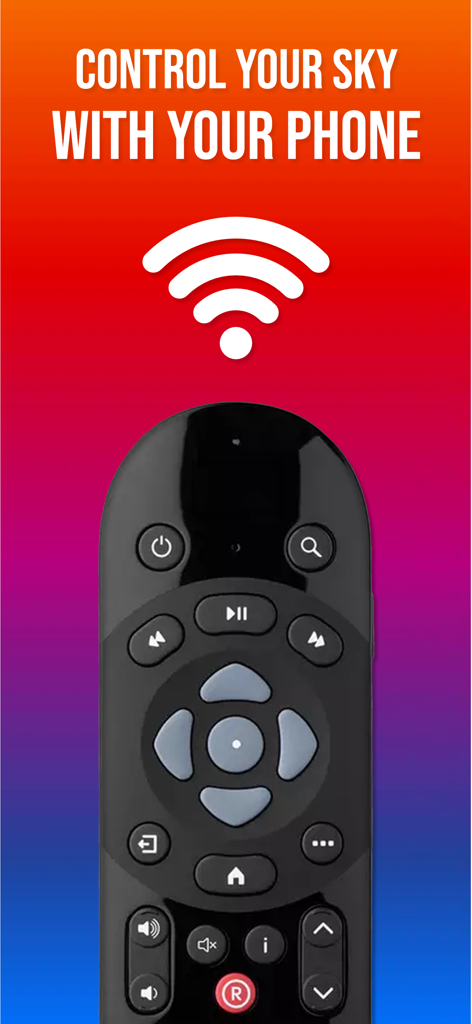
A smartphone app screen displaying a Sky Q remote control and a wifi symbol with the text control your sky with your phone
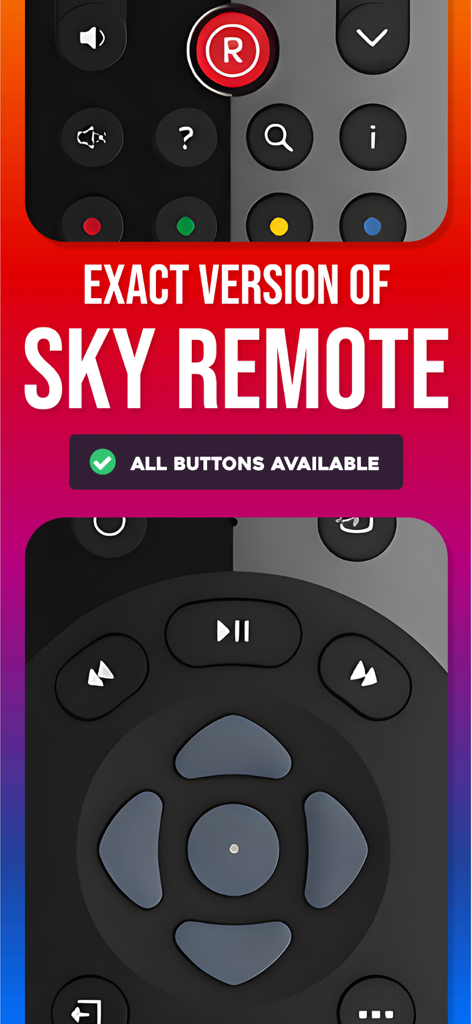
Digital interface of the Sky Q remote app showing a replica of the physical remote buttons
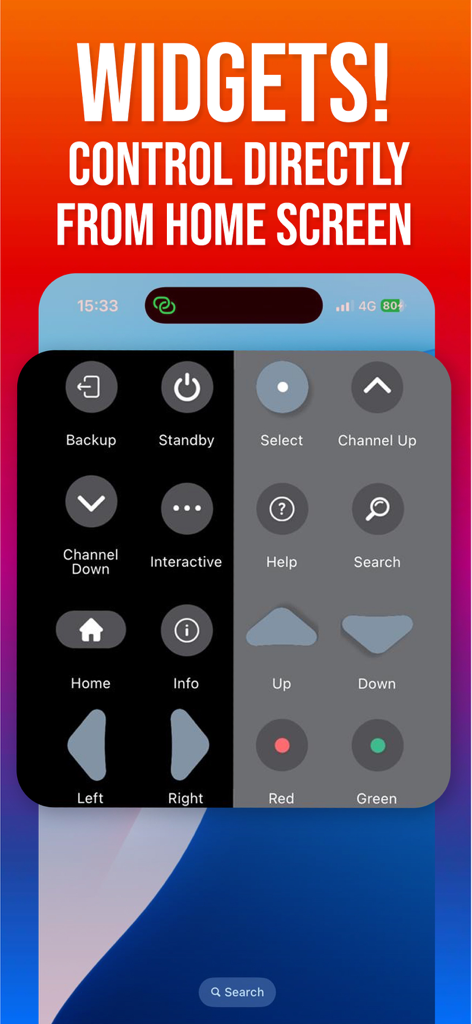
A smartphone home screen showing the Remote Control for Sky Q widget with navigation and channel buttons
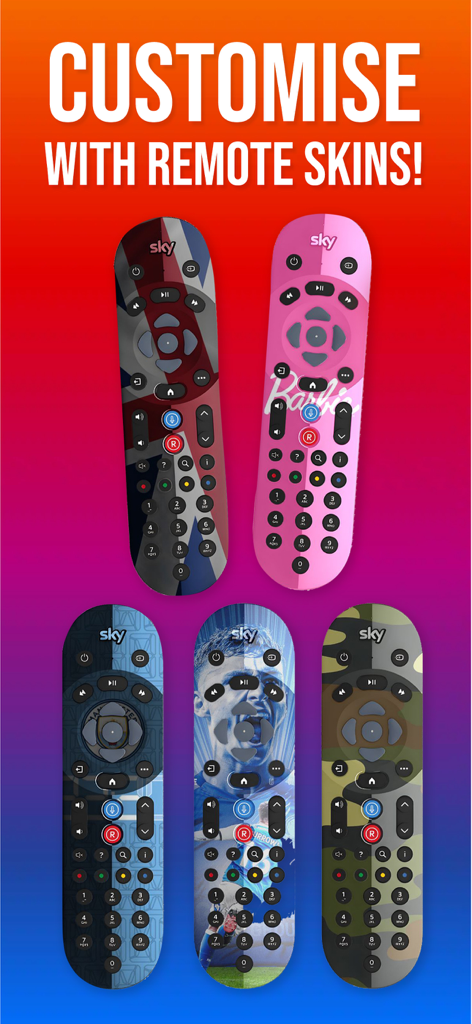
A variety of customizable remote skins for the Sky Q app including sports themes and the Union Jack
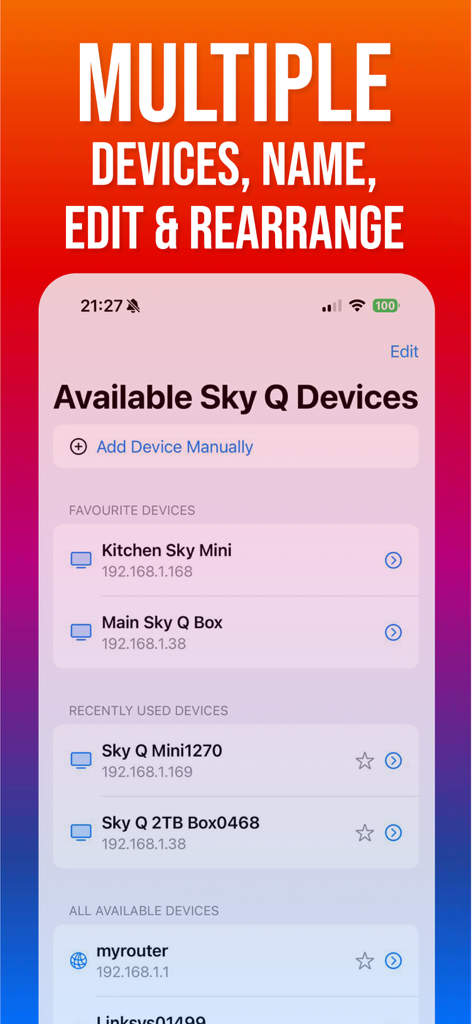
Interface for managing and selecting multiple Sky Q boxes in the remote app.
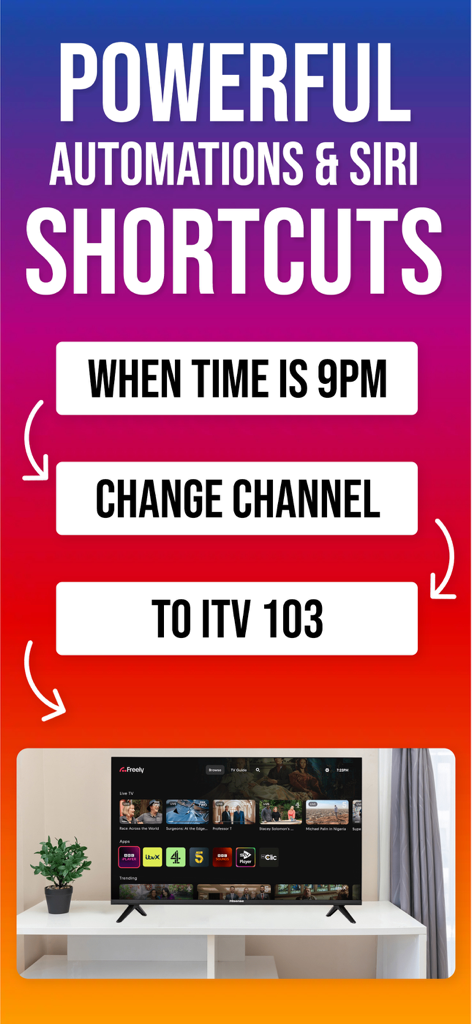
Promo screen for Sky Q Remote app featuring Siri Shortcuts and automated channel changing at 9PM
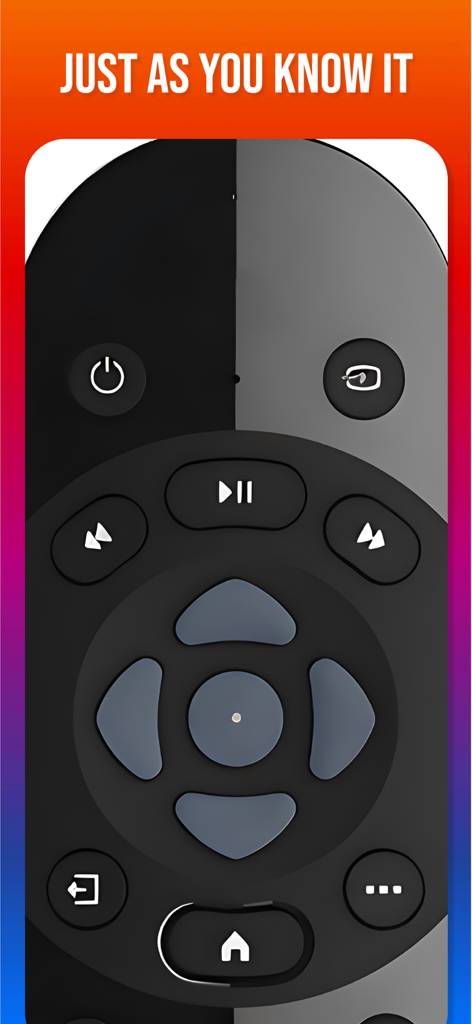
Digital interface of the Remote Control for Sky Q app with familiar button layout.
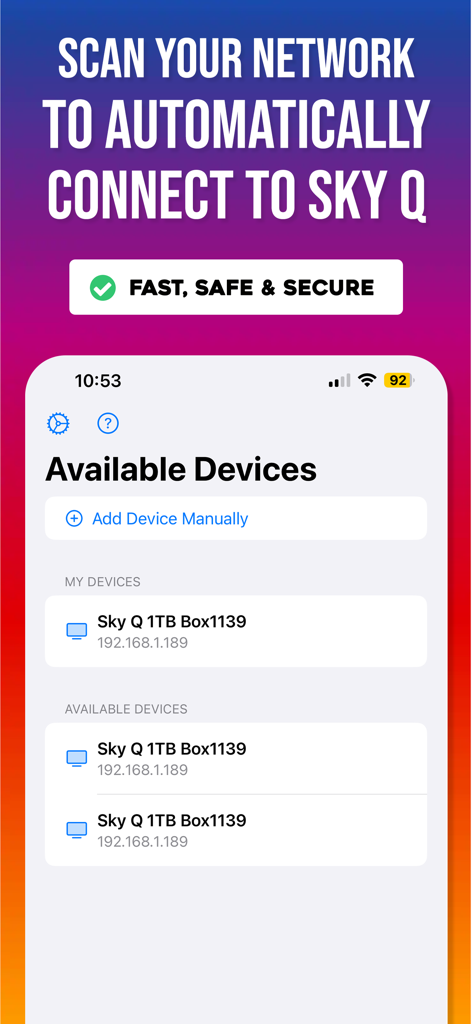
Interface showing available Sky Q boxes for automatic connection via network scan
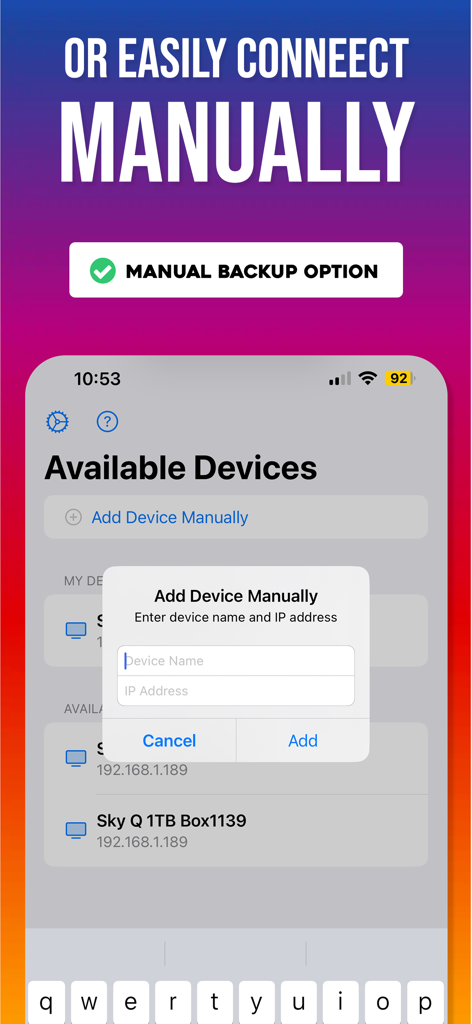
Interface showing manual connection for Sky Q remote app using IP address
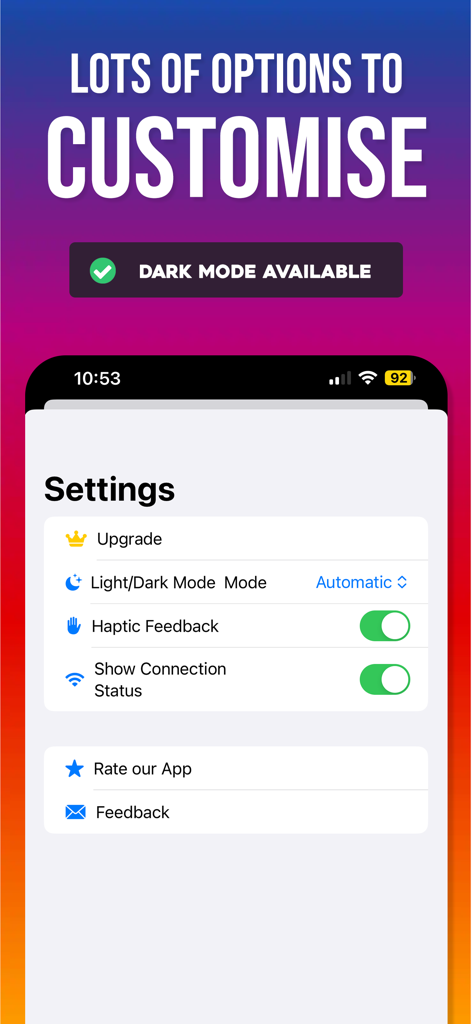
Settings screen of the Sky Q remote control app showing options for dark mode haptic feedback and connection status
Description
Download
More Like This
Apps with similar features and user experience

instax mini Link
FUJIFILM Corporation

instax mini Evo
FUJIFILM Corporation

Canon Mini Print
Canon U.S.A., Inc.

Polaroid
Polaroid International B.V.

SELPHY Photo Layout
Canon Inc.

KODAK Photo Printer
Prinics Co., Ltd

Phomemo
PHOMEMO PTE. LTD.

Epson Creative Print
Seiko Epson Corporation

HP Sprocket
C&A Marketing Inc.
This page is not an official page of the app or its developer, but an independent editorial publication created for informational and commentary purposes. Unless expressly stated otherwise, neither the app nor its developer is affiliated with, endorsed by, sponsored by, authorized by, or otherwise officially connected with MWM, Apple, Google Play, the app publisher, or the app's developer, and nothing on this page implies that the app was developed using MWM's services. Any trademarks, logos, screenshots, and other content remain the property of their respective owners.