
This page is not an official page of the app or its developer, but an independent editorial publication created for informational and commentary purposes. Unless expressly stated otherwise, neither the app nor its developer is affiliated with, endorsed by, sponsored by, authorized by, or otherwise officially connected with MWM, Apple, Google Play, the app publisher, or the app's developer, and nothing on this page implies that the app was developed using MWM's services. Any trademarks, logos, screenshots, and other content remain the property of their respective owners.

Remote Mouse Pro
Transform your phone or tablet into a sophisticated mouse, keyboard, and trackpad. Whether you're leading a high-stakes presentation or controlling your home cinema from the couch, experience seamless cross-device productivity in the palm of your hand.
Downloads
425K+User Rating
Total Ratings
29K+Publisher
Category
UtilitiesLocales
19Latest Version
5.310Size
90.3 MBFirst Released
Jul 20, 2010Master Your Desktop From Your Phone
Transform your smartphone into a powerful wireless mouse, keyboard, and trackpad. Seamlessly bridge the gap between your mobile device and your computer with intuitive controls designed for work, study, and play.
Professional Presentation Power
Command the room with a built-in remote clicker. Use your phone's gyro sensor as a laser pointer to highlight key points in PowerPoint or Keynote without being tethered to your desk.
The Ultimate Lean-Back Experience
Turn your phone into a dedicated media remote for Netflix, VLC, and YouTube. Control volume, playback, and navigation from your couch without ever needing a physical mouse.
The following screenshots and description are sourced directly from the app's official store listing and are the property of the app developer.
App Store
Screenshots
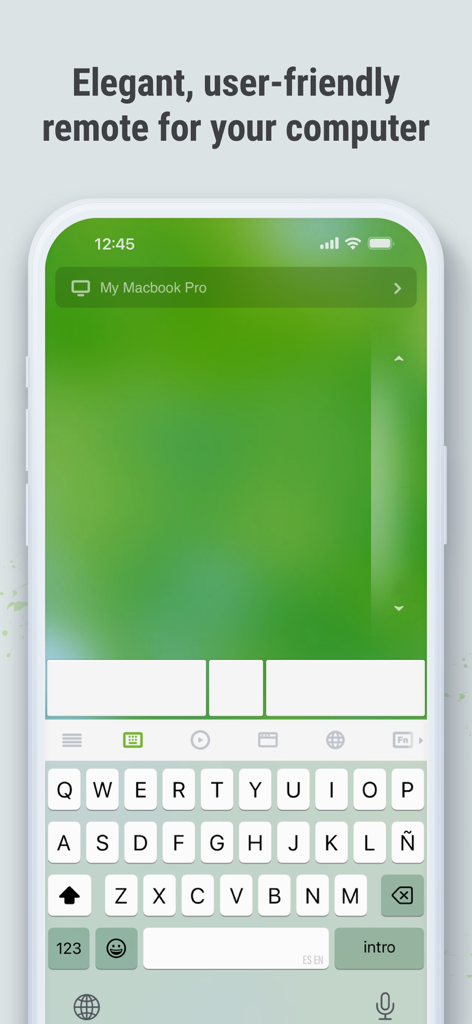
Remote Mouse Pro app interface on an iPhone showing a digital trackpad and keyboard for remote computer control.
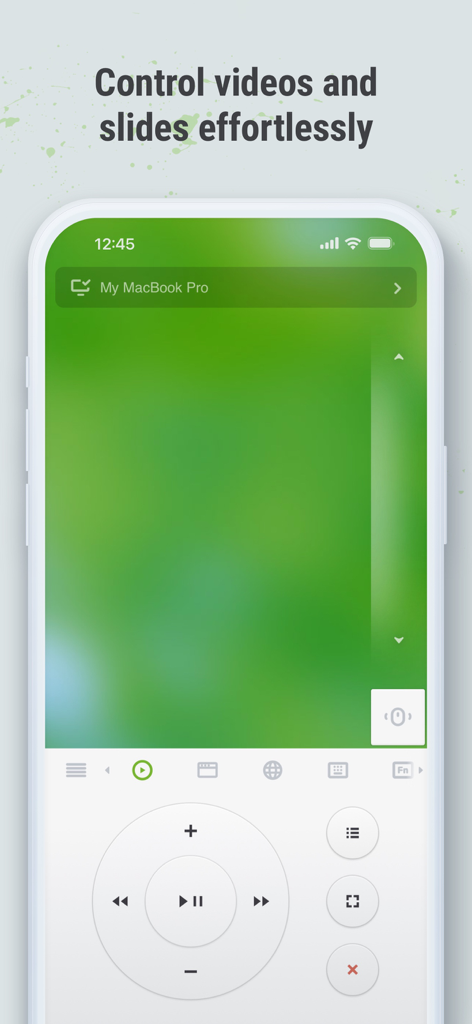
Remote Mouse Pro interface on iPhone showing media controls and trackpad to control videos and slides remotely
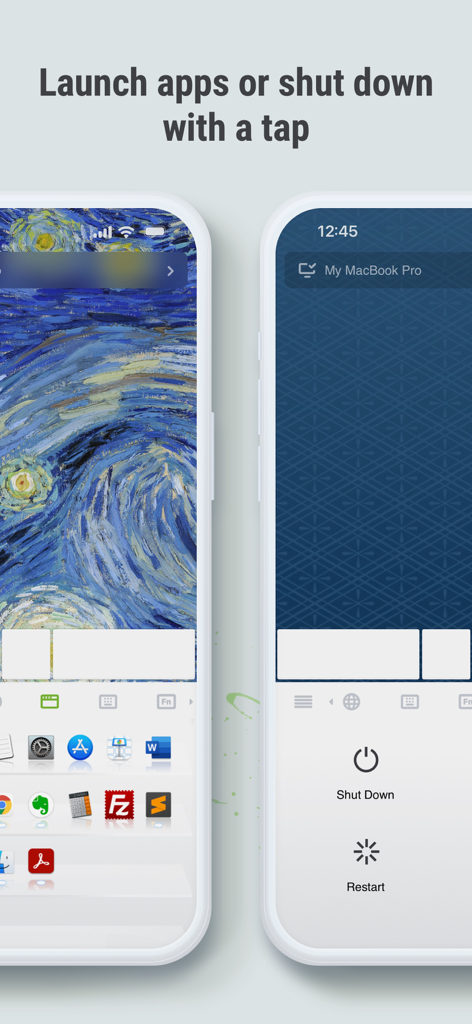
Remote Mouse Pro app screens showing the application launcher and remote power controls for a computer.
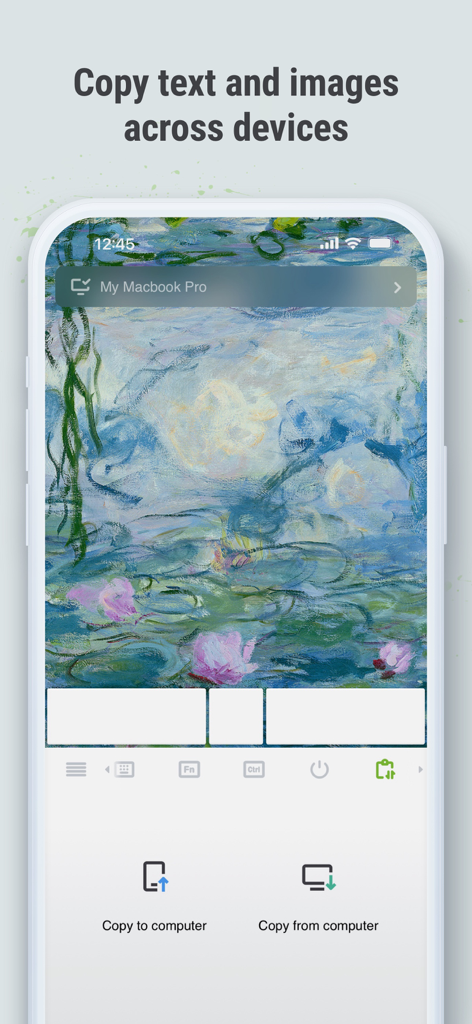
Remote Mouse Pro interface showing the cross-device clipboard feature for copying text and images between a smartphone and a computer.
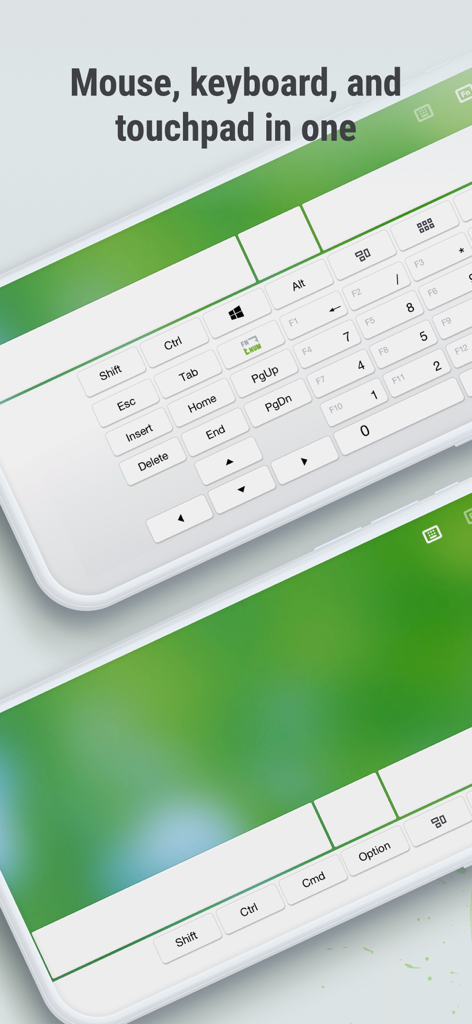
Remote Mouse Pro app interface displaying a full keyboard and touchpad control on two smartphones
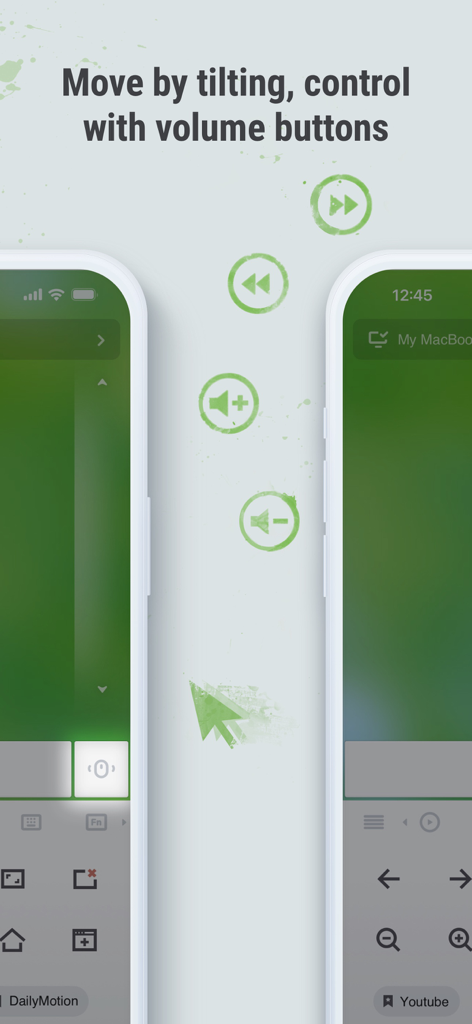
Interface of Remote Mouse Pro showcasing gyro tilt movements and physical volume button controls for remote computer navigation
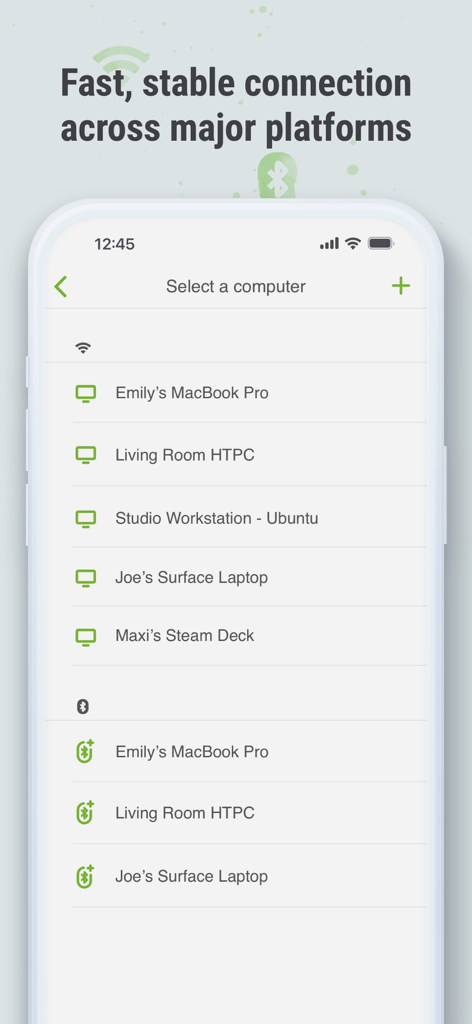
Remote Mouse Pro mobile app interface showing a list of available computers and devices to connect with over Wi-Fi and Bluetooth
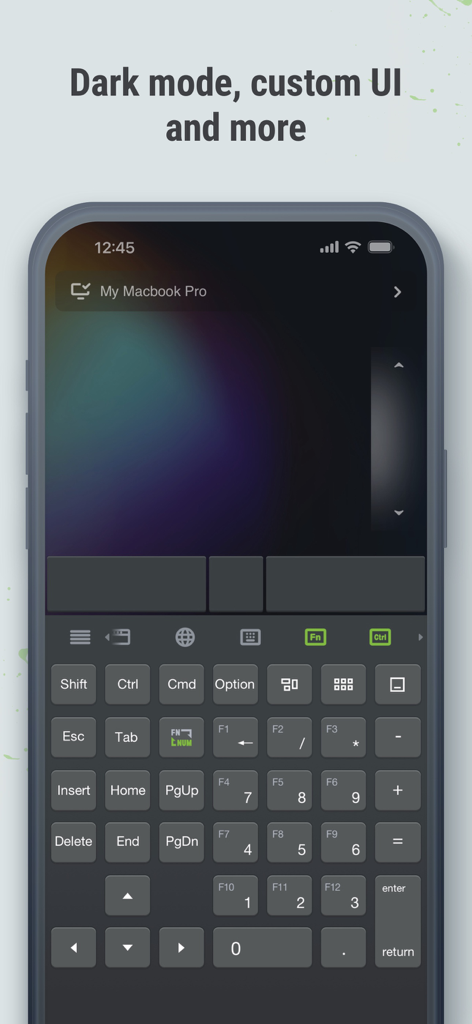
Remote Mouse Pro app interface in dark mode showing a full remote keyboard and trackpad on an iPhone
Description
Download
More Like This
Apps with similar features and user experience

Mouse · Keyboard
Remote Sunrise LTD

Camo Camera
Reincubate Ltd

DroidCam Webcam & OBS Camera
DEV47 APPS LTD.

spacedesk - USB Display for PC
datronicsoft Technology GmbH

iVCam Webcam
俊红 柴

Remote Mouse
耀 阮

CamX - USB Camera
Touchbits Inc.

Genki Studio
Human Things, Inc

Astropad Studio Drawing Tablet
Astro HQ LLC
This page is not an official page of the app or its developer, but an independent editorial publication created for informational and commentary purposes. Unless expressly stated otherwise, neither the app nor its developer is affiliated with, endorsed by, sponsored by, authorized by, or otherwise officially connected with MWM, Apple, Google Play, the app publisher, or the app's developer, and nothing on this page implies that the app was developed using MWM's services. Any trademarks, logos, screenshots, and other content remain the property of their respective owners.