Scan Cam: Docs PDF Scanner App
Download on App Store

This page is not an official page of the app or its developer, but an independent editorial publication created for informational and commentary purposes. Unless expressly stated otherwise, neither the app nor its developer is affiliated with, endorsed by, sponsored by, authorized by, or otherwise officially connected with MWM, Apple, Google Play, the app publisher, or the app's developer, and nothing on this page implies that the app was developed using MWM's services. Any trademarks, logos, screenshots, and other content remain the property of their respective owners.


Logo of Scan Cam: Docs PDF Scanner App
Download on App Store

Scan Cam: Docs PDF Scanner App

Transform your iPhone into a professional scanning powerhouse. Effortlessly scan, sign, and share multi-page PDFs in seconds with smart auto-enhancement and secure storage.

Key Figures

Downloads

1K+

User Rating

5.0/5

Total Ratings

0

Publisher

CODEBAKER BILISIM HIZMETLERI VE TICARET LIMITED SIRKETI

Category

Productivity

Locales

30

Latest Version

1.2.3

Size

87.4 MB

First Released

Sep 8, 2023
Features

Everything You Need to Go Paperless

Turn your iPhone into a high-performance portable office. Scan, sign, and organize your documents in seconds with professional-grade quality.

Pro-Grade Smart Scanning

Capture crystal-clear PDFs with auto-cropping and enhancement. Perfect for complex contracts and multi-page reports.

Instant E-Signatures

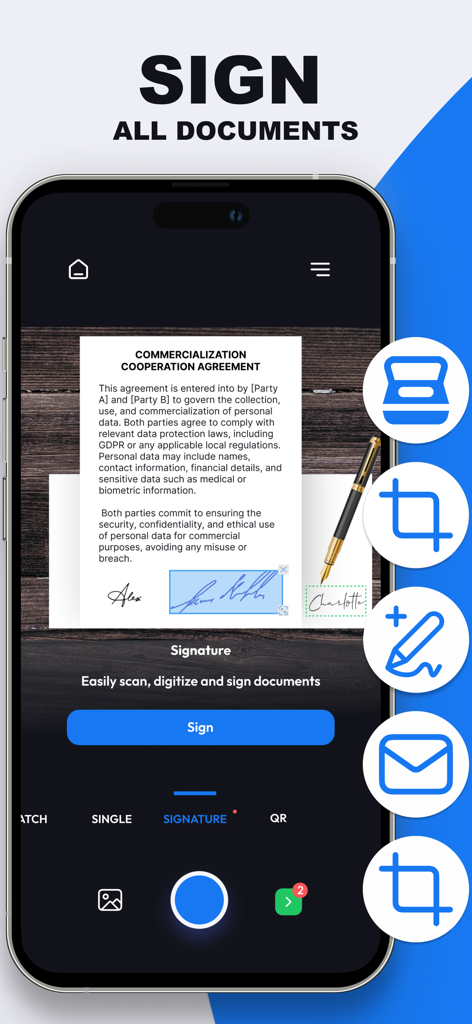
Sign contracts and NDAs on the fly without printing. Add secure digital signatures to any document in just a few taps.

The following screenshots and description are sourced directly from the app's official store listing and are the property of the app developer.

App Store

Screenshots
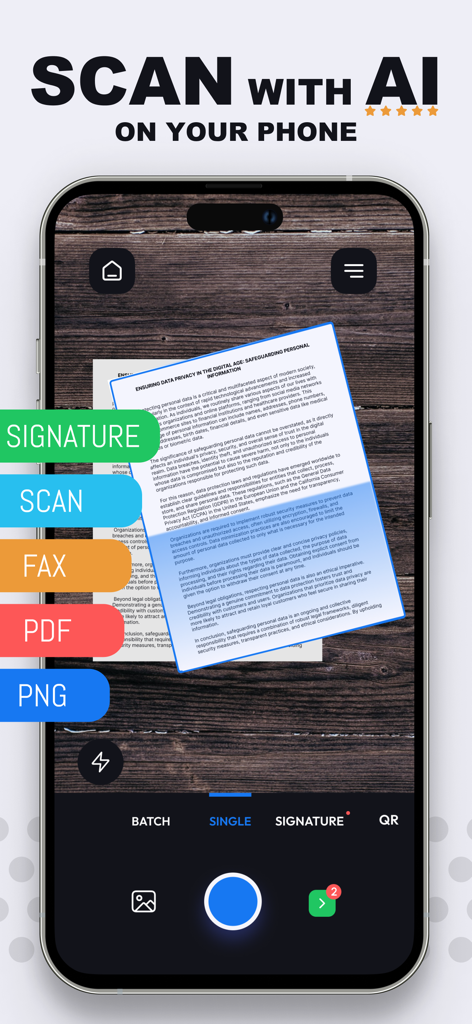
Scan Cam: Docs PDF Scanner App - Scan Cam app interface for high-quality AI document scanning and digital signatures on a smartphone.
Scan Cam app interface for high-quality AI document scanning and digital signatures on a smartphone.

Scan Cam: Docs PDF Scanner App - Smartphone screen showing a digital signature being applied to a commercial document within the Scan Cam app
Smartphone screen showing a digital signature being applied to a commercial document within the Scan Cam app

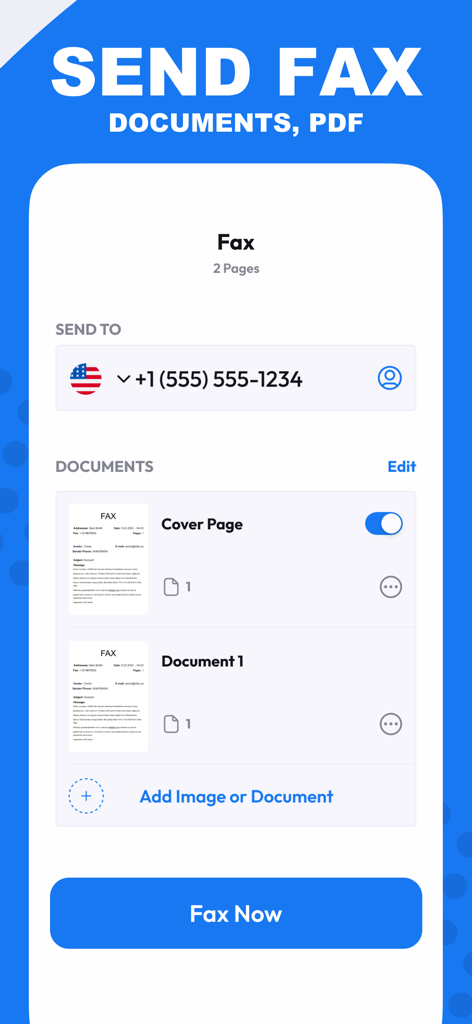
Scan Cam: Docs PDF Scanner App - Scan Cam app interface for sending documents and PDFs via fax
Scan Cam app interface for sending documents and PDFs via fax

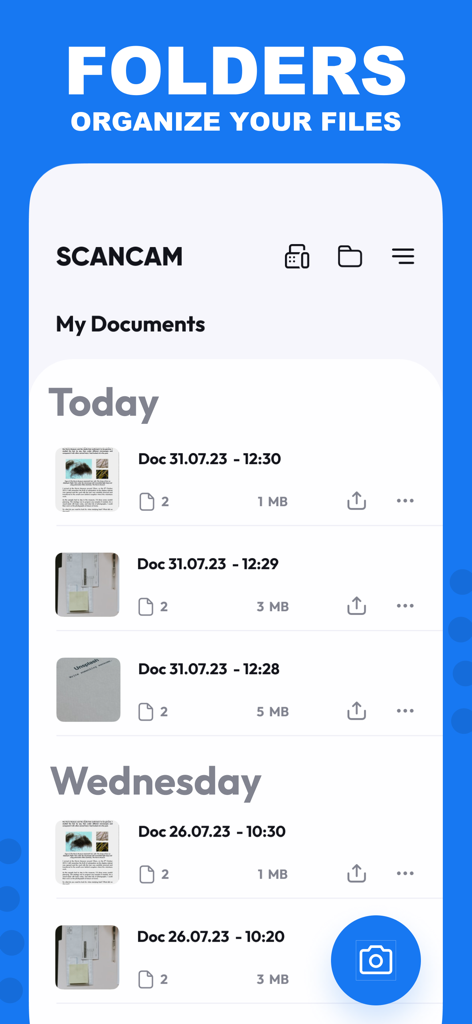
Scan Cam: Docs PDF Scanner App - Interface of Scan Cam app showing a list of organized PDF documents sorted by date
Interface of Scan Cam app showing a list of organized PDF documents sorted by date

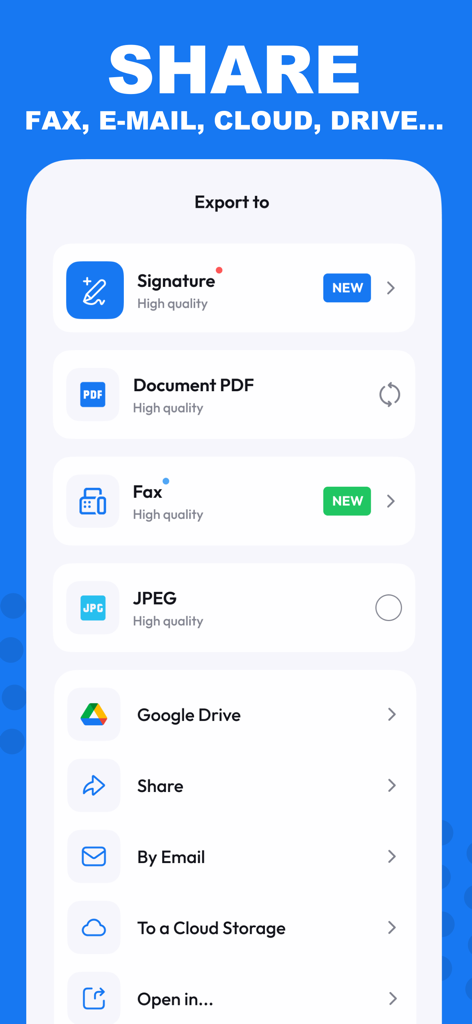
Scan Cam: Docs PDF Scanner App - Interface of Scan Cam app displaying options to export documents as PDF JPEG or via email and cloud services
Interface of Scan Cam app displaying options to export documents as PDF JPEG or via email and cloud services

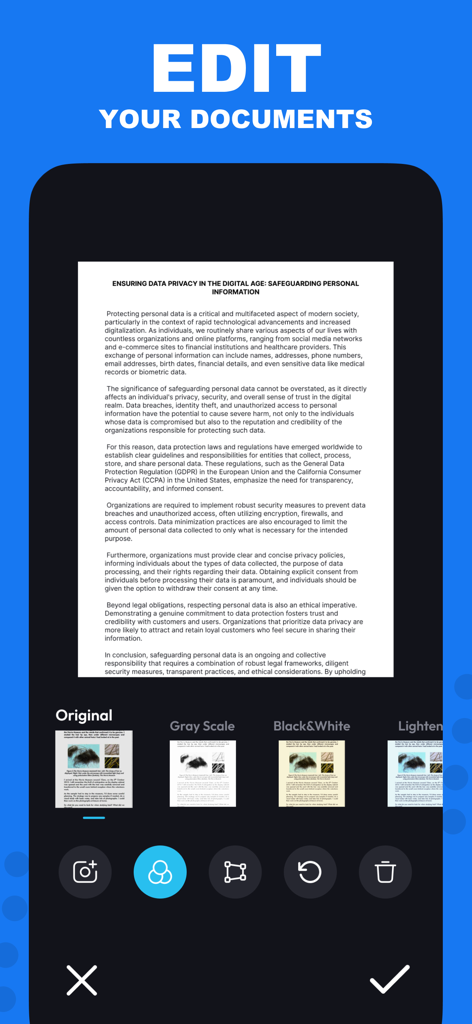
Scan Cam: Docs PDF Scanner App - iPhone interface showing document editing filters in Scan Cam app
iPhone interface showing document editing filters in Scan Cam app

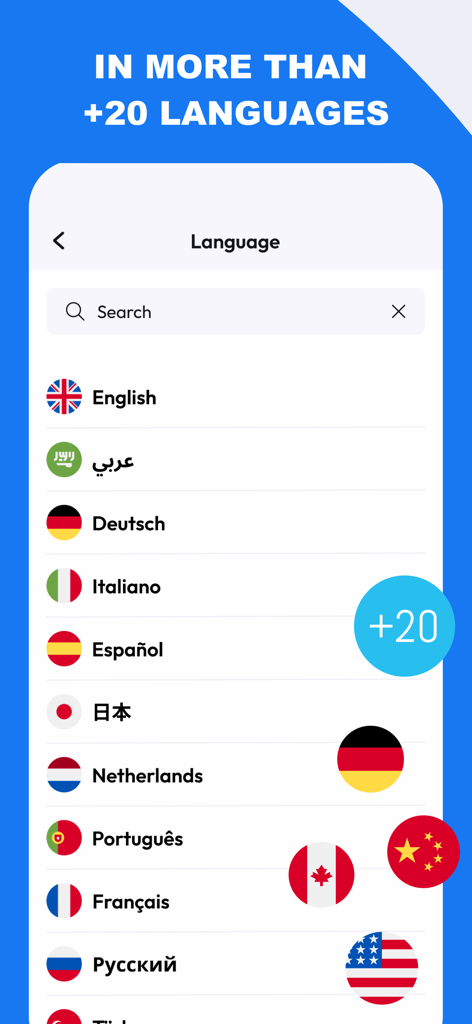
Scan Cam: Docs PDF Scanner App - Scan Cam app screen showing a list of over twenty supported languages with national flags
Scan Cam app screen showing a list of over twenty supported languages with national flags

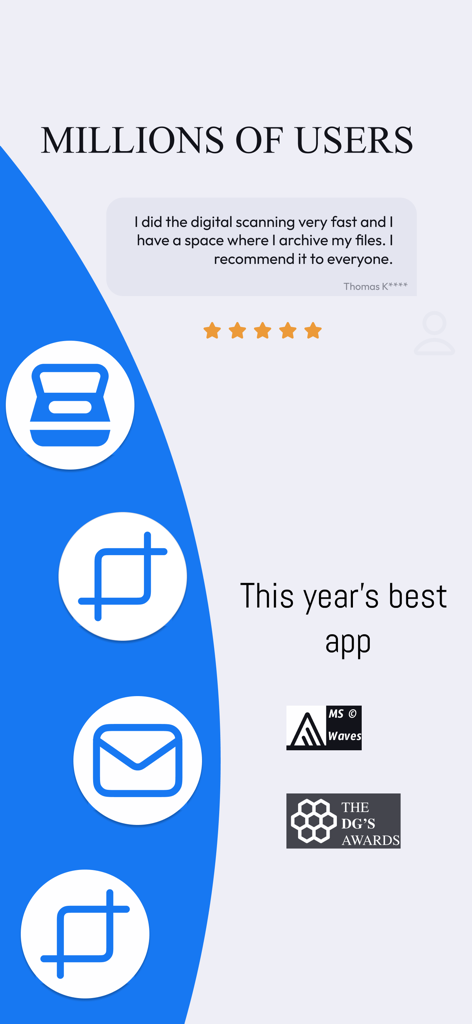
Scan Cam: Docs PDF Scanner App - Positive user review and award highlights for Scan Cam PDF scanner app

Positive user review and award highlights for Scan Cam PDF scanner app

Description

Need a handy scanner app? Give ScanCam a try! Turn your phone into an efficient scanning powerhouse with ScanCam's swift and user-friendly smart scan feature. It helps you work faster and saves you time. Download ScanCam to scan, save, edit, convert and share files in PDF and PNG formats in a flash. Why should you pick ScanCam Pro Subscription? * Fast Scanning: Scan your papers, pictures, and notes in seconds. ScanCam saves you time. * Signature: Digitally sign your documents with ease. ScanCam lets you add secure and professional signatures in seconds. * High Quality: Scan and store your papers in high resolution. ScanCam keeps your documents clear and readable without losing quality. * PDF Conversion: Turn your scanned papers into PDF files for sharing with ease. * Multi-Page Document Support: Effortlessly compile multiple scans into a single document with ScanCam, making it perfect for handling comprehensive reports, lengthy articles, and extensive contracts. * User-Friendly: ScanCam is easy to use for quick scanning. FEATURES * Fast Document Scanning This scanner app is a must-have for students and professionals alike. Scan anything you need - from receipts and contracts to paper notes and even books. You can save your scans as multi-page PDF or PNG files. * Innovative PDF Scanner Scan papers and pictures to PDF or PNG. You can even scan many pages into one document easily. * E-Signature Effortlessly add your digital signature to documents with ScanCam. Sign contracts, forms, and paperwork securely in just a few taps—no printing required. * Best Scan Quality Smart cropping and auto-enhancement make sure your scans are sharp and colourful, with top quality. * Easy Document Sharing Share documents in PDF or PNG on social media, in email attachments, or download links. You can print PDF files like contracts and invoices directly from the app. * Fast Document Search & Folder Management Can't find your documents? Tag your documents in the ScanCam app for easy searching. Find your document fast, manage your files with folders, and order them with drag & drop. * Secure and Private Your scans and data are always secure. We value your privacy and ensure your documents are stored safely. * Quick support with live chat is now available! We're here to assist you promptly through our live chat. If there's a delay in our response, enjoy a game of Crispy Bird while you wait. Speed up your scanning with ScanCam. Give it a go and discover the remarkable efficiency and simplicity of scanning, saving, and sharing your documents! With just a few taps, you can transform your iPhone into a scanning powerhouse, making it easier than ever to digitize and distribute your important papers, photos, and notes. Experience the convenience of ScanCam today and streamline your document management like never before. ABOUT SUBSCRIPTION –You can subscribe to get unlimited access to all features of the scanner app. –Payment will be charged to iTunes Account at confirmation of purchase. –Subscription renews automatically unless auto-renew is turned off at least 24 hours before the end of the current period. –Account will be charged for renewal within 24 hours prior to the end of the current period. The cost depends on the selected plan. –Subscriptions may be managed by the user, and auto-renewal may be turned off by going to the user's Account Settings after purchase. –Any unused portion of the free-trial will be forfeited when the user purchases a subscription. For Terms of Use, please visit https://static.scancamapp.com/page/ios/terms For Privacy Policy, please visit https://static.scancamapp.com/page/ios/privacy

Download

Download on App Store

This page is not an official page of the app or its developer, but an independent editorial publication created for informational and commentary purposes. Unless expressly stated otherwise, neither the app nor its developer is affiliated with, endorsed by, sponsored by, authorized by, or otherwise officially connected with MWM, Apple, Google Play, the app publisher, or the app's developer, and nothing on this page implies that the app was developed using MWM's services. Any trademarks, logos, screenshots, and other content remain the property of their respective owners.








