
This page is not an official page of the app or its developer, but an independent editorial publication created for informational and commentary purposes. Unless expressly stated otherwise, neither the app nor its developer is affiliated with, endorsed by, sponsored by, authorized by, or otherwise officially connected with MWM, Apple, Google Play, the app publisher, or the app's developer, and nothing on this page implies that the app was developed using MWM's services. Any trademarks, logos, screenshots, and other content remain the property of their respective owners.


Screen Recorder: The recording
Finally, users gain the power to capture every on-screen move, reactions and all, then sculpt it into shareable content. It's mobile content creation, fully realized.
Downloads
2.5M+User Rating
Total Ratings
9.9KPublisher
Category
LifestyleLocales
33Latest Version
4.6Size
72.3 MBFirst Released
Nov 7, 2019An Analytical Overview for Mobile Content Creation
Key Features of Screen Recorder: The Recording
Unlimited High-Quality Screen Recording
The app provides unlimited screen recording time with crisp audio, offering customizable resolution up to 1080P and frame rates up to 60fps, which is crucial for capturing professional-grade gameplay and tutorials.
Integrated Face Cam Reactions
It allows users to seamlessly add a Face Cam overlay to their recordings, with flexible options to adjust its position and size, perfect for personalizing content with live commentary and reactions.
Comprehensive In-App Video Editor
This tool features a robust set of editing capabilities, including playback speed control, video resizing, text overlays, filters, and stickers, empowering content creators to polish their videos directly within the app.
Customizable Video Export Settings
The app offers granular control over output quality with adjustable bit rates, ensuring videos can be optimized for various platforms and internet speeds without compromising visual integrity.
Versatile Aspect Ratio and Sizing Options
It provides a wide array of aspect ratios and video sizing presets, enabling users to easily format their content for different social media platforms like Instagram, TikTok, YouTube, and more.
Streamlined Sharing and Saving
The app allows for direct saving to the camera roll and simplifies the process of sharing edited videos, facilitating quick uploads to streaming platforms and social media channels.
The following screenshots and description are sourced directly from the app's official store listing and are the property of the app developer.
App Store
Screenshots
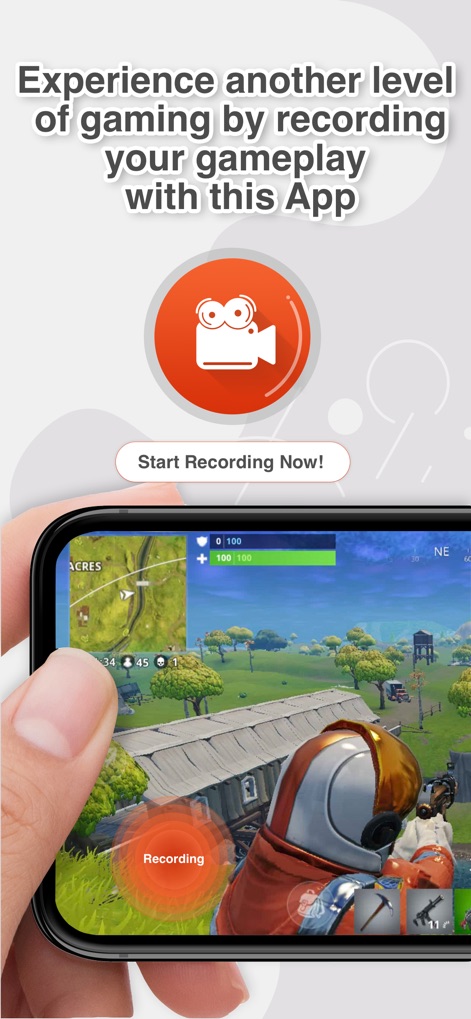
See how the app enables instant gameplay capture with a clear 'Recording' indicator and a prominent 'Start Recording Now!' call to action.
Seamless Gameplay Capture
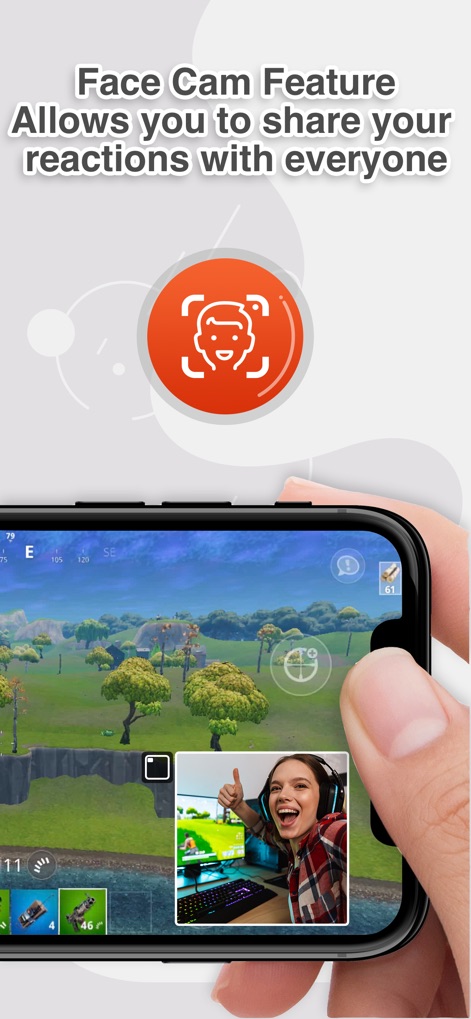
Discover how the app integrates Face Cam reactions directly into recordings, allowing users to customize position and share their expressions.
Dynamic FaceCam Integration
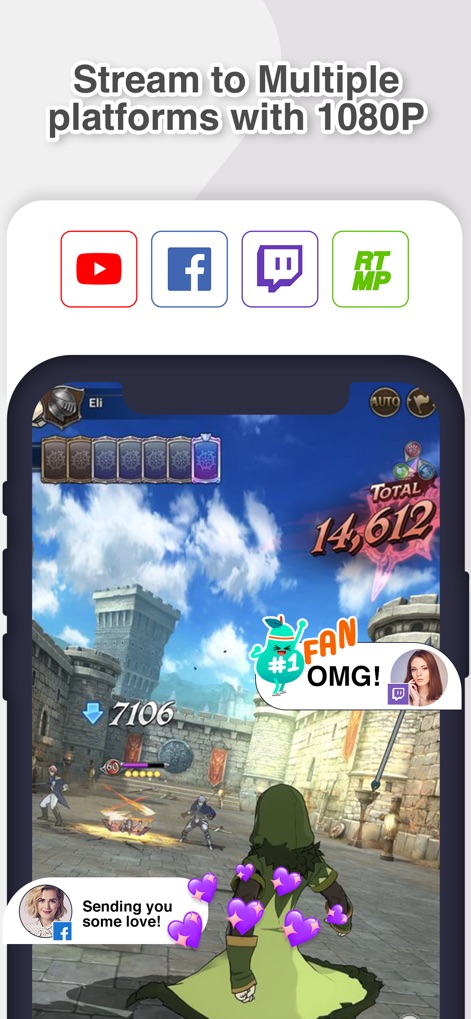
Explore the app's capability to stream recordings to popular platforms like YouTube and Twitch, all in crisp 1080P resolution.
Multi-Platform Streaming
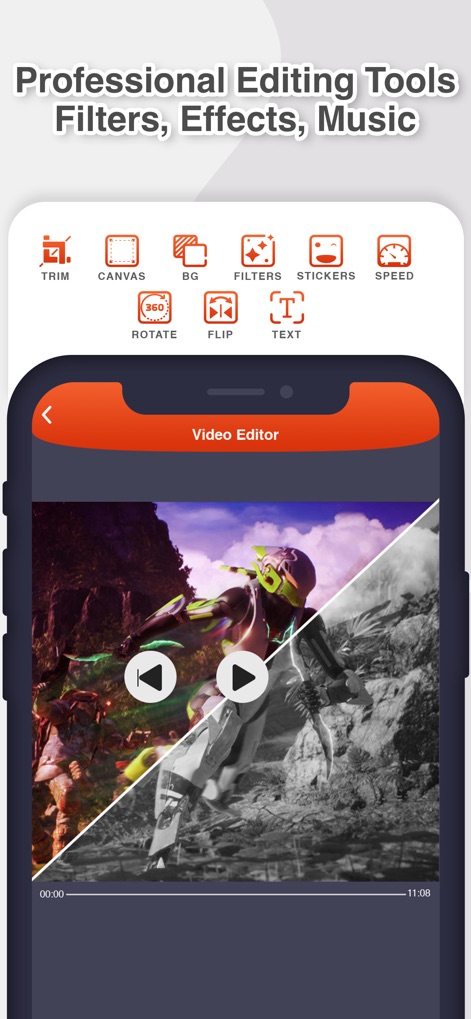
Unleash creativity with the app's comprehensive video editor, featuring powerful tools like 'Filters' and 'Text' for professional-grade content.
Robust Editing Suite
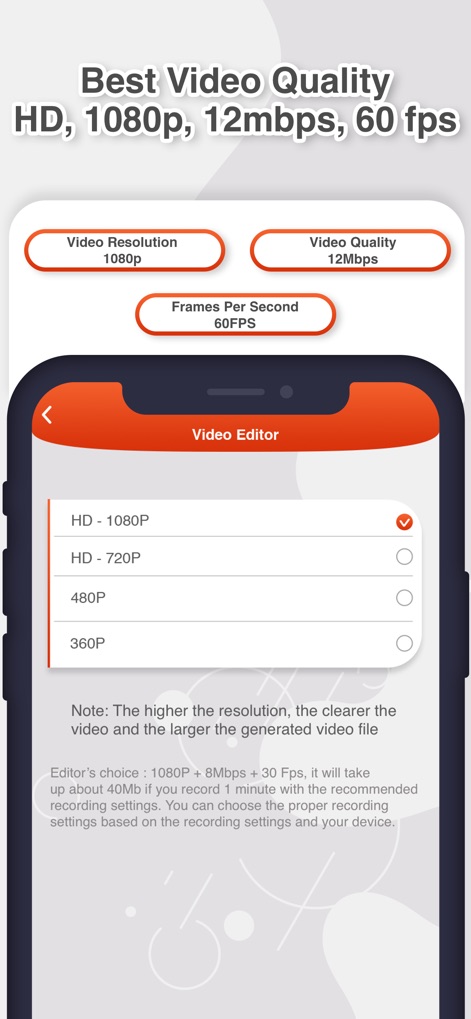
Fine-tune recording quality with options for '1080P' resolution and up to '60FPS' for smooth, high-definition output.
Optimized Video Quality
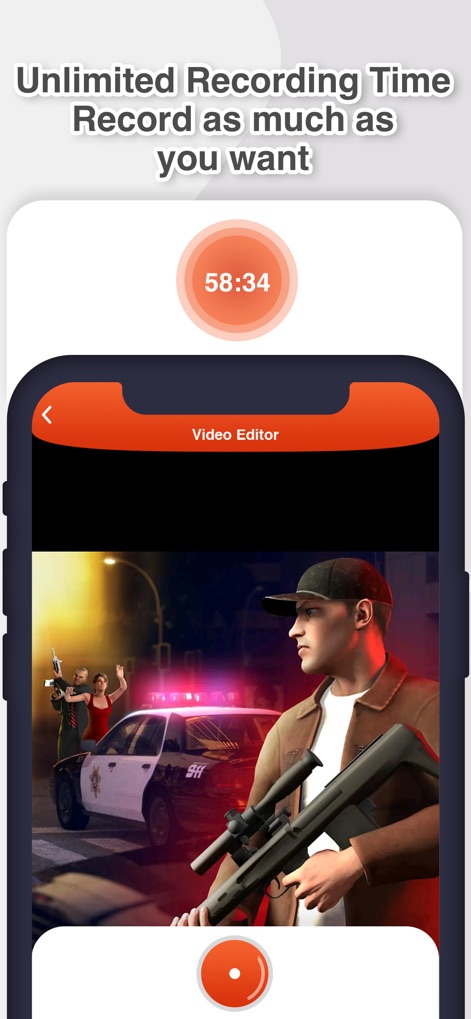
Benefit from the app's 'Unlimited Recording Time' feature, allowing users to capture lengthy sessions without interruption, as indicated by the active timer.
Extended Recording Sessions
Description
Download
More Like This
Apps with similar features and user experience

Medal - Game Clipping
Medal B.V.

Screen Recorder,Video Recorder
VIDEOSHOW PTE. LTD.

Screen Recorder
App of the Year LLC

Record it! :: Screen Recorder
DIGISET LLC

Screen Recorder Voice & Video
Arthur Eduardo Skaetta Alvarez Desenvolvimento de Software LTDA.

Screen Recorder ®
Poster App LLP

Super Screen Recorder: Full HD
Dream United, Ltd.

Screen Recorder: Go Record
Torqued Studios LLC

Screen Recorder-Video & Voice
Danila Ianushev
This page is not an official page of the app or its developer, but an independent editorial publication created for informational and commentary purposes. Unless expressly stated otherwise, neither the app nor its developer is affiliated with, endorsed by, sponsored by, authorized by, or otherwise officially connected with MWM, Apple, Google Play, the app publisher, or the app's developer, and nothing on this page implies that the app was developed using MWM's services. Any trademarks, logos, screenshots, and other content remain the property of their respective owners.