
This page is not an official page of the app or its developer, but an independent editorial publication created for informational and commentary purposes. Unless expressly stated otherwise, neither the app nor its developer is affiliated with, endorsed by, sponsored by, authorized by, or otherwise officially connected with MWM, Apple, Google Play, the app publisher, or the app's developer, and nothing on this page implies that the app was developed using MWM's services. Any trademarks, logos, screenshots, and other content remain the property of their respective owners.


Super Screen Recorder: Full HD
Record gameplay with facecam, live stream to your fans, and edit like a pro. From custom watermarks to viral voice effects, everything you need to build your brand is right here.
Downloads
1M+User Rating
Total Ratings
22K+Publisher
Category
Photo & VideoLocales
21Latest Version
3.3.64Size
190.1 MBFirst Released
Feb 8, 2020Create Like a Pro, Right from Your Phone
The ultimate all-in-one toolkit to capture, edit, and share high-quality screen recordings, reaction videos, and live streams without ever needing a desktop.
Full HD Recording & Facecam
Capture every clutch gaming moment in stunning 1080p and use the front-facing camera to add real-time reactions for your YouTube or TikTok audience.
Powerful All-in-One Editor
Skip the complex software. Trim clips, add subtitles, merge videos, and use the funny voice changer to create viral-ready content in minutes.
Frequently Asked Questions
Everything you need to know about Super Screen Recorder: Full HD
What resolution does Super Screen Recorder support for recordings?
Super Screen Recorder supports 1080p resolution for screen recording. Users can also select custom frame rate and bit rate settings for high-quality video capture.
Does Super Screen Recorder provide live streaming capabilities?
Yes, Super Screen Recorder offers RTMP Live Streaming. This feature allows users to broadcast their screen content live directly from the application.
What video editing features are available in Super Screen Recorder?
Super Screen Recorder provides an All-in-One Video Editor. It includes tools for trimming, adding music, compressing, rotating, merging, adding narration, cropping, changing playback speed, removing watermarks, and converting videos to GIF.
Is there a time limit for recordings in Super Screen Recorder?
No, Super Screen Recorder offers unlimited recording time. There is no specified limit on how long users can record their screen content.
Can I add a custom watermark to my recordings with Super Screen Recorder?
Yes, Super Screen Recorder allows users to add custom watermarks. This enables them to set their own trademark or brand to prevent unauthorized use of their recorded videos.
Does Super Screen Recorder allow for scheduled or timed recordings?
Yes, Super Screen Recorder supports timed recording. Users can set a specific duration, and the application automatically stops the recording when the predetermined time is reached.
What are the subscription terms for Super Screen Recorder?
Super Screen Recorder offers auto-renewable subscriptions on a monthly and yearly basis. Your account incurs renewal charges within 24 hours prior to the end of the current subscription period.
How do I cancel my Super Screen Recorder subscription?
Users can cancel their Super Screen Recorder auto-renewal subscription through their iPhone account settings. Cancellation must occur at least 24 hours before the current period concludes.
Does Super Screen Recorder have a voice changer feature?
Yes, Super Screen Recorder includes a funny voice changer. This feature allows users to transform their voice into various options, such as robot or child voices, for creative content.
Can I use the front-facing camera while recording my screen with Super Screen Recorder?
Yes, Super Screen Recorder allows users to enable the front-facing camera during screen recording. This is useful for creating personalized game videos or other interactive content.
Does Super Screen Recorder record internal audio from the device?
Yes, Super Screen Recorder can record internal audio. This ensures that all sounds originating from your device are captured directly within the screen recording.
The following screenshots and description are sourced directly from the app's official store listing and are the property of the app developer.
App Store
Screenshots
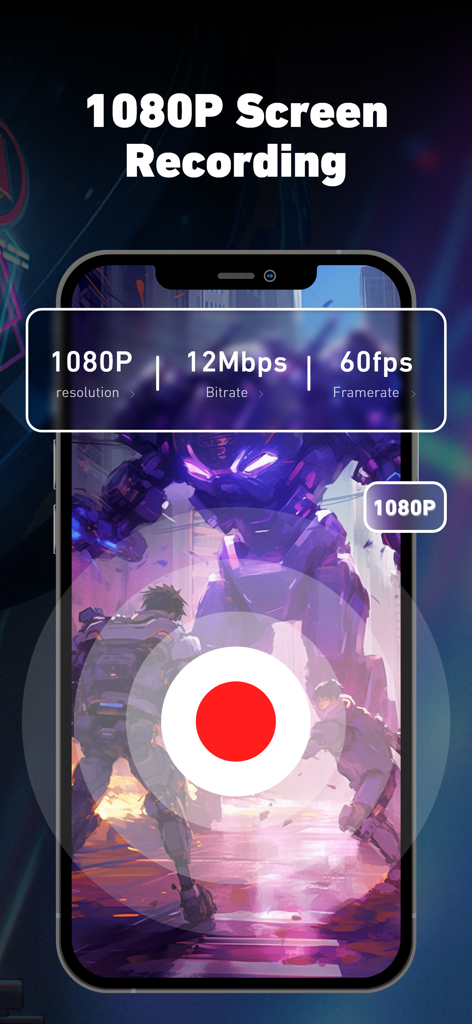
Super Screen Recorder app showing 1080p resolution and 60fps framerate settings for gaming.
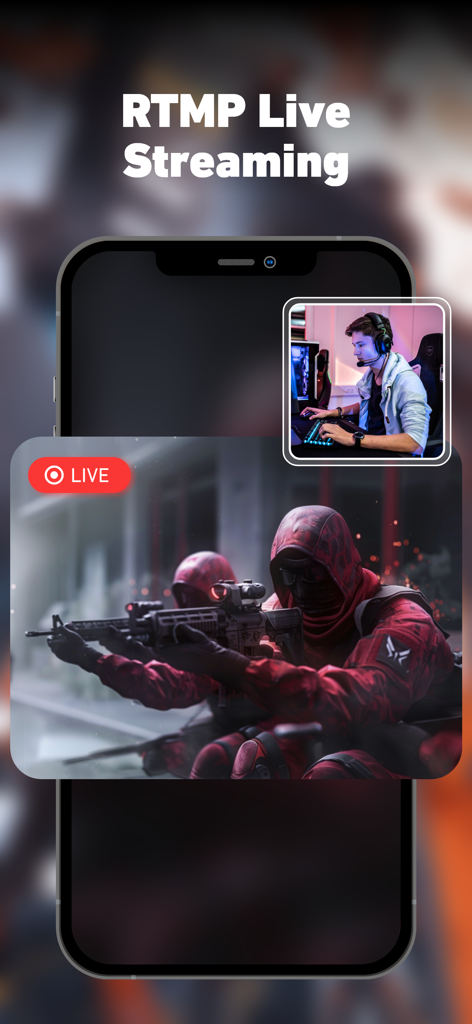
RTMP live streaming feature with facecam for mobile gaming on Super Screen Recorder
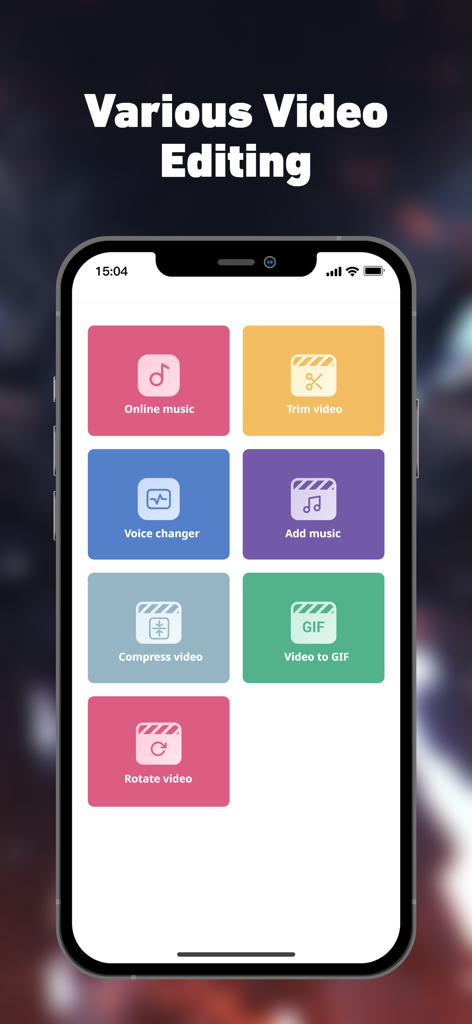
Super Screen Recorder app interface showing various video editing tools like voice changer and trim video
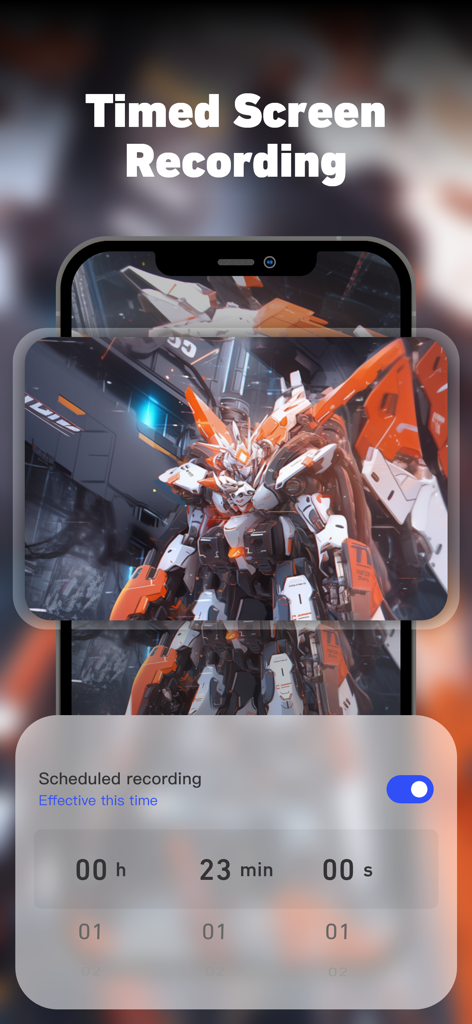
Timed screen recording setting interface in Super Screen Recorder app showing a scheduled recording timer over gameplay.
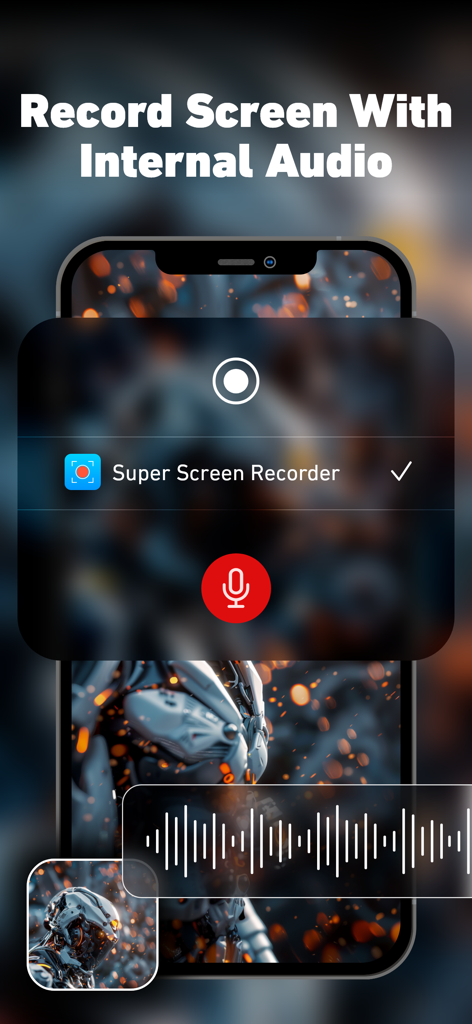
Super Screen Recorder app interface showing screen recording with internal audio on an iPhone
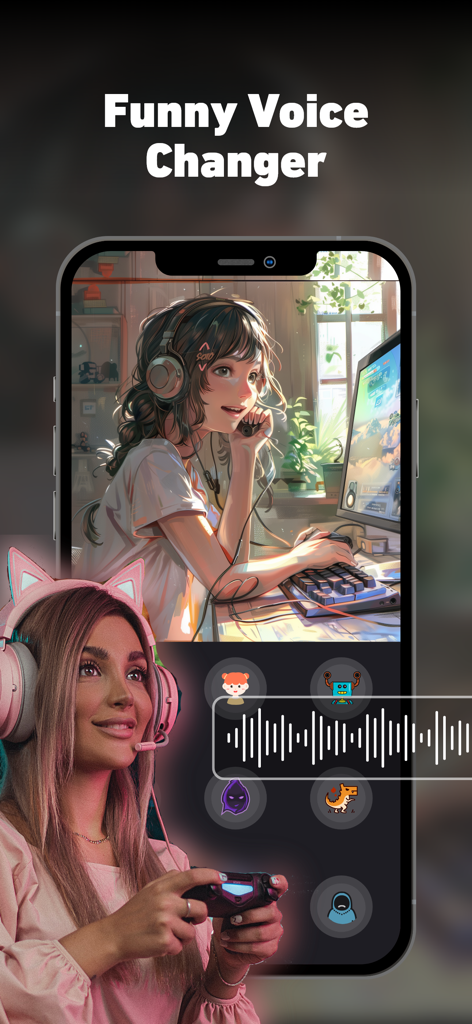
Interface of Super Screen Recorder showing funny voice changer effects for mobile gaming and content creation
Description
Download
More Like This
Apps with similar features and user experience

Medal - Game Clipping
Medal B.V.

Screen Recorder,Video Recorder
VIDEOSHOW PTE. LTD.

Screen Recorder
App of the Year LLC

Record it! :: Screen Recorder
DIGISET LLC

Screen Recorder Voice & Video
Arthur Eduardo Skaetta Alvarez Desenvolvimento de Software LTDA.

Screen Recorder ®
Poster App LLP

Screen Recorder: Go Record
Torqued Studios LLC

Screen Recorder-Video & Voice
Danila Ianushev

Screen recorder - video
Mark Thomas
This page is not an official page of the app or its developer, but an independent editorial publication created for informational and commentary purposes. Unless expressly stated otherwise, neither the app nor its developer is affiliated with, endorsed by, sponsored by, authorized by, or otherwise officially connected with MWM, Apple, Google Play, the app publisher, or the app's developer, and nothing on this page implies that the app was developed using MWM's services. Any trademarks, logos, screenshots, and other content remain the property of their respective owners.