
This page is not an official page of the app or its developer, but an independent editorial publication created for informational and commentary purposes. Unless expressly stated otherwise, neither the app nor its developer is affiliated with, endorsed by, sponsored by, authorized by, or otherwise officially connected with MWM, Apple, Google Play, the app publisher, or the app's developer, and nothing on this page implies that the app was developed using MWM's services. Any trademarks, logos, screenshots, and other content remain the property of their respective owners.


Screen Recorder
Stop explaining, start showing. This app grants users the power to capture and command their digital narrative, turning fleeting screen moments into polished content.
Downloads
2.5M+User Rating
Total Ratings
104.3KPublisher
Category
Photo & VideoLocales
19Latest Version
4.2.9Size
242.9 MBFirst Released
Sep 18, 2019An Analytical Overview for Content Creators and Professionals
Key Features of Screen Recorder
Unlimited 4K Screen Recording
The app provides unrestricted screen capture capabilities, allowing users to record high-resolution 4K video without limitations, essential for professional-grade content.
Comprehensive Built-in Video Editor
This tool features extensive editing functionalities including trimming, cutting, cropping, rotation, transitions, filters, effects, and playback speed adjustments, enabling users to refine their recordings directly on the device.
Integrated FaceCam Reactions
It allows users to seamlessly add customizable FaceCam overlays to their screen recordings, which is ideal for creating engaging reaction videos, tutorials, and interactive gameplay content.
High-Quality Audio Capture
The app supports recording high-quality audio, perfect for adding professional voiceovers, detailed commentary, or capturing ambient sounds for podcasts, tutorials, and narration.
Customizable Screen Recording Parameters
This tool enables users to customize resolution, bit rate, and frame rate, ensuring crisp and smooth screen captures tailored to specific content needs, from gameplay to professional presentations.
Dual Camera Recording
It allows users to simultaneously record from both the front and rear cameras, offering unique perspectives for demonstrations, vlogs, and creative content creation.
Frequently Asked Questions
Everything you need to know about Screen Recorder
How do I record my screen using the Screen Recorder app?
Yes, the Screen Recorder app allows screen recording. Users can start recording with a single tap on devices running iOS 11 or later, capturing apps, games, and walkthroughs.
Does the Screen Recorder app include a built-in video editor?
Yes, the Screen Recorder app features a built-in video editor. It allows users to trim, cut, crop, rotate clips, apply transitions, filters, effects, and adjust playback speed.
Can I add FaceCam reactions to my screen recordings with Screen Recorder?
Yes, Screen Recorder supports FaceCam reactions. Users can add FaceCam overlays to their screen recordings, adjusting size and position for reaction videos and tutorials.
What features does the premium subscription offer in Screen Recorder?
The Screen Recorder Premium Subscription unlocks unlimited 4K screen recording, advanced video editing capabilities, and an enhanced Face Cam feature.
What is the cost of Screen Recorder's premium subscription?
Screen Recorder offers a weekly subscription for $4.99 and a yearly subscription for $49.99. The yearly option includes a 3-day free trial.
Can Screen Recorder record from both front and rear cameras simultaneously?
Yes, Screen Recorder includes a Dual Camera Recorder. This feature allows users to record from both the front and rear cameras at the same time, applying frames to videos.
Does the Screen Recorder app have audio recording capabilities?
Yes, Screen Recorder provides high-quality audio recording. It captures voiceovers, commentary, or ambient sounds, making it suitable for podcasts, voice notes, or narration.
Is a free trial available for Screen Recorder's premium features?
Yes, Screen Recorder offers a 3-day free trial for its premium features. This trial is part of the yearly subscription option, allowing users to explore full access.
The following screenshots and description are sourced directly from the app's official store listing and are the property of the app developer.
App Store
Screenshots
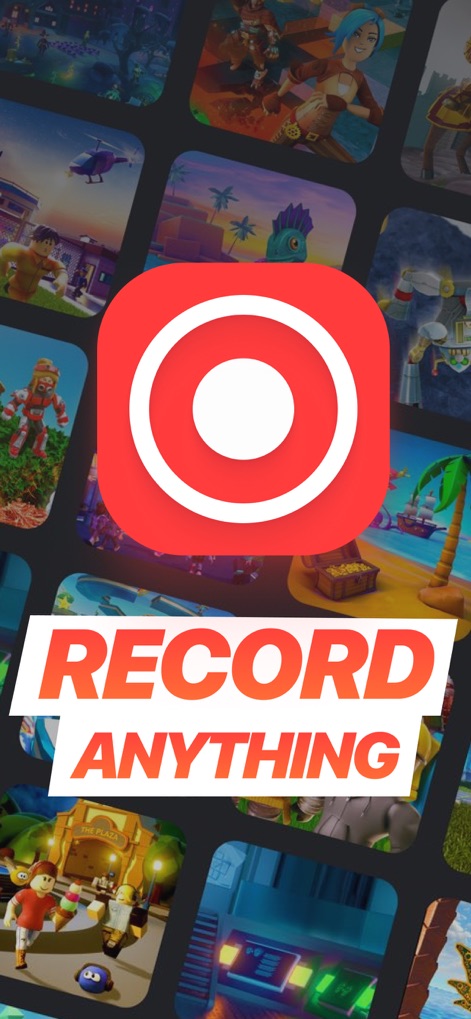
See the app's iconic record button center stage, promising users the ability to capture any content from a wide array of game thumbnails.
Record Anything, Anywhere

Discover the intuitive one-tap interface, offering users options like 'Smart Recorder' and a clear 'Start Recording' button for instant capture.
Seamless Recording Start

Witness the integrated Face Cam feature, allowing users to add personal reactions directly over their gameplay footage for engaging content.
Dynamic Face Cam
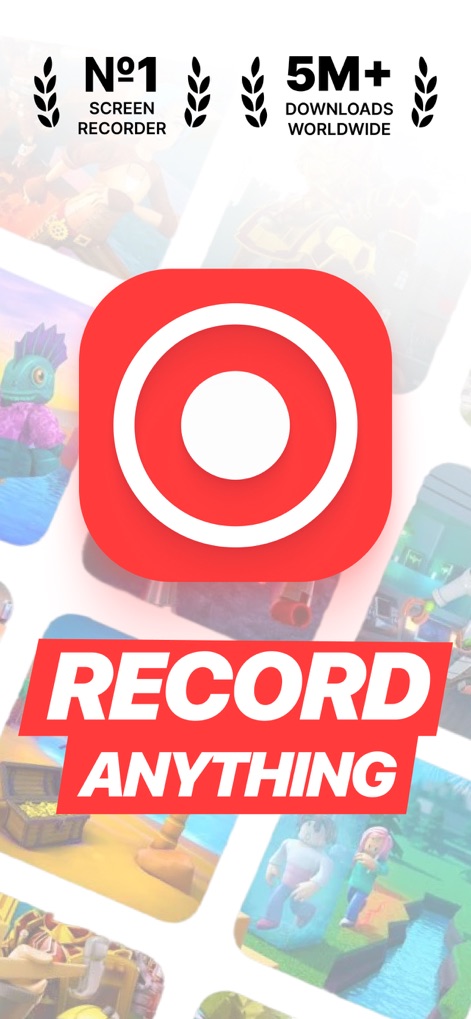
Explore the app's impressive credentials, highlighting its status as the 'Nº1 Screen Recorder' and boasting over '5M+ Downloads Worldwide'.
Proven Global Choice
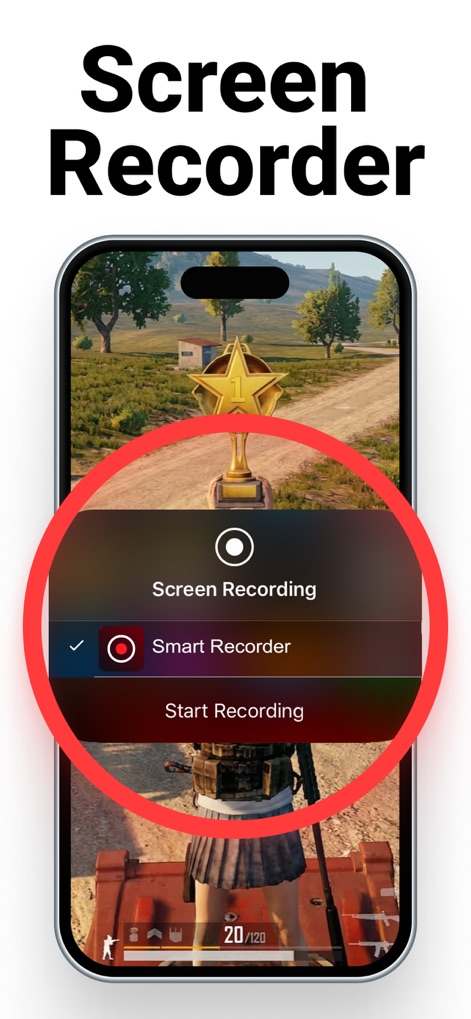
Examine the streamlined recording options, providing users with a quick choice between 'Screen Recording' and 'Smart Recorder' for tailored captures.
Effortless Capture Controls
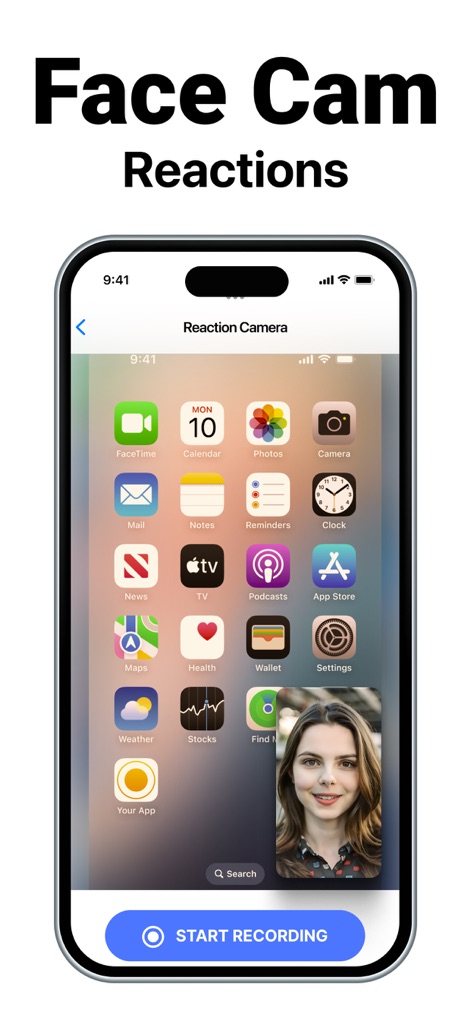
Observe the versatility of the Face Cam, allowing users to position their reaction window anywhere on the screen before hitting the 'START RECORDING' button.
Flexible Face Cam Placement
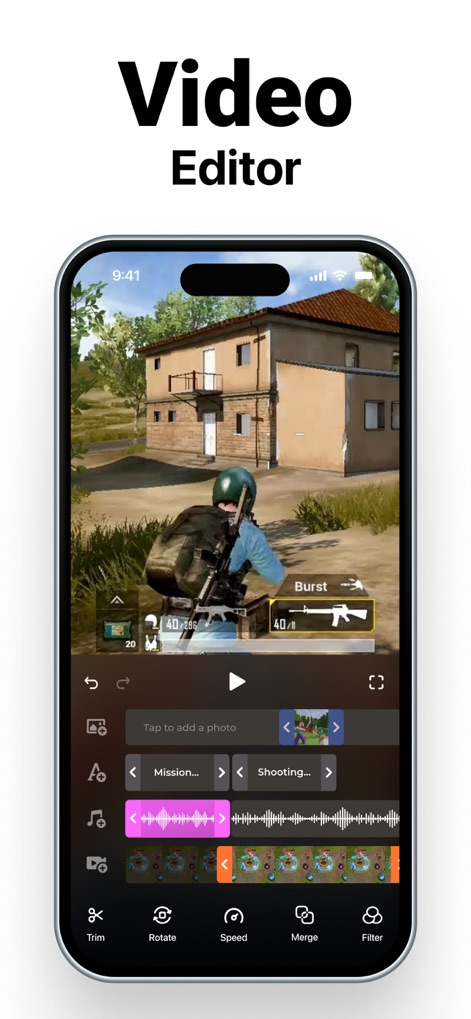
Delve into the comprehensive built-in editor, showcasing multi-track video timelines and essential tools such as 'Trim' and 'Filter' for professional-grade results.
Integrated Video Editor
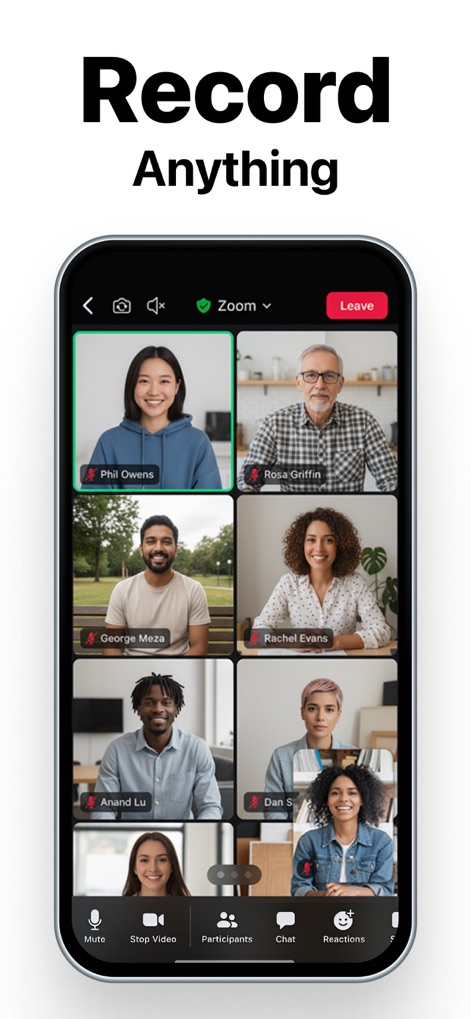
Illustrates the app's capability to seamlessly record virtual meetings, featuring a clear grid of participants and essential meeting controls.
Capture Online Meetings
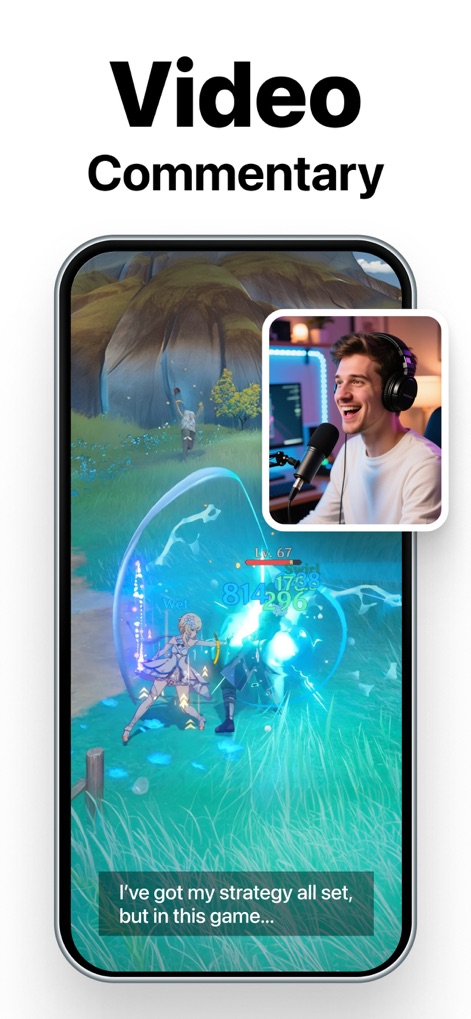
Showcases how users can enhance their content with professional 'Video Commentary', complete with a visible Face Cam overlay and customizable subtitle text.
Professional Commentary Capture
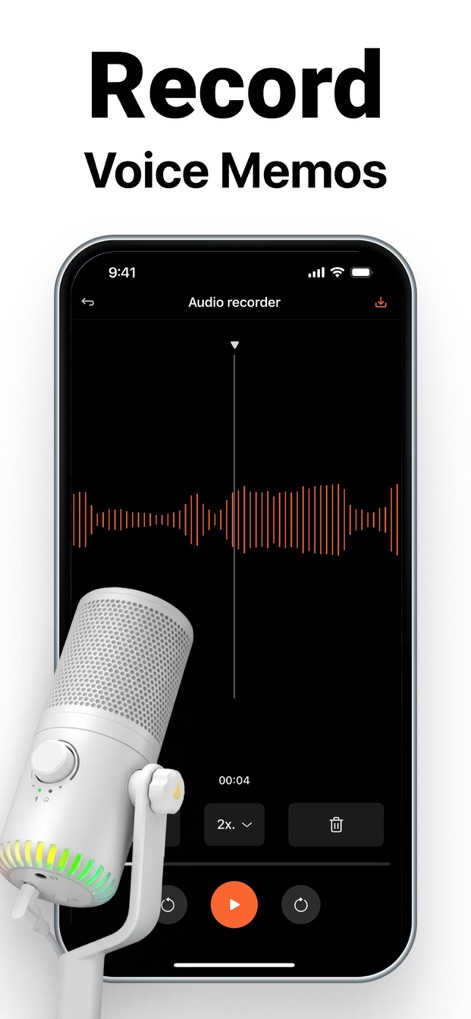
Experience pristine audio capture with the dedicated 'Audio Recorder', featuring a clear waveform visualization and a distinct microphone icon for voice memos or commentary.
Crystal Clear Audio Recording
Description
Download
More Like This
Apps with similar features and user experience

Medal - Game Clipping
Medal B.V.

Screen Recorder,Video Recorder
VIDEOSHOW PTE. LTD.

Record it! :: Screen Recorder
DIGISET LLC

Screen Recorder Voice & Video
Arthur Eduardo Skaetta Alvarez Desenvolvimento de Software LTDA.

Screen Recorder ®
Poster App LLP

Super Screen Recorder: Full HD
Dream United, Ltd.

Screen Recorder: Go Record
Torqued Studios LLC

Screen Recorder-Video & Voice
Danila Ianushev

Screen recorder - video
Mark Thomas
This page is not an official page of the app or its developer, but an independent editorial publication created for informational and commentary purposes. Unless expressly stated otherwise, neither the app nor its developer is affiliated with, endorsed by, sponsored by, authorized by, or otherwise officially connected with MWM, Apple, Google Play, the app publisher, or the app's developer, and nothing on this page implies that the app was developed using MWM's services. Any trademarks, logos, screenshots, and other content remain the property of their respective owners.