
This page is not an official page of the app or its developer, but an independent editorial publication created for informational and commentary purposes. Unless expressly stated otherwise, neither the app nor its developer is affiliated with, endorsed by, sponsored by, authorized by, or otherwise officially connected with MWM, Apple, Google Play, the app publisher, or the app's developer, and nothing on this page implies that the app was developed using MWM's services. Any trademarks, logos, screenshots, and other content remain the property of their respective owners.


Smart Comic Reader
Stop squinting and start reading. Our intelligent AI automatically detects and zooms into comic panels, bringing a seamless guided-view experience to your CBR, CBZ, and PDF library across all your devices.
Downloads
204K+User Rating
Total Ratings
2K+Publisher
Category
BooksLocales
3Latest Version
1.11.0Size
53.3 MBFirst Released
Oct 28, 2020The Ultimate Reading Experience for Collectors
Effortlessly enjoy your CBR, CBZ, and PDF comics with automated panel detection and seamless iCloud synchronization across all your Apple devices.
Smart Panel-to-Panel Flow
Stop squinting and manual zooming. Our engine automatically detects panel boundaries so you can read comfortably on your iPhone with a simple tap.
Cloud-Powered Library Sync
Save local storage and keep your collection in sync via iCloud. Access your folders from any device and never lose your place again.
The following screenshots and description are sourced directly from the app's official store listing and are the property of the app developer.
App Store
Screenshots
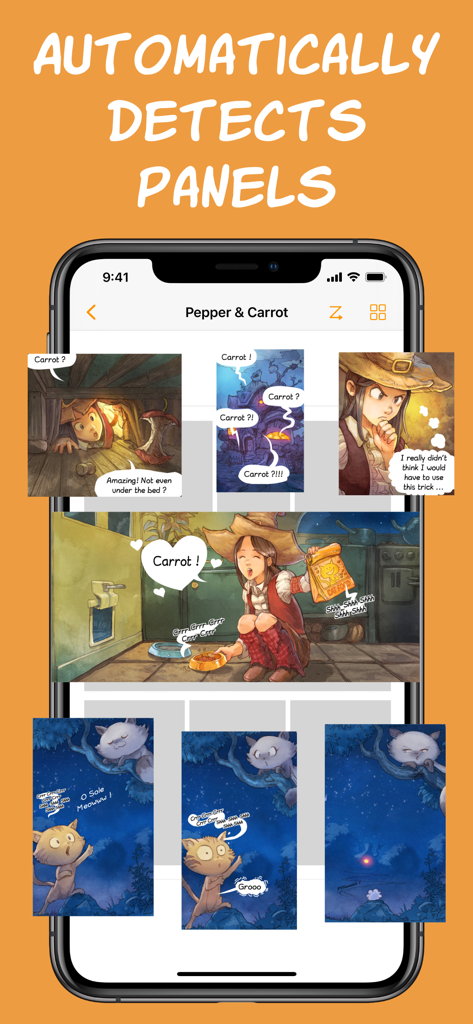
iPhone screen displaying automatic panel detection for digital comics and manga
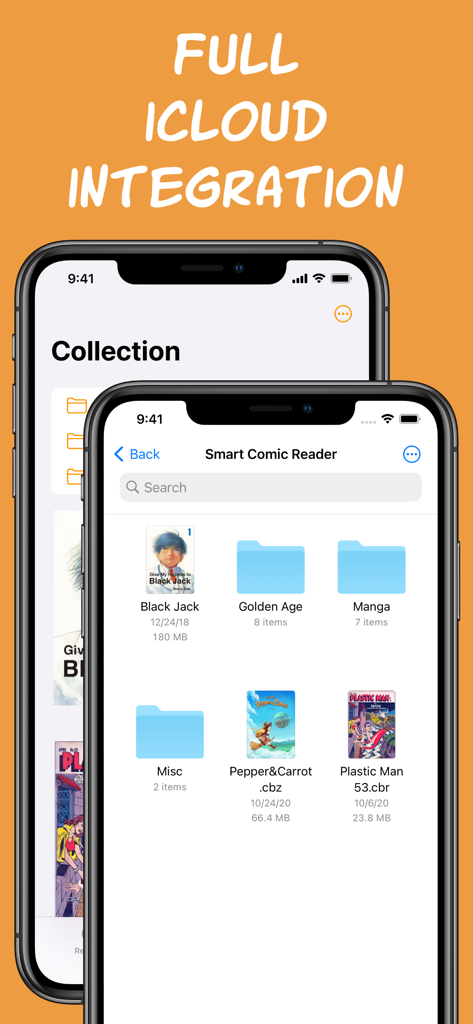
Smart Comic Reader app interface showing iCloud integration for organizing digital comic and manga collections on iPhone.
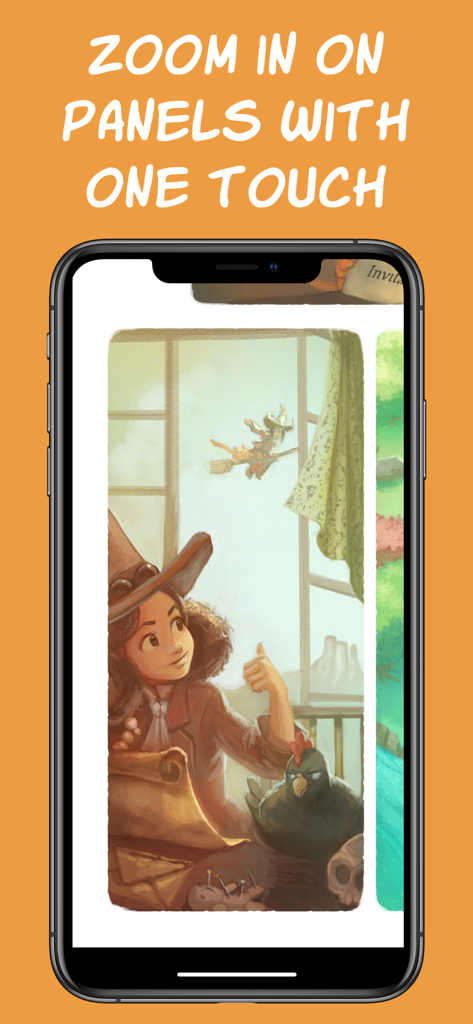
An iPhone screen displaying a zoomed in comic book panel using the Smart Comic Reader app feature
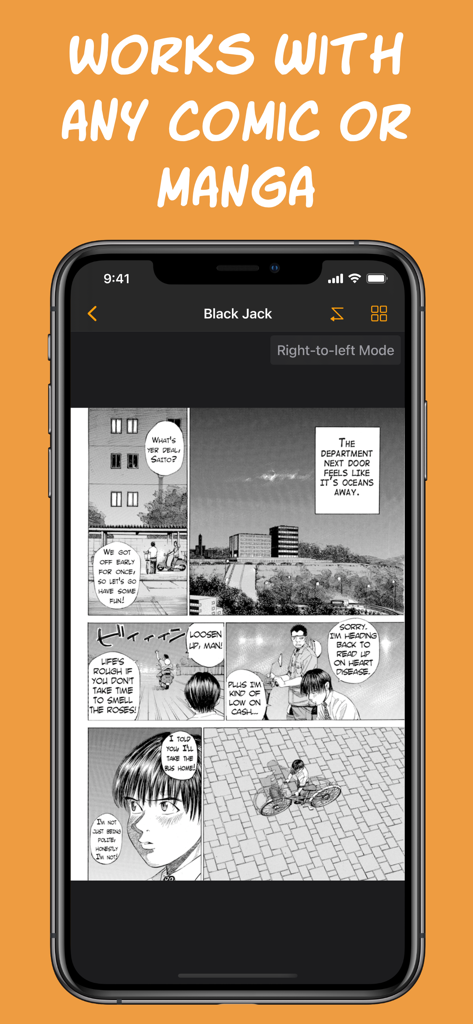
An iPhone screen displaying a black and white manga page within the Smart Comic Reader app using right-to-left mode.
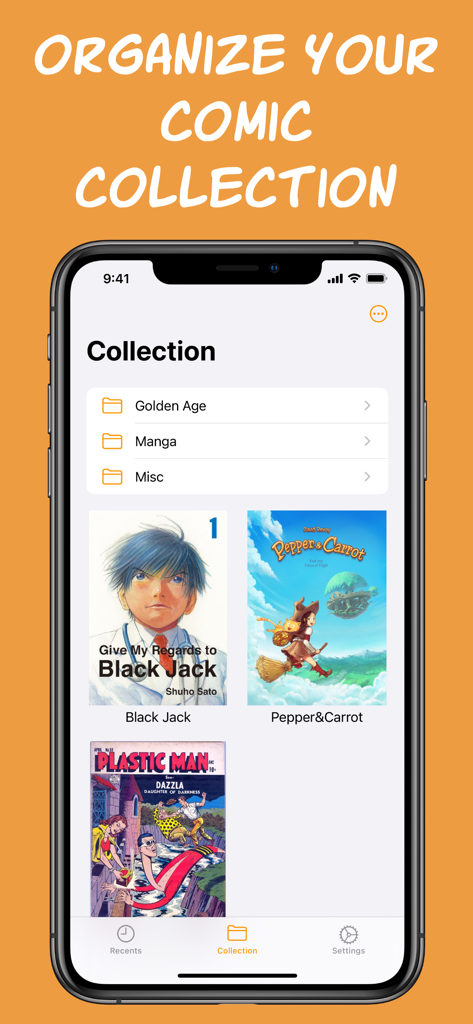
A mobile app screen showing a digital comic library organized with folders and book covers
Description
Download
More Like This
Apps with similar features and user experience

eBoox - fb2 ePub book reader
REDIT, OOO

PureLibro: ebook reader
添欢 谢

Summit Reader
三英 郑

Readingo
哲魁 左

YACReader - Comic Reader
Luis Ángel San Martín

KRed Reader
Kingjet Network Co., Ltd.

Epub Reader -read epub,chm,txt
俊杰 阮

Yomu EBook Reader
Beat Raess

KyBook 3 Ebook Reader
Konstantin Bukreev
This page is not an official page of the app or its developer, but an independent editorial publication created for informational and commentary purposes. Unless expressly stated otherwise, neither the app nor its developer is affiliated with, endorsed by, sponsored by, authorized by, or otherwise officially connected with MWM, Apple, Google Play, the app publisher, or the app's developer, and nothing on this page implies that the app was developed using MWM's services. Any trademarks, logos, screenshots, and other content remain the property of their respective owners.