
This page is not an official page of the app or its developer, but an independent editorial publication created for informational and commentary purposes. Unless expressly stated otherwise, neither the app nor its developer is affiliated with, endorsed by, sponsored by, authorized by, or otherwise officially connected with MWM, Apple, Google Play, the app publisher, or the app's developer, and nothing on this page implies that the app was developed using MWM's services. Any trademarks, logos, screenshots, and other content remain the property of their respective owners.

Smart Printer App - Air Print
Empower your productivity with the simplest way to scan, edit, and print documents or photos directly from your iPhone or iPad to any AirPrint-compatible printer.
Downloads
1M+User Rating
Total Ratings
17K+Publisher
Category
BusinessLocales
1Latest Version
4.9.4Size
185.7 MBFirst Released
Jan 19, 2022Everything You Need to Print with Confidence
Stop struggling with complicated drivers and bulky hardware. Our all-in-one suite turns your iPhone or iPad into a powerful mobile command center for every printing task.
Universal Wireless Printing
Skip the frustration of brand-specific apps. Connect instantly to any AirPrint-compatible printer in your home or office for a seamless, one-tap experience.
High-Quality Mobile Scanning
No more bulky scanners. Use your camera to digitize contracts, receipts, or school forms, then crop and print them in professional monochrome or color.
Frequently Asked Questions
Everything you need to know about Smart Printer App - Air Print
What is Smart Printer App - Air Print?
Smart Printer App - Air Print is an all-in-one application for iPhone and iPad, designed for easy printing of photos and documents. It supports printing from emails, webpages, and includes scanning capabilities.
What document formats does Smart Printer App support for printing?
Smart Printer App prints documents scanned with the device camera, emails with attachments, and full-length webpages. Users resize and choose between color or monochrome printing for documents.
Can the Smart Printer App print photos from my iPhone?
Yes, the Smart Printer App prints photos directly from your iPhone library. Users rotate, flip, and resize photos. The app also supports printing multiple photos at the same time.
Does Smart Printer App offer document scanning features?
Yes, Smart Printer App offers document scanning features. Users scan documents with their device camera and print them. It also allows sharing of the scanned files.
Which printers are compatible with Smart Printer App?
Smart Printer App supports most AirPrint-compatible printers from various manufacturers. It connects to any printer via Wi-Fi and is compatible with over 10,000 printer models.
What are the subscription prices for Smart Printer App?
Smart Printer App offers premium subscriptions starting from USD 4.99. Available durations include 1-week, 1-month, and 1-year. Exact pricing for specific regions is available within the app.
How does Smart Printer App handle subscription renewals?
Smart Printer App subscriptions automatically renew. Users must turn off auto-renew at least 24 hours before the current period ends to prevent renewal. Payment occurs via the iTunes account.
Can I cancel my Smart Printer App subscription?
Yes, users manage their Smart Printer App subscription and turn off auto-renewal through their iTunes Account Settings. Refunds are not issued for any unused portion of the term.
Does Smart Printer App include cloud storage?
Yes, Smart Printer App includes 100GB of cloud storage. This feature allows users to safely store photos, documents, and other files. It also offers an auto-sync to cloud option.
What features does the DocGPT assistant provide in Smart Printer App?
The Smart Printer App's DocGPT assistant writes emails and business proposals. It provides PDF summaries, analyzes data, and generates reports with explanations, insights, and recommendations.
Does Smart Printer App offer printable templates?
Yes, Smart Printer App provides access to over 1000 printables. These include 2024 calendars, Christmas cards, and coloring crafts, organized into categories like Business & Productivity.
The following screenshots and description are sourced directly from the app's official store listing and are the property of the app developer.
App Store
Screenshots
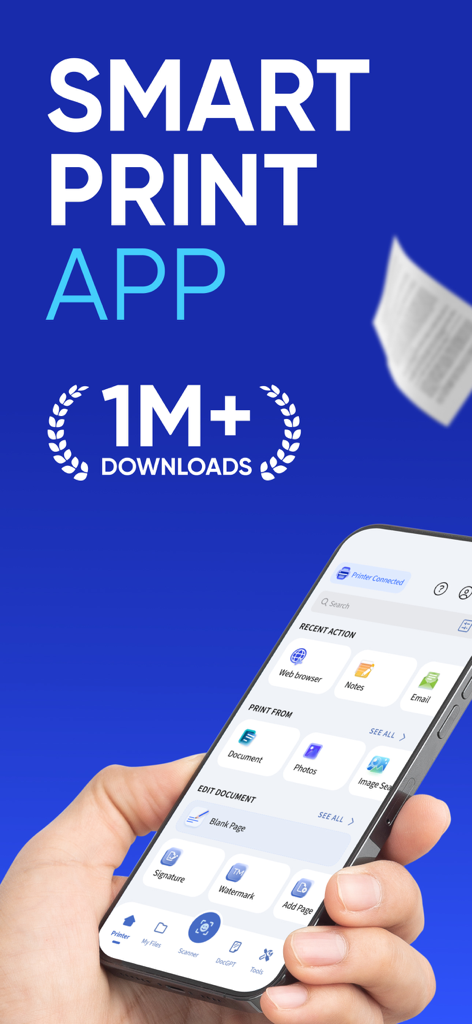
A hand holding an iPhone displaying the Smart Printer App interface with options for printing documents photos and emails.
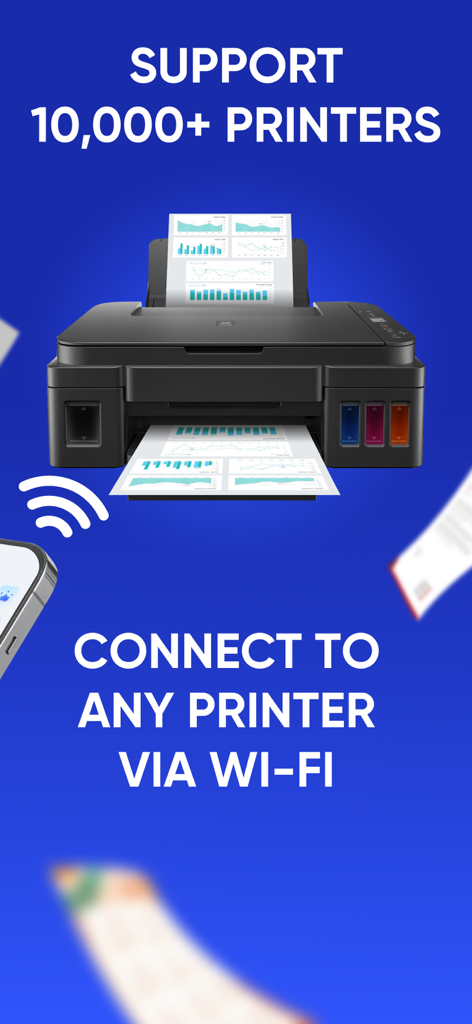
Smart Printer App showing compatibility with over 10,000 printers via Wi-Fi connection
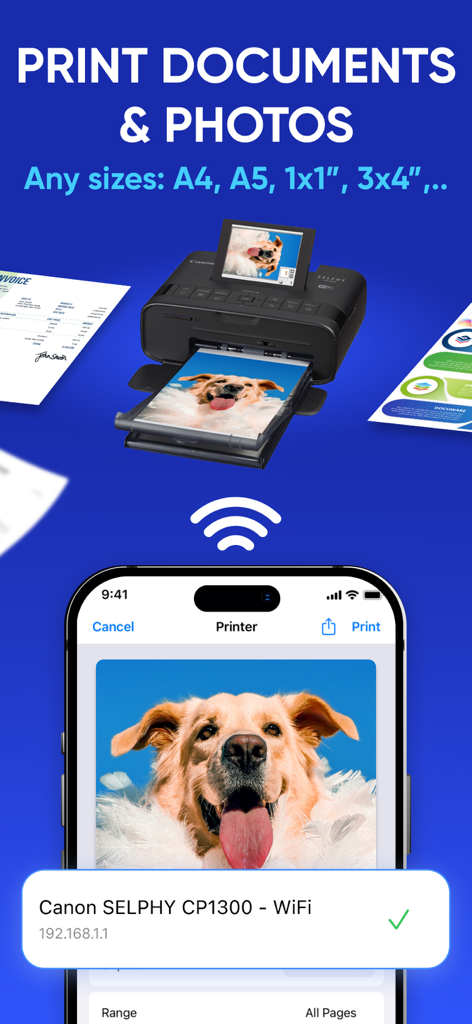
iPhone interface of Smart Printer App showing wireless document and photo printing to a Canon printer
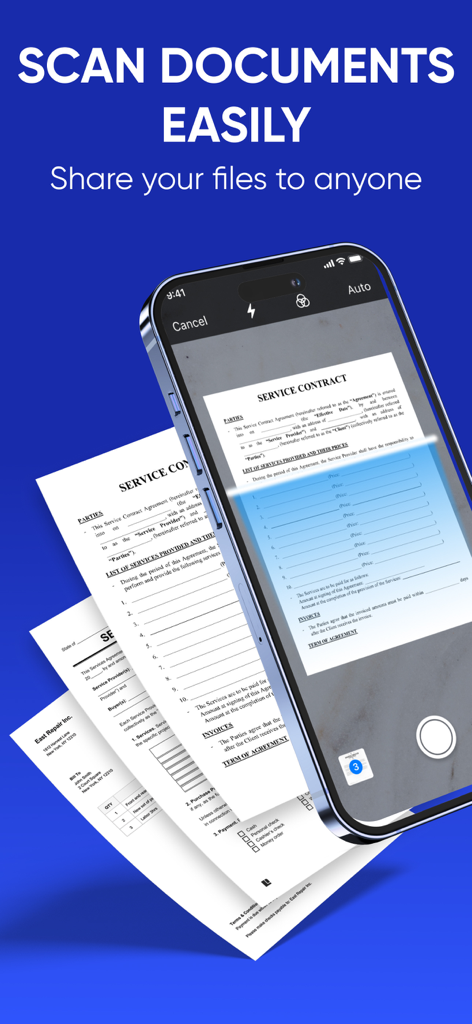
A smartphone using the Smart Printer App to scan a business service contract document.
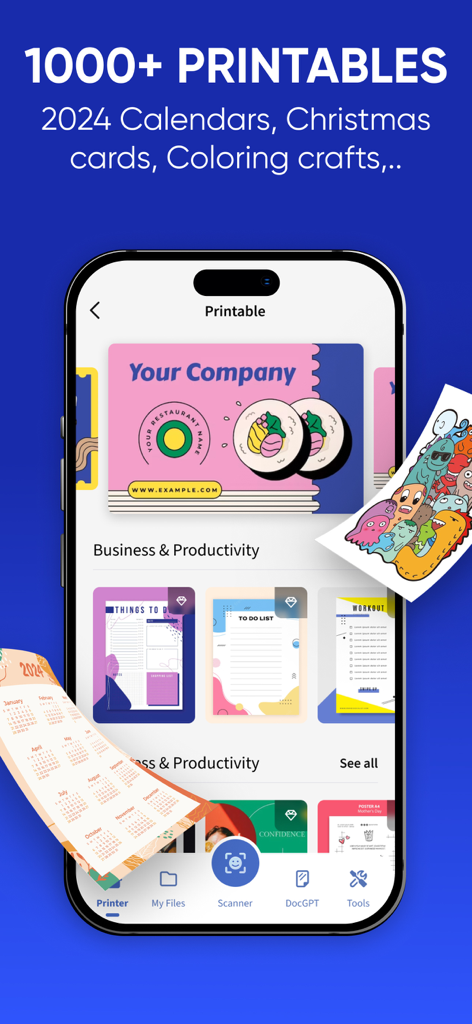
iPhone screen displaying the Smart Printer App printable library with templates for business cards, to-do lists, and calendars.
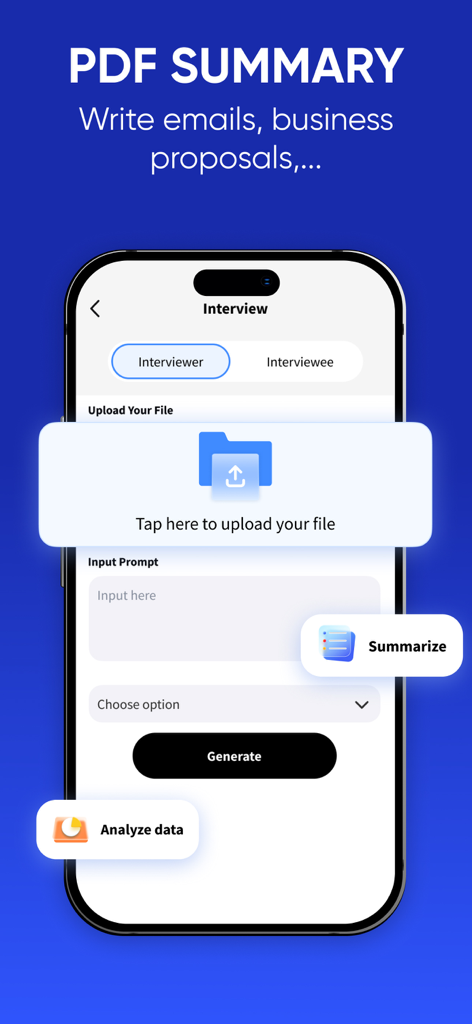
Smart Printer App screen showing the PDF summary and AI business writing feature
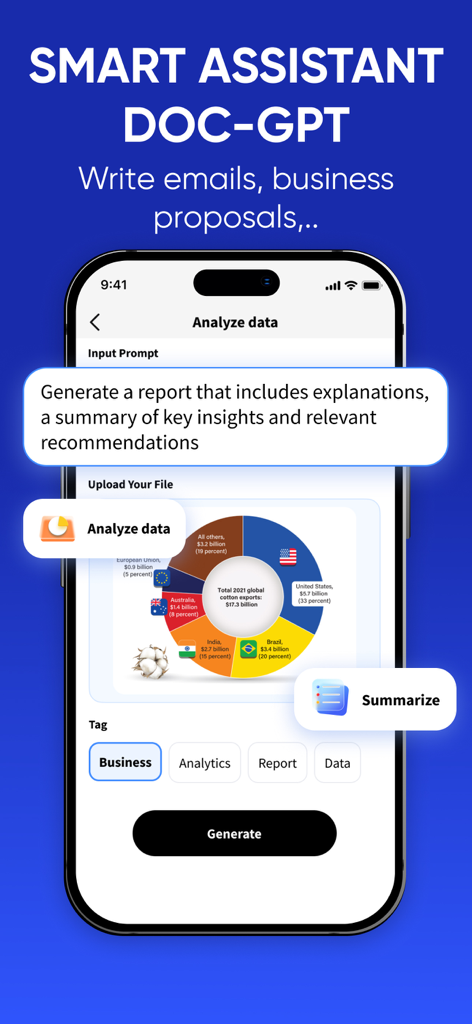
Smart Printer App AI document assistant for data analysis and report generation
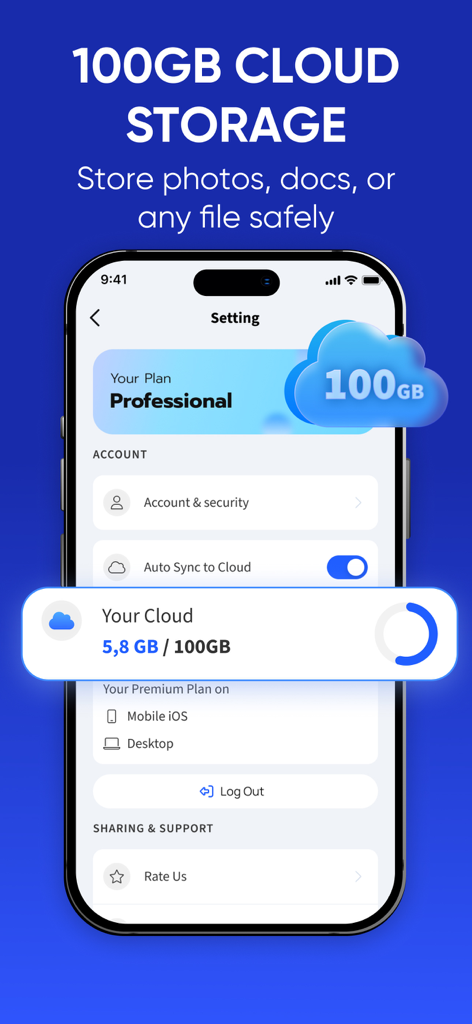
Smart Printer App interface showing 100GB cloud storage for photos and documents with auto-sync feature
Description
Download
More Like This
Apps with similar features and user experience

Docuslice - Poster Printing
Jeremiah Lachica

Printer Pro: Smart Printer App
Ivan Spyrydonov

HP
HP Inc.

Canon PRINT
Canon Inc.

Epson Smart Panel
Seiko Epson Corporation

Brother Mobile Connect
Brother Industries, LTD.

Epson iPrint
Seiko Epson Corporation

Printer App: Smart Print
Netpeak EOOD

Smart Printer App: iPrint
AppFusion OU
This page is not an official page of the app or its developer, but an independent editorial publication created for informational and commentary purposes. Unless expressly stated otherwise, neither the app nor its developer is affiliated with, endorsed by, sponsored by, authorized by, or otherwise officially connected with MWM, Apple, Google Play, the app publisher, or the app's developer, and nothing on this page implies that the app was developed using MWM's services. Any trademarks, logos, screenshots, and other content remain the property of their respective owners.