
This page is not an official page of the app or its developer, but an independent editorial publication created for informational and commentary purposes. Unless expressly stated otherwise, neither the app nor its developer is affiliated with, endorsed by, sponsored by, authorized by, or otherwise officially connected with MWM, Apple, Google Play, the app publisher, or the app's developer, and nothing on this page implies that the app was developed using MWM's services. Any trademarks, logos, screenshots, and other content remain the property of their respective owners.

Smart Printer App:Print & Scan
Connect to over 10,000 printer models instantly. No drivers, no hassle—just fast, professional wireless printing for your documents and photos.
Downloads
331K+User Rating
Total Ratings
2K+Publisher
Category
BusinessLocales
7Latest Version
V2.6.6Size
18.5 MBFirst Released
Jan 6, 2025One App, Every Printer
The ultimate solution for hybrid workers and busy parents. Connect to over 10,000 printer models instantly and eliminate the frustration of drivers and complex setups.
Universal Compatibility
Support for 10,000+ printer models including HP, Epson, Canon, and Brother. Use one single app for your home, office, and mobile sprocket printers.
Zero-Driver Setup
Skip the technical headaches. Our smart automatic detection connects your iPhone or iPad to any wireless printer in seconds without manual driver installations.
Frequently Asked Questions
Everything you need to know about Smart Printer App:Print & Scan
What printer models does Smart Printer App:Print & Scan support?
The Smart Printer App:Print & Scan supports over 10,000 models of wireless mobile WiFi printers. It offers wide compatibility for various types, including laserjet and sprocket printers.
Does Smart Printer App:Print & Scan require printer driver installation?
No, the Smart Printer App:Print & Scan features automatic detection and installation of printer drivers. This eliminates the need for manual driver downloads and complex setups.
What types of content can Smart Printer App:Print & Scan print?
Smart Printer App:Print & Scan allows printing of photos from the gallery, documents from files, emails, and files from Dropbox. It also supports printing web pages.
Does Smart Printer App:Print & Scan offer document scanning?
Yes, Smart Printer App:Print & Scan includes a dedicated scanner function. Users can scan any document directly within the app, providing comprehensive document management.
How fast is the printer connection with Smart Printer App:Print & Scan?
Smart Printer App:Print & Scan provides a lightning-fast connection. Users establish a quick link between their phone and printer in simple steps, enabling immediate 'click to PRINT' functionality.
The following screenshots and description are sourced directly from the app's official store listing and are the property of the app developer.
App Store
Screenshots
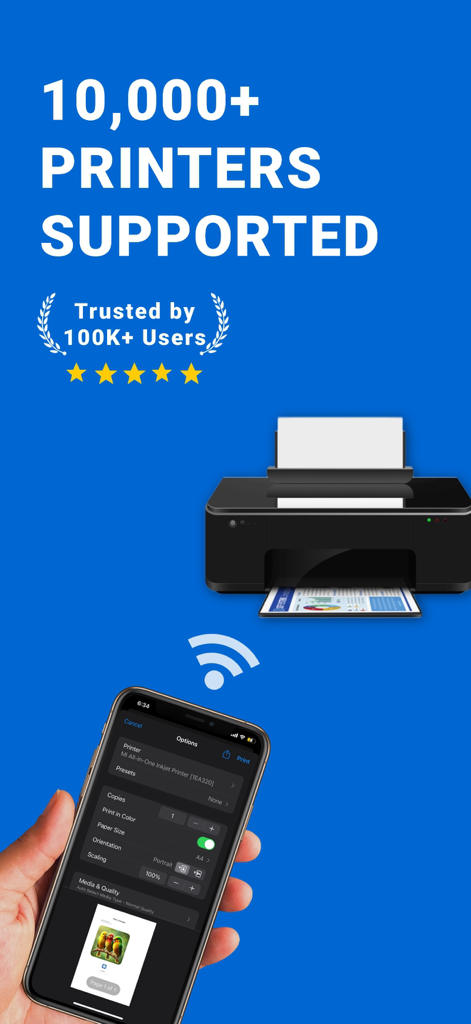
Smartphone wirelessly printing a document to a desktop printer using the Smart Printer App
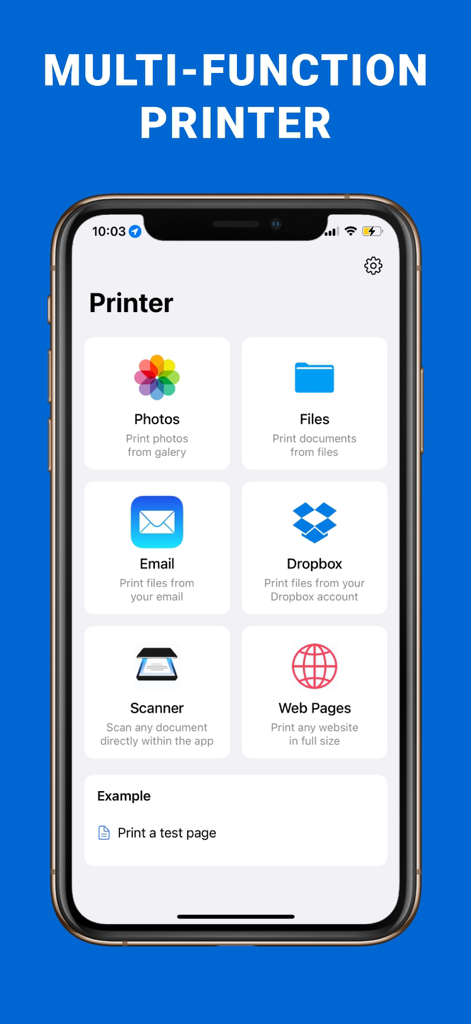
Main dashboard of the Smart Printer App showing options for printing photos files emails and scanning documents
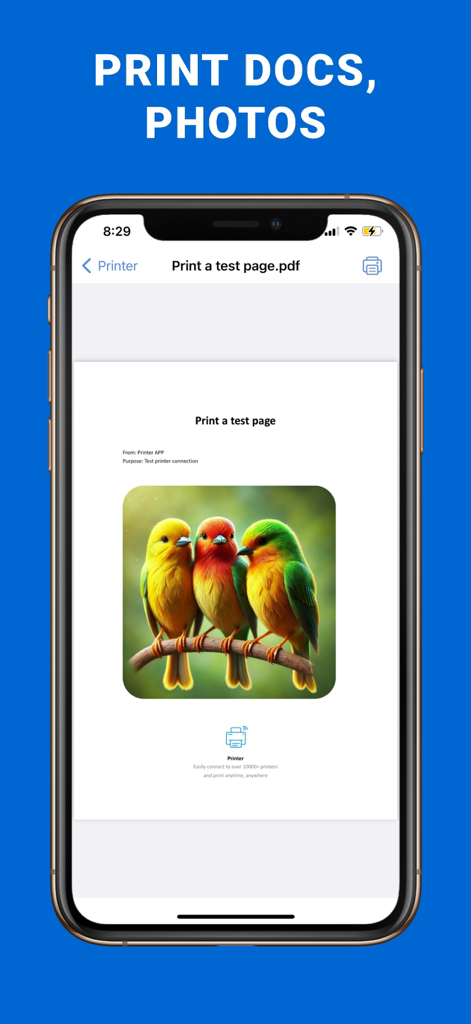
iPhone screen showing the Smart Printer App interface with a photo print preview of colorful birds
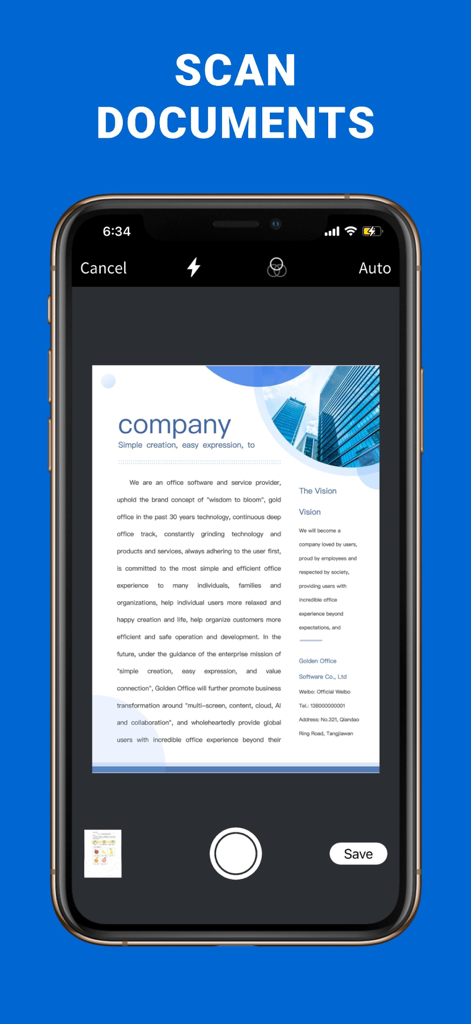
Smartphone screen showing a document being scanned using the Smart Printer App
Description
Download
More Like This
Apps with similar features and user experience

Docuslice - Poster Printing
Jeremiah Lachica

Printer Pro: Smart Printer App
Ivan Spyrydonov

HP
HP Inc.

Canon PRINT
Canon Inc.

Epson Smart Panel
Seiko Epson Corporation

Brother Mobile Connect
Brother Industries, LTD.

Epson iPrint
Seiko Epson Corporation

Printer App: Smart Print
Netpeak EOOD

Smart Printer App: iPrint
AppFusion OU
This page is not an official page of the app or its developer, but an independent editorial publication created for informational and commentary purposes. Unless expressly stated otherwise, neither the app nor its developer is affiliated with, endorsed by, sponsored by, authorized by, or otherwise officially connected with MWM, Apple, Google Play, the app publisher, or the app's developer, and nothing on this page implies that the app was developed using MWM's services. Any trademarks, logos, screenshots, and other content remain the property of their respective owners.