
This page is not an official page of the app or its developer, but an independent editorial publication created for informational and commentary purposes. Unless expressly stated otherwise, neither the app nor its developer is affiliated with, endorsed by, sponsored by, authorized by, or otherwise officially connected with MWM, Apple, Google Play, the app publisher, or the app's developer, and nothing on this page implies that the app was developed using MWM's services. Any trademarks, logos, screenshots, and other content remain the property of their respective owners.

Smart Printer App: Printer
Connect seamlessly to 8,000+ printer models. Effortlessly print, scan, and sign documents or photos in seconds—turning your smartphone into a powerful portable productivity hub.
Downloads
190K+User Rating
Total Ratings
100Publisher
Category
BusinessLocales
10Latest Version
2.3Size
83.0 MBFirst Released
Jul 6, 2020Your Professional Mobile Command Center
Stop struggling with outdated drivers and complex setups. Our all-in-one utility bridges the gap between your iPhone and over 8,000 wireless printer models worldwide.
Universal Wireless Printing
Connect instantly to HP, Epson, Canon, Brother, and more. Print documents, photos, and emails in seconds without ever touching a laptop.
Scan, Sign & Convert
Turn your phone into a high-end copier. Batch scan multiple pages, add your digital signature, and convert files to PDF with one tap.
Frequently Asked Questions
Everything you need to know about Smart Printer App: Printer
What is the Smart Printer App: Printer?
The Smart Printer App: Printer is a mobile application that simplifies printing documents and photos from your smartphone. It supports over 8,000 wireless printer models and includes features for scanning, editing, converting files, and sharing.
Can I print photos and documents with the Smart Printer App?
Yes, the Smart Printer App: Printer allows users to effortlessly connect to their printer from anywhere using a smartphone to print documents and photos anytime.
How many printer models does the Smart Printer App support?
The Smart Printer App: Printer supports over 8,000 wireless printer models, offering extensive compatibility for various printing needs.
Does the Smart Printer App have scanning capabilities?
Yes, the Smart Printer App: Printer includes scanning capabilities. Users can quickly scan multiple files or photos for printing and perform batch document scanning.
Can I edit scanned documents in the Smart Printer App?
Yes, after scanning documents in bulk with the Smart Printer App: Printer, users can easily edit them by adding signatures and other modifications.
Does the Smart Printer App support OCR for photo to text conversion?
Yes, the Smart Printer App: Printer utilizes smart OCR technology to extract text directly from photos. It also supports photo translation into multiple languages.
Can I convert files to PDF using the Smart Printer App?
Yes, the Smart Printer App: Printer allows users to seamlessly convert photos, Word documents, and PowerPoint presentations into PDF files. It also converts JPG to PDF and vice versa.
How do subscriptions work for the Smart Printer App?
Payment for Smart Printer App subscriptions is charged to your iTunes Account upon purchase. Subscriptions automatically renew unless auto-renew is turned off at least 24 hours before the current period ends.
How can I manage my Smart Printer App subscription?
Users can manage their Smart Printer App: Printer subscriptions and turn off auto-renewal by going to their Account Settings after purchase.
Does the Smart Printer App allow file sharing?
Yes, the Smart Printer App: Printer allows easy sharing of processed files with friends and family with just one click.
Where can I find the Privacy Policy for the Smart Printer App?
The Privacy Policy for the Smart Printer App: Printer is available at https://textscanner.dpintelligence.com/privacy.
Can the Smart Printer App translate text from photos?
Yes, the Smart Printer App: Printer's advanced OCR technology enables extracting and translating text from photos into multiple languages.
Does the Smart Printer App offer free trial periods?
If offered, any unused portion of a free trial period for the Smart Printer App: Printer will be forfeited when a user purchases a subscription to that publication.
The following screenshots and description are sourced directly from the app's official store listing and are the property of the app developer.
App Store
Screenshots
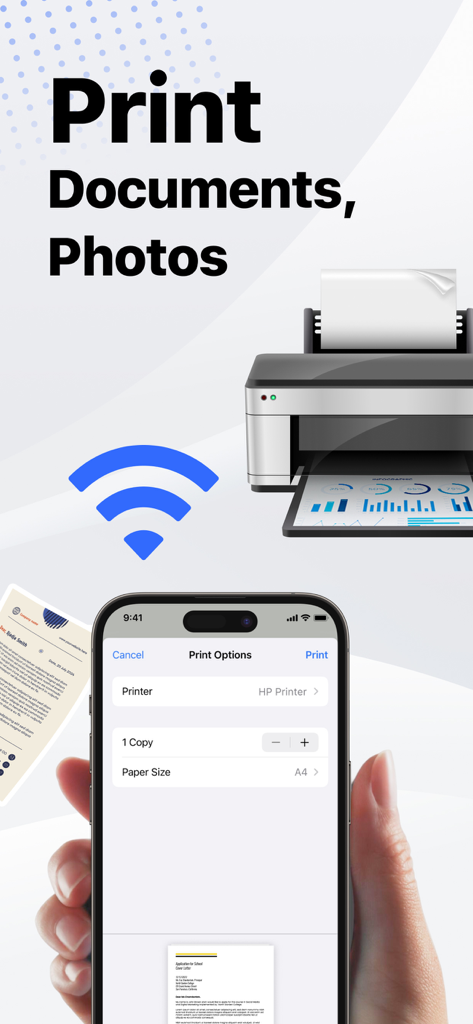
Smart Printer App interface showing wireless print options on an iPhone for documents and photos.
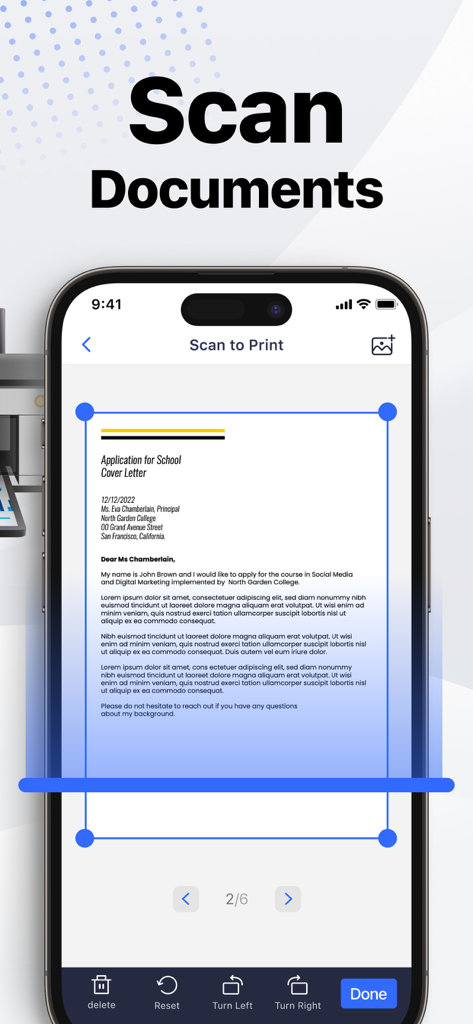
An iPhone screen displaying the Scan to Print feature of the Smart Printer App with a document being cropped for scanning.
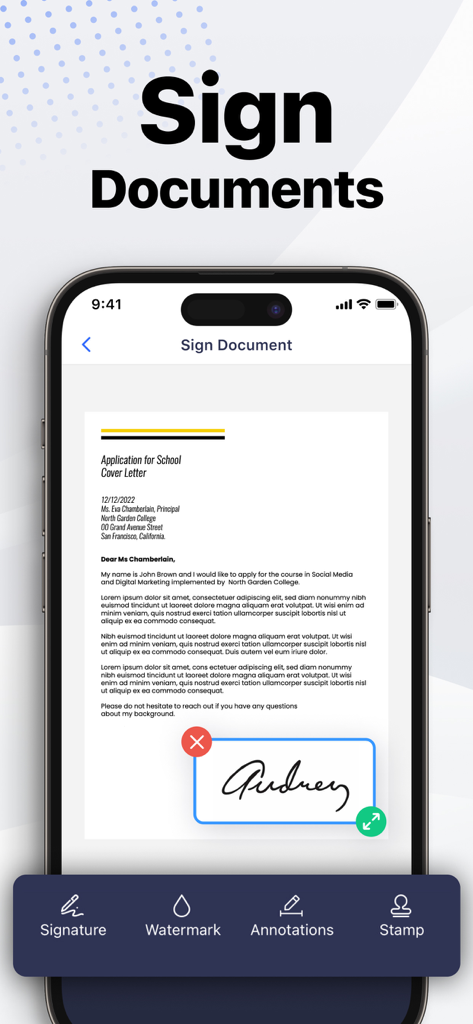
A mobile interface of the Smart Printer app showing a user adding a digital signature to a cover letter document on an iPhone.
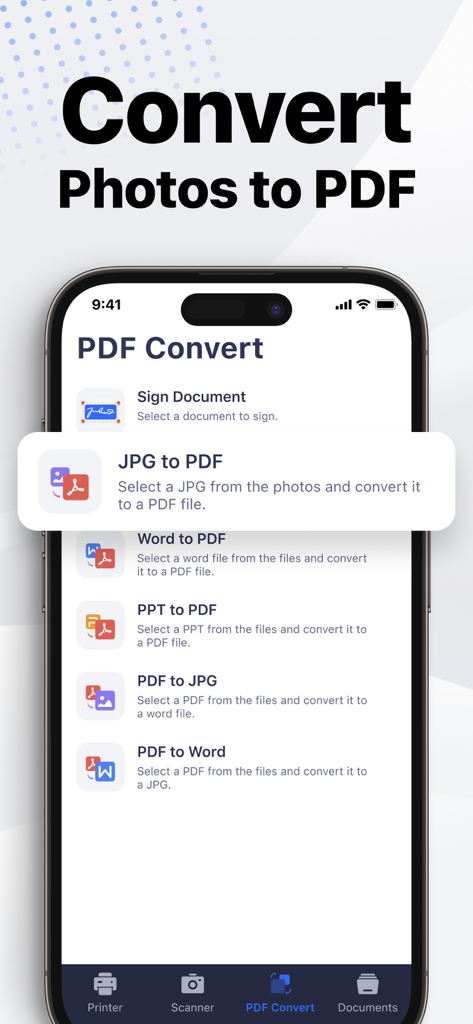
Smartphone interface of the Smart Printer App showing options to convert photos and documents to PDF
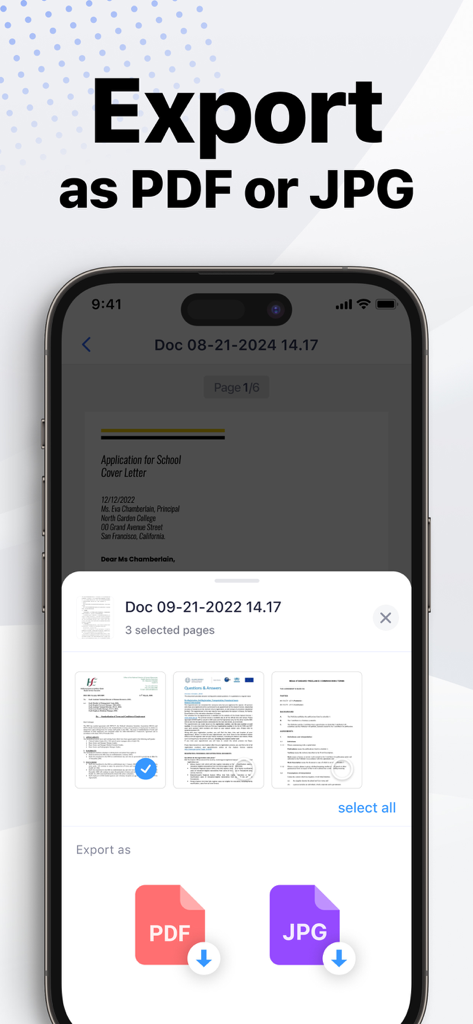
Smart Printer App interface showing the option to export scanned documents as PDF or JPG files
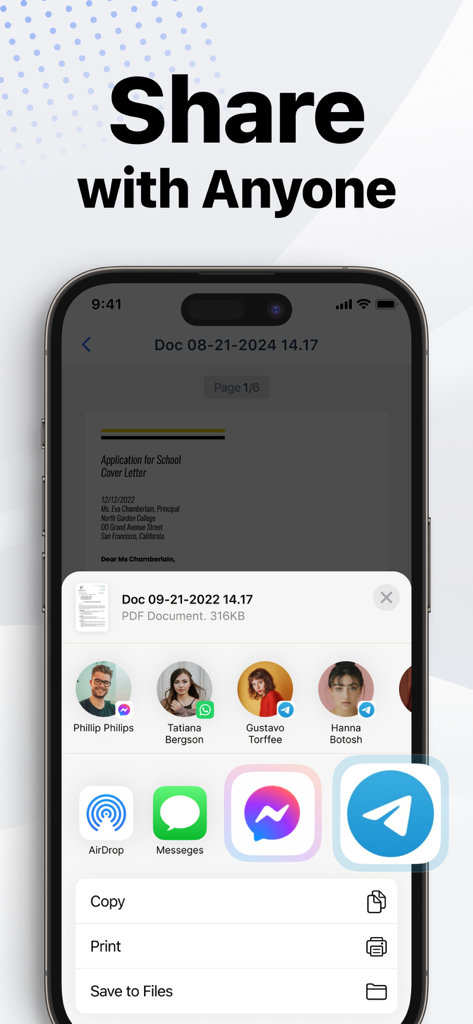
An iPhone screen displaying the share sheet to send documents via messaging apps and social media within the Smart Printer App.
Description
Download
More Like This
Apps with similar features and user experience

Docuslice - Poster Printing
Jeremiah Lachica

Printer Pro: Smart Printer App
Ivan Spyrydonov

HP
HP Inc.

Canon PRINT
Canon Inc.

Epson Smart Panel
Seiko Epson Corporation

Brother Mobile Connect
Brother Industries, LTD.

Epson iPrint
Seiko Epson Corporation

Printer App: Smart Print
Netpeak EOOD

Smart Printer App: iPrint
AppFusion OU
This page is not an official page of the app or its developer, but an independent editorial publication created for informational and commentary purposes. Unless expressly stated otherwise, neither the app nor its developer is affiliated with, endorsed by, sponsored by, authorized by, or otherwise officially connected with MWM, Apple, Google Play, the app publisher, or the app's developer, and nothing on this page implies that the app was developed using MWM's services. Any trademarks, logos, screenshots, and other content remain the property of their respective owners.