SparkReceipt: Expense Scanner
Download on App Store

This page is not an official page of the app or its developer, but an independent editorial publication created for informational and commentary purposes. Unless expressly stated otherwise, neither the app nor its developer is affiliated with, endorsed by, sponsored by, authorized by, or otherwise officially connected with MWM, Apple, Google Play, the app publisher, or the app's developer, and nothing on this page implies that the app was developed using MWM's services. Any trademarks, logos, screenshots, and other content remain the property of their respective owners.


Logo of SparkReceipt: Expense Scanner
Download on App Store

SparkReceipt: Expense Scanner

Stop the paper clutter and put your bookkeeping on autopilot. Use ChatGPT-driven intelligence to scan receipts, track expenses, and maximize your tax deductions effortlessly.

Key Figures

Downloads

2K+

User Rating

4.8/5

Total Ratings

600

Publisher

SparkReceipt Oy

Category

Finance

Locales

6

Latest Version

2.1.0

Size

117.9 MB

First Released

Feb 14, 2023
Features

Master Your Business Finances

Powerful tools designed for freelancers and solopreneurs to automate expense tracking and maximize tax deductions without the paperwork.

AI-Powered Smart Scanning

Leverage ChatGPT technology to automatically extract merchants, categories, and totals from any receipt with pinpoint accuracy.

Stress-Free Collaboration

Instantly share digital records with your accountant or team through secure links, keeping your tax season organized and friction-free.

The following screenshots and description are sourced directly from the app's official store listing and are the property of the app developer.

App Store

Screenshots
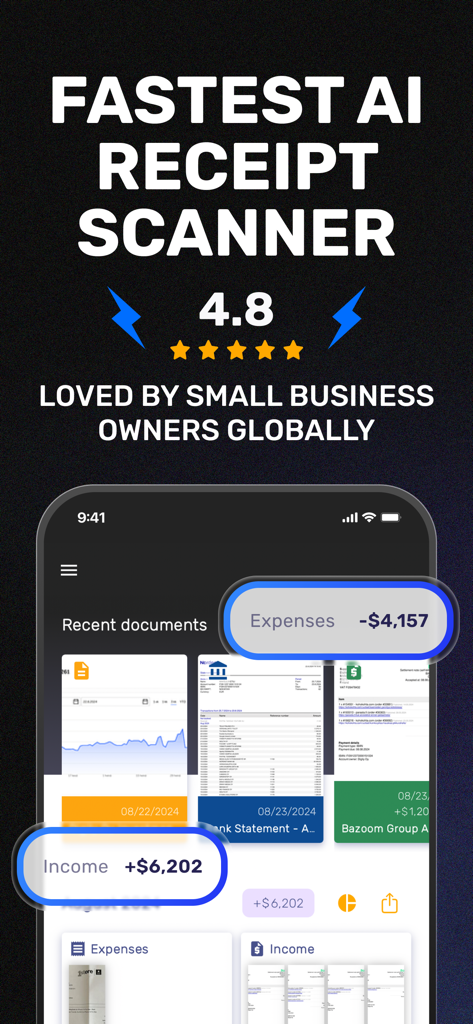
SparkReceipt: Expense Scanner - SparkReceipt app screen showing AI receipt scanner headline and financial summary dashboard
SparkReceipt app screen showing AI receipt scanner headline and financial summary dashboard

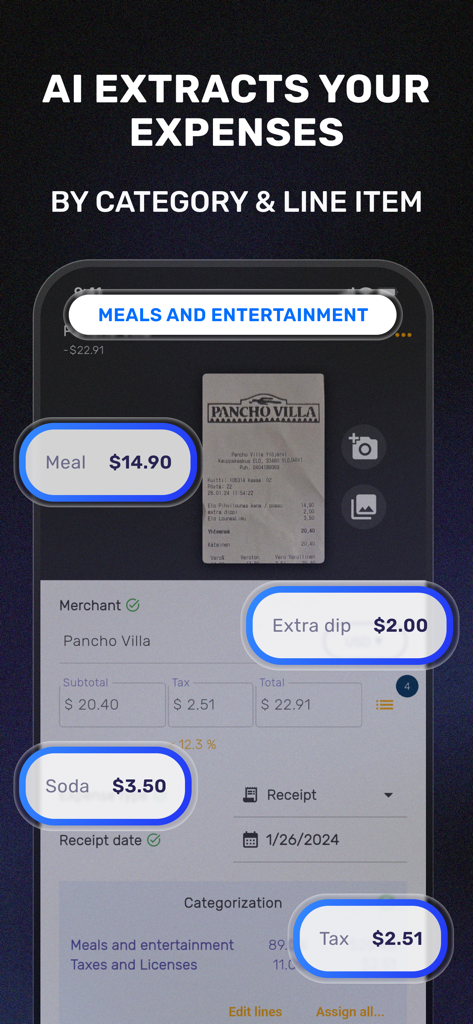
SparkReceipt: Expense Scanner - SparkReceipt app interface showing AI-powered extraction of expense line items and categories from a restaurant receipt
SparkReceipt app interface showing AI-powered extraction of expense line items and categories from a restaurant receipt

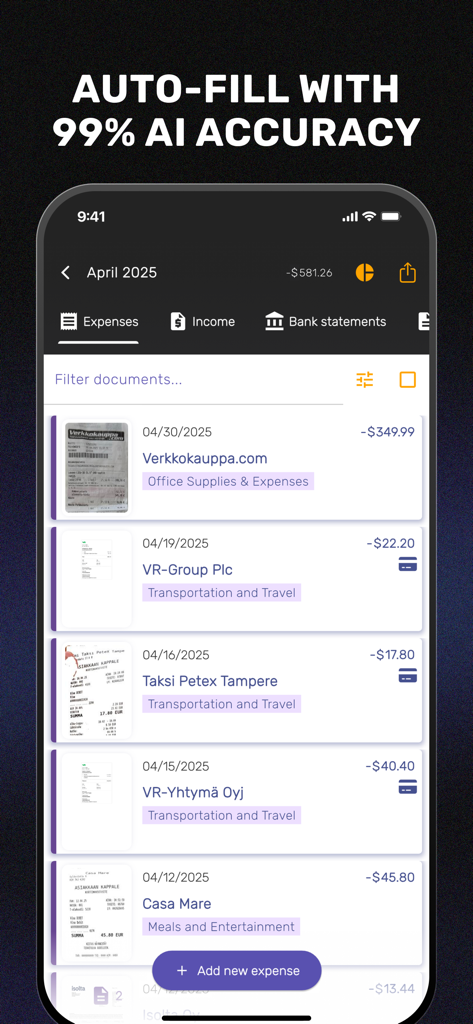
SparkReceipt: Expense Scanner - SparkReceipt mobile app dashboard displaying a list of scanned business receipts and expenses categorized by AI
SparkReceipt mobile app dashboard displaying a list of scanned business receipts and expenses categorized by AI

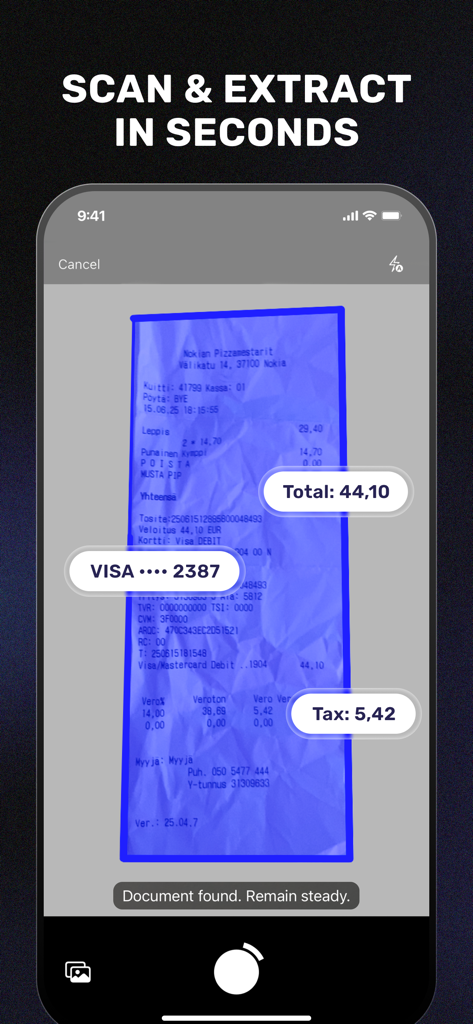
SparkReceipt: Expense Scanner - SparkReceipt mobile app interface scanning a receipt and automatically extracting total and tax data
SparkReceipt mobile app interface scanning a receipt and automatically extracting total and tax data

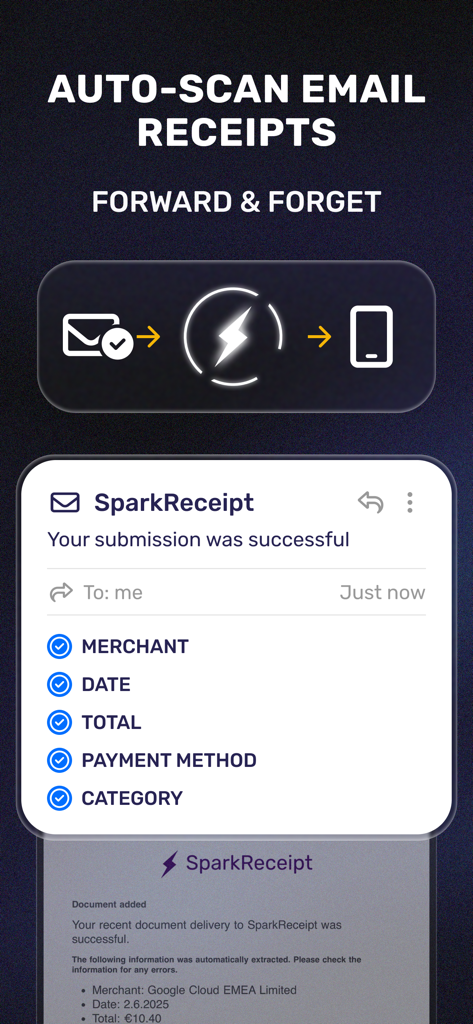
SparkReceipt: Expense Scanner - A diagram showing how to forward email receipts to SparkReceipt for automatic data extraction of merchant date and total
A diagram showing how to forward email receipts to SparkReceipt for automatic data extraction of merchant date and total

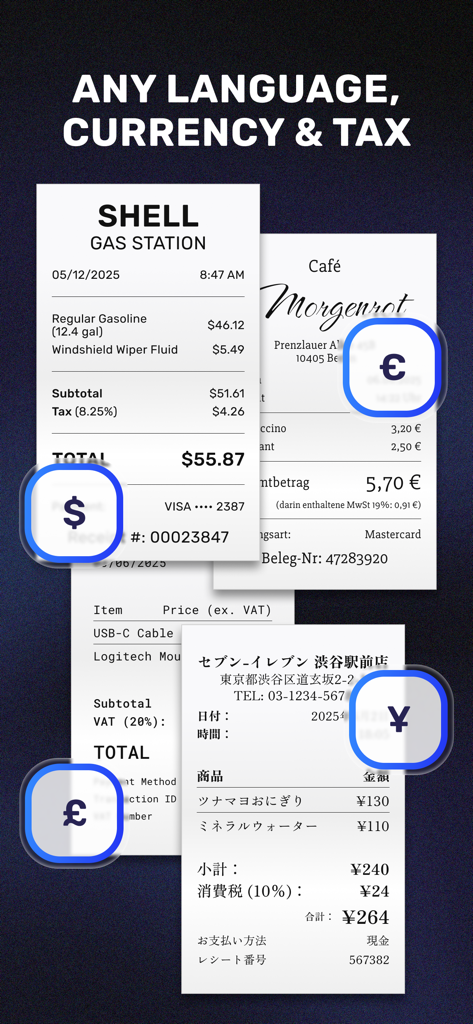
SparkReceipt: Expense Scanner - Digital receipts in various languages and currencies like dollar, euro, pound, and yen displayed on a dark background.
Digital receipts in various languages and currencies like dollar, euro, pound, and yen displayed on a dark background.

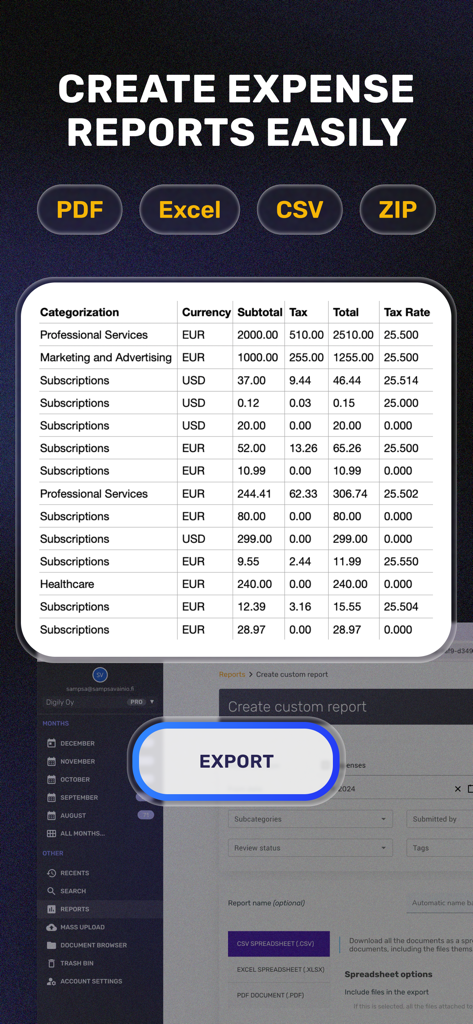
SparkReceipt: Expense Scanner - SparkReceipt app interface for creating and exporting expense reports in multiple formats like PDF and Excel

SparkReceipt app interface for creating and exporting expense reports in multiple formats like PDF and Excel

SparkReceipt: Expense Scanner - A mobile interface for inviting team members and accountants to manage multiple business expenses.

A mobile interface for inviting team members and accountants to manage multiple business expenses.
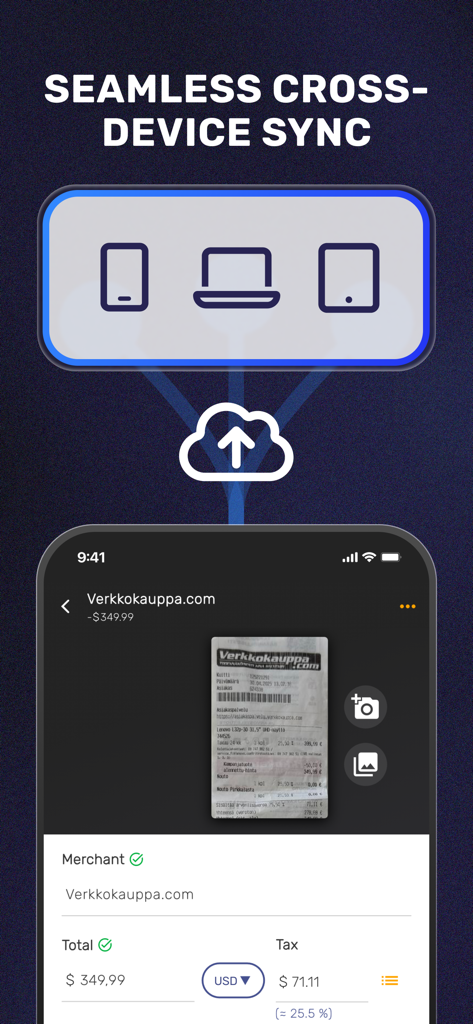
SparkReceipt: Expense Scanner - SparkReceipt app interface showing seamless cloud synchronization across smartphone, laptop, and tablet devices.
SparkReceipt app interface showing seamless cloud synchronization across smartphone, laptop, and tablet devices.

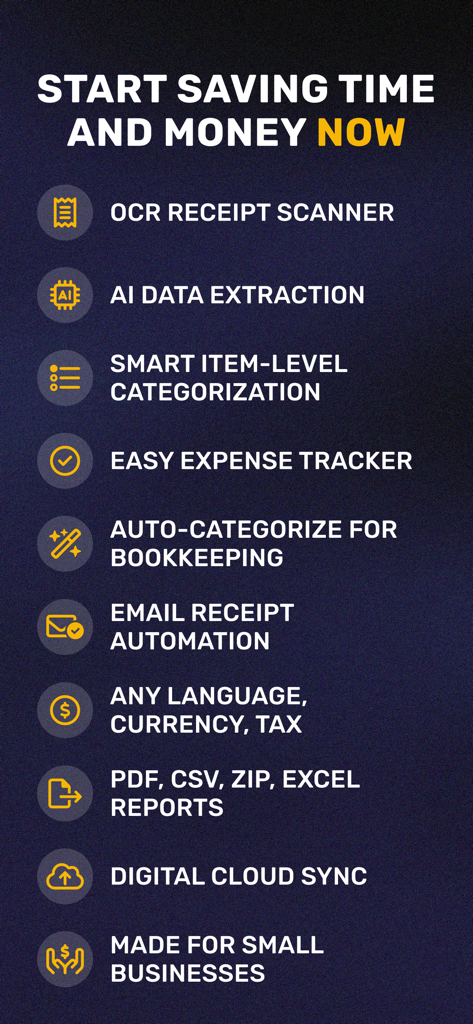
SparkReceipt: Expense Scanner - Key features of SparkReceipt app including AI data extraction OCR scanning and cloud sync for business expenses

Key features of SparkReceipt app including AI data extraction OCR scanning and cloud sync for business expenses

Description

No more cluttered drawers and piles of paper receipts, invoices, and bank statements with SparkReceipt! ORGANIZE YOUR BUSINESS DOCUMENTS EFFORTLESSLY Managing all your business documents is now easier than ever with this simple solution. SparkReceipt features an advanced receipt scanner with OCR technology. This allows you to easily scan receipts, crop images, digitize documents, and store all bank statements, or other documents in the cloud. QUICK AND ACCURATE RECEIPT SCANNING With SparkReceipt's quick and accurate receipt scanning feature, you can save time and effort. The receipt scanner utilizes advanced OCR technology to accurately scan receipts. It can even auto-fill receipt data, making the process even more effortless. INTELLIGENT DATA EXTRACTION USING CHATGPT SparkReceipt uses the latest ChatGPT AI to accurately detect merchants, expense categories, totals and currencies from receipts across the world. CLOUD STORAGE All your documents are securely stored in the cloud, so you can access them from anywhere with an internet connection. And don't worry about losing your data, as everything is backed up and accessible from any device. MULTI-USER SUPPORT FOR TEAM COLLABORATION Whether you have a team or want to share expenses with others, we have you covered. SparkReceipt offers multi-user support, which means you can easily invite other users to join the platform. This feature allows you to keep your expenses organized and collaborate with others effortlessly. CATEGORIZE DOCUMENTS Sorting through your expenses is a breeze with SparkReceipt. You can easily sort through your expenses by document category, tags, or by user. This will help you keep track of your expenses and find what you're looking for. FOR EVERYONE Whether you’re a freelancer or you own a business, this app has been made entirely for you! Moreover, SparkReceipt will allow you to set your own currency. Choose and the app will perform your expense tracking in your own preferred currency. All currency conversions will use accurate historical daily rates for the actual date of purchase. EASY SHARING WITH YOUR ACCOUNTANT Sharing your receipts with your accountant for easy bookkeeping has never been simpler with SparkReceipt. You can easily share your receipts with your accountant, ending the need to send receipts or documents via email attachments. SparkReceipt also believes in security and privacy – provide a time limit and the shared receipts will get hidden whenever you want them to. BOOKKEEPING MADE EASY WITH SEARCH The powerful search feature allows you to search for documents by name, description, or even by the text in the image. This will make it easy to quickly find the documents you need. SCAN DOCUMENTS FROM ANYWHERE. ACCESS DOCUMENTS FROM ANYWHERE With SparkReceipt's web app, you can manage your documents easily when you have access to any laptop or desktop computer. This gives you even more flexibility and convenience in managing your business documents. EXPENSE TRACKING SIMPLIFIED SparkReceipt makes tracking your receipts and other business documents simple and efficient. The app will generate useful bar graphs to help explain the records. You can also filter the data by choosing specific documents, tags and time periods. Important Features: - No ads - Simplistic interface - Easy-to-use image editing and cropping tools - Secure and private SparkReceipt is an excellent tool to scan documents, track receipts and other business documents, as well as sorting and tracking expenses. It also allows for easy collaboration with team members and simplifies the expense reporting process. Give it a try today and discover how easy managing your business documents can be! Terms of Use: https://www.apple.com/legal/internet-services/itunes/dev/stdeula/ Privacy Policy: https://www.sparkreceipt.com/privacy-policy

Download

Download on App Store

This page is not an official page of the app or its developer, but an independent editorial publication created for informational and commentary purposes. Unless expressly stated otherwise, neither the app nor its developer is affiliated with, endorsed by, sponsored by, authorized by, or otherwise officially connected with MWM, Apple, Google Play, the app publisher, or the app's developer, and nothing on this page implies that the app was developed using MWM's services. Any trademarks, logos, screenshots, and other content remain the property of their respective owners.