
This page is not an official page of the app or its developer, but an independent editorial publication created for informational and commentary purposes. Unless expressly stated otherwise, neither the app nor its developer is affiliated with, endorsed by, sponsored by, authorized by, or otherwise officially connected with MWM, Apple, Google Play, the app publisher, or the app's developer, and nothing on this page implies that the app was developed using MWM's services. Any trademarks, logos, screenshots, and other content remain the property of their respective owners.

WavePad Musik & Audio Editor
The all-in-one workstation for podcasters, musicians, and creators. Record, edit, and master your audio with precision tools, noise reduction, and seamless cloud integration.
Downloads
230K+User Rating
Total Ratings
700Publisher
Category
MusicLocales
1Latest Version
19.59Size
29.7 MBFirst Released
Nov 27, 2019Professional Sound, Anywhere You Go
Experience the power of a desktop workstation on your mobile device. From podcast editing to vocal cleanup, WavePad gives you the precision tools you need to create professional audio in minutes.
Desktop-Grade Precision
Master your tracks with professional-level cutting, trimming, and pasting tools designed for high-speed mobile editing.
Studio-Quality Restoration
Instantly remove background noise and apply professional effects like normalization and echo to save any recording.
The following screenshots and description are sourced directly from the app's official store listing and are the property of the app developer.
App Store
Screenshots
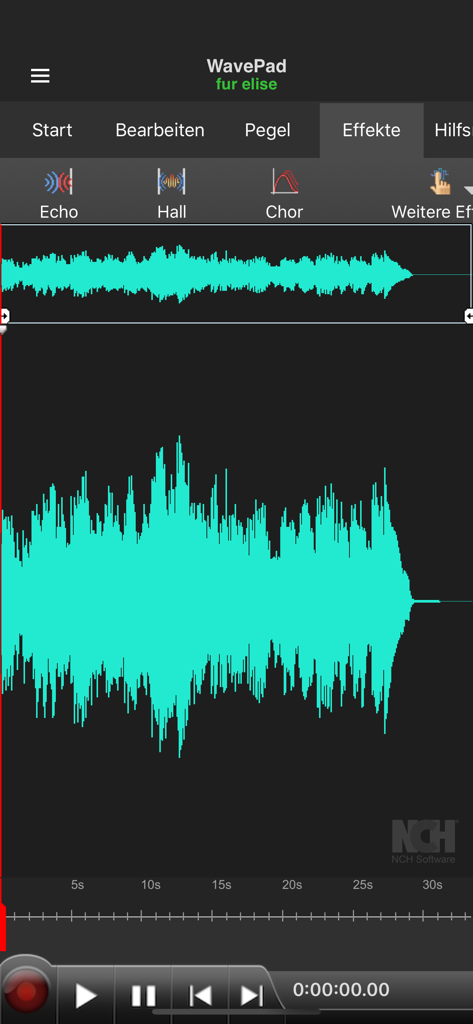
WavePad app interface displaying a bright cyan audio waveform and a toolbar with audio effects like echo and hall
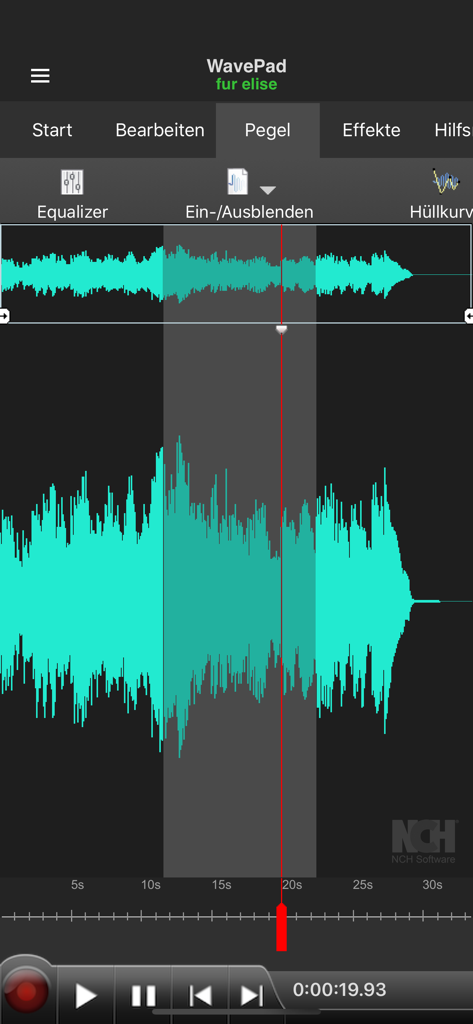
WavePad Music and Audio Editor app interface displaying a turquoise sound waveform
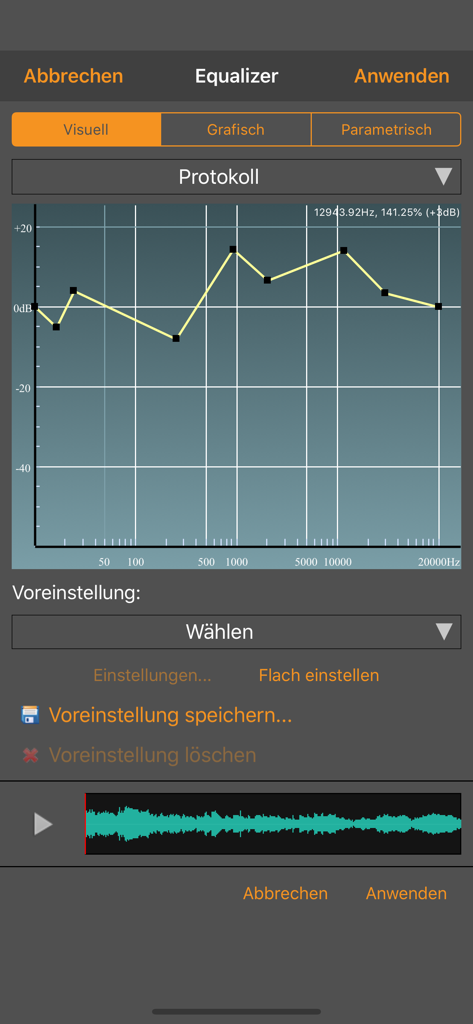
WavePad audio editor equalizer tool with frequency graph
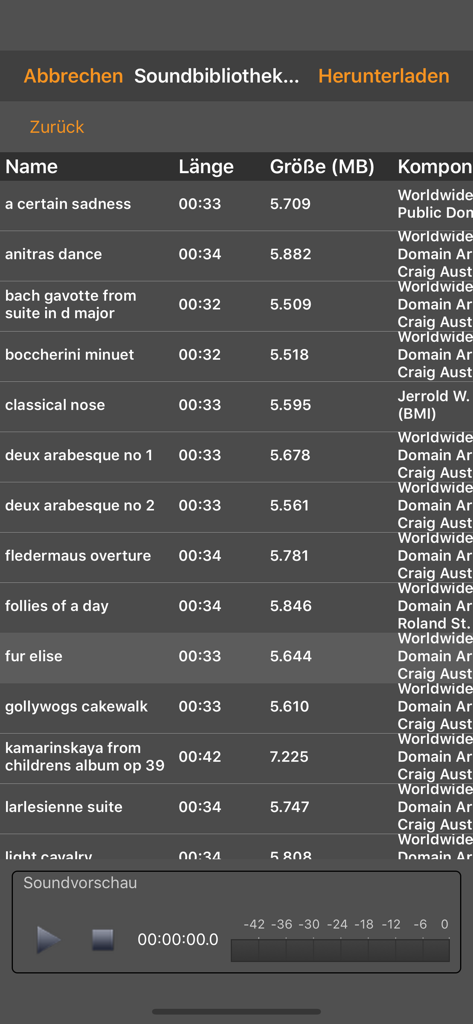
WavePad app sound library interface showing a list of music tracks and a preview player
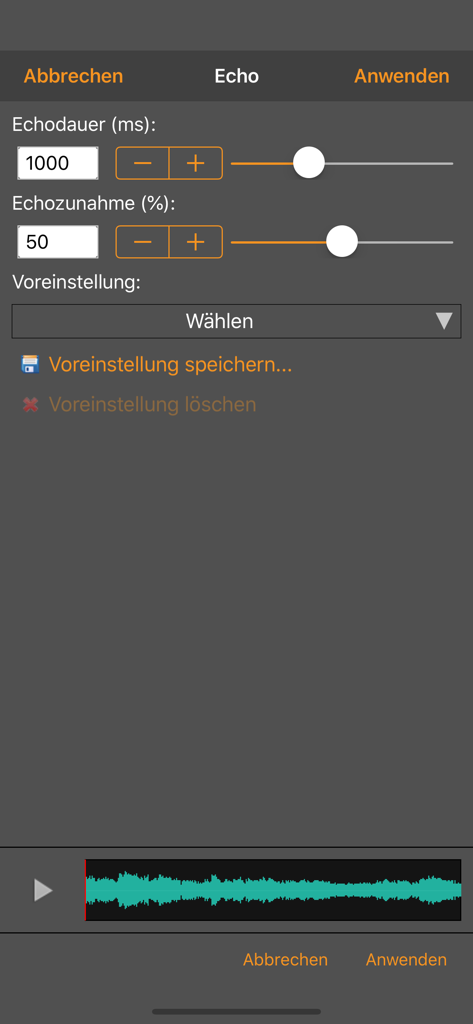
WavePad mobile app echo effect adjustment screen with sliders and waveform preview.
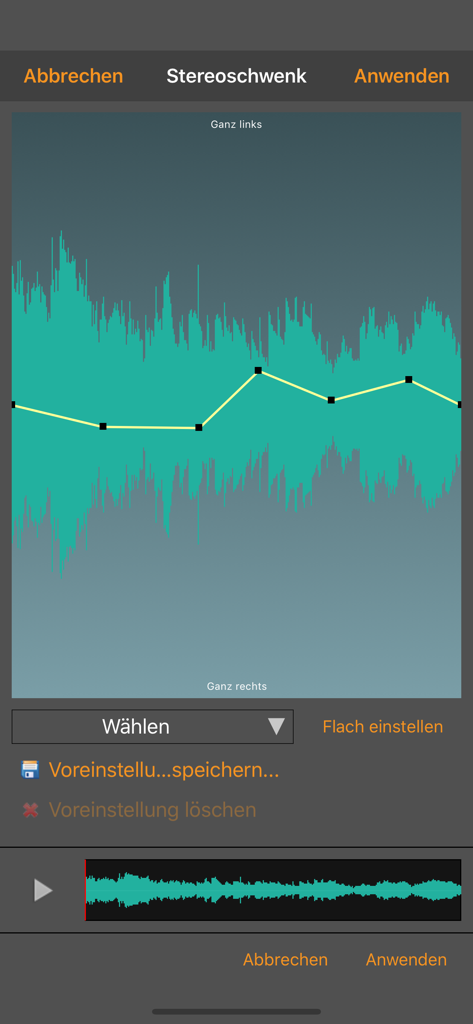
WavePad mobile audio editor interface showing the stereo panning tool with a waveform display.
Description
Download
More Like This
Apps with similar features and user experience

WavePad音频和音乐编辑器
NCH Software

Audio Editor - Music editor
苏娟 陈

SoundLab - Audio Editor
孛 刘

Microphone Live-Voice Recorder
Arpenik Katikyan

Ferrite Recording Studio
Wooji Juice Ltd

WavePad Music and Audio Editor
NCH Software

Audio Editor - AudioLab, Mixer
Innovation Software Development 360 LLC

au editor - audio cutter
龙刚 李

Audio Editor: Video to Audio
文 夏
This page is not an official page of the app or its developer, but an independent editorial publication created for informational and commentary purposes. Unless expressly stated otherwise, neither the app nor its developer is affiliated with, endorsed by, sponsored by, authorized by, or otherwise officially connected with MWM, Apple, Google Play, the app publisher, or the app's developer, and nothing on this page implies that the app was developed using MWM's services. Any trademarks, logos, screenshots, and other content remain the property of their respective owners.