
This page is not an official page of the app or its developer, but an independent editorial publication created for informational and commentary purposes. Unless expressly stated otherwise, neither the app nor its developer is affiliated with, endorsed by, sponsored by, authorized by, or otherwise officially connected with MWM, Apple, Google Play, the app publisher, or the app's developer, and nothing on this page implies that the app was developed using MWM's services. Any trademarks, logos, screenshots, and other content remain the property of their respective owners.

AirDroid Kids - Screen Time
The all-in-one companion for modern parents to manage screen time, block harmful content, and track real-time locations for ultimate digital safety.
Downloads
351K+User Rating
Total Ratings
100Publisher
Category
LifestyleLocales
15Latest Version
1.8.0Size
131.5 MBFirst Released
May 6, 2024Master Your Family's Digital Well-Being
Effortlessly bridge the gap between technology and safety with powerful tools that keep your kids protected and your household in balance.
Smart Geofencing & Live Tracking
Gain total peace of mind with real-time location updates and instant alerts the moment your child arrives at school or leaves a safe zone.
Advanced Content & App Guard
Proactively shield your kids from adult content and digital distractions by blocking inappropriate websites and managing app access with a single tap.
Frequently Asked Questions
Everything you need to know about AirDroid Kids - Screen Time
What is the purpose of the AirDroid Kids app?
The AirDroid Kids app is a companion to AirDroid Parental Control, installed on a child's device. It helps parents monitor children, manage screen time, and ensure their safety.
How do I install AirDroid Kids on my child's device?
To install AirDroid Kids, first download AirDroid Parental Control on your device. Then, install AirDroid Kids on your child's device. The two apps then link for seamless management.
What monitoring features does AirDroid Kids offer?
AirDroid Kids provides website and app usage monitoring, location tracking with route history and geofence alerts, and real-time alerts for parents regarding device activity.
Can I block websites and apps with AirDroid Kids?
Yes, AirDroid Kids allows website blocking, including categories like games, porn, and gambling. Parents can also set daily downtime for specific apps and websites.
Does AirDroid Kids sell my family's data to third parties?
No, AirDroid Kids does not sell family or children's data to third parties. Screen time activity and personal information are strictly for parental eyes only.
Does AirDroid Kids require special permissions on iOS devices?
Yes, the AirDroid Kids app for iOS requires installing a special MDM profile and accepting specific permissions to control internet traffic. This profile is removable.
Can children communicate with parents using AirDroid Kids?
Yes, children can communicate and instantly notify their parents if they encounter trouble using the AirDroid Kids app. The app also features Family Chatting.
How do I connect the AirDroid Kids app to the parent app?
You connect the AirDroid Kids app by binding the child's device using a QR code or a numerical code. This is shown as Step 1 in the setup process.
What is the Smart Connector feature in AirDroid Kids?
The Smart Connector, accessed in Step 2, unlocks complete features. It requires connecting the child's iOS device to a computer via USB and enabling Supervision Mode with a pairing code.
Does AirDroid Kids include an emergency feature for children?
Yes, AirDroid Kids includes an "Emergency SOS" feature, visible in the app interface after successful binding. This allows children to quickly alert their parents.
The following screenshots and description are sourced directly from the app's official store listing and are the property of the app developer.
App Store
Screenshots
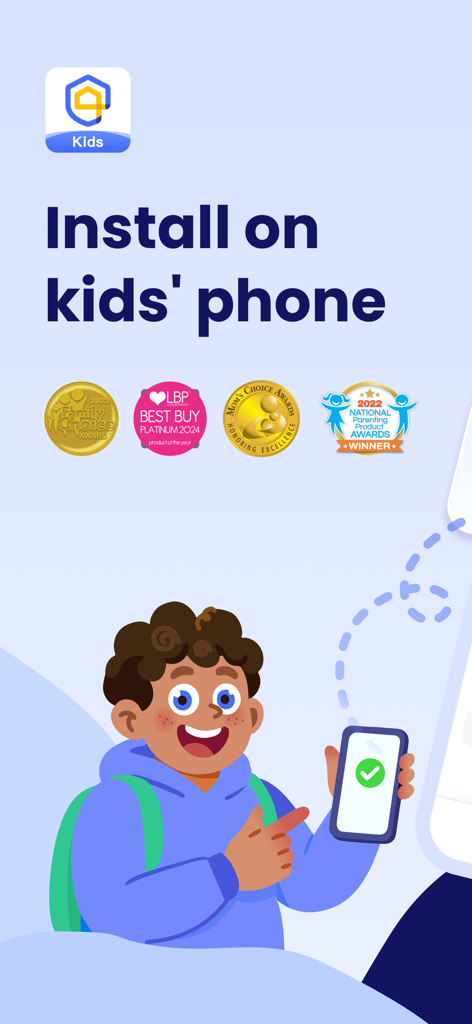
AirDroid Kids app installation screen for a child's phone with parenting awards.
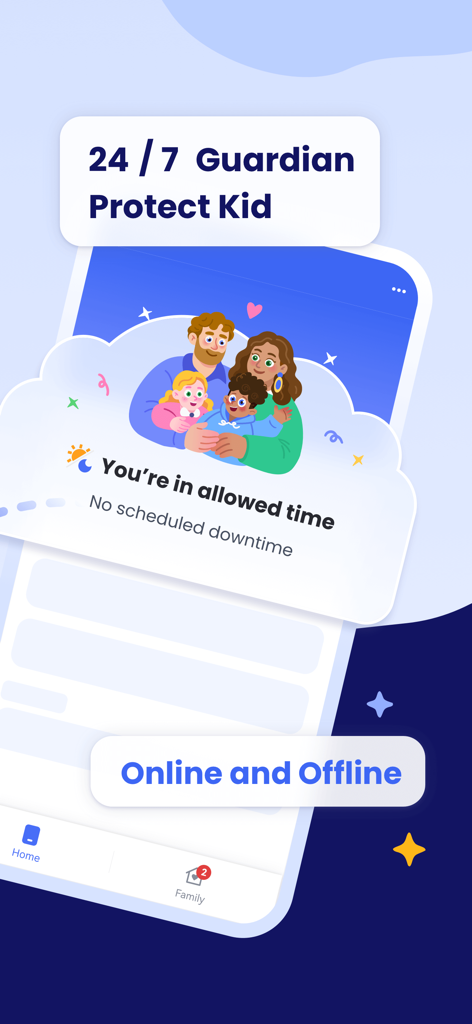
AirDroid Kids app interface showing 24 7 guardian protection and screen time management for children
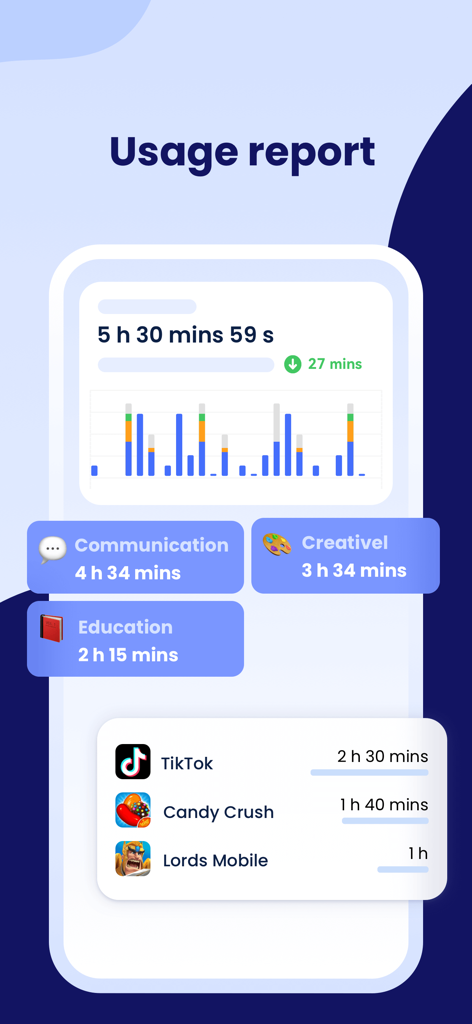
AirDroid Kids screen time usage report showing child app activity and categories.
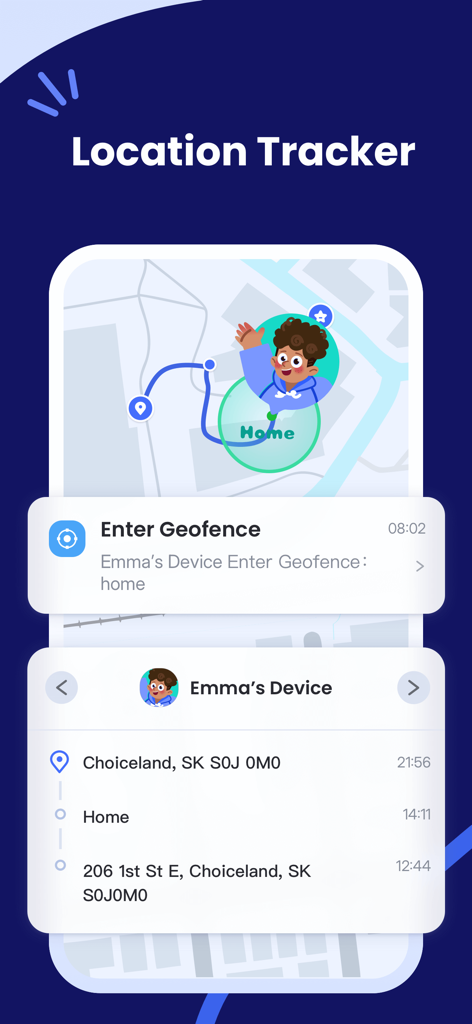
AirDroid Kids location tracker showing map route and geofence alert notification
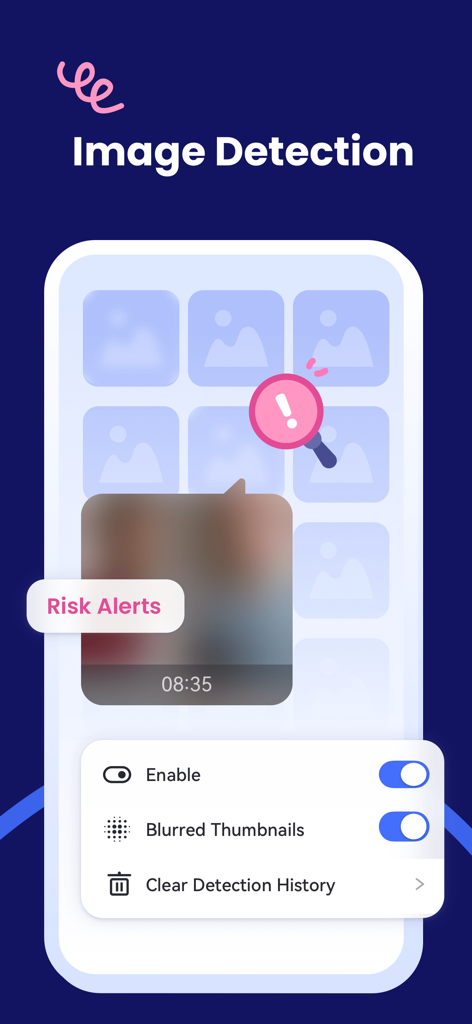
AirDroid Kids image detection feature showing risk alerts and blurred thumbnail settings for child safety
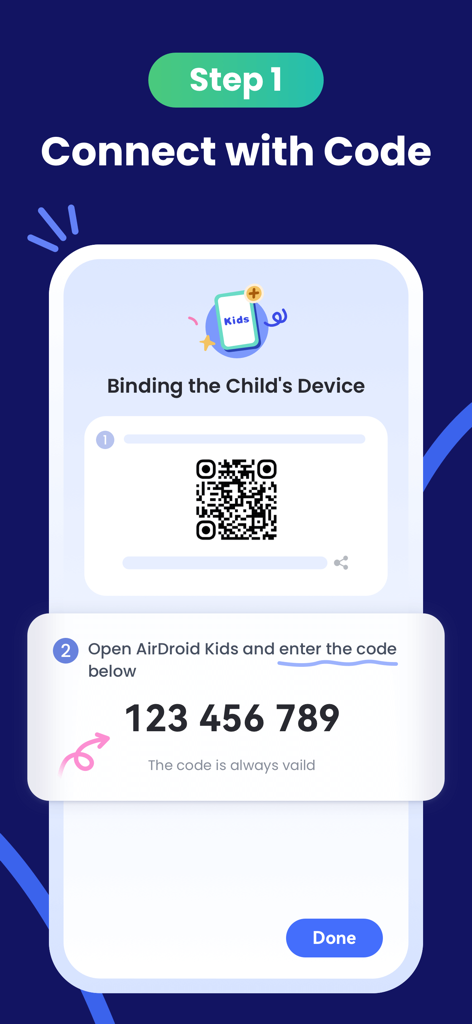
Setup screen showing how to bind a child device using a QR code and a nine digit pairing code in AirDroid Kids
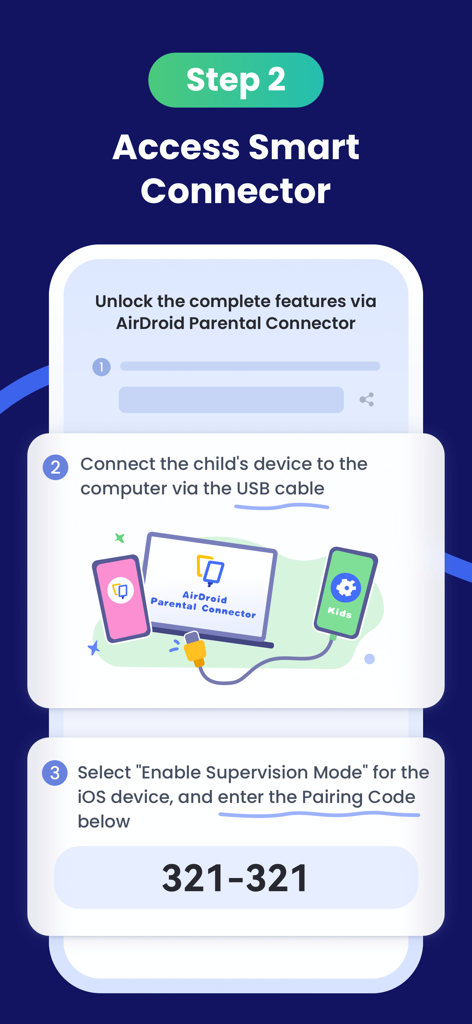
Setup screen for AirDroid Kids showing steps to enable supervision mode using a pairing code and USB connection to a computer
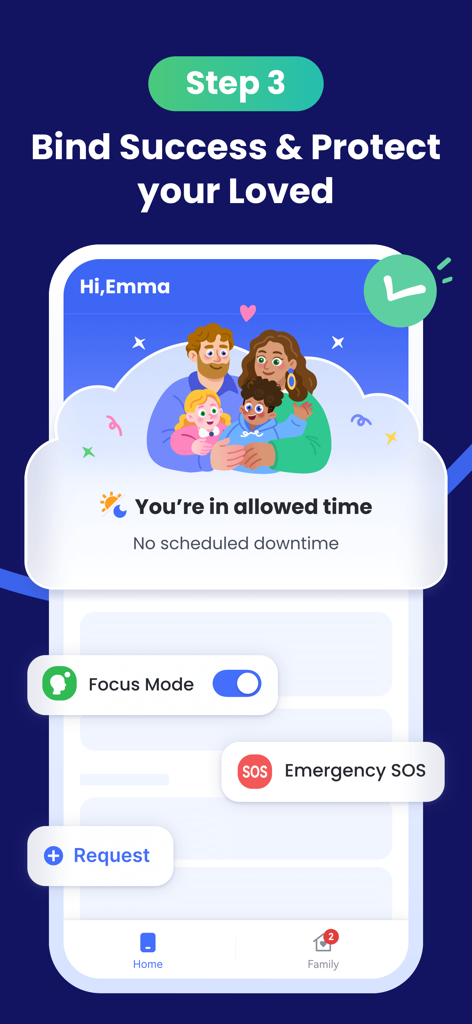
AirDroid Kids interface showing successful device binding and safety features
Description
Download
More Like This
Apps with similar features and user experience

Findos - Find My Device
Pollux Bilisim Teknolojileri Sanayi ve Ticaret Limited Sirketi

Boost Family Guard
Smith Micro Software, Inc.

Google Family Link
Google LLC

Findmykids: GPS Phone Tracker
LETEM LTD

Nintendo Switch Parental Cont…
Nintendo Co., Ltd.

Parental Control App Kids360
ANKO SOLUTIONS LLC

JusTalk Kids - Safe Messenger
Ningbo Jus Internet Technology Co., Ltd.

FlashGet Kids:parental control
HONGKONG FLASHGET NETWORK TECHNOLOGY CO., LIMITED

Parental Control App: AirDroid
SAND STUDIO CORPORATION LIMITED
This page is not an official page of the app or its developer, but an independent editorial publication created for informational and commentary purposes. Unless expressly stated otherwise, neither the app nor its developer is affiliated with, endorsed by, sponsored by, authorized by, or otherwise officially connected with MWM, Apple, Google Play, the app publisher, or the app's developer, and nothing on this page implies that the app was developed using MWM's services. Any trademarks, logos, screenshots, and other content remain the property of their respective owners.