
This page is not an official page of the app or its developer, but an independent editorial publication created for informational and commentary purposes. Unless expressly stated otherwise, neither the app nor its developer is affiliated with, endorsed by, sponsored by, authorized by, or otherwise officially connected with MWM, Apple, Google Play, the app publisher, or the app's developer, and nothing on this page implies that the app was developed using MWM's services. Any trademarks, logos, screenshots, and other content remain the property of their respective owners.


Amor AntiTheft-Clap Find Phone
Stop the daily hunt for your phone. Just clap to find it anywhere or activate the smart moving alarm to keep thieves away in busy public spaces.
Downloads
297K+User Rating
Total Ratings
5K+Publisher
Category
UtilitiesLocales
24Latest Version
1.0.11Size
104.1 MBFirst Released
Apr 29, 2025Total Phone Security & Easy Retrieval
Join over 297,000 users who have turned their phones into self-protecting devices. Simple, smart, and designed for your busy lifestyle.
Clap to Locate
Stop searching under cushions or through bags. Just clap your hands to trigger a loud alert and find your phone in seconds—no iCloud login required.
Anti-Theft Motion Alarm
Relax at the gym or cafe. If someone tries to move or pick up your device, a high-decibel alarm triggers instantly to stop them in their tracks.
The following screenshots and description are sourced directly from the app's official store listing and are the property of the app developer.
App Store
Screenshots
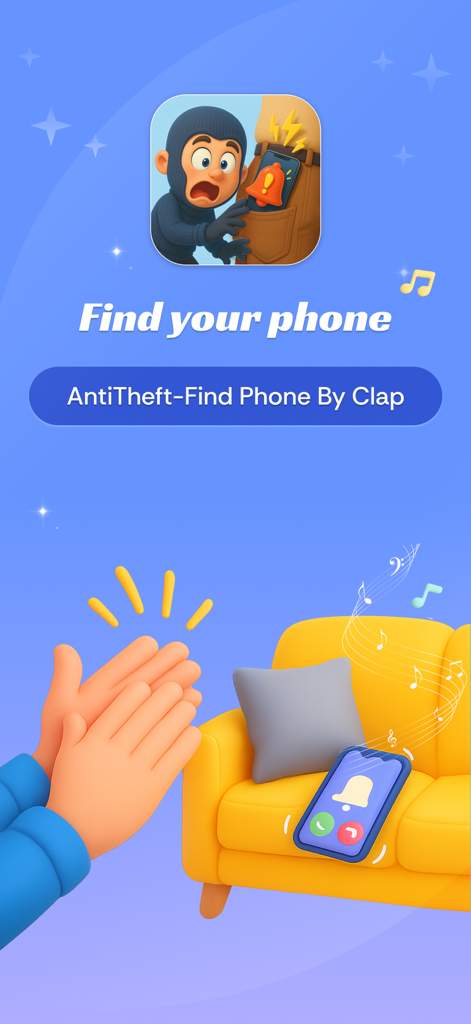
A phone ringing on a yellow couch in response to hands clapping

A man sitting on a sofa clapping his hands to find his phone using the Amor AntiTheft app
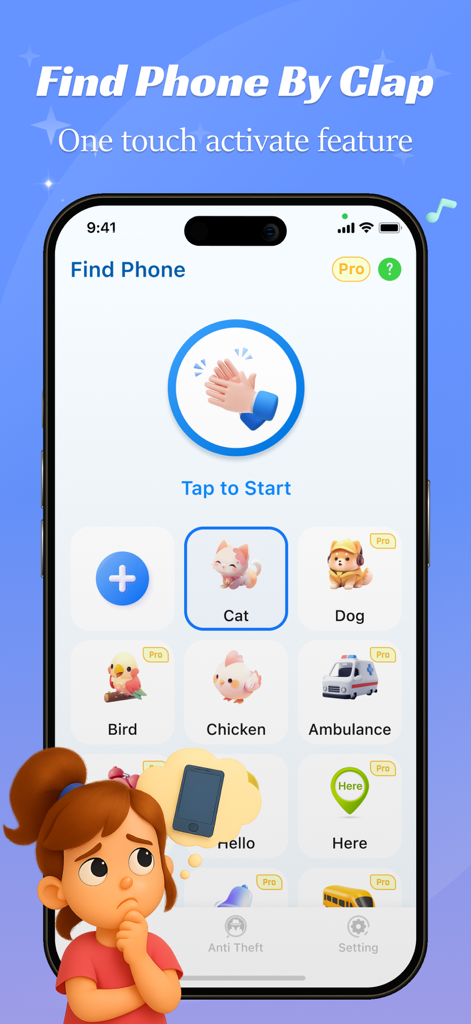
Amor AntiTheft app interface showing the clap to find phone feature and sound alerts
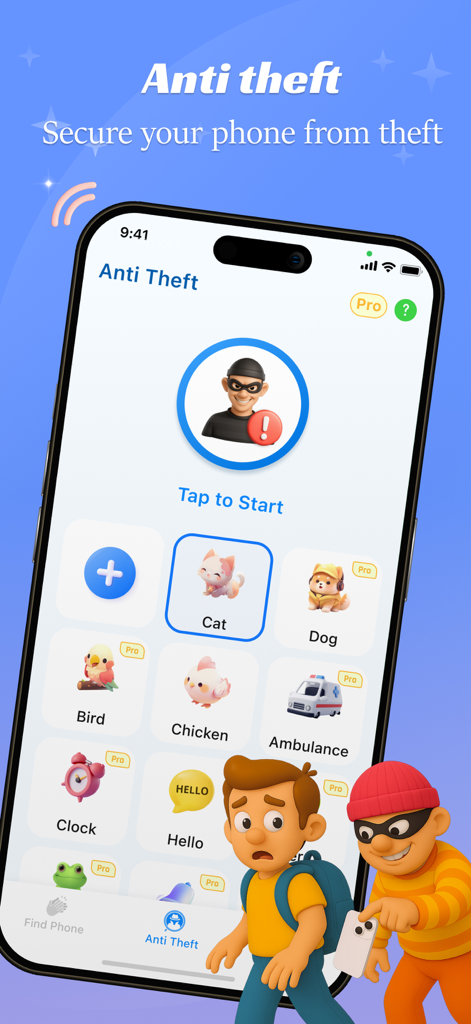
Mobile app interface showing anti-theft motion alarm settings with various alert sound options like cat, dog, and siren.
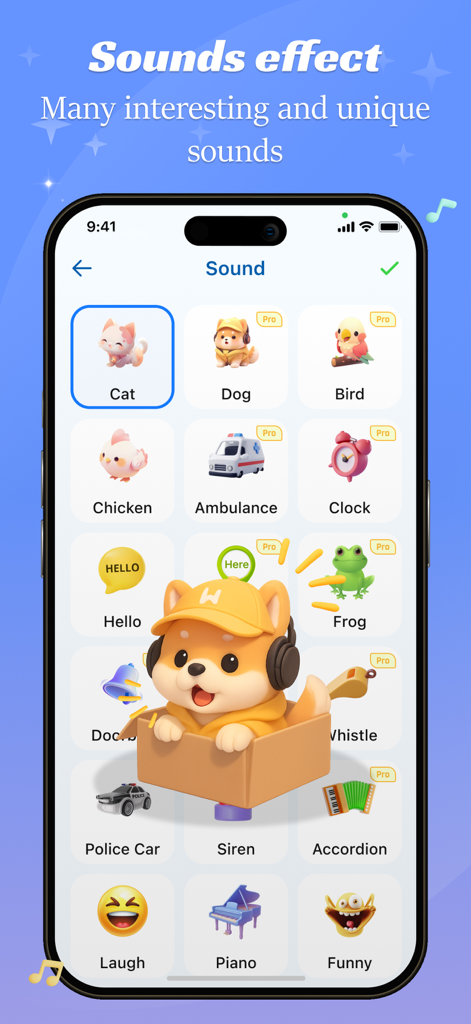
A variety of custom sound alerts for the clap to find phone feature
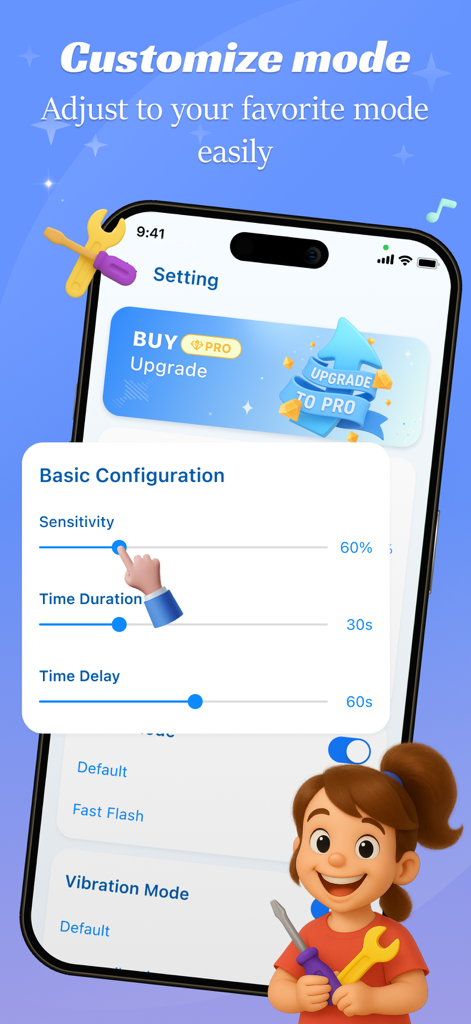
User interface of Amor AntiTheft app showing basic configuration options like sensitivity and time duration sliders.
Description
Download
More Like This
Apps with similar features and user experience

ClapSeek: Find phone by clap
PIXEL VERTEX MOBILE PTE. LTD.
Dont Touch My Phone: Antitheft
FITNESS TRAINING GLOBAL ONE MEMBER COMPANY LIMITED

ClapBack: Antilost
CODEJOY TECHNOLOGY LIMITED

iAntiTheft
Hung Nguyen

AntiLost: Phone Finder & Alarm
MATRIX MOBILE PTE. LTD.

ClapFind: Phone Finder
MATRIX MOBILE PTE. LTD.

Who Touched My Phone :Guardian
Emre Erol

ClapTrack : Clap to Find Phone
80ugame Limited

Find My Phone By Clapping
Hieu Tran Thanh
This page is not an official page of the app or its developer, but an independent editorial publication created for informational and commentary purposes. Unless expressly stated otherwise, neither the app nor its developer is affiliated with, endorsed by, sponsored by, authorized by, or otherwise officially connected with MWM, Apple, Google Play, the app publisher, or the app's developer, and nothing on this page implies that the app was developed using MWM's services. Any trademarks, logos, screenshots, and other content remain the property of their respective owners.