
This page is not an official page of the app or its developer, but an independent editorial publication created for informational and commentary purposes. Unless expressly stated otherwise, neither the app nor its developer is affiliated with, endorsed by, sponsored by, authorized by, or otherwise officially connected with MWM, Apple, Google Play, the app publisher, or the app's developer, and nothing on this page implies that the app was developed using MWM's services. Any trademarks, logos, screenshots, and other content remain the property of their respective owners.

Who Touched My Phone :Guardian
Catch nosy intruders with secret selfies and stop thieves with powerful motion alarms. Secure your iPhone with a personal guardian designed for your active, digital life.
Downloads
30K+User Rating
Total Ratings
300Publisher
Category
UtilitiesLocales
18Latest Version
5.7Size
88.0 MBFirst Released
Jul 1, 2023Your Phone, Your Rules
Transform your iPhone into a personal fortress with smart motion detection, intruder captures, and professional privacy tools designed for your busy lifestyle.
Catch Snoops in the Act
Get instant photo evidence of anyone trying to bypass your passcode. Every intruder selfie is saved securely in your private, PIN-locked vault for ultimate proof.
Anti-Theft Motion Alert
Step away with peace of mind. Activate a high-decibel alarm that triggers instantly if your phone is touched or moved at a cafe, gym, or the office.
The following screenshots and description are sourced directly from the app's official store listing and are the property of the app developer.
App Store
Screenshots
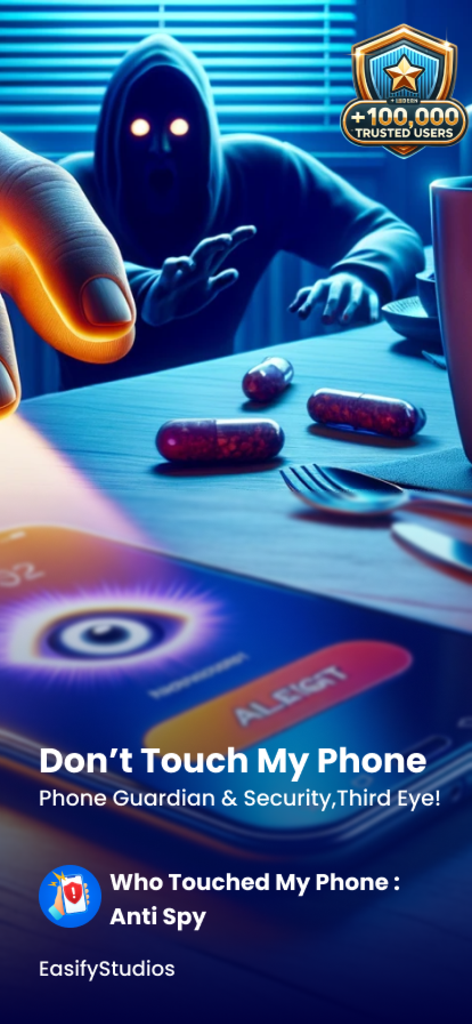
A shadowy figure reaching for a smartphone that displays a security alert and eye icon on the screen
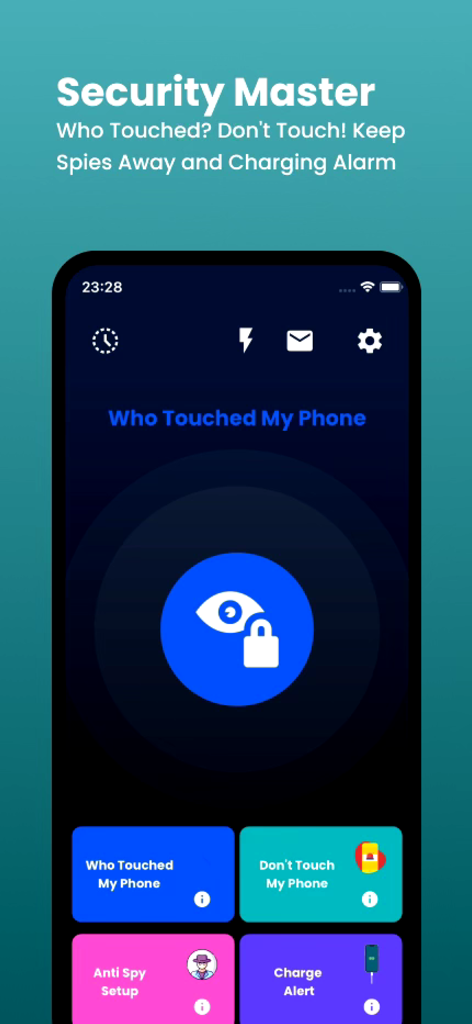
Main interface of the Who Touched My Phone Guardian app showing security features like intruder detection and motion alarm
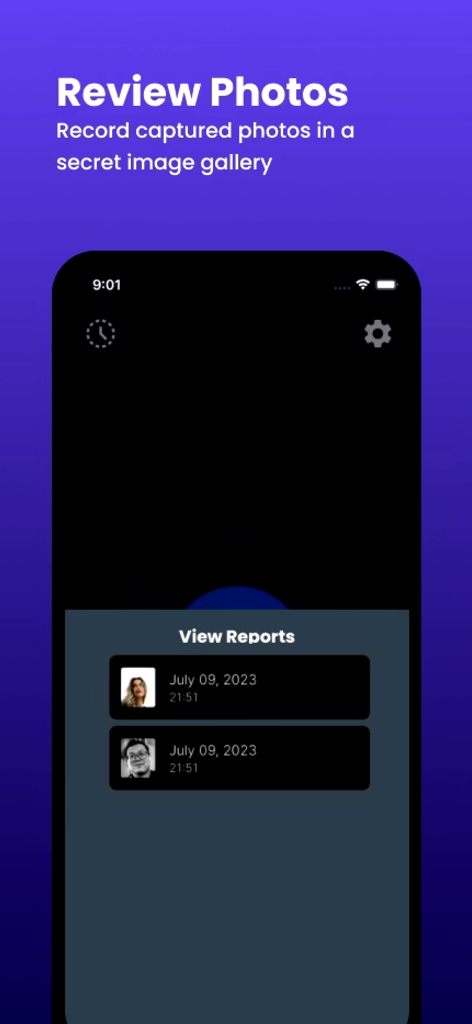
A list of captured intruder selfies with timestamps in the Who Touched My Phone Guardian app
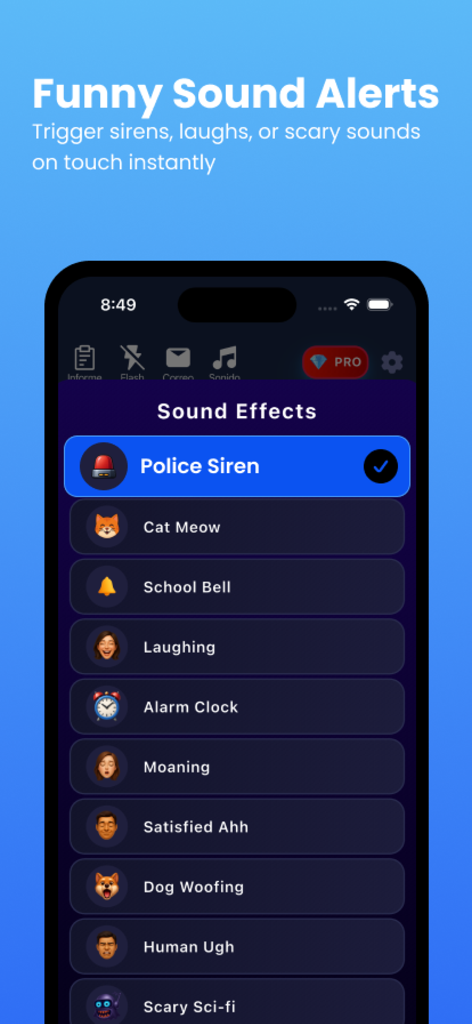
List of funny sound alert options in the Who Touched My Phone Guardian app including police siren and cat meow.
Description
Download
More Like This
Apps with similar features and user experience
Amor AntiTheft-Clap Find Phone
FUTURISTIX DIGITAL MARKETING PTE. LTD

ClapSeek: Find phone by clap
PIXEL VERTEX MOBILE PTE. LTD.
Dont Touch My Phone: Antitheft
FITNESS TRAINING GLOBAL ONE MEMBER COMPANY LIMITED

ClapBack: Antilost
CODEJOY TECHNOLOGY LIMITED

AntiLost: Phone Finder & Alarm
MATRIX MOBILE PTE. LTD.

ClapFind: Phone Finder
MATRIX MOBILE PTE. LTD.

ClapTrack : Clap to Find Phone
80ugame Limited

Find My Phone By Clapping
Hieu Tran Thanh
AntiLost - Clap to Find Phone
Ion Danilov
This page is not an official page of the app or its developer, but an independent editorial publication created for informational and commentary purposes. Unless expressly stated otherwise, neither the app nor its developer is affiliated with, endorsed by, sponsored by, authorized by, or otherwise officially connected with MWM, Apple, Google Play, the app publisher, or the app's developer, and nothing on this page implies that the app was developed using MWM's services. Any trademarks, logos, screenshots, and other content remain the property of their respective owners.