
This page is not an official page of the app or its developer, but an independent editorial publication created for informational and commentary purposes. Unless expressly stated otherwise, neither the app nor its developer is affiliated with, endorsed by, sponsored by, authorized by, or otherwise officially connected with MWM, Apple, Google Play, the app publisher, or the app's developer, and nothing on this page implies that the app was developed using MWM's services. Any trademarks, logos, screenshots, and other content remain the property of their respective owners.


ClapBack: Antilost
Stop the frantic search and secure your device. Whether it is hidden under cushions or in a crowded subway, locate and protect your phone with privacy-first motion and sound alerts.
Downloads
57K+User Rating
Total Ratings
0Publisher
Category
UtilitiesLocales
13Latest Version
1.0.32Size
72.1 MBFirst Released
Sep 22, 2025Never Lose Your Phone Again
From finding your iPhone hidden under the couch to staying alert in busy cafes, ClapBack gives you total peace of mind through smart sound and motion detection.
Instant Hands-Free Finding
Lost it in the laundry or under cushions? Just clap or whistle to trigger a loud alert. Find your phone in seconds without needing a second device.
Smart Awareness Alerts
Enable Pocket or Touch Mode to stay protected in public. Get notified immediately if someone moves your phone from a table or pulls it from your bag.
Frequently Asked Questions
Everything you need to know about ClapBack: Antilost
How does ClapBack help find a lost phone?
ClapBack helps locate a lost phone using Clap Mode. It detects clapping or whistling sounds to trigger an alert, making it easier to find your device in quiet environments like homes or offices.
What is ClapBack's Touch Mode?
ClapBack's Touch Mode alerts users when their phone is touched or moved while idle or charging. This feature helps maintain awareness of the device in public or shared spaces.
How does ClapBack's Pocket Mode work?
ClapBack's Pocket Mode notifies users when their phone is removed from a pocket or bag. It detects light changes to trigger a sound alert, enhancing awareness in crowded public areas.
Can ClapBack's detection sensitivity be adjusted?
Yes, ClapBack allows users to adjust detection sensitivity. This customization helps tailor the app to specific environments and effectively reduces false alarms for its various modes.
Does ClapBack collect user data?
No, ClapBack processes all sound and motion data locally on the user's device. It does not upload or store any user data on external servers, ensuring user privacy.
Does ClapBack prevent phone theft?
No, ClapBack's Touch Mode and Pocket Mode are designed for user awareness only. They alert users to movement but do not actively prevent theft of the device.
Is ClapBack easy to use?
Yes, ClapBack features a user-friendly interface for easy control. Users can enable or disable its features, such as Clap Mode, Touch Mode, and Pocket Mode, with just one tap.
Is ClapBack battery efficient?
Yes, ClapBack is designed to be lightweight and efficient. It minimizes battery consumption while providing robust phone awareness and locating functionalities.
How many alert sounds does ClapBack offer?
ClapBack offers over 35 distinct alert sounds and fun tones. Users can choose from a variety of options to customize their phone's alerts for different detection modes.
Where can I download the ClapBack app?
The ClapBack: Antilost app is available for download on the App Store. Users can find it by searching for "ClapBack" or by visiting its provided app URL.
The following screenshots and description are sourced directly from the app's official store listing and are the property of the app developer.
App Store
Screenshots
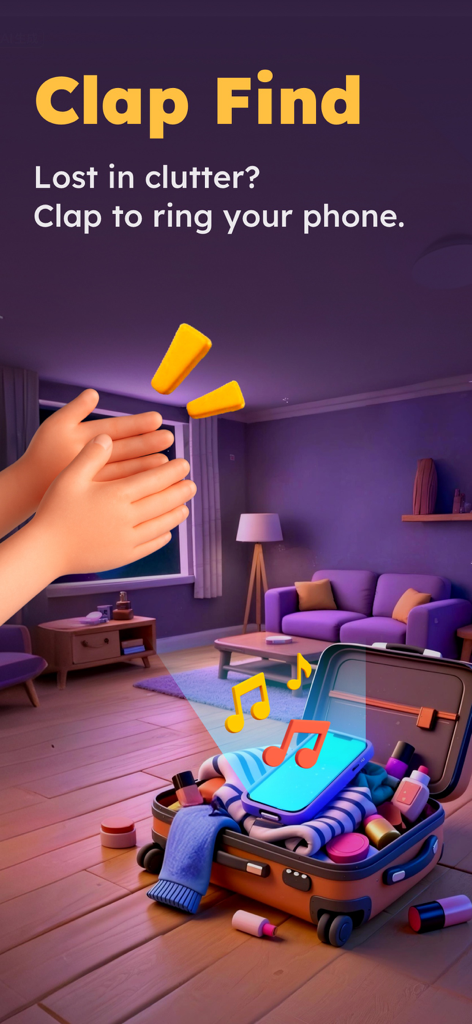
A pair of 3D hands clapping to trigger a ringtone on a phone hidden inside a suitcase.
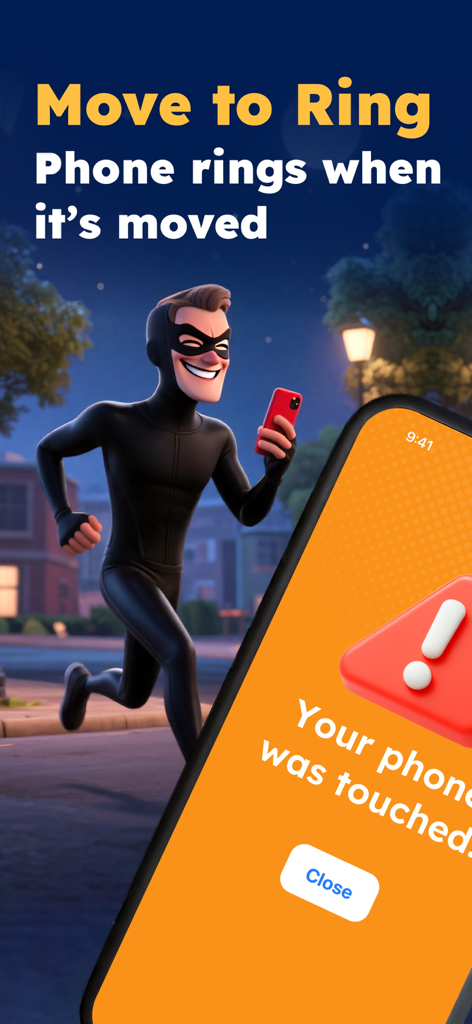
Phone screen showing a touch alert notification next to a cartoon thief running
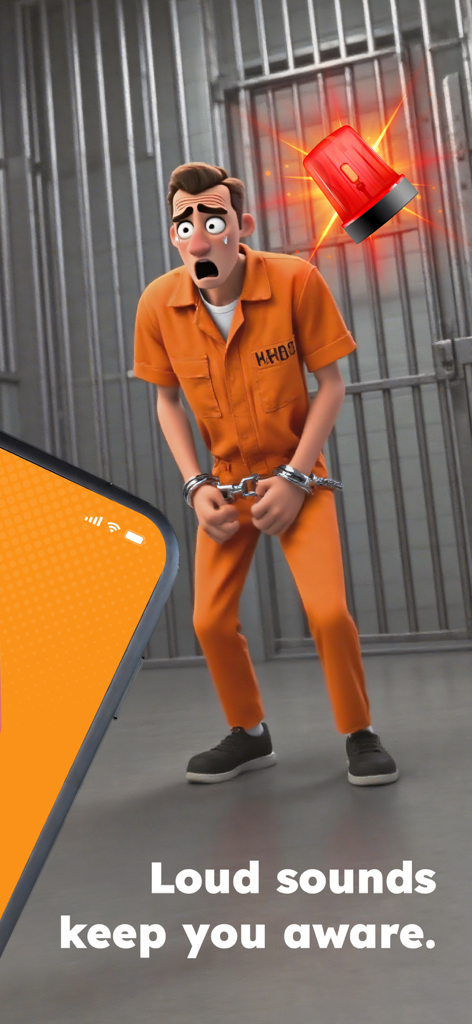
Startled 3D character in orange jumpsuit with a red alarm siren
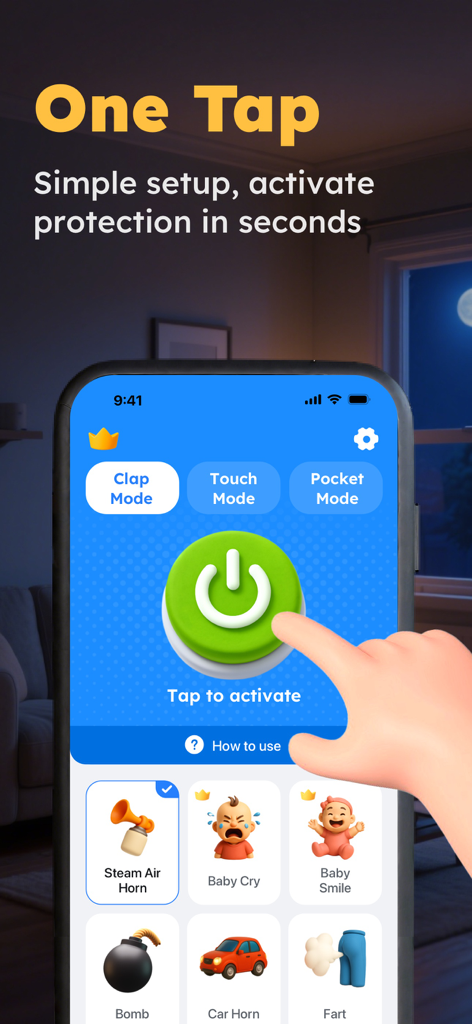
Interface of the ClapBack app showing a large green button for one tap activation of anti-lost protection modes.
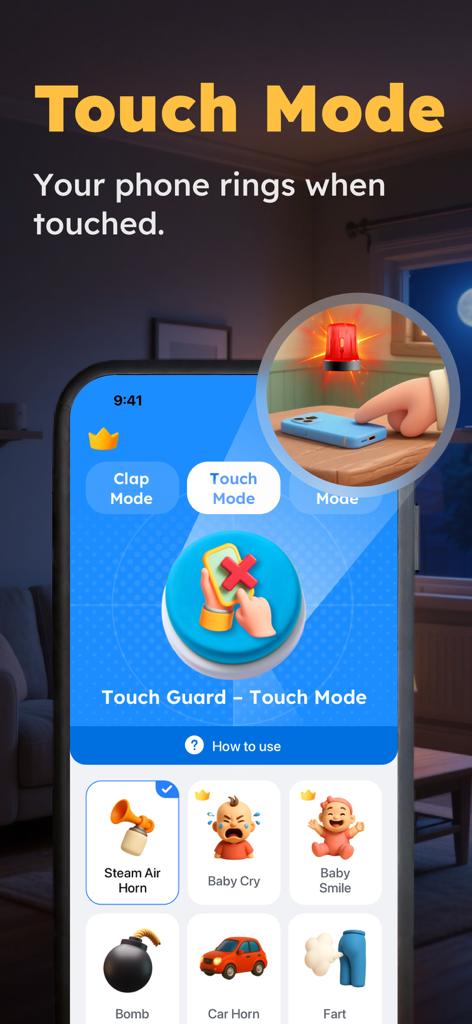
Smartphone screen showing the Touch Mode feature of the ClapBack app with several alarm sound options like air horn and baby cry.
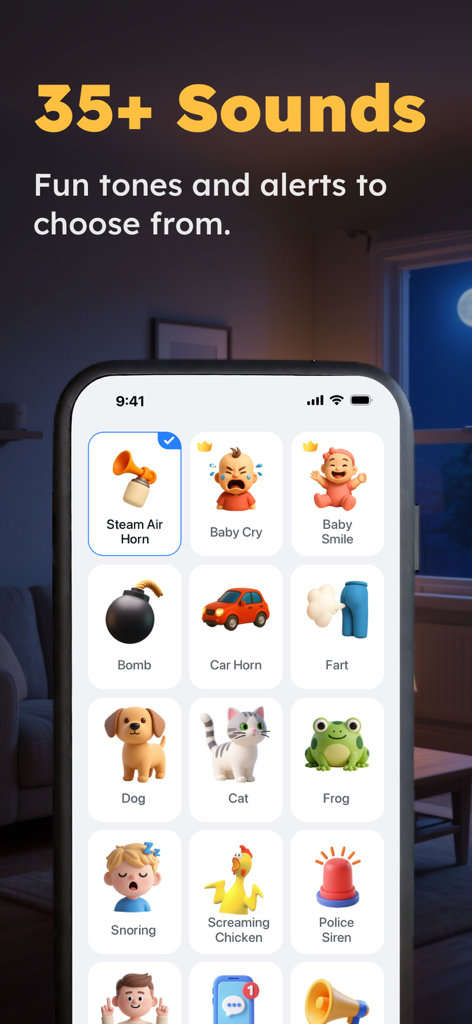
A screen showing various alert sounds for the ClapBack app including animal noises, sirens, and fun tones.
Description
Download
More Like This
Apps with similar features and user experience
Amor AntiTheft-Clap Find Phone
FUTURISTIX DIGITAL MARKETING PTE. LTD

ClapSeek: Find phone by clap
PIXEL VERTEX MOBILE PTE. LTD.
Dont Touch My Phone: Antitheft
FITNESS TRAINING GLOBAL ONE MEMBER COMPANY LIMITED
AntiLost: Phone Finder & Alarm
MATRIX MOBILE PTE. LTD.

ClapFind: Phone Finder
MATRIX MOBILE PTE. LTD.
Who Touched My Phone :Guardian
Emre Erol

ClapTrack : Clap to Find Phone
80ugame Limited

Find My Phone By Clapping
Hieu Tran Thanh
AntiLost - Clap to Find Phone
Ion Danilov
This page is not an official page of the app or its developer, but an independent editorial publication created for informational and commentary purposes. Unless expressly stated otherwise, neither the app nor its developer is affiliated with, endorsed by, sponsored by, authorized by, or otherwise officially connected with MWM, Apple, Google Play, the app publisher, or the app's developer, and nothing on this page implies that the app was developed using MWM's services. Any trademarks, logos, screenshots, and other content remain the property of their respective owners.