
This page is not an official page of the app or its developer, but an independent editorial publication created for informational and commentary purposes. Unless expressly stated otherwise, neither the app nor its developer is affiliated with, endorsed by, sponsored by, authorized by, or otherwise officially connected with MWM, Apple, Google Play, the app publisher, or the app's developer, and nothing on this page implies that the app was developed using MWM's services. Any trademarks, logos, screenshots, and other content remain the property of their respective owners.


ClapTrack : Clap to Find Phone
Stop the micro-panic of a lost device. Just clap to locate your iPhone instantly and keep it secure with smart anti-theft and touch alerts designed for your busy life.
Downloads
19K+User Rating
Total Ratings
600Publisher
Category
UtilitiesLocales
14Latest Version
1.1.58Size
95.7 MBFirst Released
Oct 22, 2025Your Phone, Always Within Reach
Stop the frantic searching and secure your device in seconds. ClapTrack combines instant recovery with smart security alerts designed for your busy lifestyle.
Clap to Locate
End the 'micro-panic' of losing your phone under cushions or gym bags. Just clap your hands to trigger a loud alert—no second device or iCloud login required.
Smart Anti-Theft Guard
Perfect for coffee shops and public transit. Your phone sounds an immediate alarm the moment it's removed from your pocket or bag, keeping your investment safe.
Frequently Asked Questions
Everything you need to know about ClapTrack : Clap to Find Phone
How does ClapTrack help find a lost phone?
ClapTrack helps users locate their lost phone by playing a sound when they clap their hands. This feature allows quick retrieval, even if the phone is hidden or far away.
What features does the ClapTrack app offer besides finding a phone by clapping?
ClapTrack offers Charging Mode, which reminds users if the charger is unplugged, and Anti-Theft Mode, which alerts if the phone is removed from a pocket. It also includes Touch Detection.
Does ClapTrack provide an anti-theft function?
Yes, ClapTrack includes an Anti-Theft Mode. If the phone is removed from a pocket, it will play a sound reminder to help prevent theft or forgetting the device.
How does ClapTrack's Charging Mode work?
ClapTrack's Charging Mode activates when the phone is plugged in. If the charger is unplugged prematurely, the app emits a sound to remind the user, ensuring they do not forget it.
Can users choose different alert sounds in ClapTrack?
Yes, ClapTrack allows users to pick their favorite sounds from a selection of "Funny Sounds" for alerts. Options include 'Cry', 'Glass', 'Train', 'Dog', and more.
Where can I find the privacy policy for ClapTrack?
The privacy policy for ClapTrack is available at the provided URL: https://claptrack.chatmateapp.com/static/clap_track/privacy-policy.html.
How do I activate ClapTrack to start finding my phone?
Users activate ClapTrack by tapping the "Tap to Start" button within the app. This single tap makes its features, like clap-to-find, active and ready for use.
Does ClapTrack detect touches when the phone is idle?
Yes, ClapTrack includes Touch Detection. If the phone is touched while lying still, it plays a sound reminder to avoid accidental interactions or unwanted touches.
The following screenshots and description are sourced directly from the app's official store listing and are the property of the app developer.
App Store
Screenshots
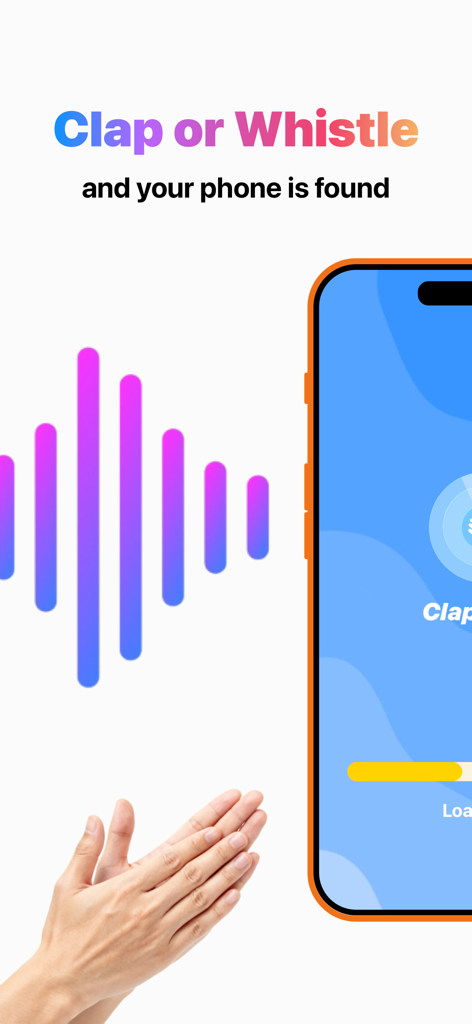
A screenshot showing hands clapping and a sound wave with the text Clap or Whistle and your phone is found for the ClapTrack app
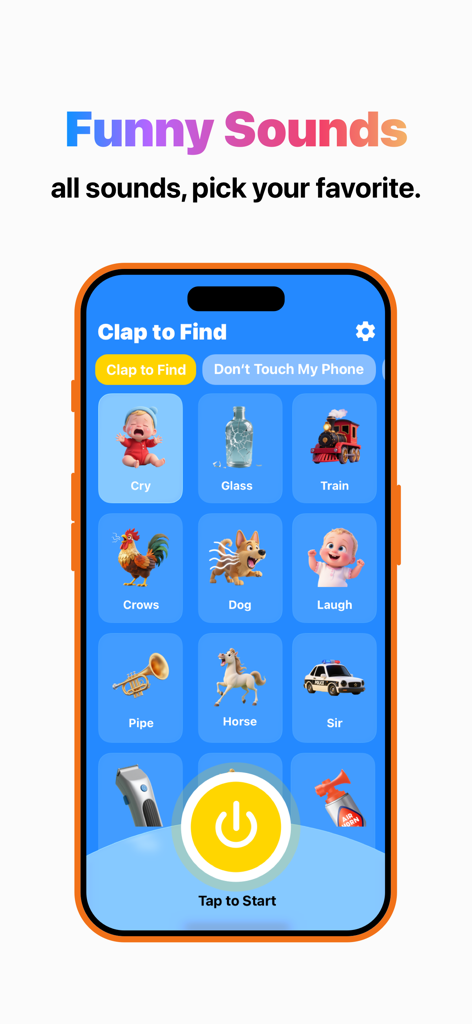
Interface of the ClapTrack app showing multiple funny sound options for the clap to find feature.
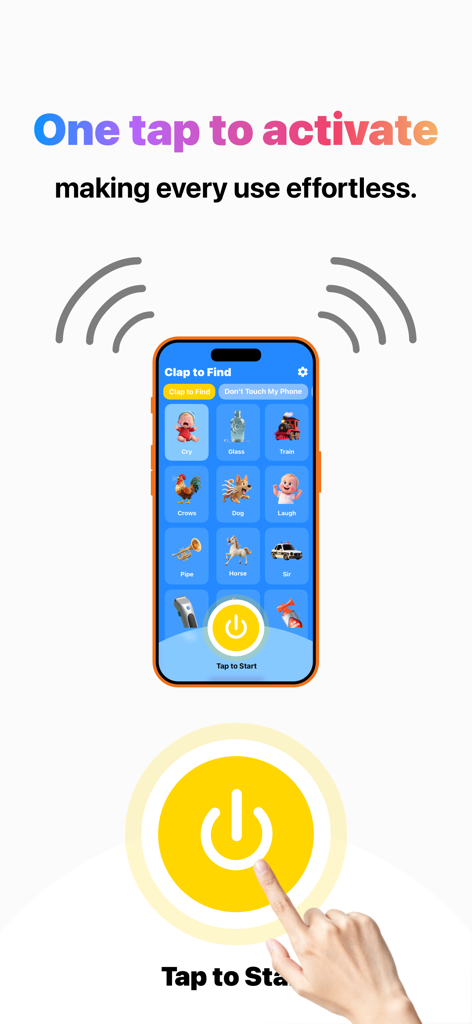
A mobile interface for the ClapTrack app showing a one tap activation button and various sound icons to find a lost phone
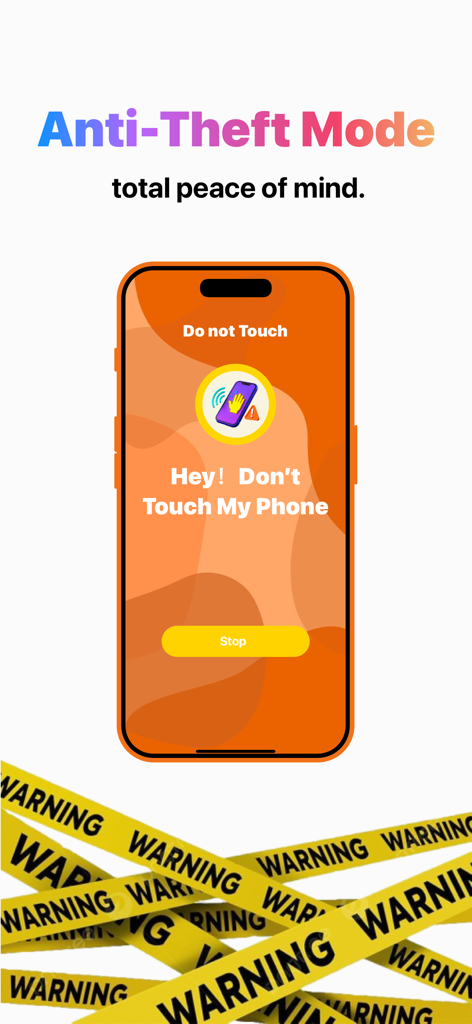
Smartphone screen showing an anti-theft warning message with the text Don't Touch My Phone
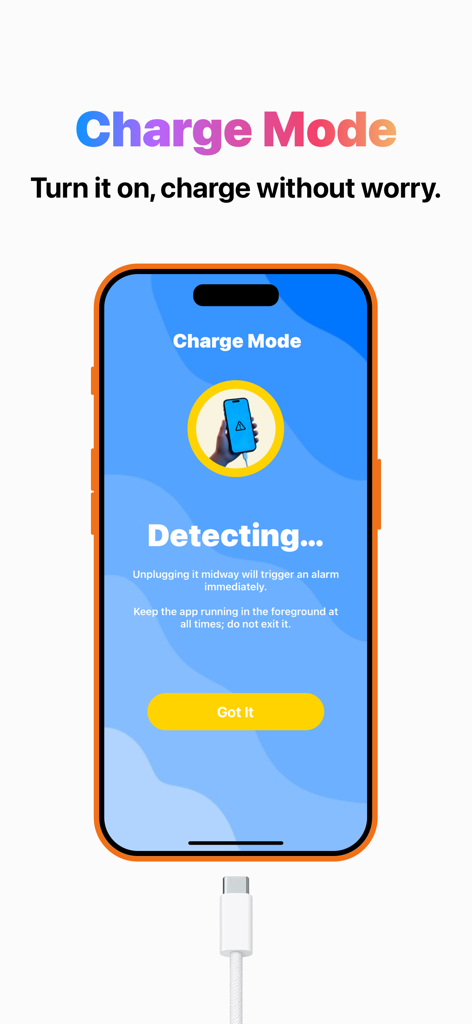
Screenshot of the ClapTrack app showing the Charge Mode interface with an alarm alert for unplugging the phone
Description
Download
More Like This
Apps with similar features and user experience
Amor AntiTheft-Clap Find Phone
FUTURISTIX DIGITAL MARKETING PTE. LTD

ClapSeek: Find phone by clap
PIXEL VERTEX MOBILE PTE. LTD.
Dont Touch My Phone: Antitheft
FITNESS TRAINING GLOBAL ONE MEMBER COMPANY LIMITED

ClapBack: Antilost
CODEJOY TECHNOLOGY LIMITED

iAntiTheft
Hung Nguyen
AntiLost: Phone Finder & Alarm
MATRIX MOBILE PTE. LTD.

ClapFind: Phone Finder
MATRIX MOBILE PTE. LTD.
Who Touched My Phone :Guardian
Emre Erol

Find My Phone By Clapping
Hieu Tran Thanh
This page is not an official page of the app or its developer, but an independent editorial publication created for informational and commentary purposes. Unless expressly stated otherwise, neither the app nor its developer is affiliated with, endorsed by, sponsored by, authorized by, or otherwise officially connected with MWM, Apple, Google Play, the app publisher, or the app's developer, and nothing on this page implies that the app was developed using MWM's services. Any trademarks, logos, screenshots, and other content remain the property of their respective owners.