
This page is not an official page of the app or its developer, but an independent editorial publication created for informational and commentary purposes. Unless expressly stated otherwise, neither the app nor its developer is affiliated with, endorsed by, sponsored by, authorized by, or otherwise officially connected with MWM, Apple, Google Play, the app publisher, or the app's developer, and nothing on this page implies that the app was developed using MWM's services. Any trademarks, logos, screenshots, and other content remain the property of their respective owners.


iAntiTheft
The ultimate alarm system for your iPhone. Whether you're on a crowded train or a busy cafe, our smart sensors detect motion, pocket-picking, and cable removal to keep your device—and your digital life—secure.
Downloads
0User Rating
Total Ratings
0Publisher
Category
UtilitiesLocales
14Latest Version
2.7.1Size
15.9 MBFirst Released
Aug 18, 2015Total Peace of Mind in Every Environment
Whether you're on a crowded train or working in a busy cafe, iAntiTheft acts as your digital bodyguard with proactive security.
Public Transit Security
Defeat snatch-and-grab thieves on the subway or bus with instant alerts if your phone is pulled from your pocket or your earphones are disconnected.
Secure Public Charging
Safely charge your device in airports, libraries, or cafes. A high-decibel siren sounds the moment someone tries to unplug your power cable.
The following screenshots and description are sourced directly from the app's official store listing and are the property of the app developer.
App Store
Screenshots
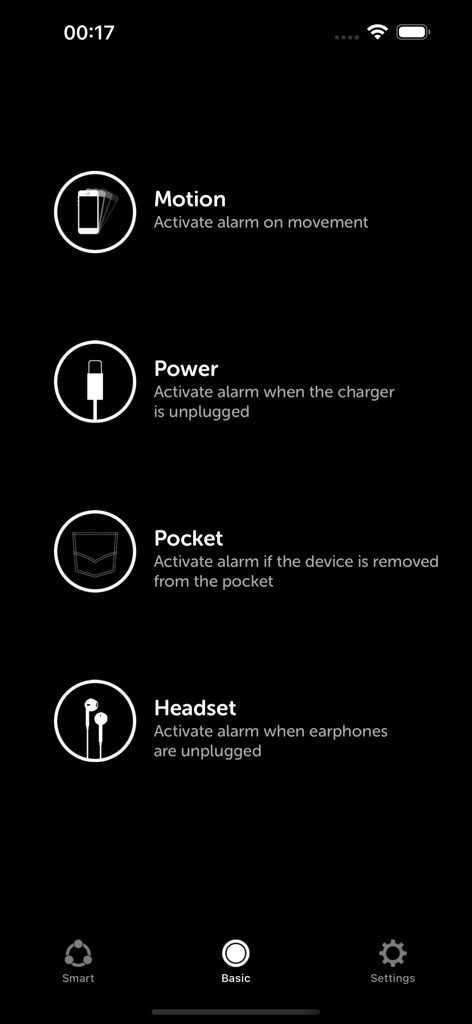
iAntiTheft app interface showing Motion Power Pocket and Headset security alarm modes.
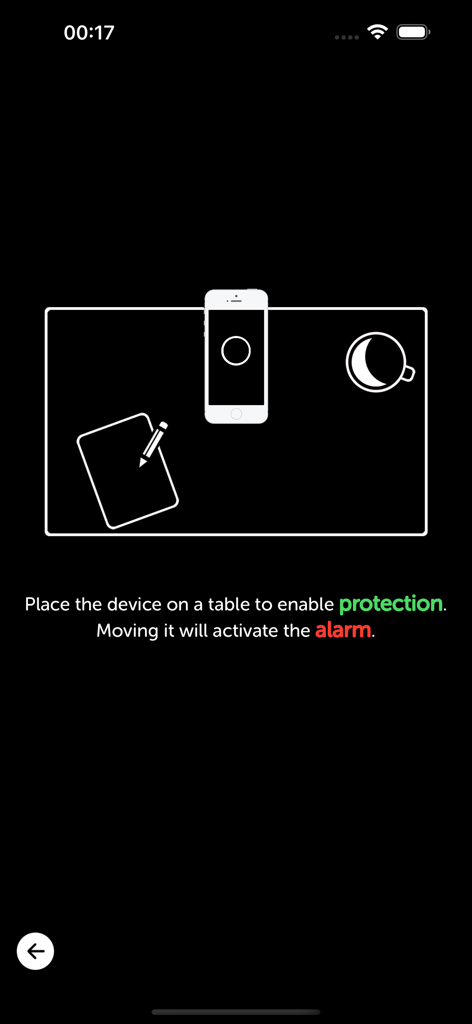
iAntiTheft app instruction screen for enabling motion protection on a table
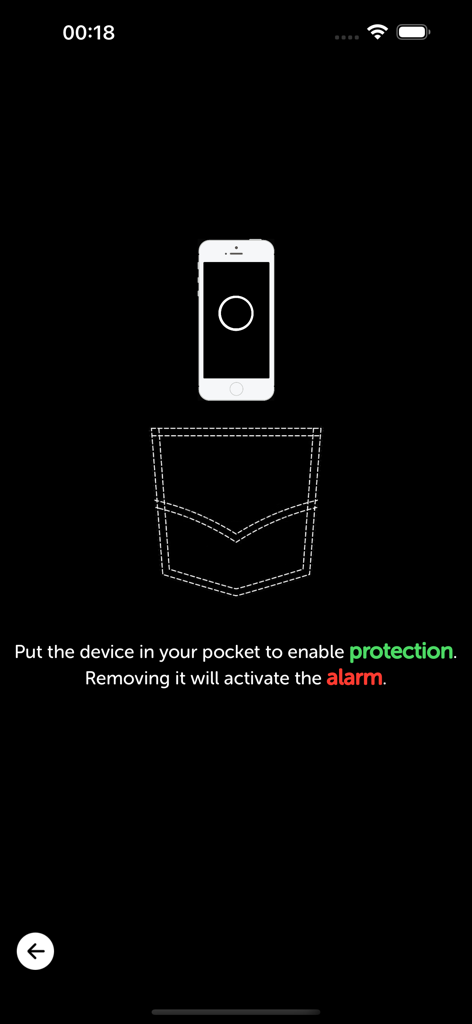
Interface of iAntiTheft app showing instructions to enable pocket mode alarm protection.
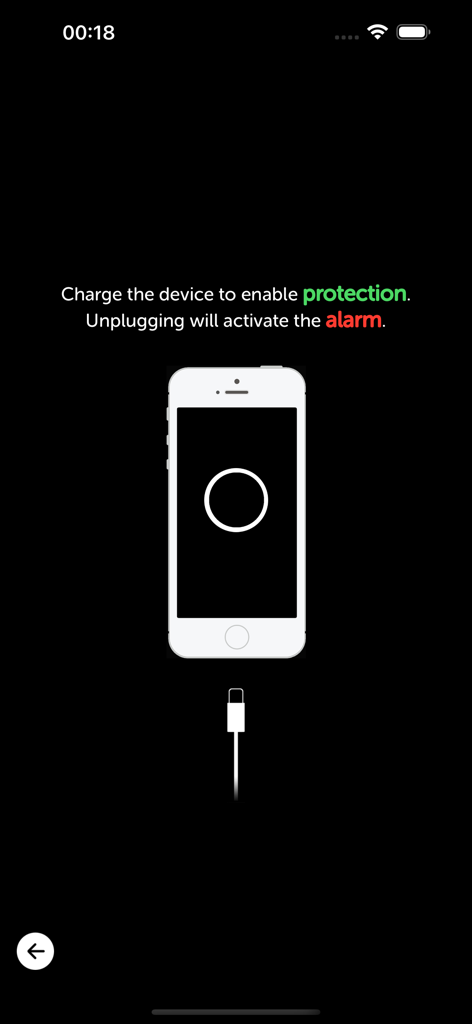
iAntiTheft Power Mode screen showing alarm activation for unplugged charging cable
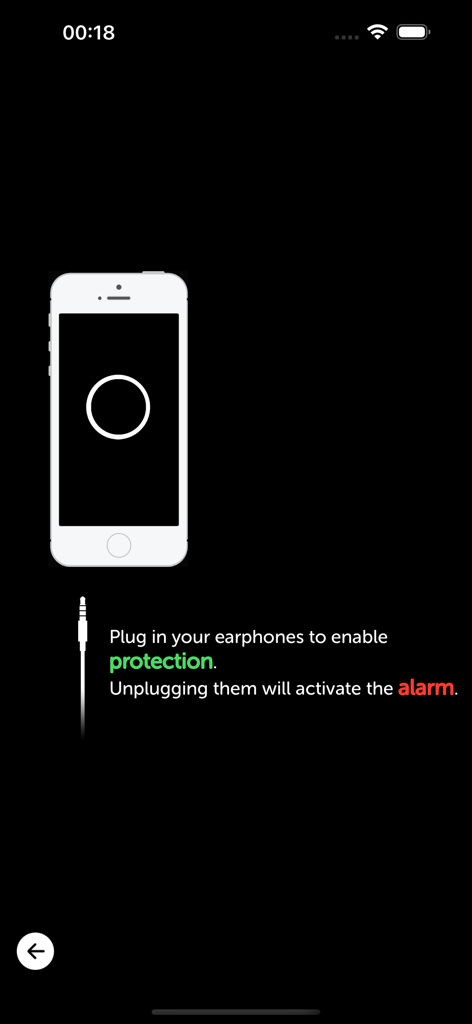
iAntiTheft earphone mode setup screen showing alarm activation when headphones are unplugged
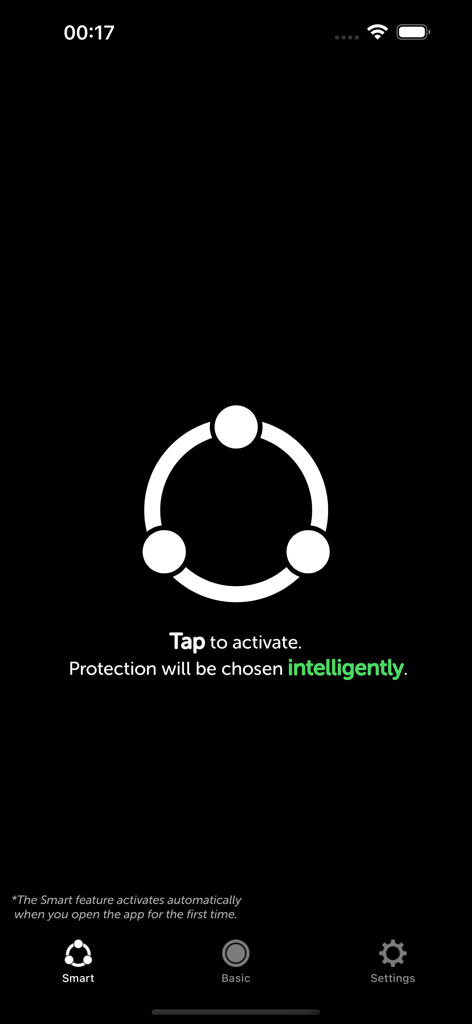
iAntiTheft app smart mode activation screen for intelligent phone security
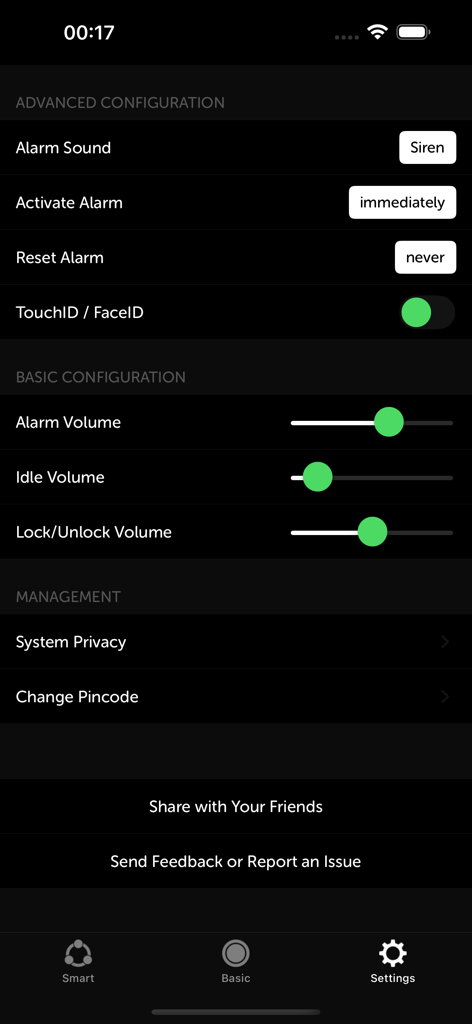
Settings screen of the iAntiTheft app showing alarm sound and volume configuration
Description
Download
More Like This
Apps with similar features and user experience

Amor AntiTheft-Clap Find Phone
FUTURISTIX DIGITAL MARKETING PTE. LTD

ClapSeek: Find phone by clap
PIXEL VERTEX MOBILE PTE. LTD.

Dont Touch My Phone: Antitheft
FITNESS TRAINING GLOBAL ONE MEMBER COMPANY LIMITED

ClapBack: Antilost
CODEJOY TECHNOLOGY LIMITED

AntiLost: Phone Finder & Alarm
MATRIX MOBILE PTE. LTD.

ClapFind: Phone Finder
MATRIX MOBILE PTE. LTD.

Who Touched My Phone :Guardian
Emre Erol

ClapTrack : Clap to Find Phone
80ugame Limited

Find My Phone By Clapping
Hieu Tran Thanh
This page is not an official page of the app or its developer, but an independent editorial publication created for informational and commentary purposes. Unless expressly stated otherwise, neither the app nor its developer is affiliated with, endorsed by, sponsored by, authorized by, or otherwise officially connected with MWM, Apple, Google Play, the app publisher, or the app's developer, and nothing on this page implies that the app was developed using MWM's services. Any trademarks, logos, screenshots, and other content remain the property of their respective owners.