
This page is not an official page of the app or its developer, but an independent editorial publication created for informational and commentary purposes. Unless expressly stated otherwise, neither the app nor its developer is affiliated with, endorsed by, sponsored by, authorized by, or otherwise officially connected with MWM, Apple, Google Play, the app publisher, or the app's developer, and nothing on this page implies that the app was developed using MWM's services. Any trademarks, logos, screenshots, and other content remain the property of their respective owners.

Capture One
Ditch the laptop and tether directly to your mobile device. Experience industry-leading color quality, AI-powered retouching, and a seamless professional workflow from shoot to delivery.
Downloads
357K+User Rating
Total Ratings
400Publisher
Category
Photo & VideoLocales
14Latest Version
3.2.1Size
1.1 GBFirst Released
Jun 28, 2022Pro Studio Power, Anywhere
Bring your professional workflow to the field. Experience industry-leading RAW conversion, seamless tethering, and desktop-level editing on your iPhone and iPad.
Instant Tethered Shooting
Ditch the heavy laptop. Connect your camera directly to your device to shoot, review, and showcase high-resolution images to clients in real-time.
Renowned Color Science
Experience hand-calibrated colors and superior RAW conversion. Achieve perfect skin tones and professional-grade color accuracy on your mobile screen.
Frequently Asked Questions
Everything you need to know about Capture One
What is Capture One Mobile used for?
Capture One Mobile is a professional iOS app for photographers to shoot, edit, retouch, and collaborate on images directly from their iPhone or iPad. It supports tethering, advanced masking, and color grading capabilities.
Can Capture One Mobile retouch skin imperfections?
Yes, Capture One Mobile includes "Retouch Faces" to correct skin imperfections. It allows for blemish removal, dark circles adjustment, and skin evening, enabling post-work on the fly directly on mobile devices.
Does Capture One Mobile allow tethered shooting with cameras?
Yes, Capture One Mobile enables tethered shooting. Users can connect their camera, wired or wirelessly, to an iPhone or iPad to shoot, review, and showcase images in real-time, ensuring optimal shots on the spot.
How much does Capture One Mobile cost after the trial?
Capture One Mobile offers a 7-day free trial. After the trial, users can continue with a mobile subscription or opt for the 'All in One' plan, which includes Capture One Pro desktop and other services.
Can Capture One Mobile use external storage?
Yes, Capture One Mobile supports working with external storage. This feature allows users to save and backup their work without being limited by their mobile device's internal storage capacity, ensuring flexibility.
Is Capture One Mobile compatible with desktop Capture One Pro?
Yes, Capture One Mobile seamlessly integrates with Capture One Pro desktop. Users can export their work, including all edits and ratings, for a smooth workflow from mobile capture to desktop finishing.
The following screenshots and description are sourced directly from the app's official store listing and are the property of the app developer.
App Store
Screenshots
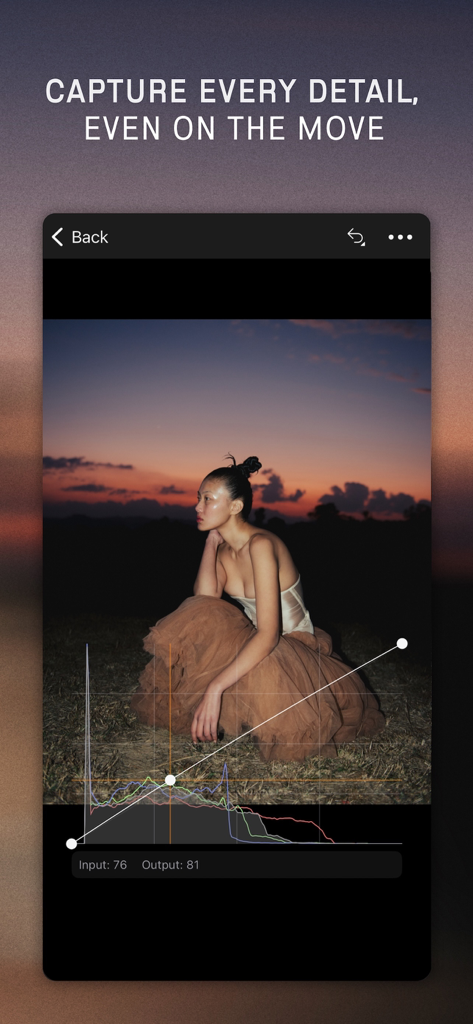
Capture One mobile app interface showing professional photo editing with curves and histogram
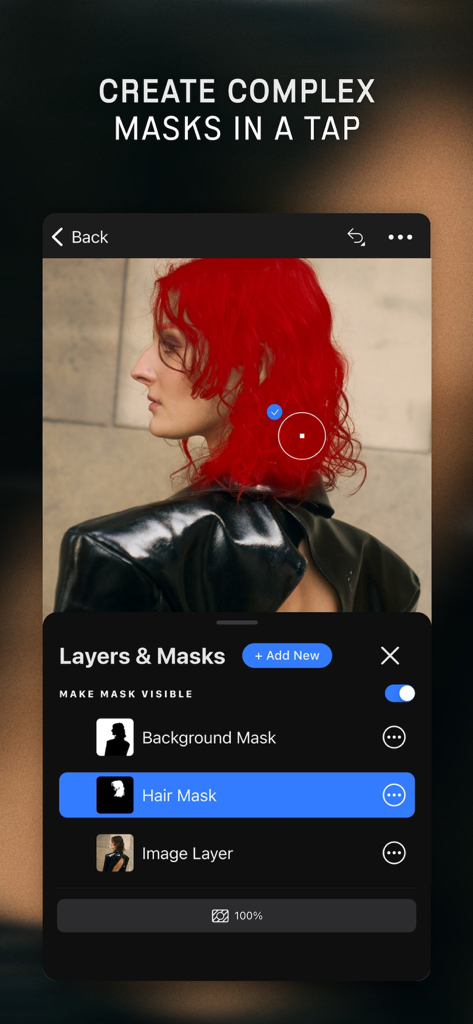
Capture One mobile app interface showing the Layers and Masks feature with a red hair mask applied to a portrait
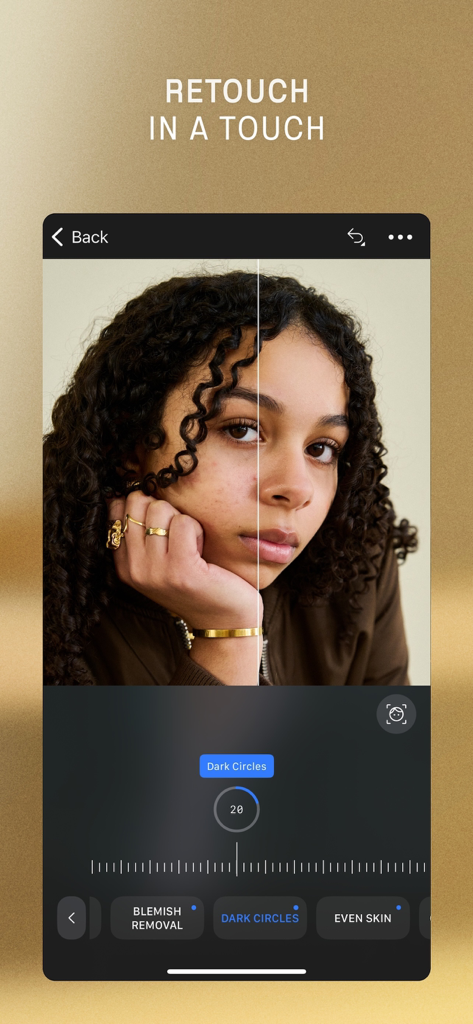
Interface of Capture One mobile app showing before and after portrait retouching with tools for dark circles and blemish removal
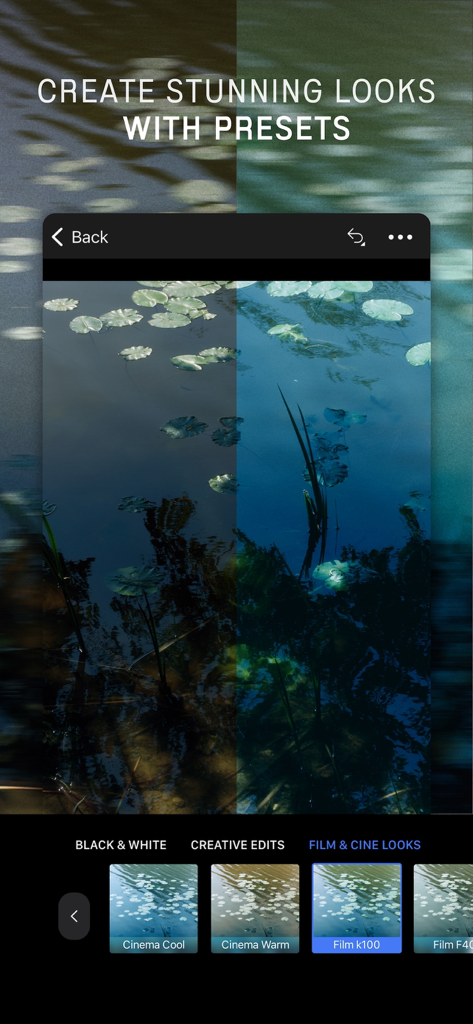
Capture One mobile app interface showing a photo being edited with various film and cine presets
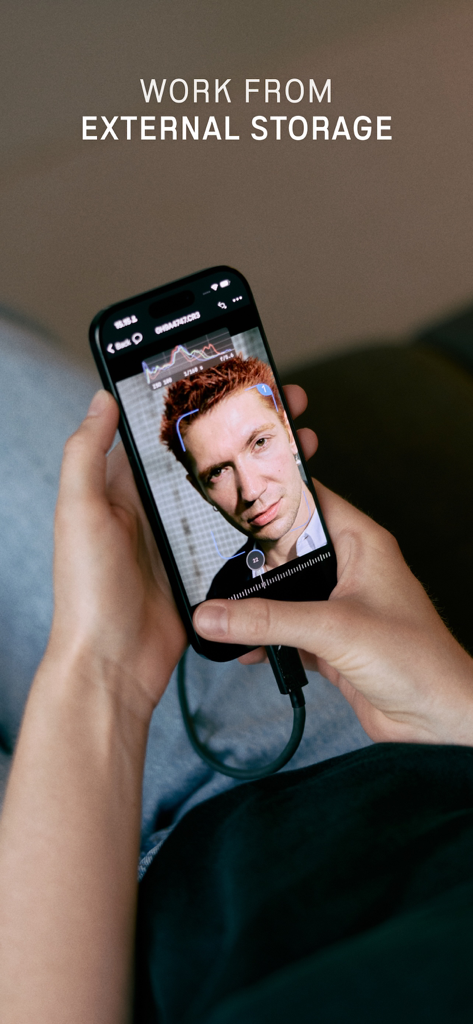
Photographer using Capture One mobile on an iPhone connected to external storage
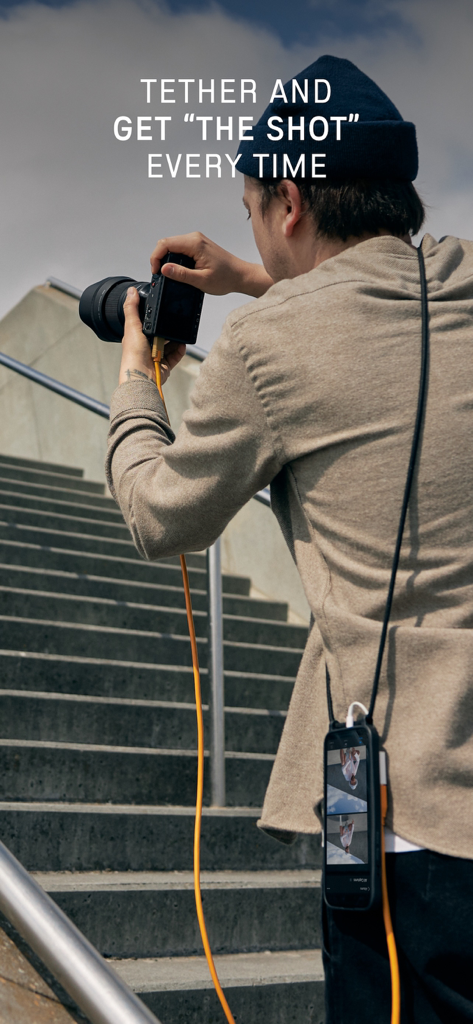
A professional photographer tethering a mirrorless camera to an iPhone using Capture One mobile
Description
Download
More Like This
Apps with similar features and user experience

DJI Mimo
SZ DJI TECHNOLOGY CO., LTD

DJI Ronin
SZ DJI TECHNOLOGY CO., LTD

Roku TV Remote Control & Cast
Aleh Piashkou

Remote for Hisense TV.
Duscov Stepan

Alpha Linker - Camera Transfer
恒茂 刘

MyCentsys Pro
Centurion Systems (Pty) Ltd

Roku TV Remote Control・
Artur Belov

Luminair
Synthe FX, LLC

FUJIFILM XApp
FUJIFILM Corporation
This page is not an official page of the app or its developer, but an independent editorial publication created for informational and commentary purposes. Unless expressly stated otherwise, neither the app nor its developer is affiliated with, endorsed by, sponsored by, authorized by, or otherwise officially connected with MWM, Apple, Google Play, the app publisher, or the app's developer, and nothing on this page implies that the app was developed using MWM's services. Any trademarks, logos, screenshots, and other content remain the property of their respective owners.