
This page is not an official page of the app or its developer, but an independent editorial publication created for informational and commentary purposes. Unless expressly stated otherwise, neither the app nor its developer is affiliated with, endorsed by, sponsored by, authorized by, or otherwise officially connected with MWM, Apple, Google Play, the app publisher, or the app's developer, and nothing on this page implies that the app was developed using MWM's services. Any trademarks, logos, screenshots, and other content remain the property of their respective owners.


FlyQ+ EFB
Maximize your situational awareness with 4D predictive weather, 3D synthetic vision, and industry-leading GPS spoofing protection. Engineered for pilots who demand a powerful yet intuitive cockpit experience with larger fonts and fewer taps.
Downloads
116K+User Rating
Total Ratings
1K+Publisher
Category
NavigationLocales
1Latest Version
7.1.1Size
494.2 MBFirst Released
Oct 24, 2014Fly Safer with Absolute Clarity
The EFB designed specifically for the cockpit environment, featuring high-readability interfaces and advanced safety tools that minimize workload and maximize situational awareness.
High-Visibility Interface
Designed for the Silver Wings demographic with larger fonts and a streamlined layout that minimizes screen taps during turbulent flight conditions.
3D Synthetic Vision & AR
Experience 'X-ray vision' through clouds or at night with Augmented Reality and 3D terrain displays that transform how you see the world around you.
The following screenshots and description are sourced directly from the app's official store listing and are the property of the app developer.
App Store
Screenshots
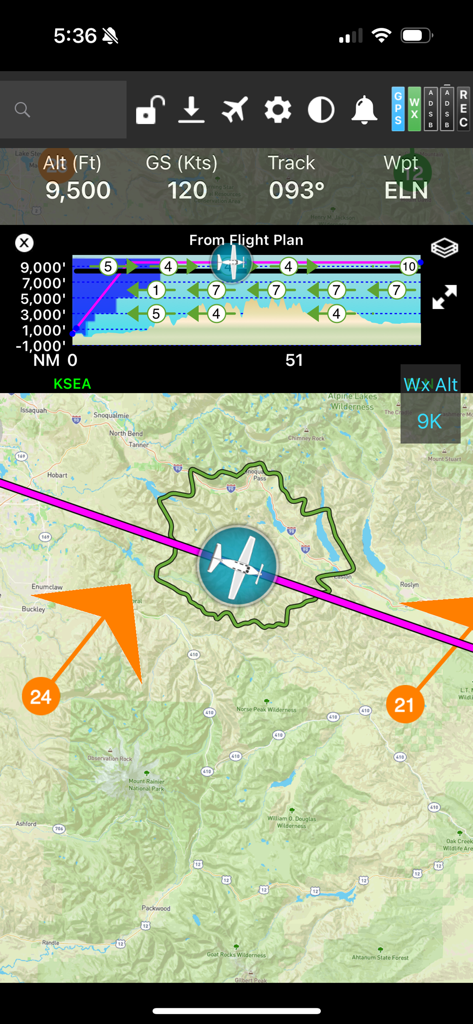
FlyQ plus EFB flight navigation screen showing a moving map with a glide ring and vertical profile
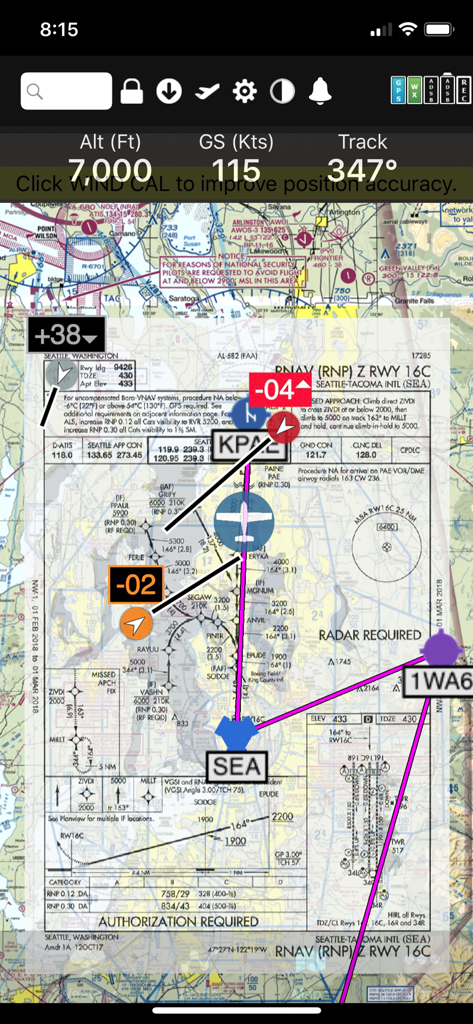
FlyQ+ EFB app interface showing an RNAV approach plate overlaid on a digital sectional map with flight telemetry
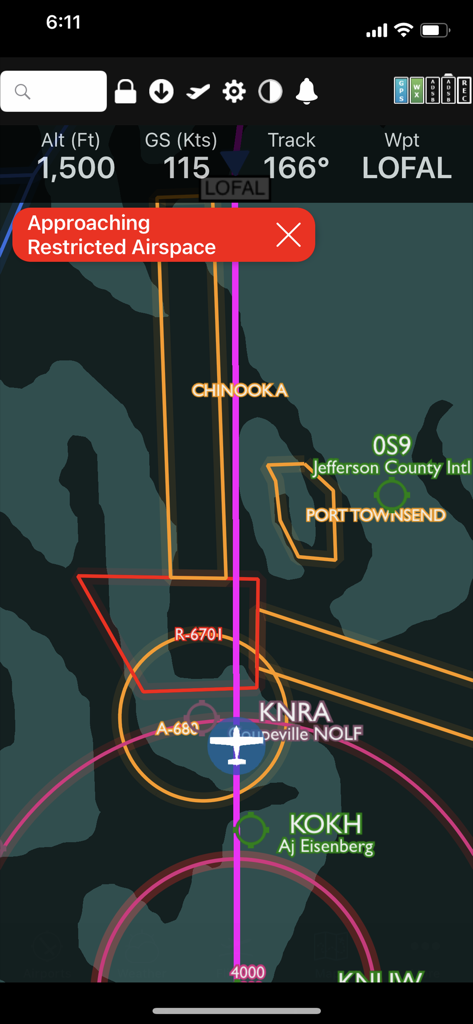
FlyQ plus app interface showing a restricted airspace warning on a digital flight map.
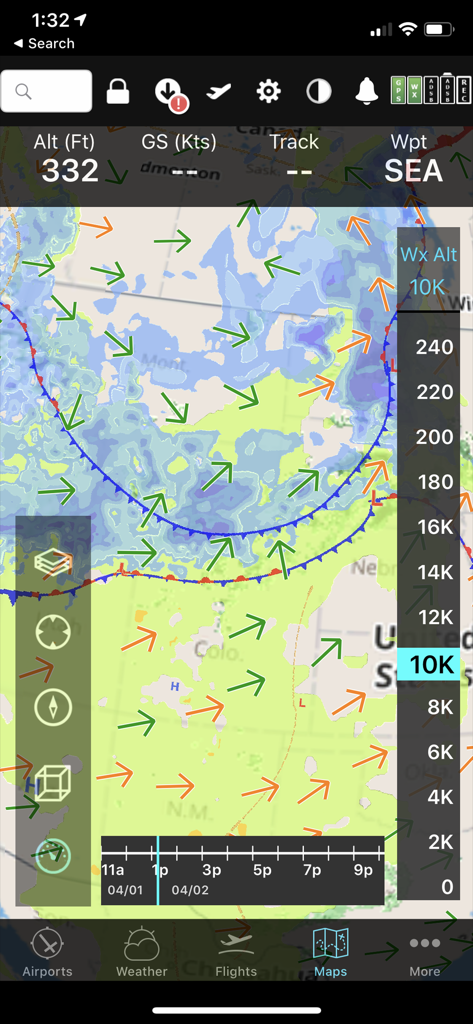
FlyQ+ EFB mobile interface displaying a predictive weather map with wind vectors and altitude slider for flight planning.
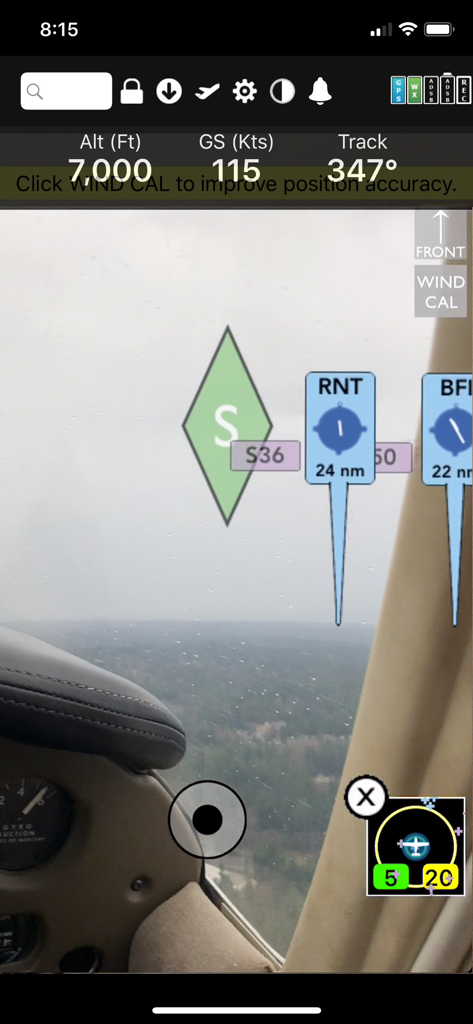
FlyQ Plus EFB augmented reality navigation display showing altitude ground speed and airport markers over a real time cockpit view
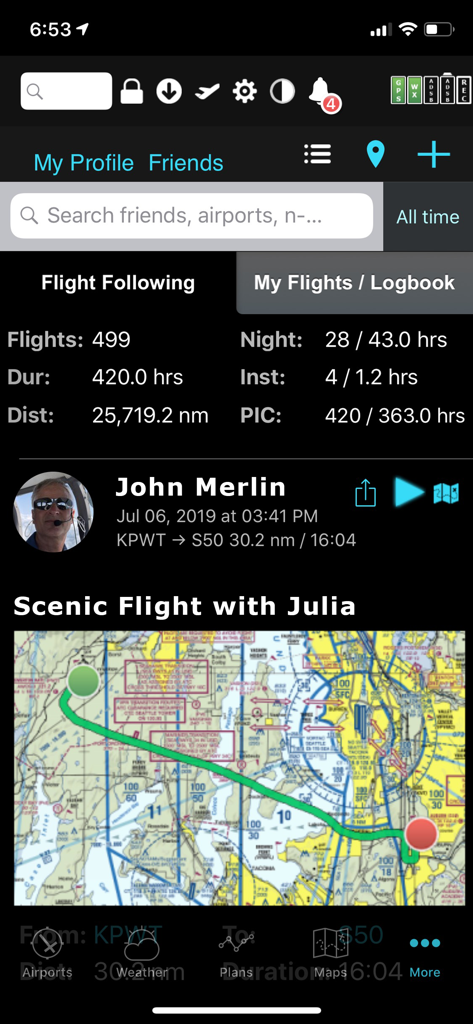
FlyQ plus EFB app showing pilot flight statistics and a scenic flight map
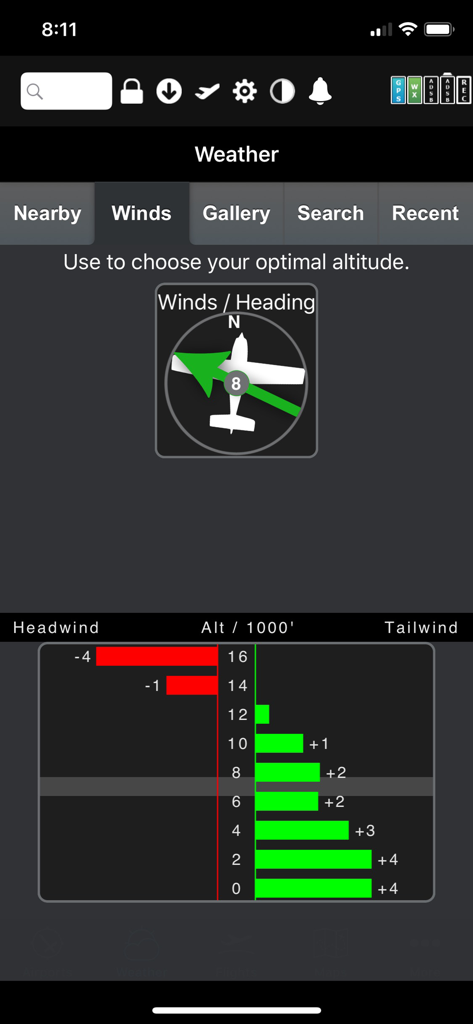
FlyQ Plus EFB graphical wind optimizer showing tailwind and headwind data by altitude
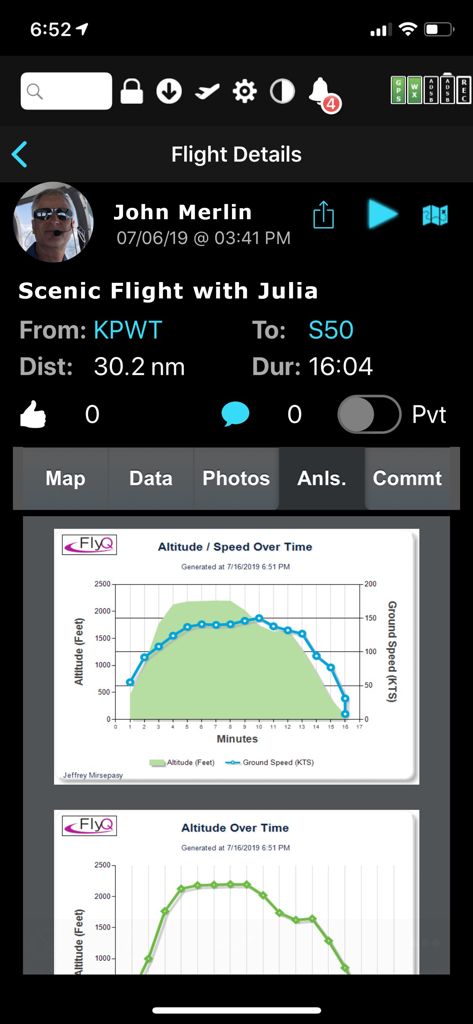
FlyQ EFB flight details screen displaying post-flight analysis graphs for altitude and ground speed
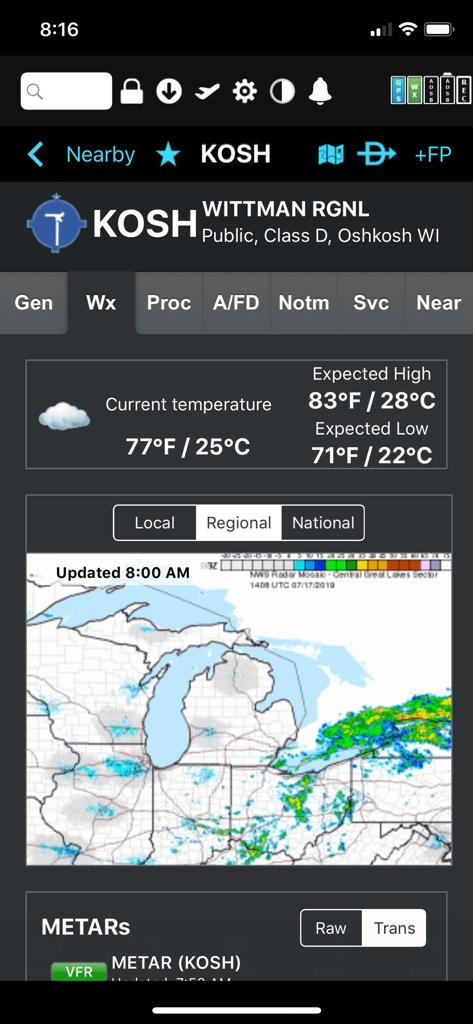
Weather display for Wittman Regional Airport featuring temperature and regional radar in the FlyQ plus EFB app
Description
Download
More Like This
Apps with similar features and user experience

Navigraph Charts
Navigraph KB

SkyDemon
Divelements Limited

Airports
Applicate Ltd

OzRunways EFB
OzRunways Pty. Ltd.

fDeck: flight instruments
Darren Yeates

Noisy Goose
Automata Solutions Ltd.

StationWeather - METAR and TAF
Oliver Puetz

Drone UAV Fly Forecast: AirMap
MONIQ TAP COMPANY LIMITED

Airmate
Myriel Aviation SA
This page is not an official page of the app or its developer, but an independent editorial publication created for informational and commentary purposes. Unless expressly stated otherwise, neither the app nor its developer is affiliated with, endorsed by, sponsored by, authorized by, or otherwise officially connected with MWM, Apple, Google Play, the app publisher, or the app's developer, and nothing on this page implies that the app was developed using MWM's services. Any trademarks, logos, screenshots, and other content remain the property of their respective owners.