
This page is not an official page of the app or its developer, but an independent editorial publication created for informational and commentary purposes. Unless expressly stated otherwise, neither the app nor its developer is affiliated with, endorsed by, sponsored by, authorized by, or otherwise officially connected with MWM, Apple, Google Play, the app publisher, or the app's developer, and nothing on this page implies that the app was developed using MWM's services. Any trademarks, logos, screenshots, and other content remain the property of their respective owners.

Hours Tracker - myTime
Ditch the manual timesheets. Manage multiple jobs, calculate overtime automatically, and export professional PDF reports for clients—all perfectly synced with iCloud for the modern freelancer.
Downloads
506K+User Rating
Total Ratings
10K+Publisher
Category
ProductivityLocales
2Latest Version
2.6.1Size
9.1 MBFirst Released
Jun 30, 2019Master Your Time, Maximize Your Income
The ultimate native iOS companion for freelancers and contractors to track hours, manage multiple jobs, and simplify billing with a single tap.
Manage Multiple Income Streams
Perfect for the gig economy. Separate tracking for every client or side hustle with customized rates and schedules for each job.
Frictionless Siri Automation
Clock in and out hands-free using Siri Shortcuts. Stay synced across iPhone and iPad with secure, private iCloud integration.
Frequently Asked Questions
Everything you need to know about Hours Tracker - myTime
What is the myTime app?
myTime is an app designed for tracking working hours, managing overtime, vacation, and sick days. It offers features like clock-in/out, iCloud synchronization, and document export.
Does myTime require registration?
No, myTime does not require registration. Users can begin tracking their time immediately upon app installation.
Does myTime support iCloud synchronization?
Yes, myTime supports iCloud synchronization. Your data stays up to date across your iPhone and iPad devices using iCloud.
Can I track multiple jobs with the myTime app?
Yes, myTime allows you to track multiple jobs independently. You can customize settings such as daily hours, start/end times, and breaks for each job.
How can I export my time records from myTime?
myTime allows you to export your records as PDF or CSV files. These files can be shared via email, iMessage, Signal, WhatsApp, or used in other tools.
Does myTime offer a clock in/out feature?
Yes, myTime includes a clock-in/out feature for fast and easy time tracking. It also supports Siri and Shortcuts for quicker actions.
Is there a free version of the myTime app?
Yes, you can try the basic version of myTime with limited functionality free of charge. This free period applies during the calendar year of the first installation.
Can I use Siri with the myTime app?
Yes, myTime integrates with Siri and Shortcuts. This allows you to clock in and out even faster using voice commands or custom shortcuts.
Does myTime support note templates for data entry?
Yes, myTime supports reusable note templates. These templates speed up data entry for recurring notes within your time records.
What types of files can myTime export?
myTime exports data as PDF or CSV files. This allows compatibility with applications like Excel, Numbers, and other similar tools for further analysis.
The following screenshots and description are sourced directly from the app's official store listing and are the property of the app developer.
App Store
Screenshots
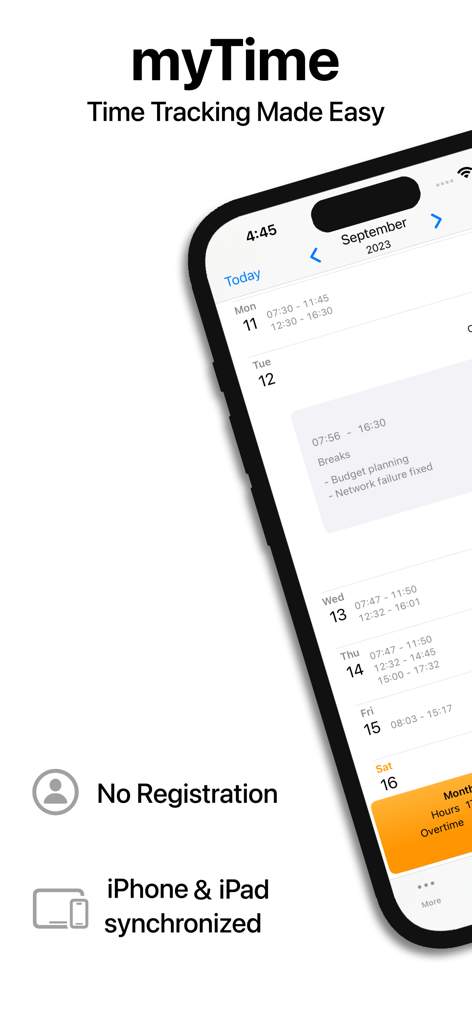
myTime app showing work hours calendar view and iCloud synchronization
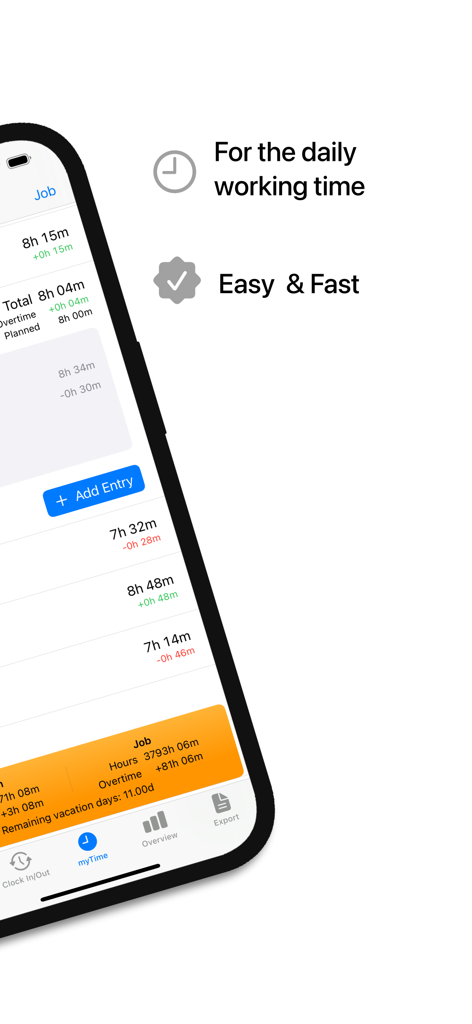
iPhone screen showing daily working time tracking in the Hours Tracker myTime app.
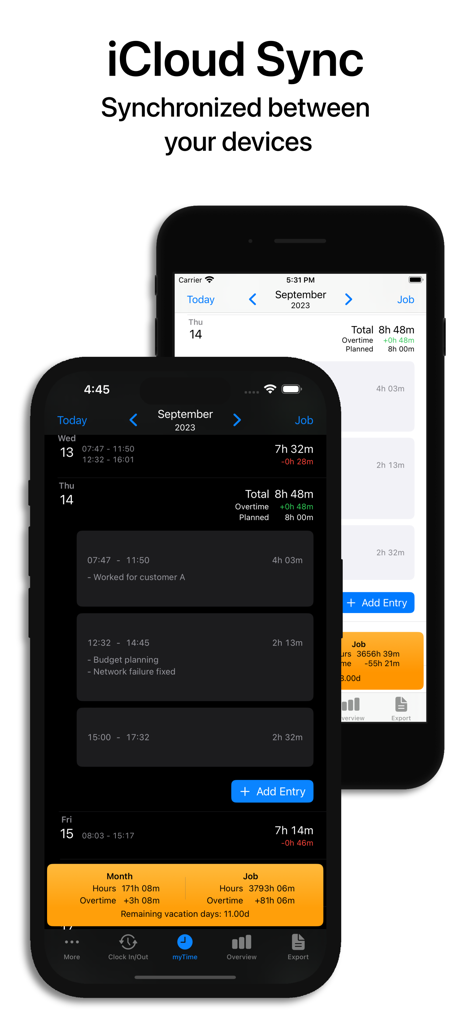
Hours Tracker app interface showing iCloud synchronization between iPhones in light and dark mode
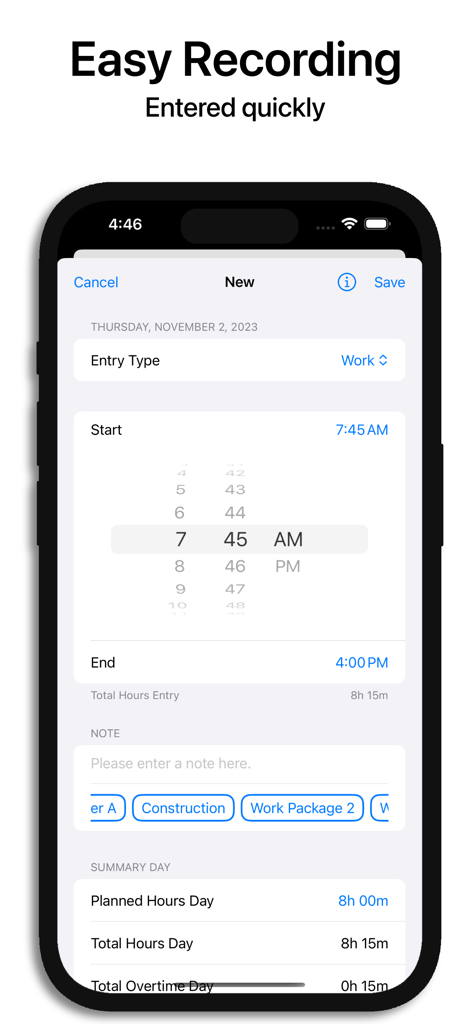
Mobile interface of Hours Tracker myTime showing a new work entry with time selection and daily summary.
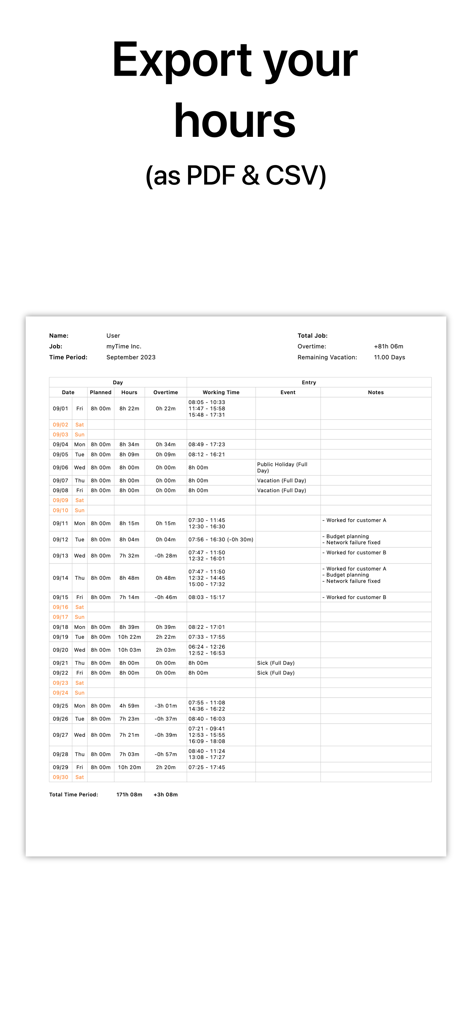
A detailed monthly work hours report from Hours Tracker myTime showing columns for overtime and working time ready for export as PDF or CSV.
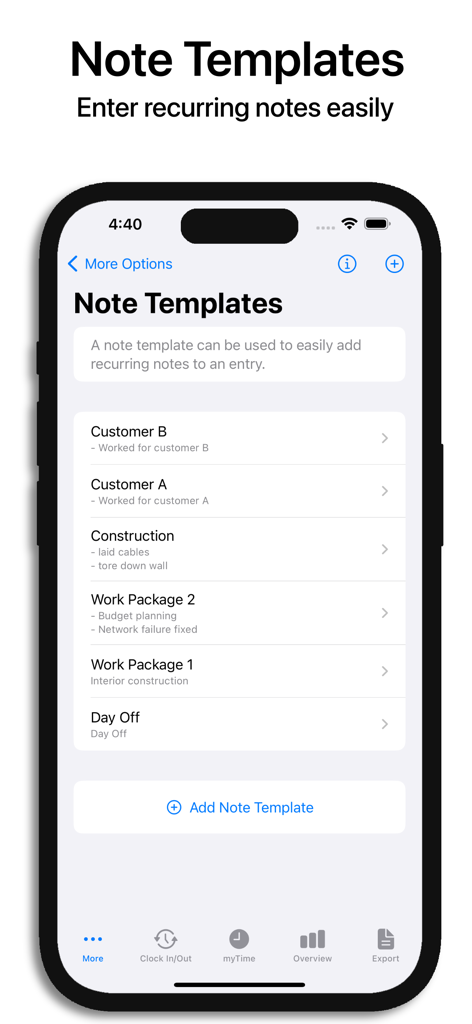
Interface of the Hours Tracker myTime app displaying reusable note templates for quickly adding recurring work notes.
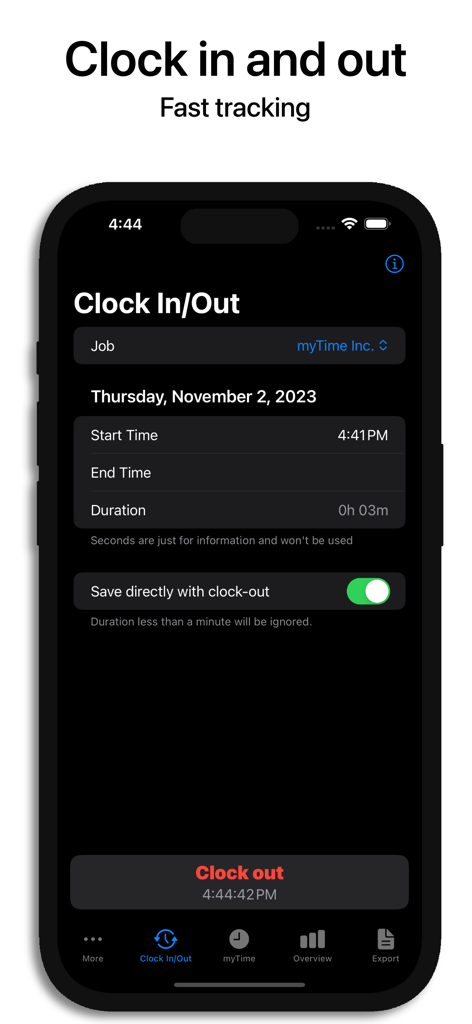
Interface of Hours Tracker myTime app showing the clock in and out feature on an iPhone in dark mode
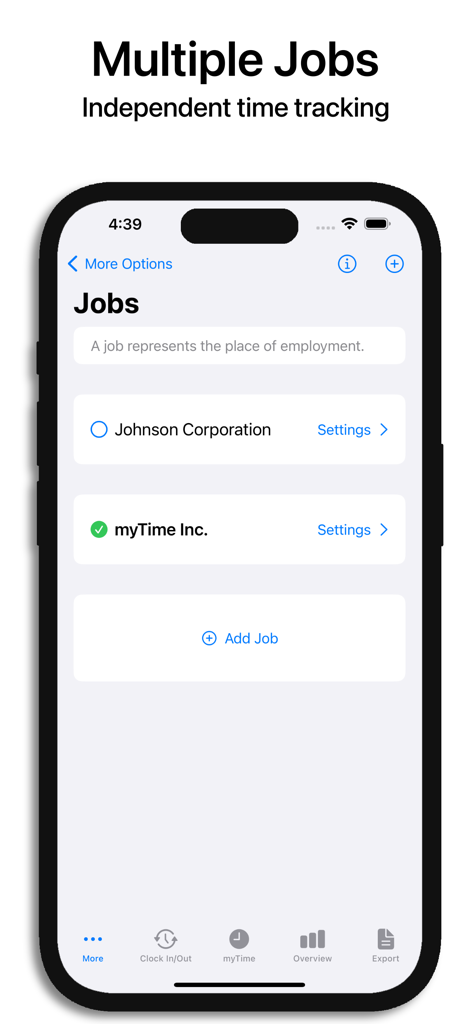
Hours Tracker app interface showing multiple job management for independent time tracking
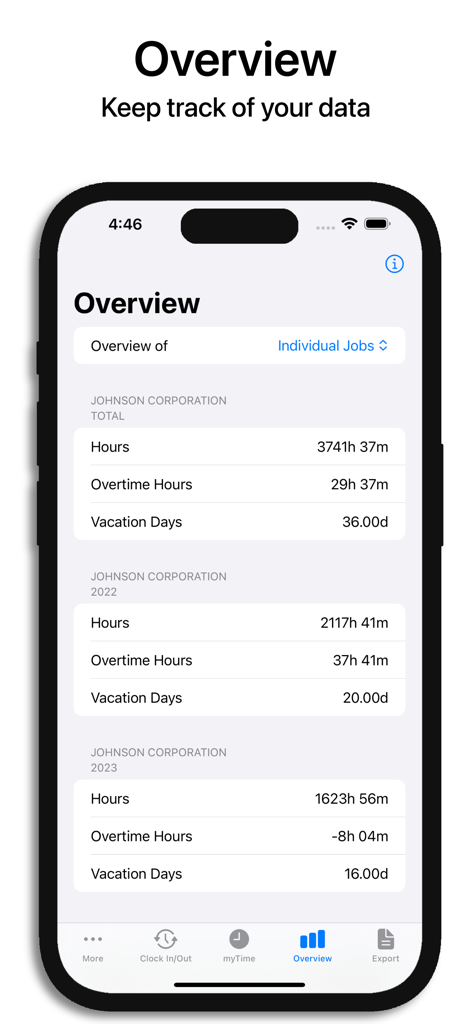
App overview screen showing total work hours overtime hours and vacation days for a specific company
Description
Download
More Like This
Apps with similar features and user experience

Supershift Shift Work Calendar
Supershift GmbH

安心记加班-记考勤加班工资记录记账记工本
Shanghai Anjiaxin Network Technology Co., Ltd

Work Shift Calendar (Shifter)
Luis Alberto Reyes Halaby

极简记工时·小时工记加班
敏强 李

My Shift Planner - Calendar
MyBuzz Technologies Limited

Work hours tracker - Timesheet
Kanstantsin Markau

Punch Time Clock
Trent Morris

记工时考勤
Beijing Chejiang Internet Technology Co., Ltd.

Time Squared: Hours Tracker
TSQ Publishing Corp.
This page is not an official page of the app or its developer, but an independent editorial publication created for informational and commentary purposes. Unless expressly stated otherwise, neither the app nor its developer is affiliated with, endorsed by, sponsored by, authorized by, or otherwise officially connected with MWM, Apple, Google Play, the app publisher, or the app's developer, and nothing on this page implies that the app was developed using MWM's services. Any trademarks, logos, screenshots, and other content remain the property of their respective owners.