
This page is not an official page of the app or its developer, but an independent editorial publication created for informational and commentary purposes. Unless expressly stated otherwise, neither the app nor its developer is affiliated with, endorsed by, sponsored by, authorized by, or otherwise officially connected with MWM, Apple, Google Play, the app publisher, or the app's developer, and nothing on this page implies that the app was developed using MWM's services. Any trademarks, logos, screenshots, and other content remain the property of their respective owners.

Kids TV: Controls for Youtube
The safety-first alternative to YouTube Kids. Ban unwanted channels, set automatic rest breaks, and remotely manage what your child watches—all from your own phone for ultimate peace of mind.
Downloads
882K+User Rating
Total Ratings
2K+Publisher
Category
EntertainmentLocales
20Latest Version
4.5.1Size
21.5 MBFirst Released
Sep 14, 2018Total Peace of Mind for Modern Parents
Kids TV transforms YouTube into a curated, safe, and controlled environment, allowing you to manage screen time boundaries effortlessly from your own device.
Remote Instant Control
Monitor usage and remotely stop video playback from your phone, avoiding screen-time tantrums and staying in charge from any room.
Advanced Content Filtering
Go beyond generic filters. Ban specific channels and videos manually to ensure your child only watches safe, educational, and approved content.
Frequently Asked Questions
Everything you need to know about Kids TV: Controls for Youtube
What is Kids TV?
Kids TV is a parental control app for YouTube, designed for children. It offers features like content filtering, time limits, activity monitoring, and remote video playback control, ensuring a safe viewing experience.
Does Kids TV filter YouTube content for children?
Yes, Kids TV filters YouTube content. Parents ban specific videos and channels. Its kids-friendly search also blocks inappropriate results, ensuring children only access suitable content within the app.
Can Kids TV set time limits for YouTube viewing?
Yes, Kids TV implements viewing time limits. Parents set daily duration controls, and the app enforces breaks, such as two minutes every 25 minutes. A parental math problem prevents continued viewing after limits are reached.
How can parents monitor their child's activity on Kids TV?
Parents monitor their child's Kids TV activity by checking viewing history and receiving notifications for excessive watching. The app also provides a real-time "Watching now" feature and a parental control dashboard.
Is a subscription required to use Kids TV features?
Yes, a subscription is required to unlock all features of the Kids TV app. This subscription enables full access to parental controls, content filtering, and time management tools.
Can Kids TV prevent children from leaving the app?
Yes, Kids TV prevents children from quitting the app easily. It features a simple interface with no unnecessary buttons, designed specifically to keep the child within the controlled YouTube viewing environment.
Can parents remotely control video playback in Kids TV?
Yes, parents can remotely stop video playback using Kids TV. They use their own phone to monitor usage and remotely enable or disable video viewing for their child's device.
Can parents disable the search function in Kids TV?
Yes, parents disable the search function in Kids TV. The app provides a toggle to "Allow searching" and also includes a "Parental gate in search" that requires a math problem to proceed.
What kind of content can Kids TV recommend to children?
Kids TV allows parents to recommend specific channels and videos for their children. Parents use the "Recommend content" feature to force-recommend desired content, which appears under "Liked channels."
The following screenshots and description are sourced directly from the app's official store listing and are the property of the app developer.
App Store
Screenshots
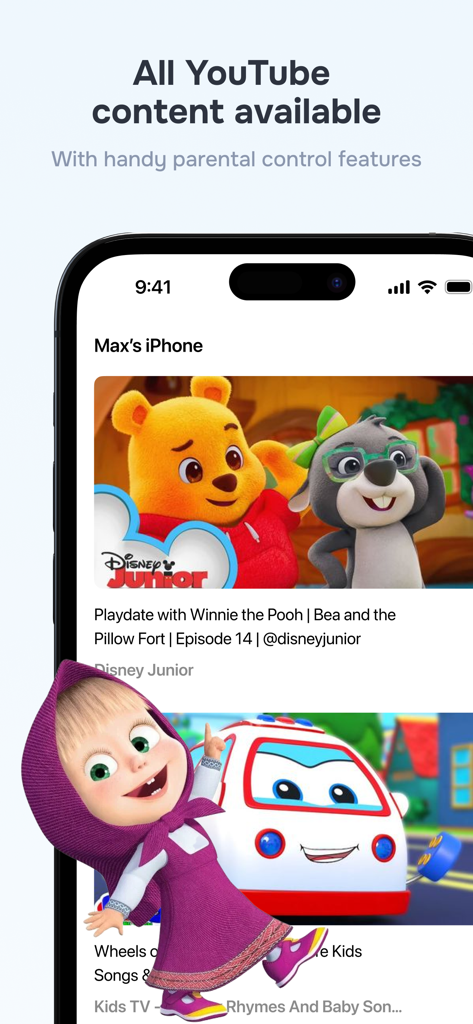
Kids TV app interface displaying popular YouTube cartoons with parental control features for safe viewing.
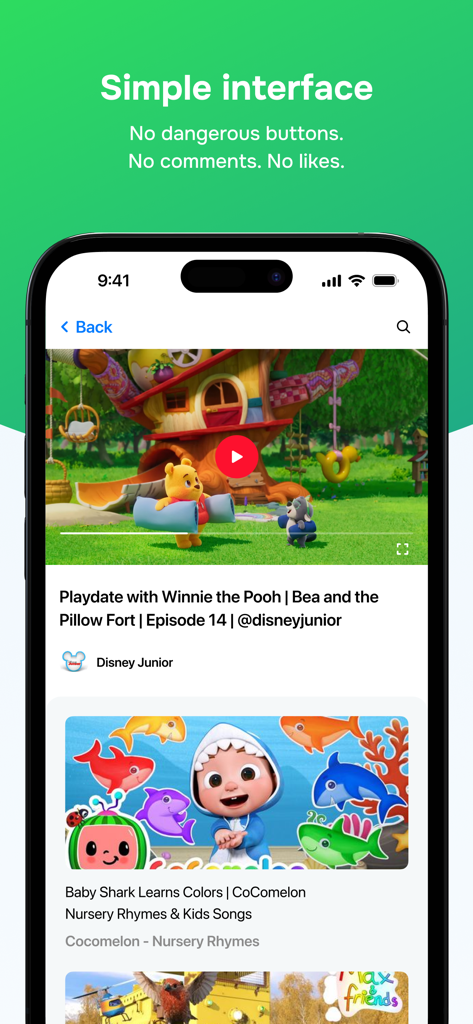
Clean and safe interface of Kids TV app displaying child friendly videos without comments or likes
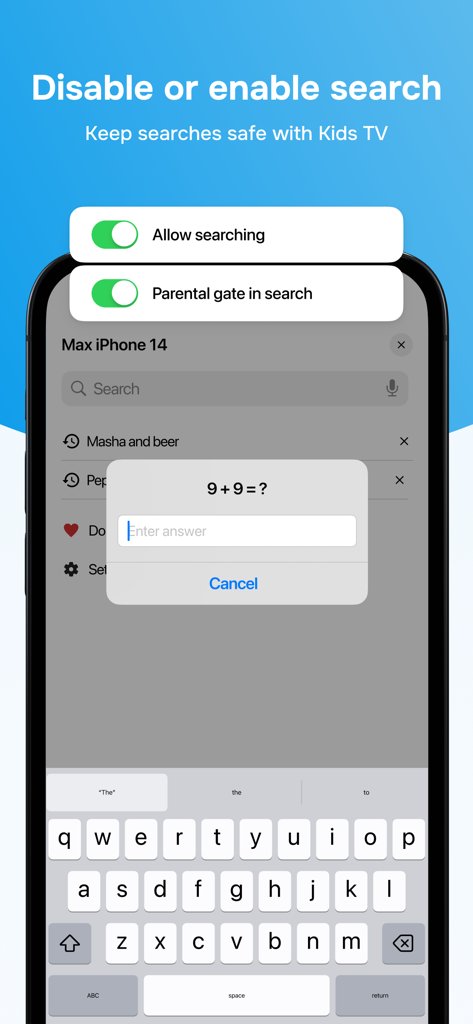
Parental gate math challenge to access search settings in the Kids TV app.
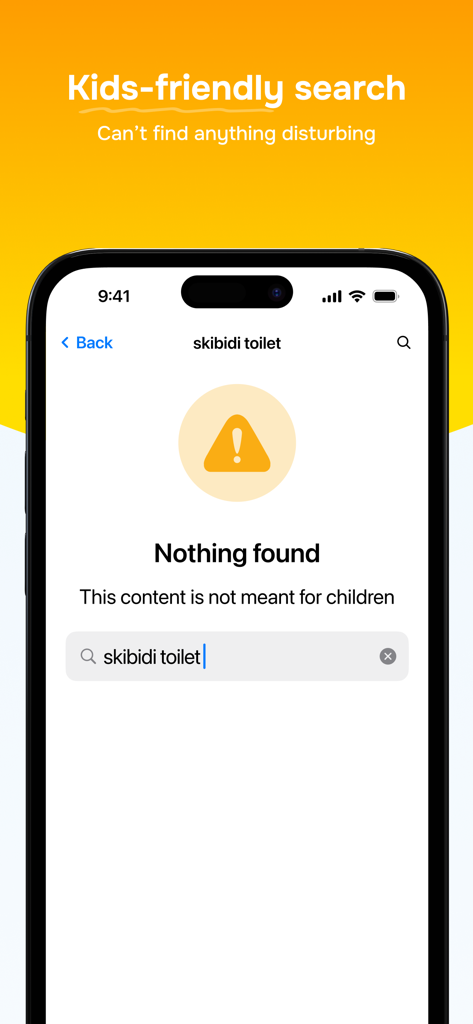
Kids TV app interface showing a blocked search result for inappropriate content to ensure child safety.
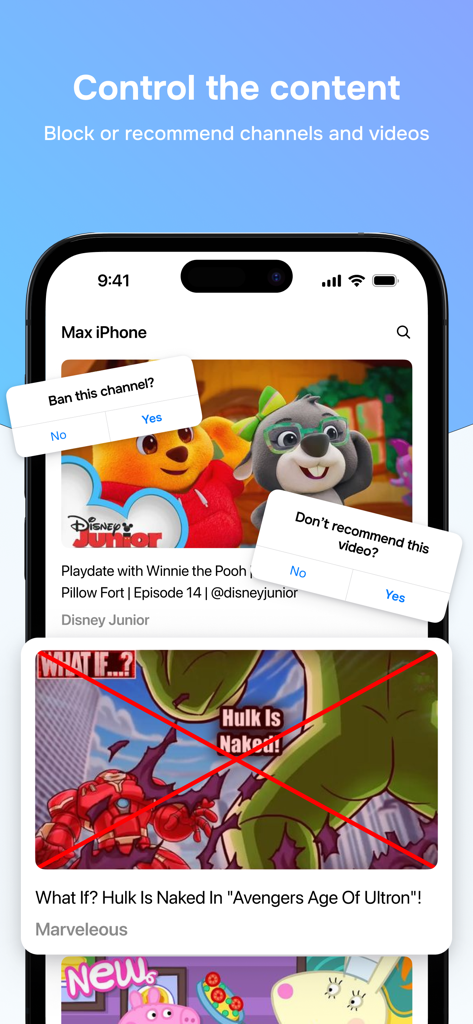
A smartphone screen showing the Kids TV app interface with options to ban channels and block inappropriate YouTube videos for children.
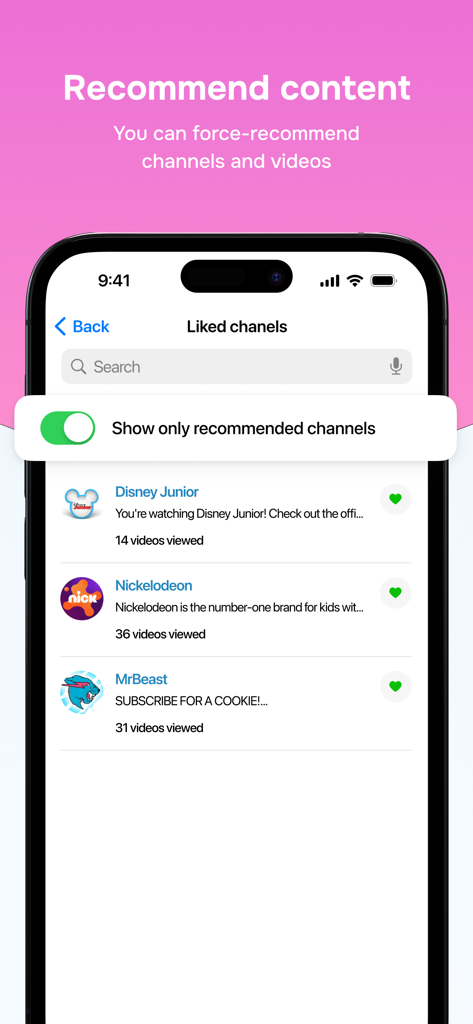
Interface showing parental controls to recommend specific YouTube channels like Disney Junior and Nickelodeon
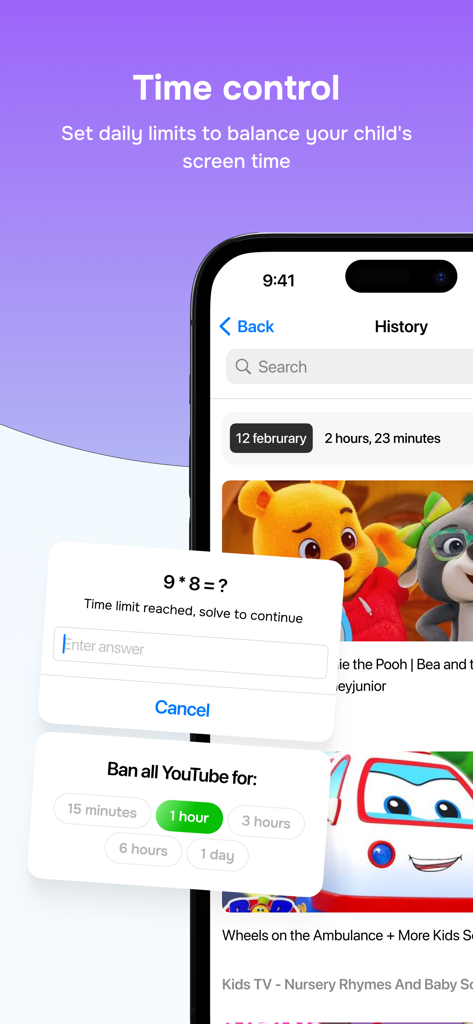
Kids TV app interface showing screen time limits and parental math gate.
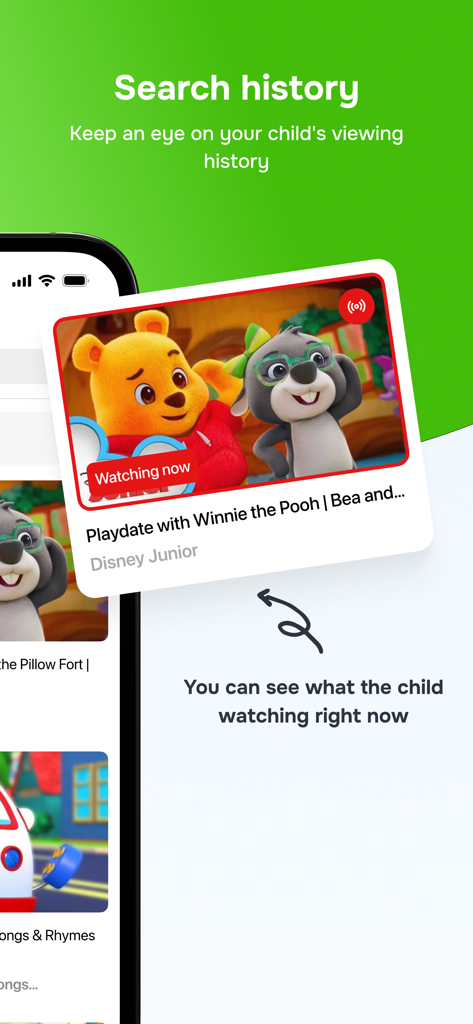
Parental control dashboard showing live child viewing history on Kids TV app
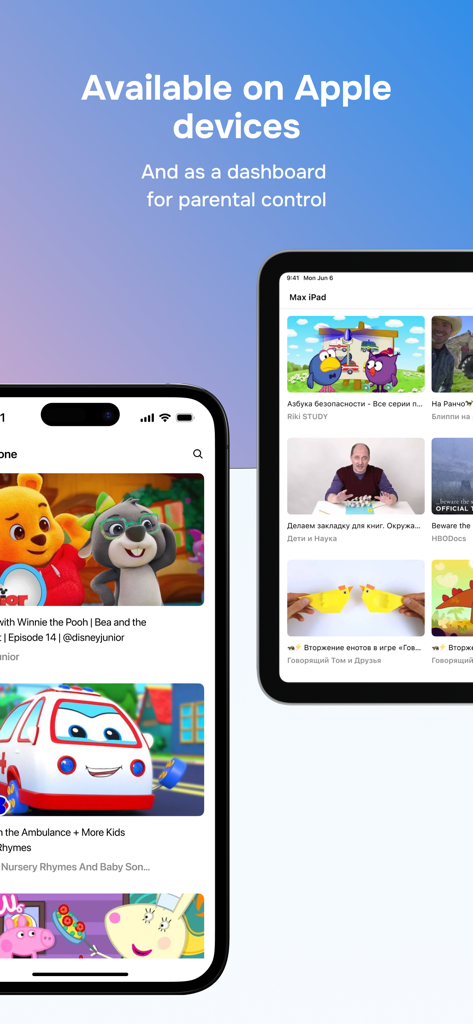
An iPhone and iPad showing the Kids TV app interface with a dashboard for parental control over YouTube content.
Description
Download
More Like This
Apps with similar features and user experience

Findos - Find My Device
Pollux Bilisim Teknolojileri Sanayi ve Ticaret Limited Sirketi

Boost Family Guard
Smith Micro Software, Inc.

Google Family Link
Google LLC

Findmykids: GPS Phone Tracker
LETEM LTD

Nintendo Switch Parental Cont…
Nintendo Co., Ltd.

Parental Control App Kids360
ANKO SOLUTIONS LLC

JusTalk Kids - Safe Messenger
Ningbo Jus Internet Technology Co., Ltd.

FlashGet Kids:parental control
HONGKONG FLASHGET NETWORK TECHNOLOGY CO., LIMITED

Parental Control App: AirDroid
SAND STUDIO CORPORATION LIMITED
This page is not an official page of the app or its developer, but an independent editorial publication created for informational and commentary purposes. Unless expressly stated otherwise, neither the app nor its developer is affiliated with, endorsed by, sponsored by, authorized by, or otherwise officially connected with MWM, Apple, Google Play, the app publisher, or the app's developer, and nothing on this page implies that the app was developed using MWM's services. Any trademarks, logos, screenshots, and other content remain the property of their respective owners.