
This page is not an official page of the app or its developer, but an independent editorial publication created for informational and commentary purposes. Unless expressly stated otherwise, neither the app nor its developer is affiliated with, endorsed by, sponsored by, authorized by, or otherwise officially connected with MWM, Apple, Google Play, the app publisher, or the app's developer, and nothing on this page implies that the app was developed using MWM's services. Any trademarks, logos, screenshots, and other content remain the property of their respective owners.

Microsoft Whiteboard
Empower your team to ideate, design, and plan together from anywhere. Transform your sketches into professional workflows with intelligent ink and over 40 customizable templates.
Downloads
4M+User Rating
Total Ratings
51K+Publisher
Category
ProductivityLocales
60Latest Version
25.11204.0.9201Size
32.1 MBFirst Released
Sep 25, 2018Unlock Your Team’s Creative Potential
Experience an infinite intelligent canvas designed for seamless collaboration, professional-grade diagramming, and high-speed productivity across all your devices.
Co-Create in Real Time
Bridge the gap between remote and office work by ideating with your team on the same board, seeing every cursor and edit as it happens.
Smart Inking Technology
Turn rough sketches into polished diagrams with ink-to-shape tools and Apple Scribble support for instant handwriting-to-text conversion.
Frequently Asked Questions
Everything you need to know about Microsoft Whiteboard
What is Microsoft Whiteboard?
Microsoft Whiteboard is a freeform intelligent canvas for individuals and teams to ideate, create, and collaborate visually via the cloud. It supports touch, type, and pen input for diverse interactions.
Can I collaborate with others on Microsoft Whiteboard?
Yes, Microsoft Whiteboard enables real-time collaboration. All team members can edit the canvas simultaneously from any device, seeing what teammates are doing to foster immediate cooperation.
Does Microsoft Whiteboard save my work automatically?
Yes, Microsoft Whiteboard automatically saves all your brainstorming sessions and work directly to the Microsoft cloud. This allows you to seamlessly resume from any location or device.
What input methods does Microsoft Whiteboard support?
Microsoft Whiteboard supports touch, type, and pen input. Users can write, draw with ink, type text, and add sticky notes or grids. The interface frees ideas from keyboard limitations.
Are there templates available in Microsoft Whiteboard?
Yes, Microsoft Whiteboard offers over 40 customizable templates for quick starts in collaboration, brainstorming, and ideation. An expansive shapes library also supports drawing flowcharts.
Can I convert ink to text in Microsoft Whiteboard?
Yes, Microsoft Whiteboard features Apple Scribble functionality on iPads with Apple Pencil. Users can ink on text boxes and sticky notes, and the ink magically converts to text.
How can users communicate visually in Microsoft Whiteboard?
Users communicate visually in Microsoft Whiteboard by adding sticky notes, notes grids, and using reactions. An expansive shapes library and ink arrows also facilitate detailed visual expression and diagramming.
What recent improvements has Microsoft Whiteboard received?
Microsoft Whiteboard has improved app performance, reduced crashes, and features a modern look. It includes a streamlined UI, a creation gallery, and enhanced interactive content and inking capabilities.
The following screenshots and description are sourced directly from the app's official store listing and are the property of the app developer.
App Store
Screenshots
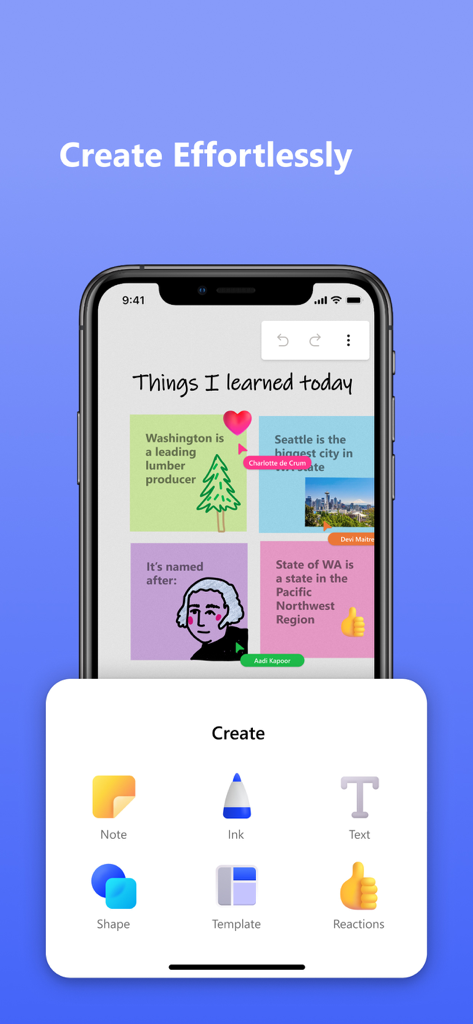
A smartphone screen showing the Microsoft Whiteboard app with a creation menu for adding notes ink text and shapes
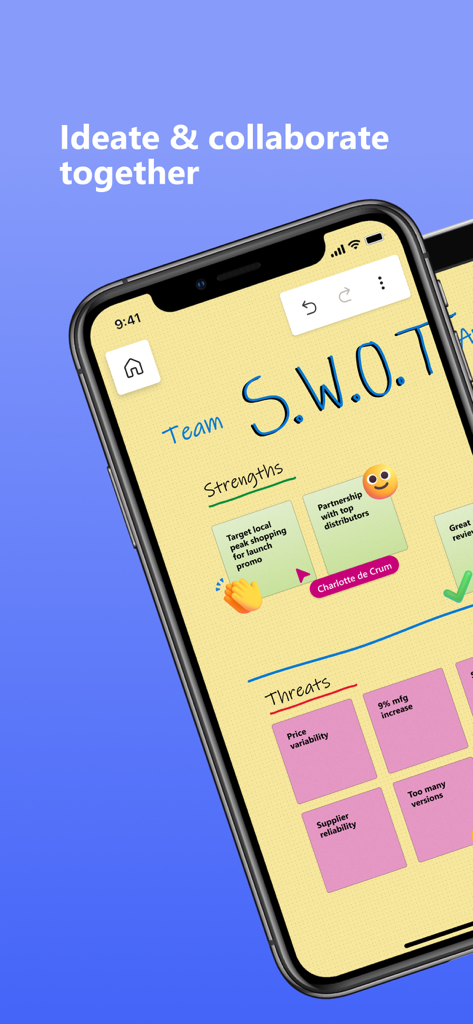
Smartphone screen displaying a collaborative SWOT analysis on Microsoft Whiteboard with digital sticky notes.
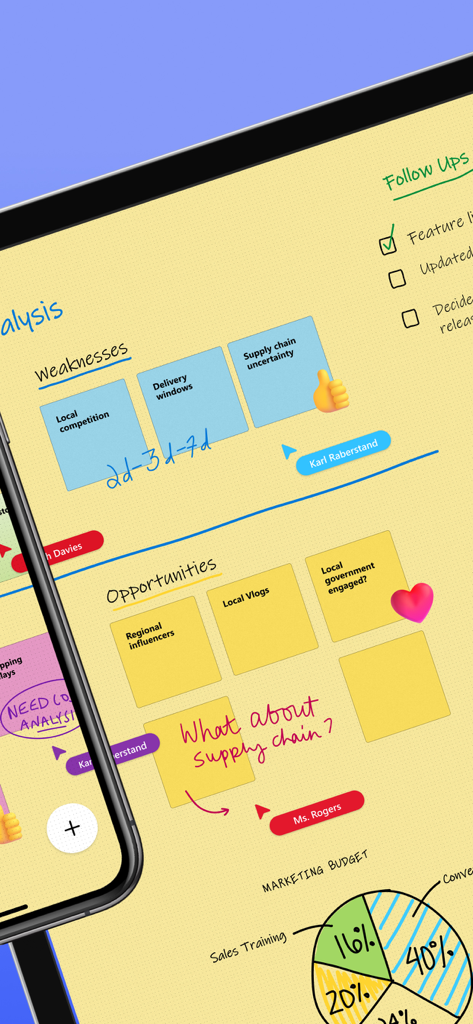
A collaborative digital whiteboard session in Microsoft Whiteboard featuring sticky notes, handwritten text, and real time team cursors
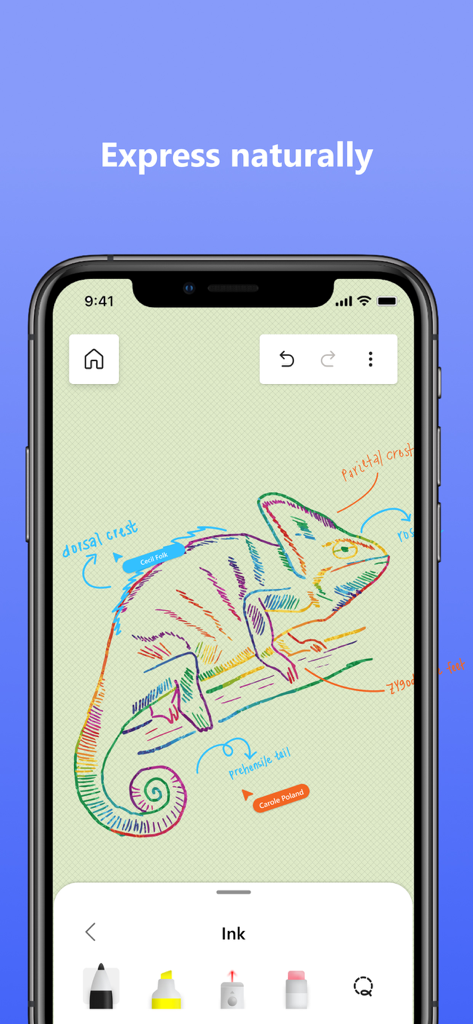
A colorful chameleon drawing in Microsoft Whiteboard showing ink tools and labels
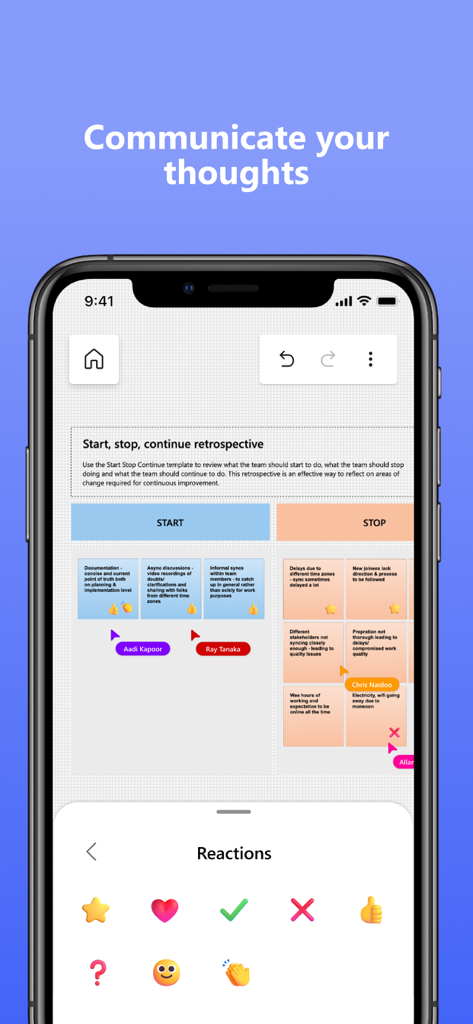
Microsoft Whiteboard app interface showing a collaborative retrospective board with sticky notes and a reactions selection menu
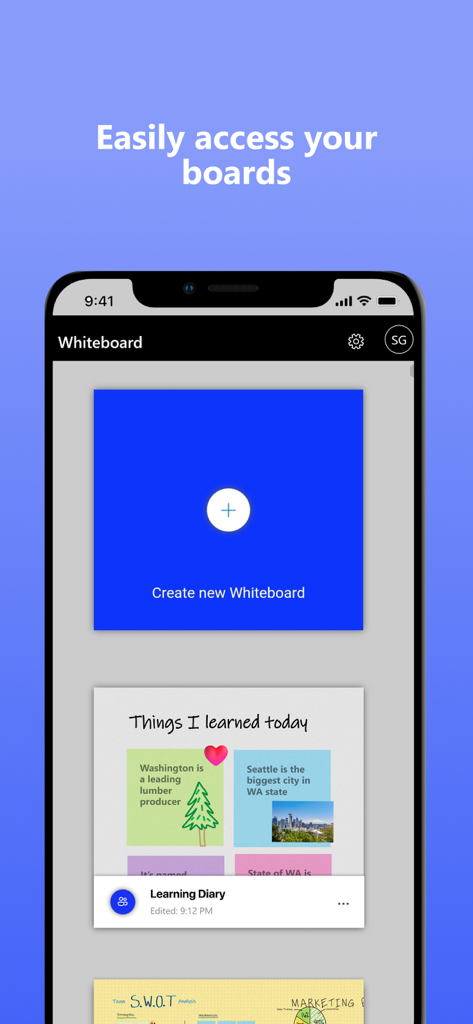
A mobile interface for Microsoft Whiteboard showing the board gallery and a create new whiteboard button
Description
Download
More Like This
Apps with similar features and user experience

Xmind - Mind Map & Brainstorm
Xmind Ltd.

Smartsheet: Projects & Teams
Smartsheet Inc.

Miro: your visual workspace
Realtimeboard Inc.

Padlet
Wallwisher, Inc.

Asana: Work Management
Asana, Inc.

Microsoft Planner
Microsoft Corporation

Microsoft Loop
Microsoft Corporation

Nola: Story Planner & Writing
indent Inc.

MeisterTask - Task Management
MeisterLabs
This page is not an official page of the app or its developer, but an independent editorial publication created for informational and commentary purposes. Unless expressly stated otherwise, neither the app nor its developer is affiliated with, endorsed by, sponsored by, authorized by, or otherwise officially connected with MWM, Apple, Google Play, the app publisher, or the app's developer, and nothing on this page implies that the app was developed using MWM's services. Any trademarks, logos, screenshots, and other content remain the property of their respective owners.