
This page is not an official page of the app or its developer, but an independent editorial publication created for informational and commentary purposes. Unless expressly stated otherwise, neither the app nor its developer is affiliated with, endorsed by, sponsored by, authorized by, or otherwise officially connected with MWM, Apple, Google Play, the app publisher, or the app's developer, and nothing on this page implies that the app was developed using MWM's services. Any trademarks, logos, screenshots, and other content remain the property of their respective owners.

Mind Mapping - MindMeister
Unleash your mental arsenal. This app transforms raw thought into structured action, wherever you are.
Downloads
2.5M+User Rating
Total Ratings
6.2KPublisher
Category
ProductivityLocales
12Latest Version
10.1.2Size
37.8 MBFirst Released
Jul 22, 2010Key Features for Enhanced Mind Mapping and Collaboration
MindMeister App Evaluation
Real-Time Collaboration
The app enables multiple users to work on the same mind map simultaneously, fostering teamwork and immediate feedback.
Cross-Device Synchronization
This tool ensures consistency and accessibility of users' work across all devices, from mobile to desktop, and with collaborators.
Unlimited Map Creation
It allows users to create an unrestricted number of mind maps, supporting extensive use for all personal and professional projects.
Rich Content Integration
The app extends mind maps beyond simple ideas, allowing users to embed detailed notes, links, tasks, and attachments for comprehensive project management.
Versatile Export Options
This tool facilitates sharing and archiving of mind maps by allowing users to export them in universally accessible formats like PDF and PNG.
Intuitive Multi-Touch Interface
The app provides an intuitive and responsive mobile interface, enabling effortless drag & drop, zooming, and panning for efficient map manipulation.
Frequently Asked Questions
Everything you need to know about Mind Mapping - MindMeister
What is MindMeister?
MindMeister is a mobile mind mapping app designed to help users organize, prioritize, and generate new thoughts. It syncs seamlessly with an online account and offers features for creation, collaboration, and sharing.
Is MindMeister a free app?
Yes, the "Basic" version of MindMeister is free. It allows users to create up to three mind maps and includes features like real-time collaboration and seamless syncing.
Can I collaborate with others in MindMeister?
Yes, MindMeister supports real-time collaboration, allowing multiple users to work on mind maps simultaneously. Users can also view and edit notes and add comments directly within the app.
How many free mind maps can I create with MindMeister?
Users can create up to three free mind maps with the MindMeister "Basic" plan. This plan includes essential features like syncing maps and multi-touch support for editing.
Does MindMeister require an account to use?
Yes, MindMeister requires a free account registration to use the app. This account enables seamless syncing of maps and folders with the online platform.
What export formats does MindMeister support?
MindMeister supports exporting maps in PDF and PNG formats with the "Personal" plan. The "Pro" plan further adds export options for MS Word, MS PowerPoint, and slides as a zip file.
Can I add images to my mind maps in MindMeister?
Yes, the MindMeister "Personal" plan allows users to add files and images to topics within their mind maps. The "Basic" plan supports adding icons, colors, and map themes.
How does MindMeister sync my mind maps?
MindMeister seamlessly syncs mobile creations and folders with your free online account. This ensures your mind maps are accessible and up-to-date across different devices and the browser-based interface.
Does MindMeister offer a free trial for paid plans?
Yes, MindMeister offers a free 1-week trial for the "Personal" plan after signing up. The membership automatically continues as an auto-renewing subscription if not canceled.
Where can I find the privacy policy for MindMeister?
The privacy policy for MindMeister is available on their website at https://www.mindmeister.com/privacy. This link ensures users can review information on data handling practices.
The following screenshots and description are sourced directly from the app's official store listing and are the property of the app developer.
App Store
Screenshots
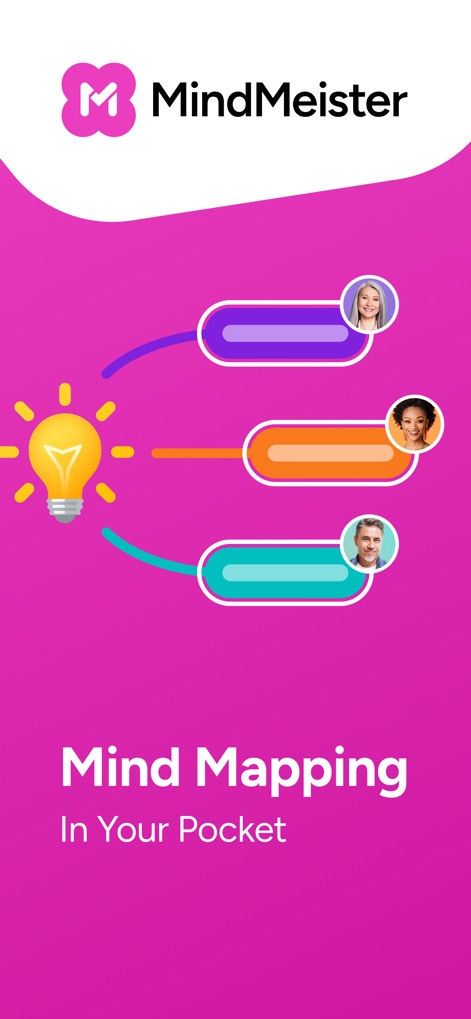
Discover how this tool transforms brainstorming with a central idea lightbulb and dynamic connections showcasing user contributions.
Mobile Mind Mastery

Explore the app's intuitive interface for visualizing ideas, featuring a clear hierarchical mind map structure and direct user assignments on topics.
Structured Thought Flow

Witness the seamless real-time collaboration feature where users can exchange feedback via a dedicated comments section and view individual contributions.
Team Feedback Loop

Understand how users can personalize their mind maps with an extensive icon library and granular color customization options for enhanced visual organization.
Styling for Clarity

Discover the comprehensive map library, allowing users to quickly access their projects through organized thumbnails and browse recent activity.
Organized Map Library
Description
Download
More Like This
Apps with similar features and user experience

Xmind - Mind Map & Brainstorm
Xmind Ltd.

Smartsheet: Projects & Teams
Smartsheet Inc.

Miro: your visual workspace
Realtimeboard Inc.

Padlet
Wallwisher, Inc.

Asana: Work Management
Asana, Inc.

Microsoft Planner
Microsoft Corporation

Microsoft Loop
Microsoft Corporation

Microsoft Whiteboard
Microsoft Corporation

Nola: Story Planner & Writing
indent Inc.
This page is not an official page of the app or its developer, but an independent editorial publication created for informational and commentary purposes. Unless expressly stated otherwise, neither the app nor its developer is affiliated with, endorsed by, sponsored by, authorized by, or otherwise officially connected with MWM, Apple, Google Play, the app publisher, or the app's developer, and nothing on this page implies that the app was developed using MWM's services. Any trademarks, logos, screenshots, and other content remain the property of their respective owners.