
This page is not an official page of the app or its developer, but an independent editorial publication created for informational and commentary purposes. Unless expressly stated otherwise, neither the app nor its developer is affiliated with, endorsed by, sponsored by, authorized by, or otherwise officially connected with MWM, Apple, Google Play, the app publisher, or the app's developer, and nothing on this page implies that the app was developed using MWM's services. Any trademarks, logos, screenshots, and other content remain the property of their respective owners.


Nozbe Classic
Join over 500,000 efficiency purists using a reliable, GTD-inspired workflow. Organize projects, sync across your Apple devices, and master your priorities with the tool that values stability and function over distraction.
Downloads
230K+User Rating
Total Ratings
2K+Publisher
Category
BusinessLocales
14Latest Version
3.26Size
41.9 MBFirst Released
Jan 31, 2013Master Your Workflow with Proven Productivity
Nozbe Classic brings the power of the Getting Things Done® methodology to your fingertips, helping busy professionals manage complex projects with stability and ease.
Seamless Project Organization
Clear your mental load by organizing tasks into intuitive projects and categories. Use labels and deadlines to ensure your high-priority goals never slip through the cracks.
Native Apple Ecosystem Integration
Capture ideas instantly using Siri or your Apple Watch. Whether you are commuting or in a meeting, Nozbe keeps your tasks accessible across all your favorite devices.
The following screenshots and description are sourced directly from the app's official store listing and are the property of the app developer.
App Store
Screenshots
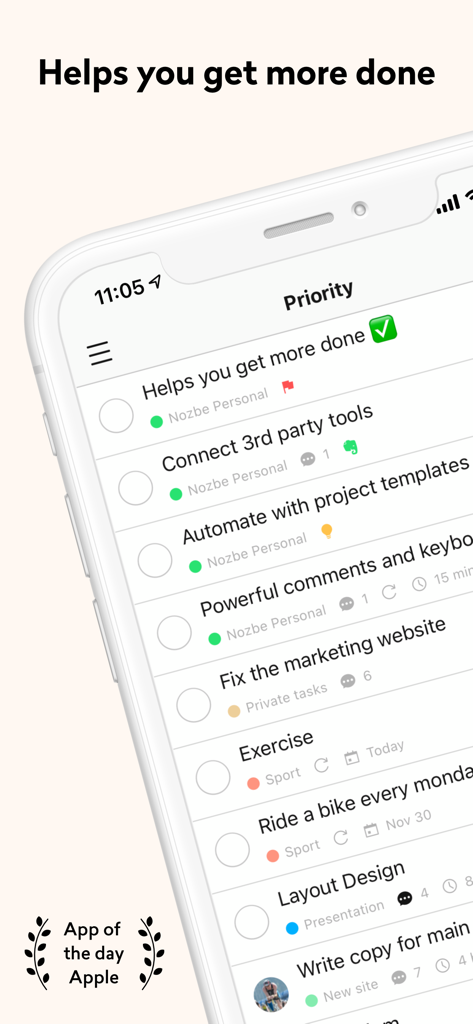
Nozbe Classic app interface showing a priority list of tasks and projects on an iPhone screen
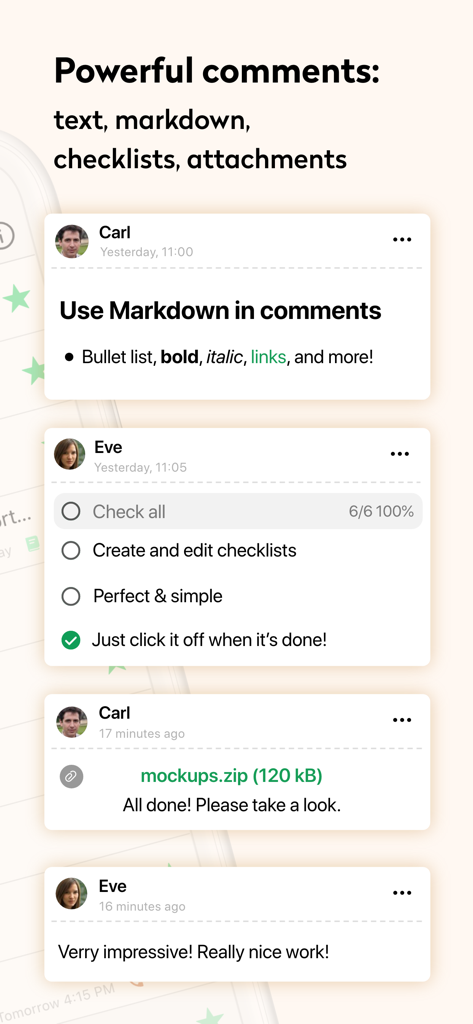
Nozbe Classic app interface showing task comments with markdown formatting, progress checklists, and file attachments
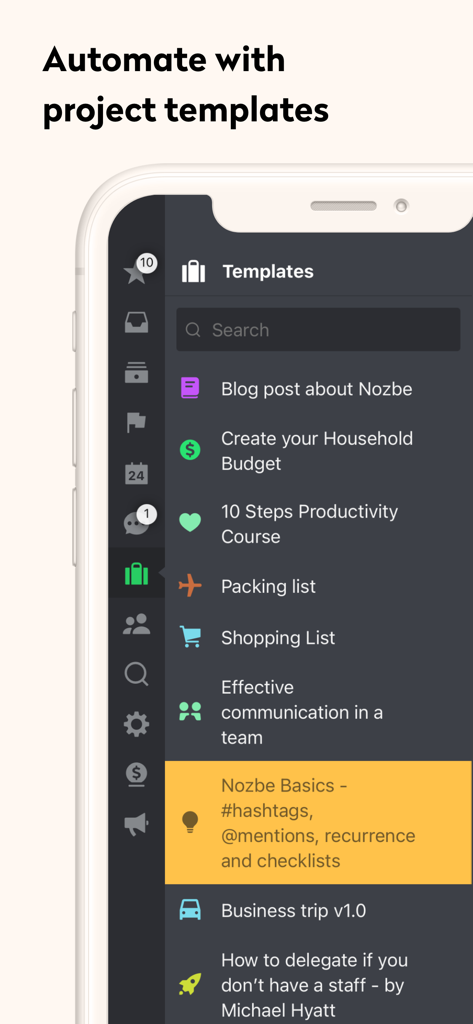
Nozbe Classic app showing a list of project templates for task automation
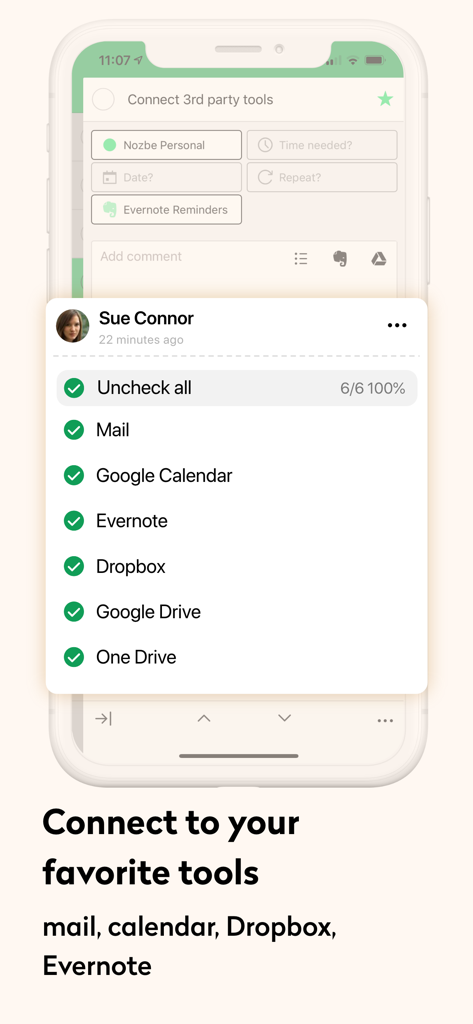
Nozbe Classic mobile app screen showing a list of integrations with tools like Google Calendar, Evernote, and Dropbox.
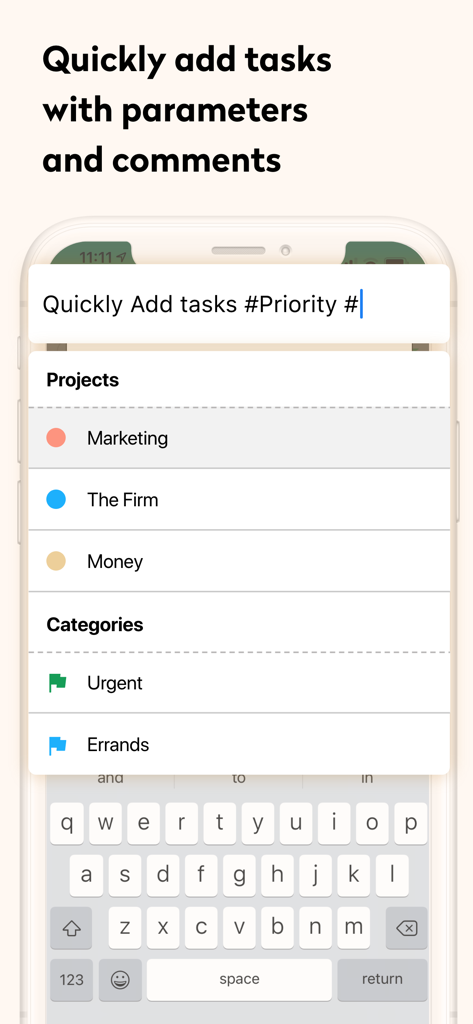
Interface of Nozbe Classic showing a task entry screen with project and category parameters
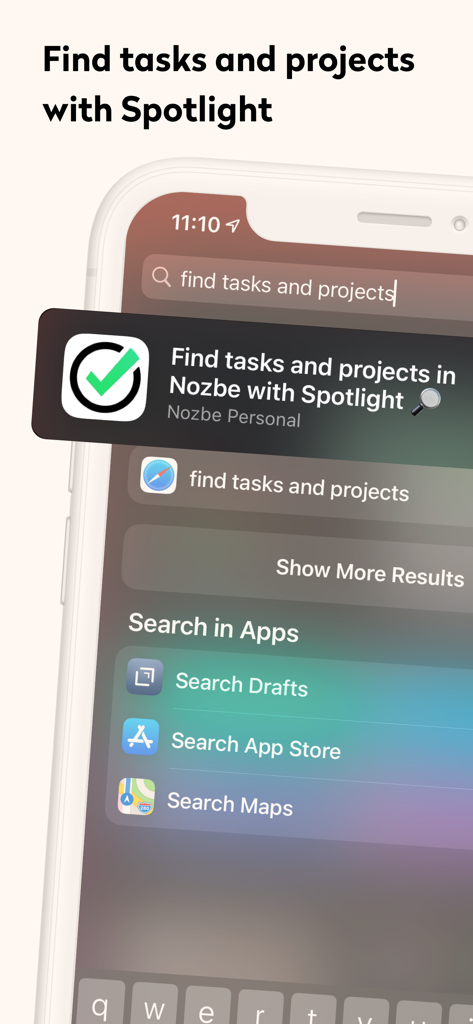
iPhone screen showing Nozbe Classic task and project search results within iOS Spotlight
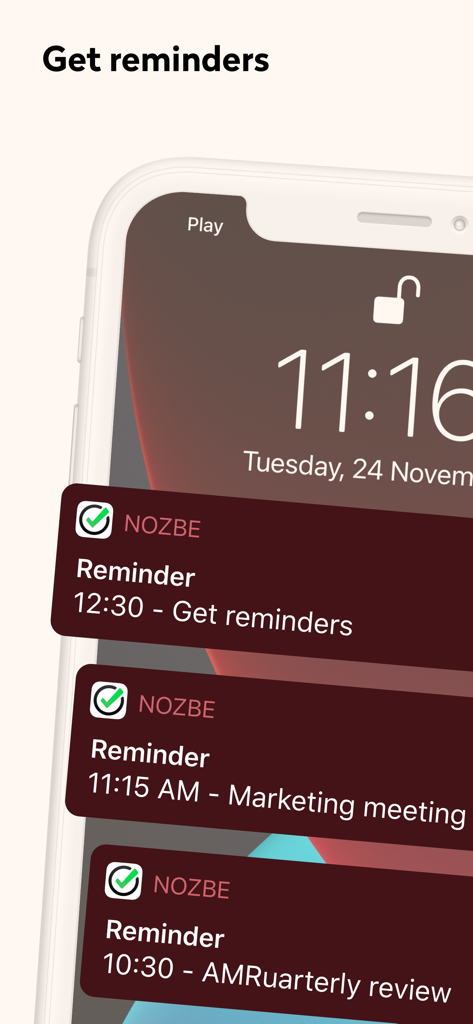
Nozbe Classic task reminders and meeting notifications displayed on an iPhone lock screen.
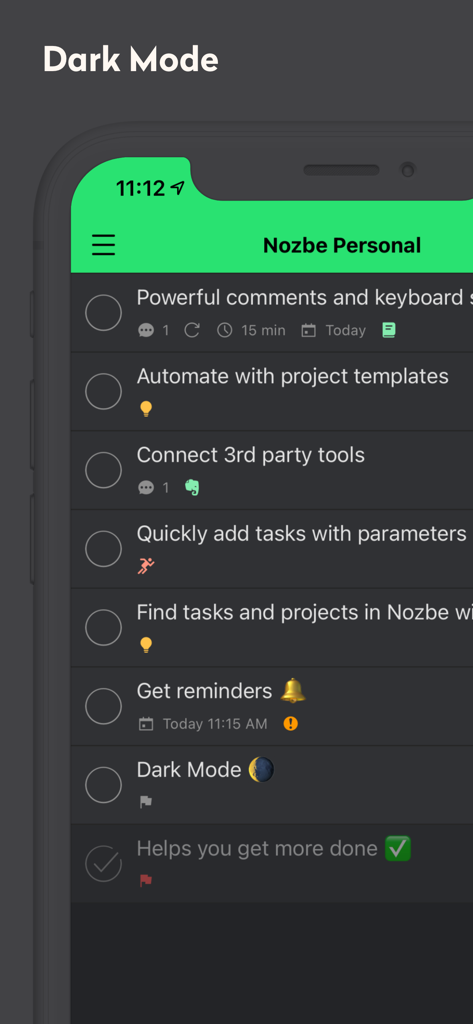
Nozbe Classic app interface displaying a task list in dark mode.
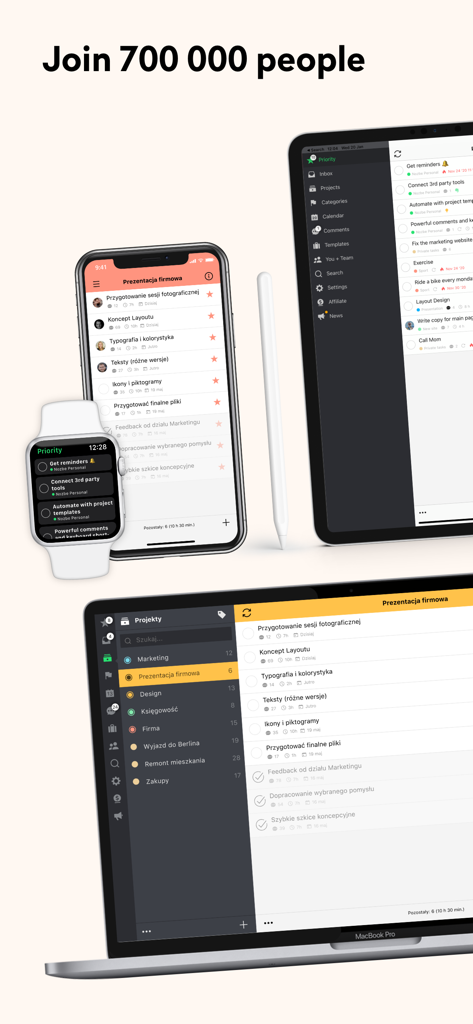
Nozbe Classic task management app shown across Apple Watch, iPhone, iPad and MacBook devices.
Description
Download
More Like This
Apps with similar features and user experience

Xmind - Mind Map & Brainstorm
Xmind Ltd.

Smartsheet: Projects & Teams
Smartsheet Inc.

Miro: your visual workspace
Realtimeboard Inc.

Padlet
Wallwisher, Inc.

Asana: Work Management
Asana, Inc.

Microsoft Planner
Microsoft Corporation

Microsoft Loop
Microsoft Corporation

Microsoft Whiteboard
Microsoft Corporation

Nola: Story Planner & Writing
indent Inc.
This page is not an official page of the app or its developer, but an independent editorial publication created for informational and commentary purposes. Unless expressly stated otherwise, neither the app nor its developer is affiliated with, endorsed by, sponsored by, authorized by, or otherwise officially connected with MWM, Apple, Google Play, the app publisher, or the app's developer, and nothing on this page implies that the app was developed using MWM's services. Any trademarks, logos, screenshots, and other content remain the property of their respective owners.