
This page is not an official page of the app or its developer, but an independent editorial publication created for informational and commentary purposes. Unless expressly stated otherwise, neither the app nor its developer is affiliated with, endorsed by, sponsored by, authorized by, or otherwise officially connected with MWM, Apple, Google Play, the app publisher, or the app's developer, and nothing on this page implies that the app was developed using MWM's services. Any trademarks, logos, screenshots, and other content remain the property of their respective owners.


Panda - Video Compressor
The fastest way to resize videos for TikTok, Instagram, and Gmail. Free up phone storage and skip the "File too large" errors without losing a single pixel.
Downloads
107K+User Rating
Total Ratings
1K+Publisher
Category
Photo & VideoLocales
17Latest Version
1.2.2Size
82.7 MBFirst Released
Nov 18, 2024Shrink Your Videos, Keep Your Quality
Panda - Video Compressor is the ultimate tool for creators and professionals to resize 4K videos for social media, email, and storage—without the technical headache.
Built for Social Creators
Instantly resize and compress 4K clips to perfectly fit TikTok, Instagram Reels, and YouTube Shorts for faster uploads even on weak signals.
Bypass Email File Limits
Stop getting 'file too large' errors. Use the 'Fit to Email' preset to shrink videos under 25MB for Gmail, Slack, and Discord attachments.
Frequently Asked Questions
Everything you need to know about Panda - Video Compressor
How to compress videos for email using Panda Video Compressor?
Panda Video Compressor features a "Fit to Email" option. This resizes videos to fit within email provider attachment limits, making large video files easy to send via email or text.
Does Panda Video Compressor maintain video quality after compression?
Yes, Panda Video Compressor compresses videos without compromising quality. The app description states it achieves compression with "no visible loss of quality," ensuring great-looking videos post-compression.
What video formats does Panda Video Compressor support?
Panda Video Compressor supports all major video formats. These include MP4, AVI, MKV, FLV, RMVB, 3GP, MPEG, WMV, MOV, and videos optimized for Instagram.
Can Panda Video Compressor help free up storage space on my device?
Yes, Panda Video Compressor helps free up device space by compressing videos. Instead of deleting favorite videos, users can compress them to save significant storage on their phone or tablet.
How does Panda Video Compressor assist with sharing videos on social media?
Panda Video Compressor resizes videos perfectly for platforms like Instagram, TikTok, Facebook, YouTube, and more. It helps users overcome size restrictions and share content efficiently, even with weak signals.
Is Panda Video Compressor a free application?
Yes, Panda Video Compressor offers a free version. This allows users to compress, resize, and convert videos to save space and share easily, as indicated by the "FREE VERSION" label.
How can I change the video format using Panda Video Compressor?
Panda Video Compressor allows users to easily change video formats. The app presents an option to "Select new video format" with choices like mp4, webm, 3gp, m4v, and avi, ensuring total compatibility.
Does Panda Video Compressor allow custom file sizes for compression?
Yes, Panda Video Compressor allows users to set a custom file size for compression. The app provides a "Custom file size" option where users can input a target size in MB to achieve specific compression goals.
The following screenshots and description are sourced directly from the app's official store listing and are the property of the app developer.
App Store
Screenshots

Panda mascot illustrating high quality video compression and resizing features
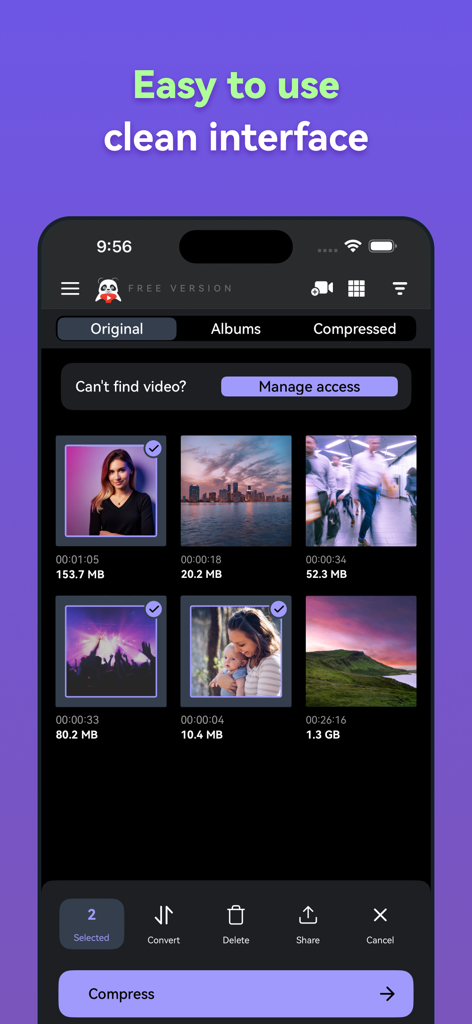
Panda Video Compressor mobile app showing a clean and easy to use video gallery interface
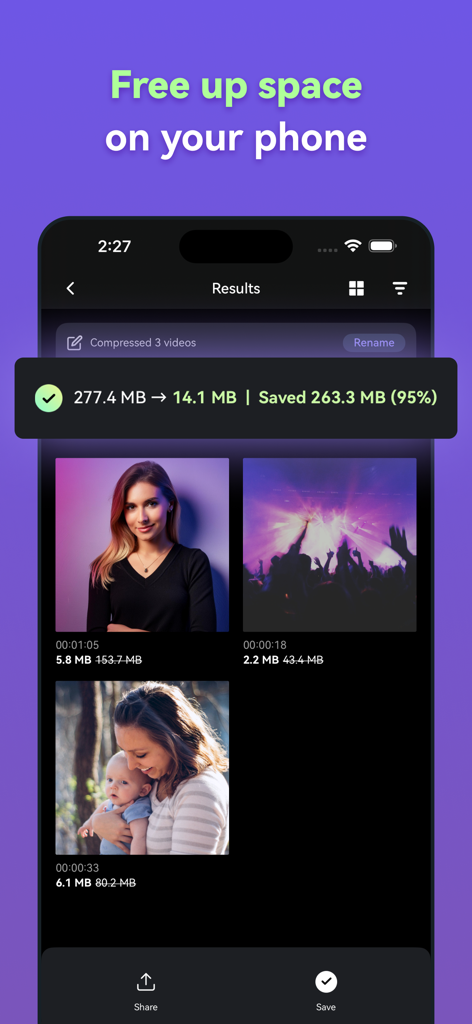
Panda Video Compressor app screen showing 95 percent file size reduction to free up phone storage
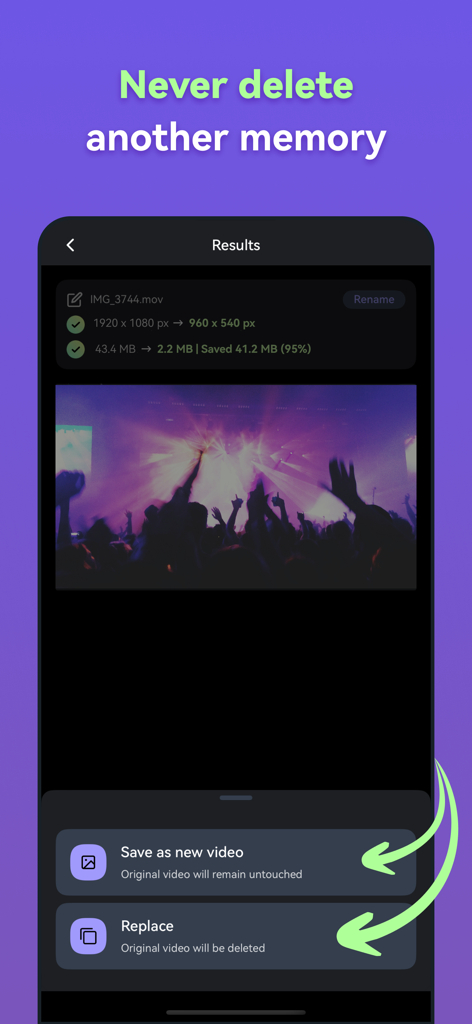
Screenshot of Panda Video Compressor app showing a 95 percent reduction in video file size with options to save as a new video or replace the original.
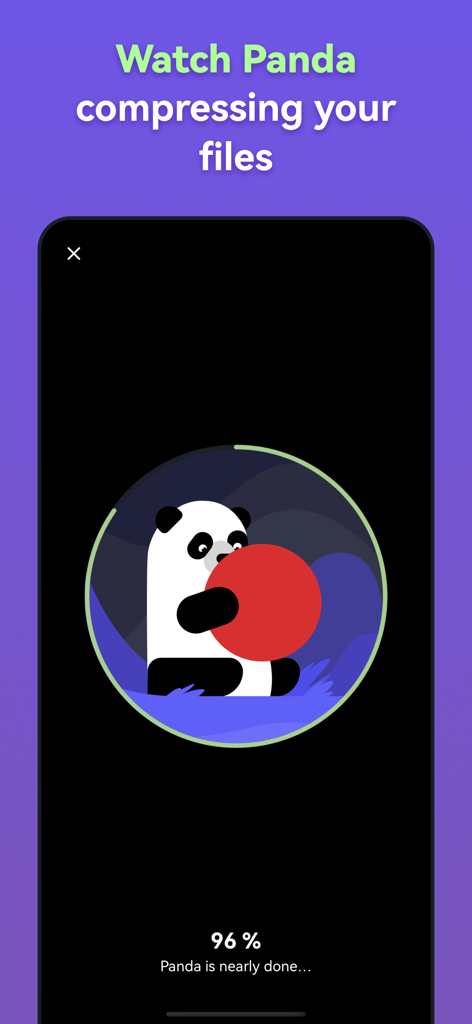
Panda mascot compressing a video file with a progress bar at ninety six percent
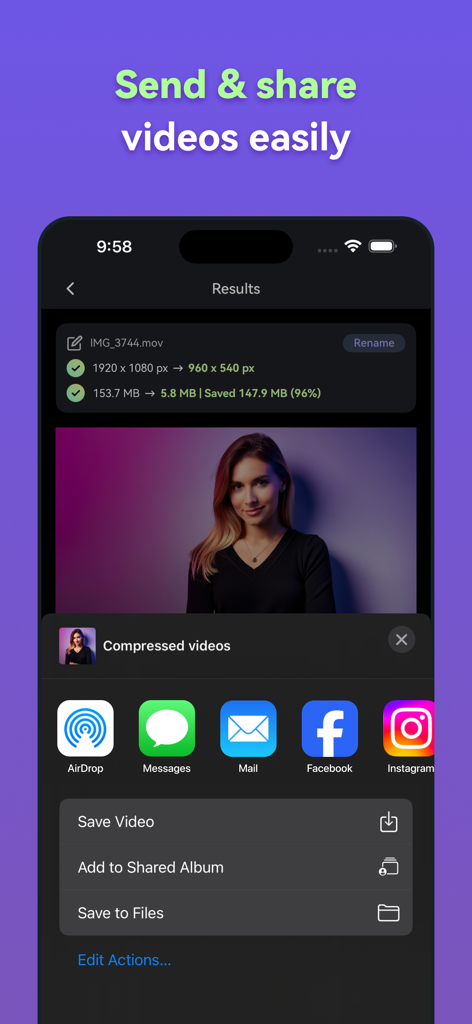
Interface of Panda Video Compressor showing a 96 percent size reduction and sharing buttons
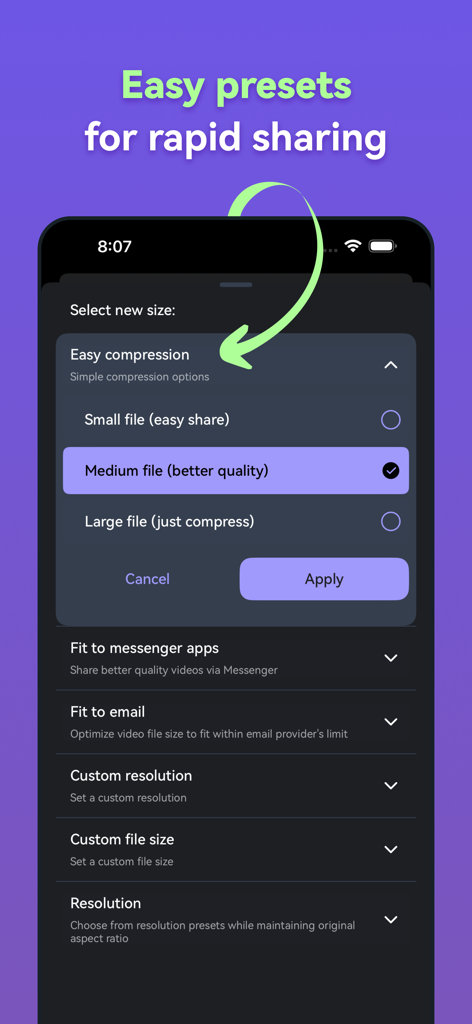
Panda Video Compressor app interface showing various video size compression presets for quick sharing
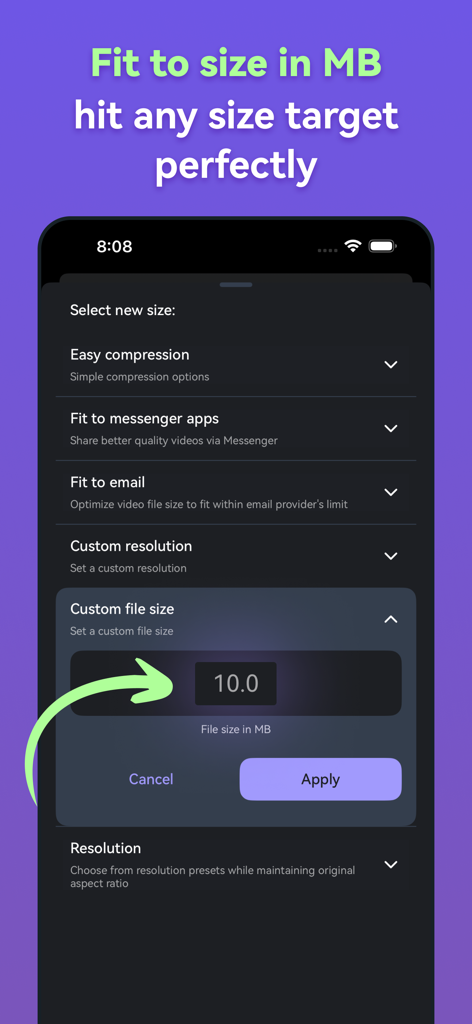
Interface of Panda Video Compressor app showing the custom file size setting to reach a specific MB target.
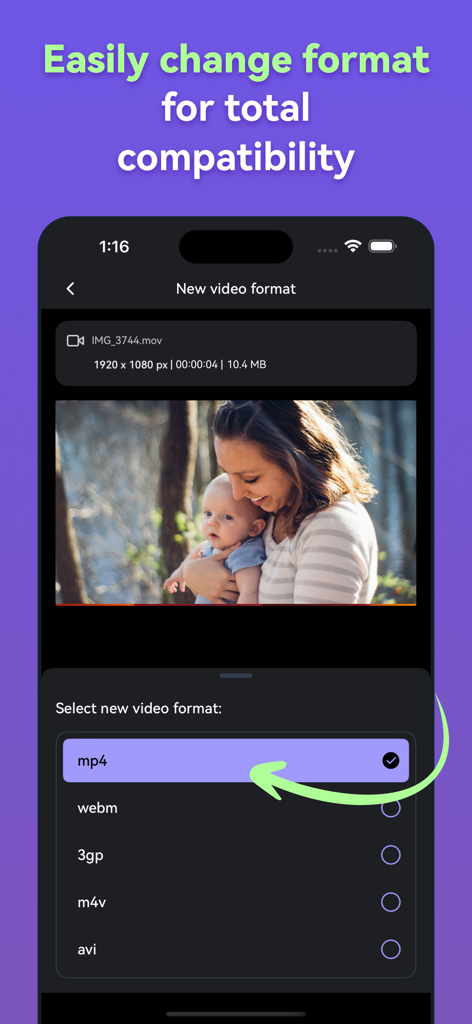
Panda Video Compressor app screen showing options to change video formats such as mp4 and webm
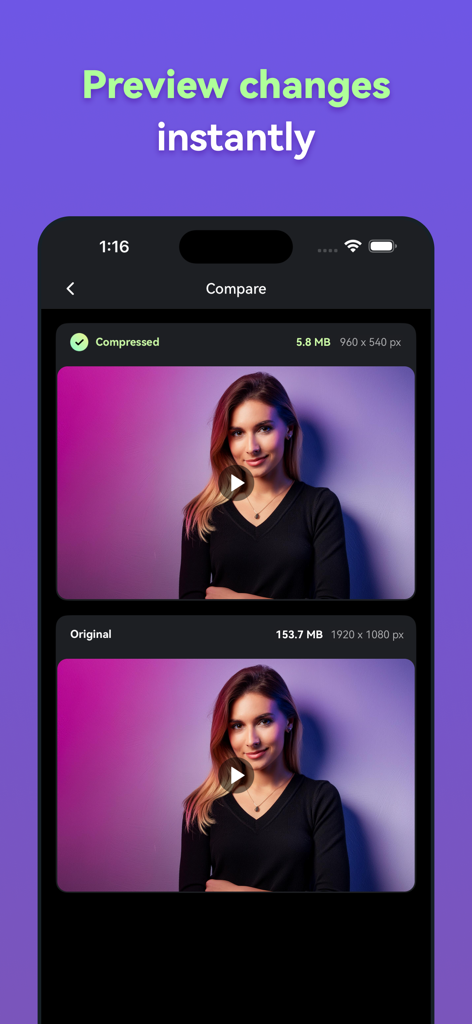
A side by side comparison showing a video file reduced from 153MB to 5MB while maintaining visual quality in the Panda Video Compressor app.
Description
Download
More Like This
Apps with similar features and user experience

Video compressor - save space
俊杰 阮

SlimSpace - Compressor
琛 王

转换猫-视频音频图片格式转换
ZHN Co., Ltd.

Video Compressor - HQ Compress
LightByte Co., Ltd.

The Video Compressor
Dalian Hengwei Electronics Co., Ltd

Media Converter - video to mp3
俊杰 阮

Compress Videos & Resize Video
New Marketing Lab, Inc

Easy Video Compressor - Resize
Osawa Shunsuke

Video Compress - Shrink Vids
Brachmann Online Marketing GmbH & Co. KG
This page is not an official page of the app or its developer, but an independent editorial publication created for informational and commentary purposes. Unless expressly stated otherwise, neither the app nor its developer is affiliated with, endorsed by, sponsored by, authorized by, or otherwise officially connected with MWM, Apple, Google Play, the app publisher, or the app's developer, and nothing on this page implies that the app was developed using MWM's services. Any trademarks, logos, screenshots, and other content remain the property of their respective owners.