
This page is not an official page of the app or its developer, but an independent editorial publication created for informational and commentary purposes. Unless expressly stated otherwise, neither the app nor its developer is affiliated with, endorsed by, sponsored by, authorized by, or otherwise officially connected with MWM, Apple, Google Play, the app publisher, or the app's developer, and nothing on this page implies that the app was developed using MWM's services. Any trademarks, logos, screenshots, and other content remain the property of their respective owners.


Prompt 3
Take control of your infrastructure from anywhere with a 10x faster text engine, persistent Mosh sessions, and seamless Panic Sync across all your Apple devices.
Downloads
50K+User Rating
Total Ratings
0Publisher
Category
Developer ToolsLocales
5Latest Version
3.1.2Size
41.2 MBFirst Released
Jan 16, 2024Built for the Modern DevOps Pro
Prompt 3 combines desktop-class performance with the mobility you need to manage critical infrastructure from your iPhone, iPad, and Mac.
Unbreakable Connections
Stay connected even on spotty networks with Mosh and Eternal Terminal support—eliminating 'Broken Pipe' errors during travel.
10x Faster Performance
A retooled text engine provides zero-lag terminal emulation, allowing you to run nvim and tmux with desktop-level responsiveness.
The following screenshots and description are sourced directly from the app's official store listing and are the property of the app developer.
App Store
Screenshots
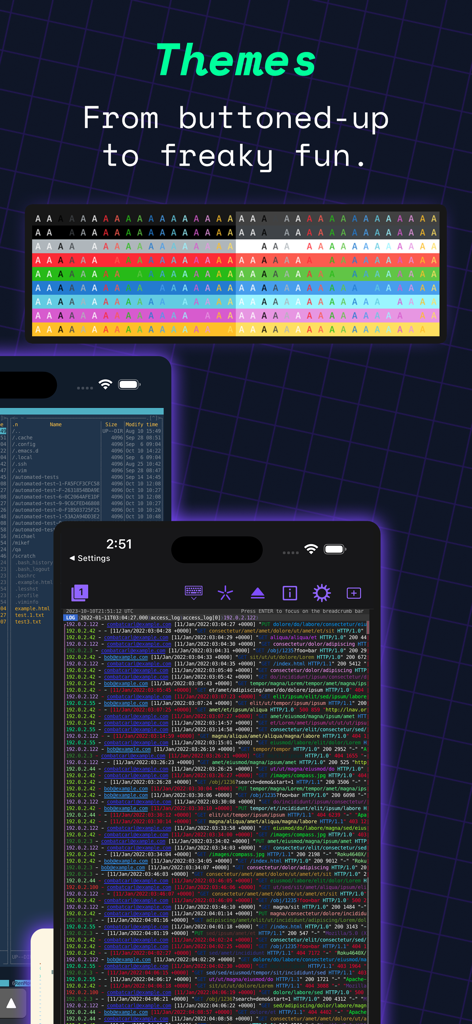
A showcase of customizable terminal themes and color-coded server logs in the Prompt 3 app for iOS
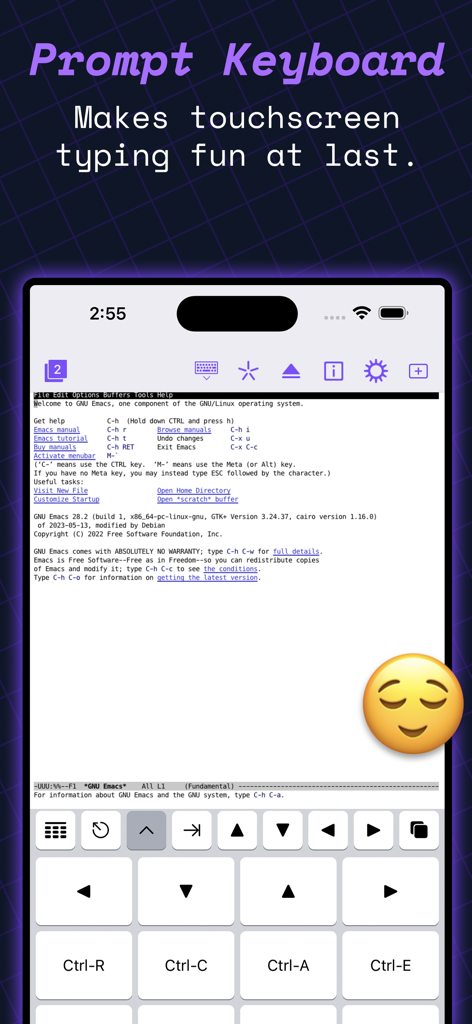
Prompt 3 app screenshot showing the specialized terminal keyboard for SSH commands on iPhone
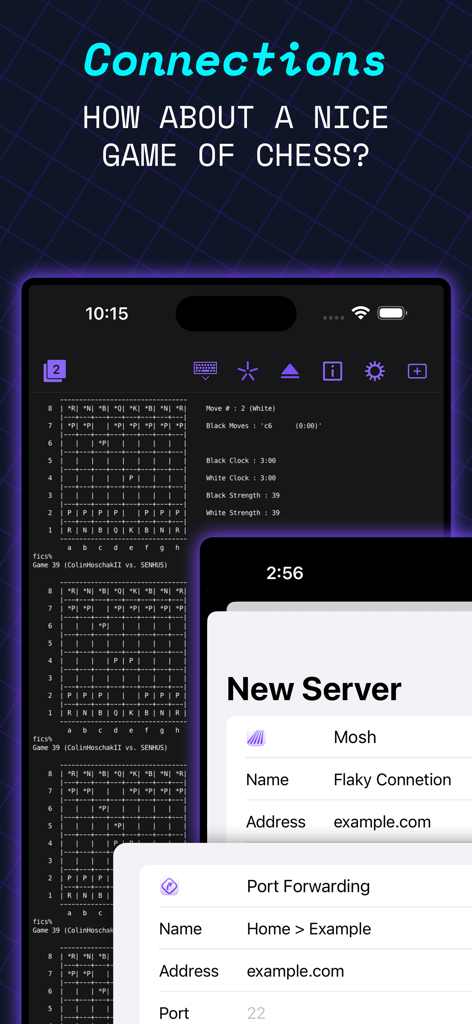
Prompt 3 terminal app showing an ASCII chess game and server connection settings on iPhone.
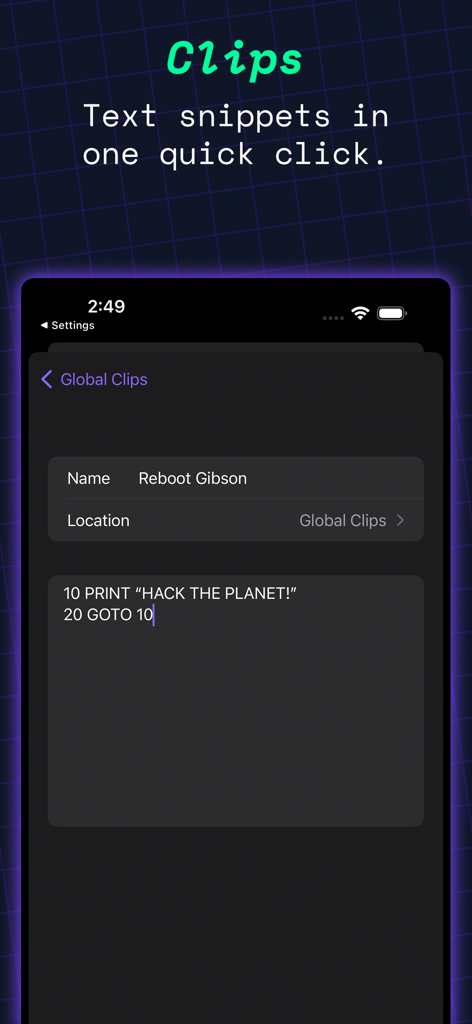
Prompt 3 terminal app interface highlighting the Clips feature for text snippets.
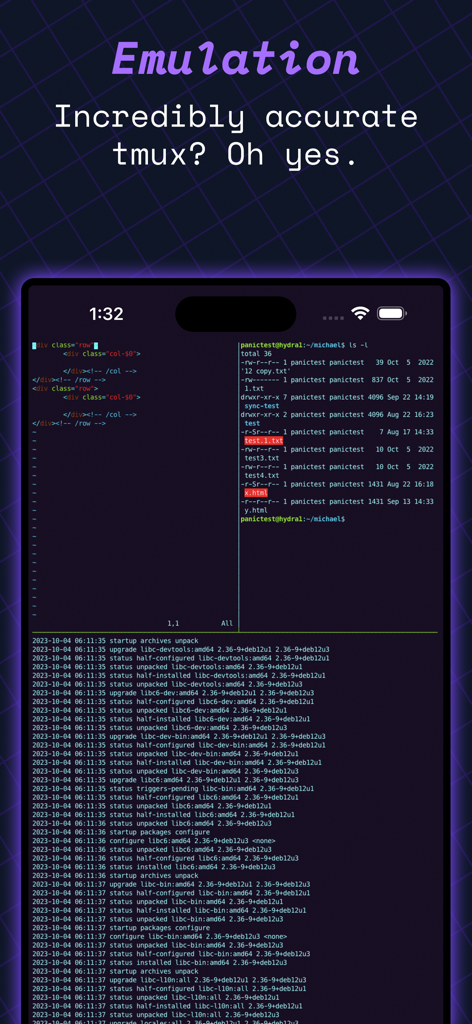
Prompt 3 app interface displaying accurate tmux terminal emulation and code on an iPhone screen
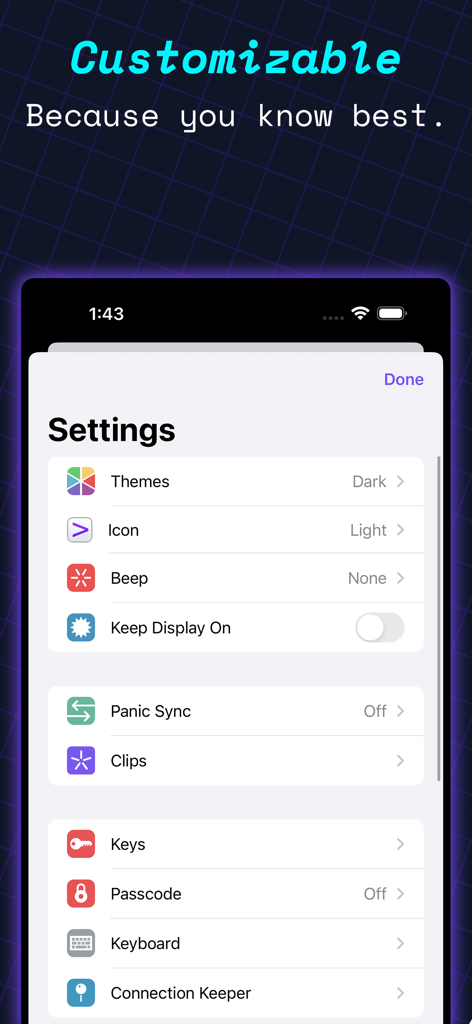
Settings screen of the Prompt 3 terminal app showing customization options for themes icons and security keys
Description
Download
More Like This
Apps with similar features and user experience

xTerminal - SSH Terminal Shell
婉媚 邵

SSH Client - Secure ShellFish
Anders Borum

FTPManager - FTP, SFTP client
Skyjos Co., Ltd.

FTP Client Pro
Anders Havn

Termux
FREE AI UTILS COMPANY LIMITED

TN5250
Jan Frydendal

Blink Shell, Build & Code
Blink Shell, Inc

Terminal#
Vasiliy Shaydullin

NovaAccess - Tailnet Tools
GalaxNet Ltd.
This page is not an official page of the app or its developer, but an independent editorial publication created for informational and commentary purposes. Unless expressly stated otherwise, neither the app nor its developer is affiliated with, endorsed by, sponsored by, authorized by, or otherwise officially connected with MWM, Apple, Google Play, the app publisher, or the app's developer, and nothing on this page implies that the app was developed using MWM's services. Any trademarks, logos, screenshots, and other content remain the property of their respective owners.