
This page is not an official page of the app or its developer, but an independent editorial publication created for informational and commentary purposes. Unless expressly stated otherwise, neither the app nor its developer is affiliated with, endorsed by, sponsored by, authorized by, or otherwise officially connected with MWM, Apple, Google Play, the app publisher, or the app's developer, and nothing on this page implies that the app was developed using MWM's services. Any trademarks, logos, screenshots, and other content remain the property of their respective owners.
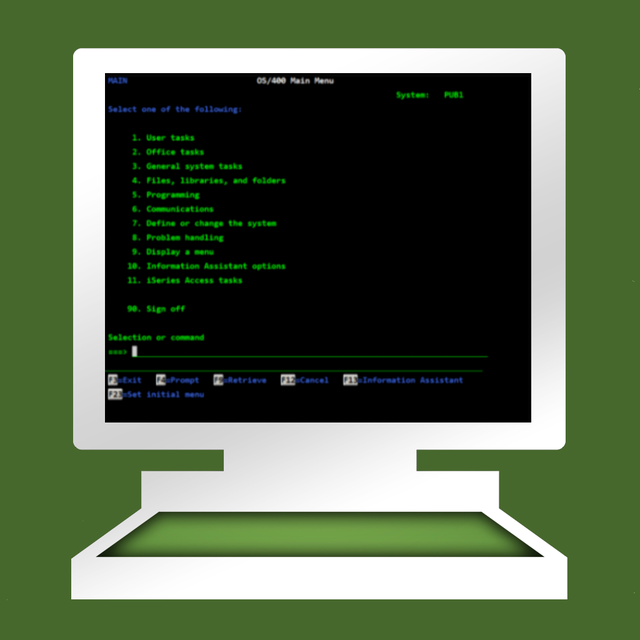

TN5250
Securely connect to your AS/400 servers with industry-grade SSL/TLS, advanced barcode scanner support, and a mobile-optimized interface designed for logistics and IT professionals.
Downloads
258K+User Rating
Total Ratings
200Publisher
Category
BusinessLocales
1Latest Version
5.6Size
5.2 MBFirst Released
Feb 11, 2019Enterprise Mobility for IBM iSeries
Bridge the gap between legacy reliability and modern efficiency with a professional 5250 terminal emulator built for the field.
Integrated Industrial Scanning
Turn your device into a powerhouse with native support for Zebra, SocketMobile, and Linea scanners to sync inventory in real-time.
Secure Enterprise Connectivity
Maintain strict corporate compliance and protect sensitive data using industry-standard SSL/TLS encryption for all server communications.
The following screenshots and description are sourced directly from the app's official store listing and are the property of the app developer.
App Store
Screenshots
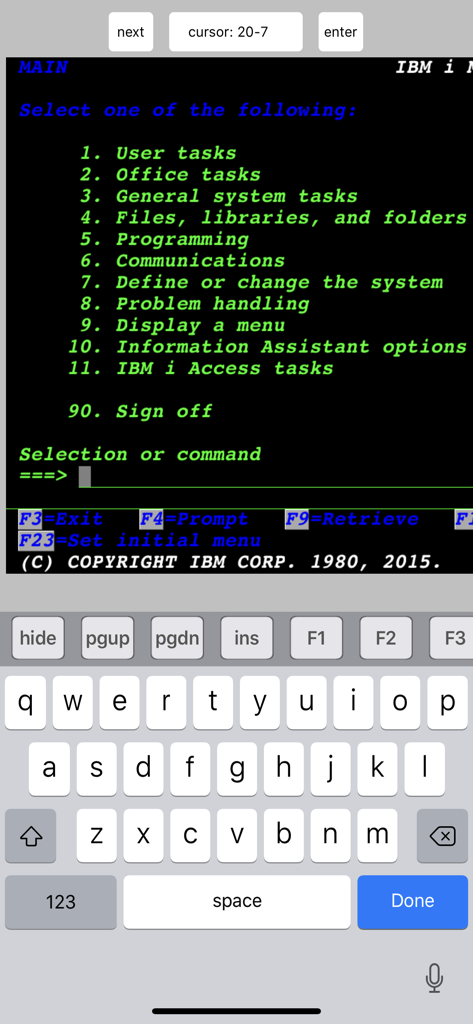
IBM iSeries main menu displayed on the TN5250 mobile terminal emulator
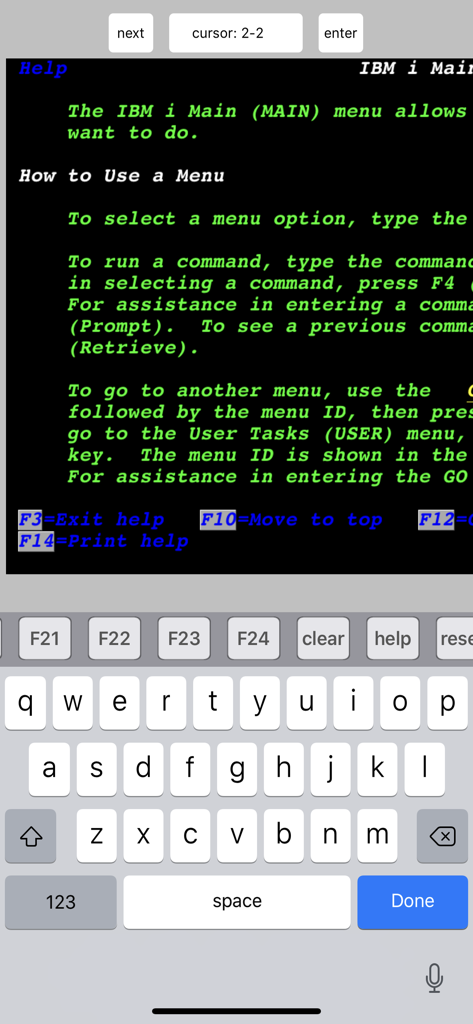
Mobile interface of TN5250 terminal emulator showing an IBM i help menu and custom functional keyboard
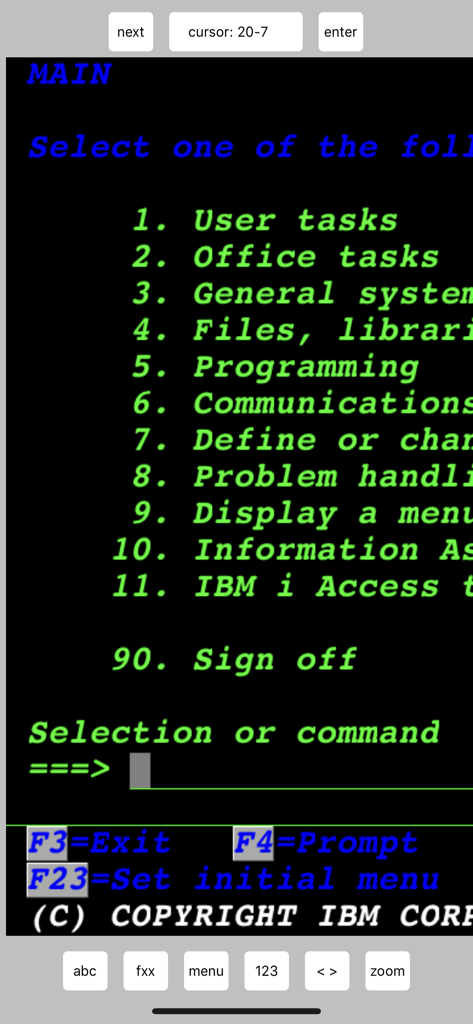
IBM iSeries AS400 terminal emulator main menu on a mobile screen showing classic green text
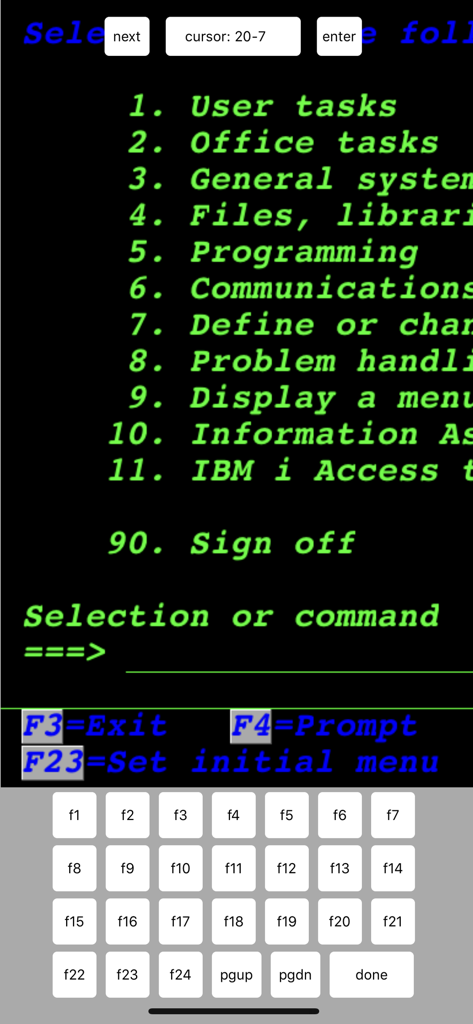
Mobile screen of TN5250 terminal emulator showing an IBM iSeries green screen menu and a specialized function key keyboard.
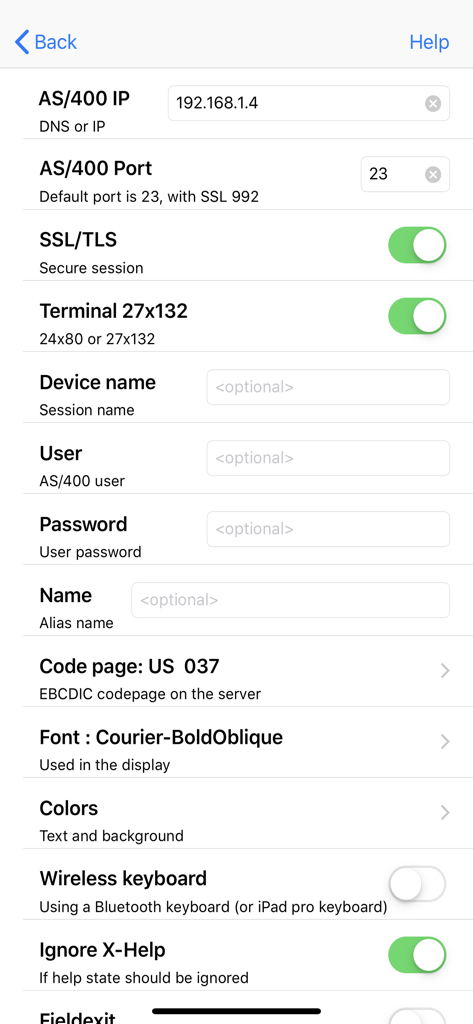
Configuration screen of the TN5250 app showing IBM AS400 connection settings including IP address port and SSL security options
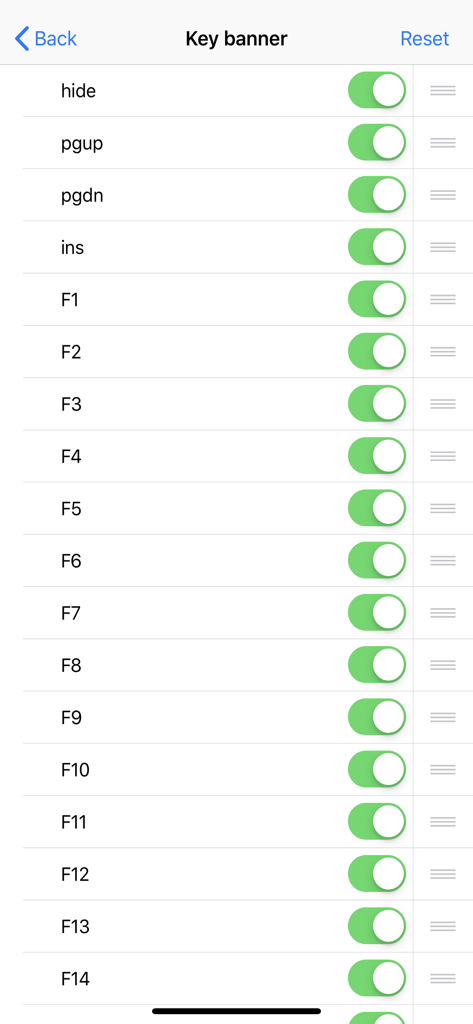
TN5250 terminal emulator key banner configuration screen showing toggle switches for function keys
Description
Download
More Like This
Apps with similar features and user experience

xTerminal - SSH Terminal Shell
婉媚 邵

SSH Client - Secure ShellFish
Anders Borum

FTPManager - FTP, SFTP client
Skyjos Co., Ltd.

FTP Client Pro
Anders Havn

Termux
FREE AI UTILS COMPANY LIMITED

Blink Shell, Build & Code
Blink Shell, Inc

Terminal#
Vasiliy Shaydullin

Prompt 3
Panic, Inc.

NovaAccess - Tailnet Tools
GalaxNet Ltd.
This page is not an official page of the app or its developer, but an independent editorial publication created for informational and commentary purposes. Unless expressly stated otherwise, neither the app nor its developer is affiliated with, endorsed by, sponsored by, authorized by, or otherwise officially connected with MWM, Apple, Google Play, the app publisher, or the app's developer, and nothing on this page implies that the app was developed using MWM's services. Any trademarks, logos, screenshots, and other content remain the property of their respective owners.