
This page is not an official page of the app or its developer, but an independent editorial publication created for informational and commentary purposes. Unless expressly stated otherwise, neither the app nor its developer is affiliated with, endorsed by, sponsored by, authorized by, or otherwise officially connected with MWM, Apple, Google Play, the app publisher, or the app's developer, and nothing on this page implies that the app was developed using MWM's services. Any trademarks, logos, screenshots, and other content remain the property of their respective owners.


SSH Client - Secure ShellFish
Transform your iPad and iPhone into a powerful command center. Experience lightning-fast SSH access, seamless Files app integration, and native gesture support designed for developers who demand desktop-class productivity on the go.
Downloads
94K+User Rating
Total Ratings
2K+Publisher
Category
Developer ToolsLocales
1Latest Version
2026.2Size
104.7 MBFirst Released
Jun 28, 2019Built for the Modern Mobile Engineer
Transform your iPad and iPhone into a powerful workstation with deep iOS integration, persistent sessions, and a terminal that feels native.
Native Files App Integration
Your server appears as a local drive. Edit remote files directly in iOS apps like Textastic or iA Writer with full offline caching and drag-and-drop support.
Optimized for Pro Workflows
A terminal built for power users. Master Vim and Emacs with custom gestures, a specialized keyboard bar, and Handoff support between your Apple devices.
The following screenshots and description are sourced directly from the app's official store listing and are the property of the app developer.
App Store
Screenshots
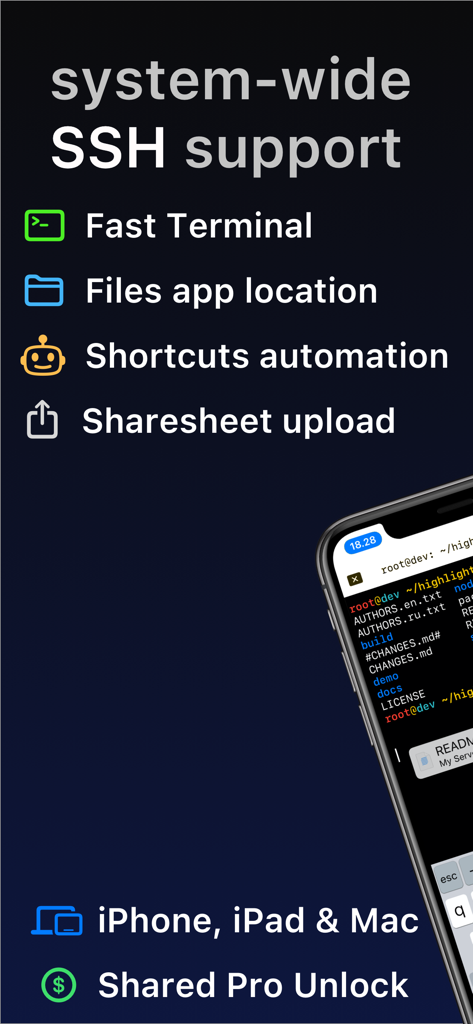
Secure ShellFish app overview highlighting system-wide SSH support and Files app integration
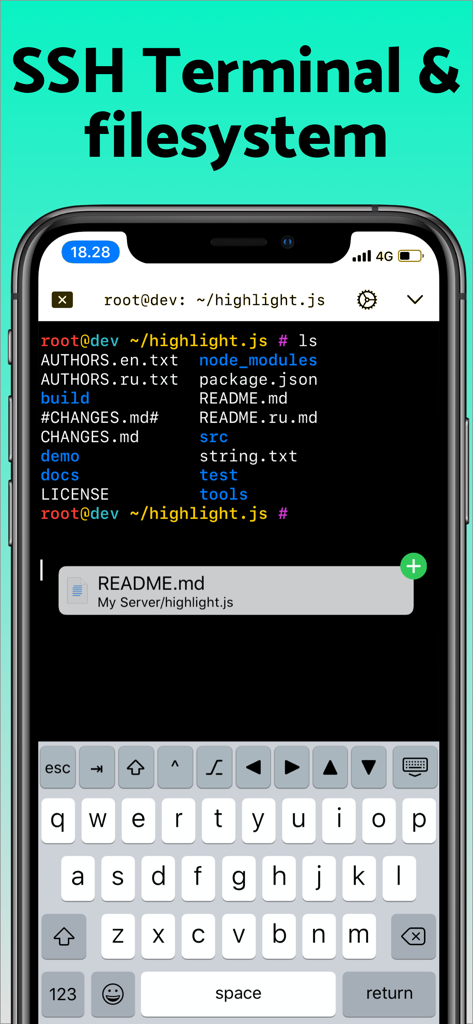
iPhone screen displaying the Secure ShellFish SSH terminal interface with a remote file list and custom developer keyboard.
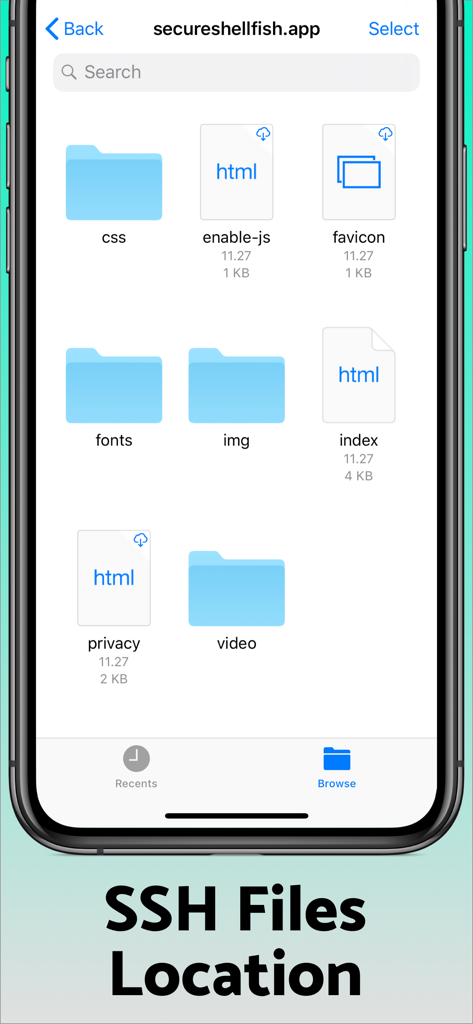
Secure ShellFish mobile app interface showing remote SSH server files and folders
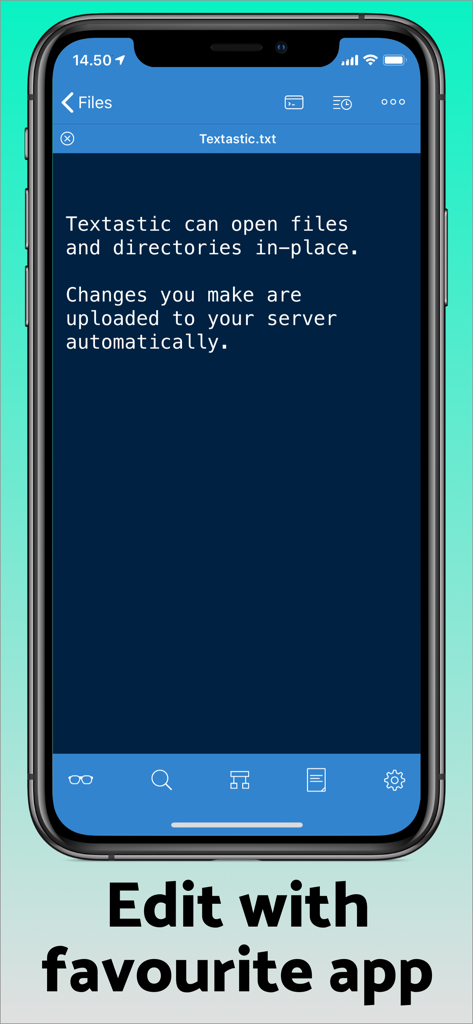
Secure ShellFish interface showing remote file editing integration with the Textastic app on iPhone
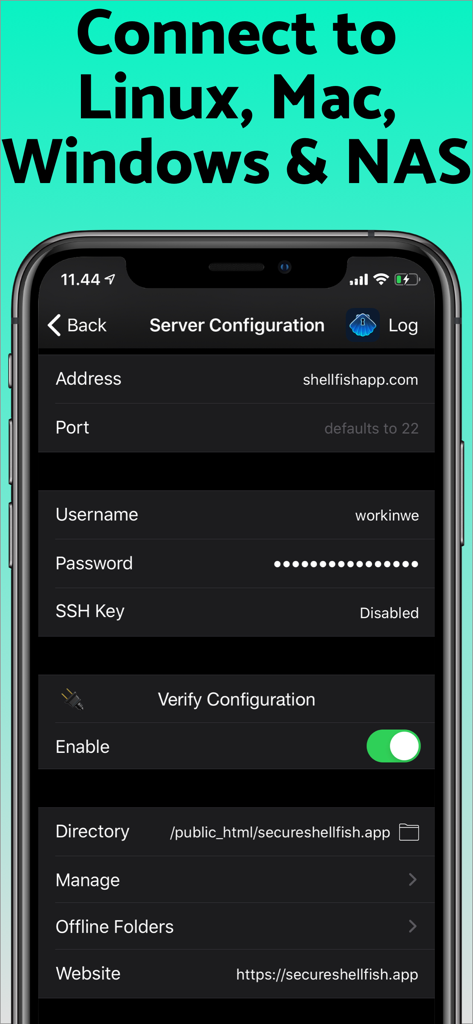
Secure ShellFish app screen showing SSH server configuration settings for connecting to remote servers
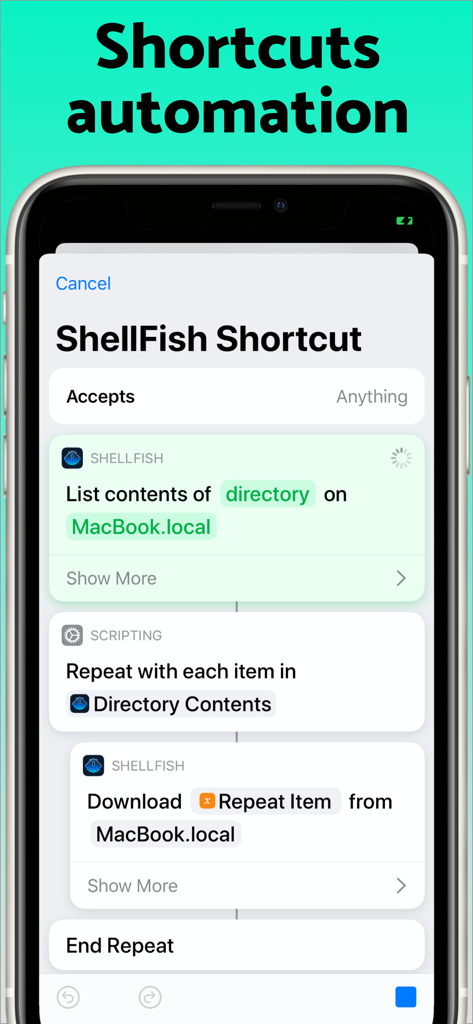
Secure ShellFish app interface showing an iOS shortcut automation to list and download files from a remote server.
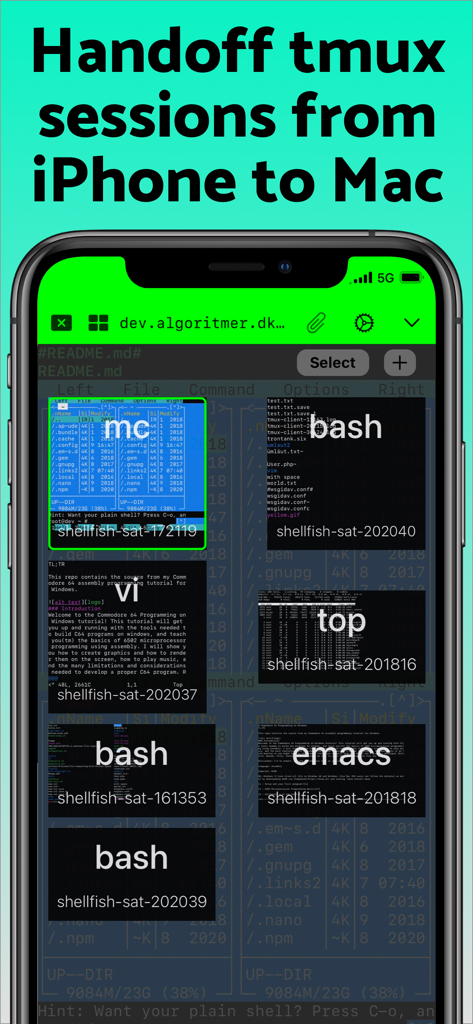
Secure ShellFish app showing tmux sessions and terminal previews on an iPhone.
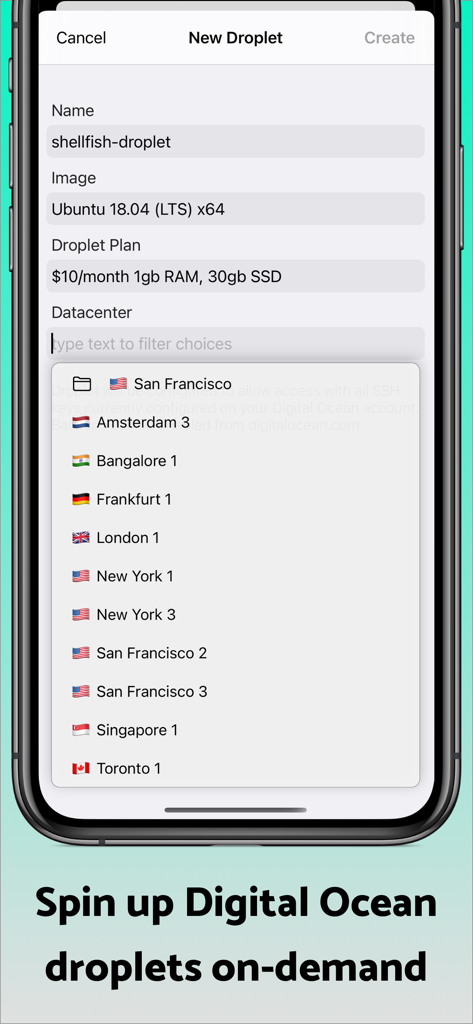
Secure ShellFish app interface for creating a new Digital Ocean droplet server
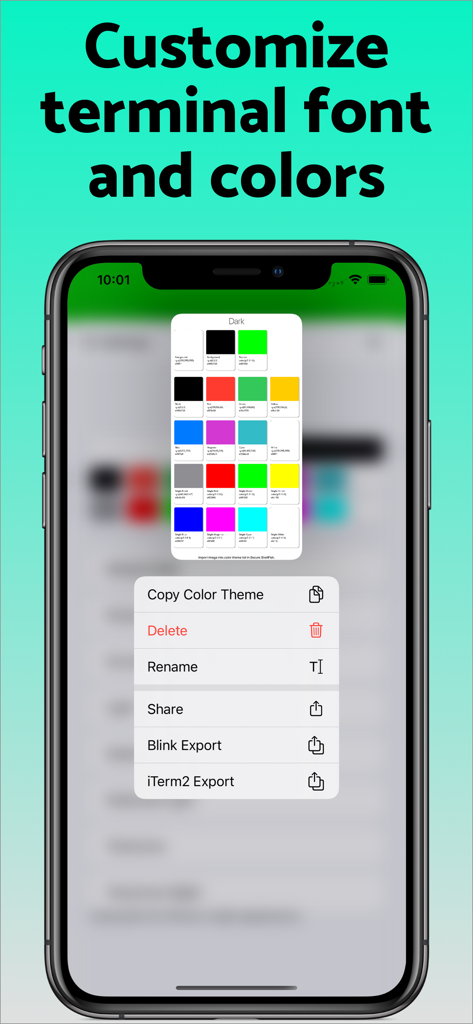
Secure ShellFish app interface showing options to customize terminal fonts and colors with a color palette and export menu.
Description
Download
More Like This
Apps with similar features and user experience
xTerminal - SSH Terminal Shell
婉媚 邵

FTPManager - FTP, SFTP client
Skyjos Co., Ltd.

FTP Client Pro
Anders Havn

Termux
FREE AI UTILS COMPANY LIMITED
TN5250
Jan Frydendal

Blink Shell, Build & Code
Blink Shell, Inc

Terminal#
Vasiliy Shaydullin

Prompt 3
Panic, Inc.
NovaAccess - Tailnet Tools
GalaxNet Ltd.
This page is not an official page of the app or its developer, but an independent editorial publication created for informational and commentary purposes. Unless expressly stated otherwise, neither the app nor its developer is affiliated with, endorsed by, sponsored by, authorized by, or otherwise officially connected with MWM, Apple, Google Play, the app publisher, or the app's developer, and nothing on this page implies that the app was developed using MWM's services. Any trademarks, logos, screenshots, and other content remain the property of their respective owners.