
This page is not an official page of the app or its developer, but an independent editorial publication created for informational and commentary purposes. Unless expressly stated otherwise, neither the app nor its developer is affiliated with, endorsed by, sponsored by, authorized by, or otherwise officially connected with MWM, Apple, Google Play, the app publisher, or the app's developer, and nothing on this page implies that the app was developed using MWM's services. Any trademarks, logos, screenshots, and other content remain the property of their respective owners.


xTerminal - SSH Terminal Shell
The ultimate pro-grade terminal for DevOps and SysAdmins. Securely manage multi-sessions, automate tasks with snippets, and handle files via SFTP—all from your pocket.
Downloads
463K+User Rating
Total Ratings
100Publisher
Category
Developer ToolsLocales
1Latest Version
3.12Size
97.8 MBFirst Released
Dec 17, 2020Take Command of Your Infrastructure
The all-in-one SSH and SFTP powerhouse for developers and sysadmins. Securely manage, monitor, and troubleshoot your servers from your pocket or iPad.
Automate with Snippets
Stop repetitive typing. Save complex commands and execute them across multiple servers simultaneously with a single tap to boost your on-call efficiency.
Desktop-Class Terminal
Experience a lag-free interactive shell with full vi/vim support and built-in SFTP for seamless file management and log monitoring on the go.
The following screenshots and description are sourced directly from the app's official store listing and are the property of the app developer.
App Store
Screenshots
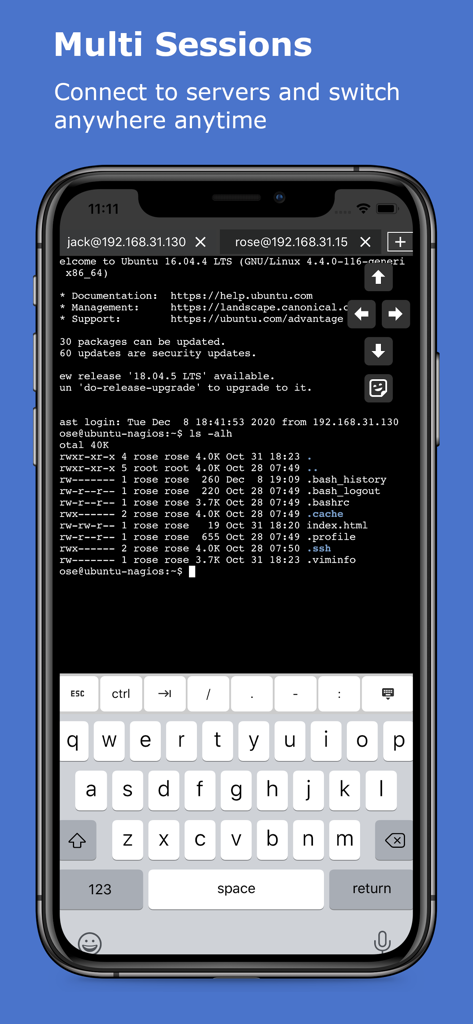
xTerminal app displaying multiple SSH sessions on a mobile screen
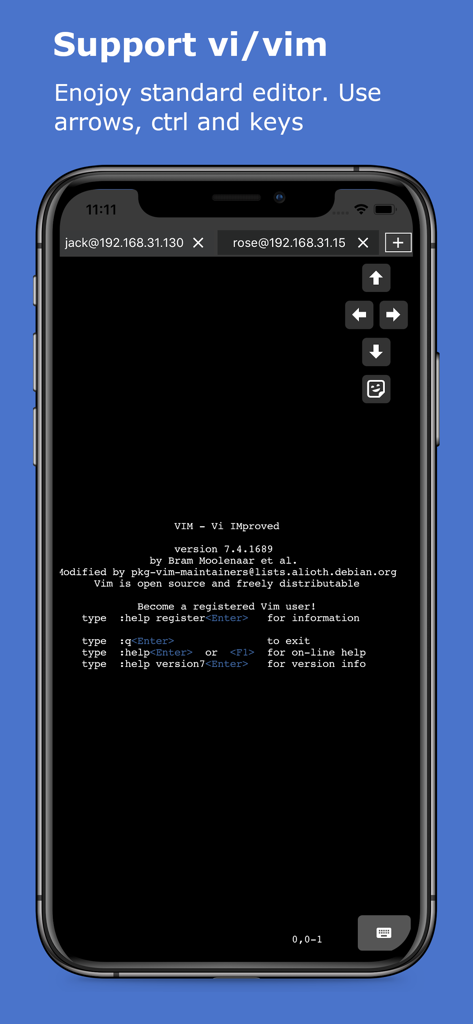
iPhone screen showing the Vim text editor running within the xTerminal SSH shell with on screen arrow keys
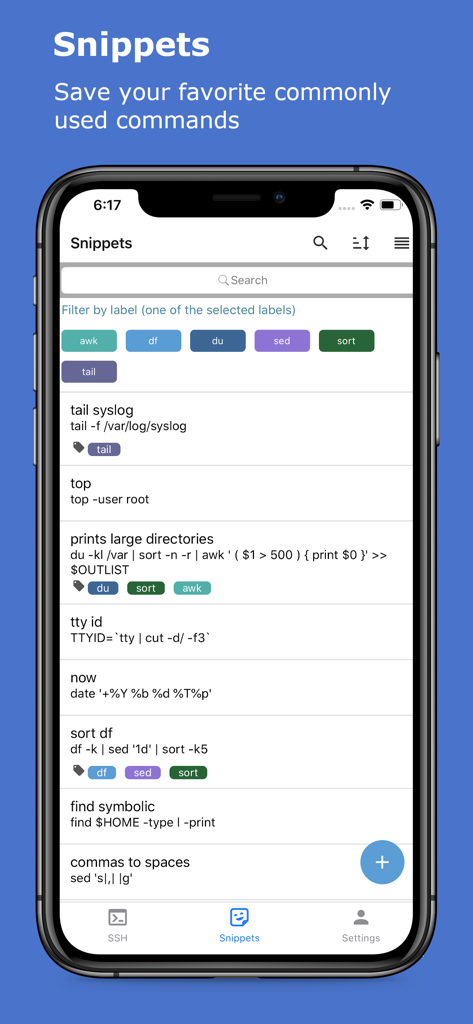
xTerminal app snippets screen showing a list of saved SSH commands with labels and filters
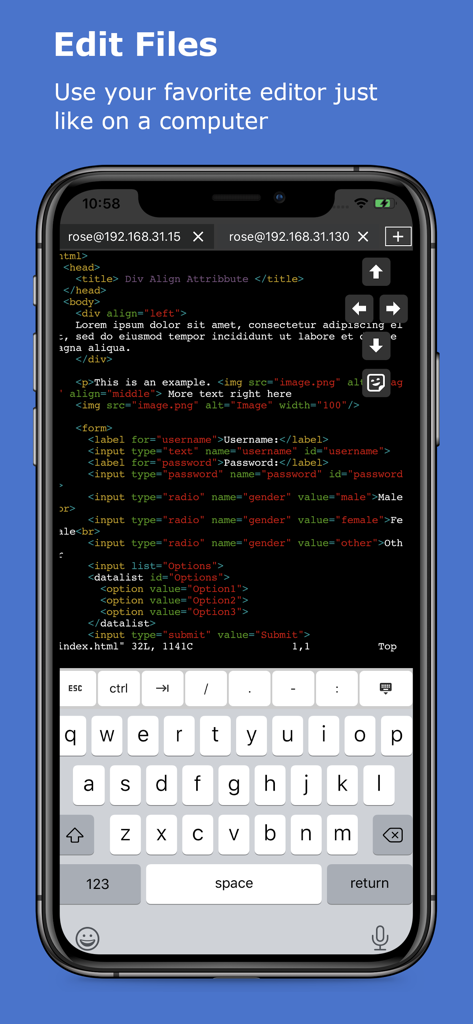
Editing code in the xTerminal SSH terminal on iPhone
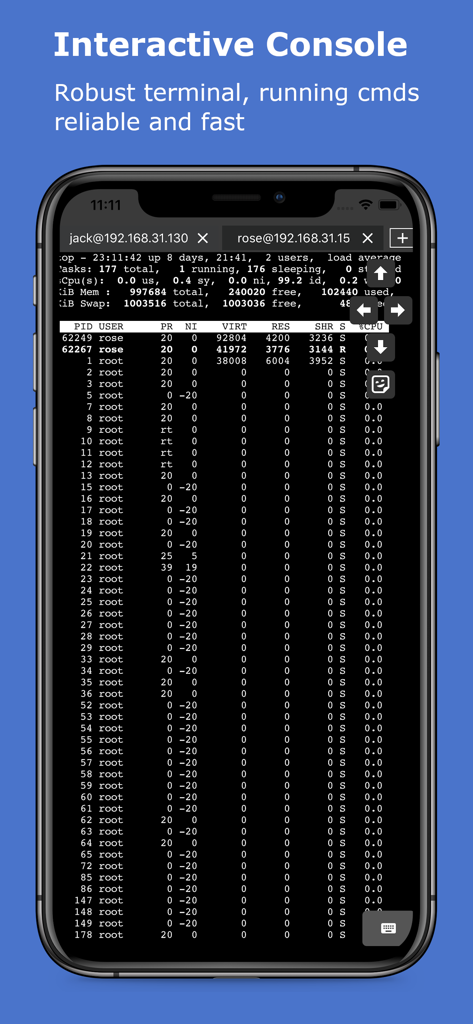
Interactive SSH terminal showing server processes on a mobile device
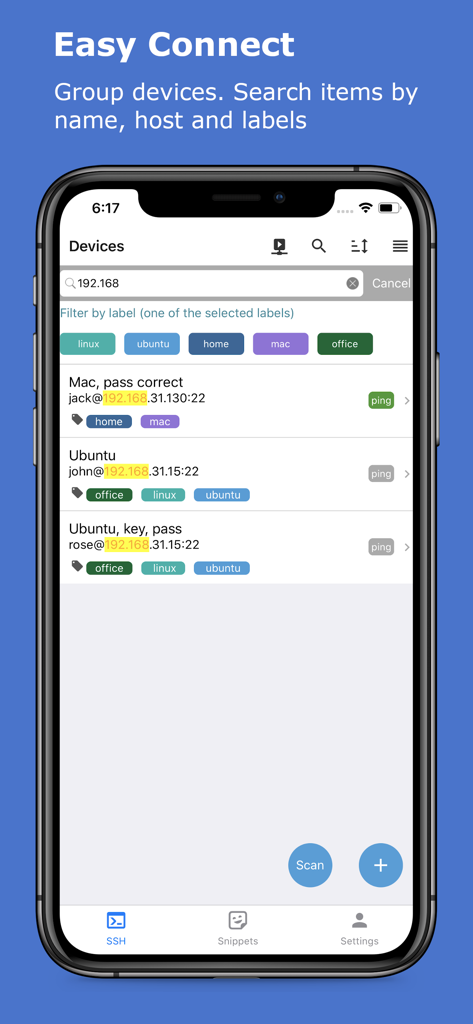
Interface of the xTerminal app showing a list of managed SSH servers with filter labels and search bar
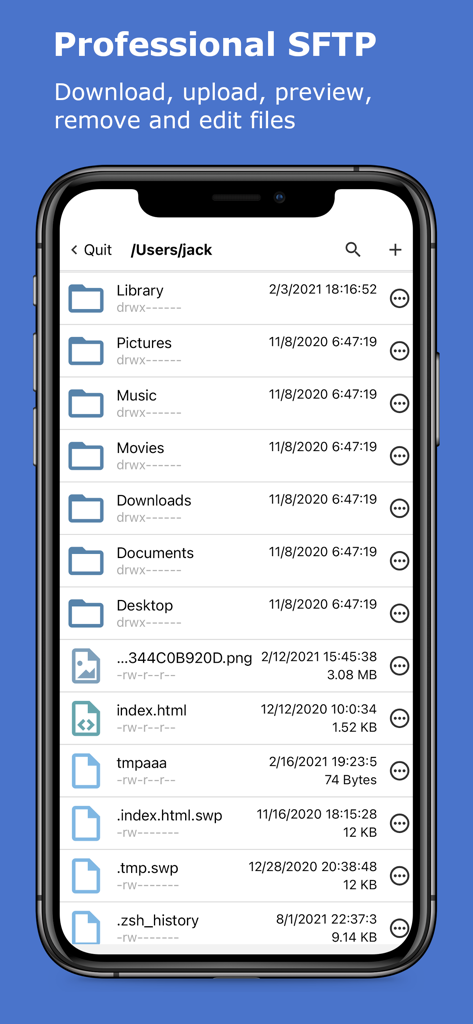
xTerminal app showing the professional SFTP interface for managing server files and folders
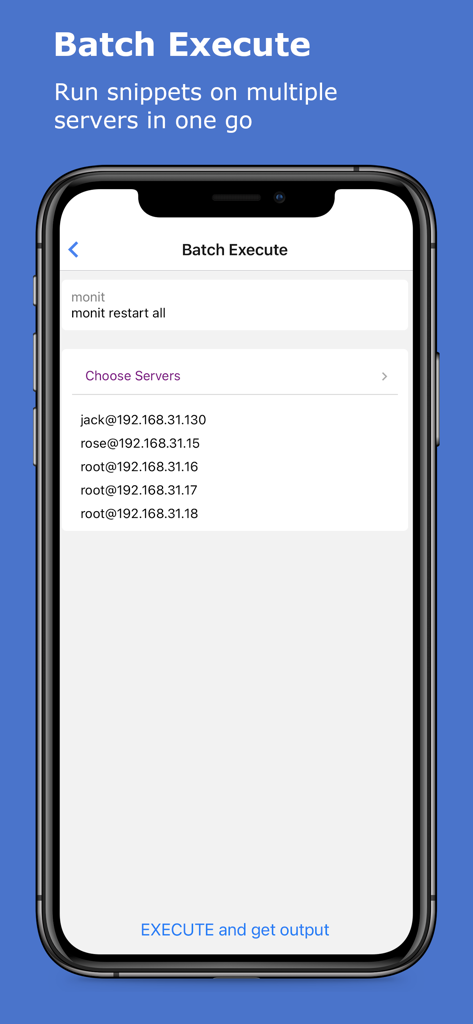
Interface for batch executing SSH commands on multiple servers in the xTerminal app
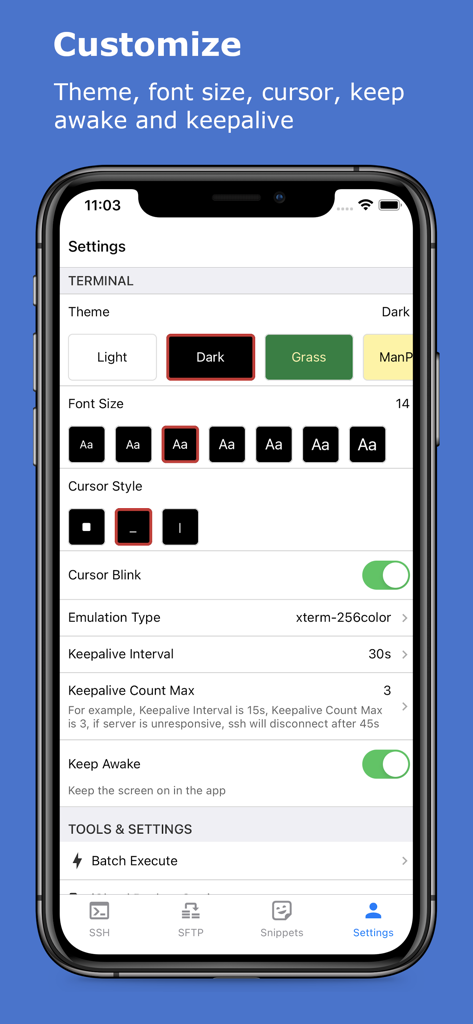
xTerminal app settings screen for customizing terminal themes and font size
Description
Download
More Like This
Apps with similar features and user experience

SSH Client - Secure ShellFish
Anders Borum

FTPManager - FTP, SFTP client
Skyjos Co., Ltd.

FTP Client Pro
Anders Havn

Termux
FREE AI UTILS COMPANY LIMITED
TN5250
Jan Frydendal

Blink Shell, Build & Code
Blink Shell, Inc

Terminal#
Vasiliy Shaydullin

Prompt 3
Panic, Inc.

NovaAccess - Tailnet Tools
GalaxNet Ltd.
This page is not an official page of the app or its developer, but an independent editorial publication created for informational and commentary purposes. Unless expressly stated otherwise, neither the app nor its developer is affiliated with, endorsed by, sponsored by, authorized by, or otherwise officially connected with MWM, Apple, Google Play, the app publisher, or the app's developer, and nothing on this page implies that the app was developed using MWM's services. Any trademarks, logos, screenshots, and other content remain the property of their respective owners.