
This page is not an official page of the app or its developer, but an independent editorial publication created for informational and commentary purposes. Unless expressly stated otherwise, neither the app nor its developer is affiliated with, endorsed by, sponsored by, authorized by, or otherwise officially connected with MWM, Apple, Google Play, the app publisher, or the app's developer, and nothing on this page implies that the app was developed using MWM's services. Any trademarks, logos, screenshots, and other content remain the property of their respective owners.


Screen Recorder & Record Video
Record extraordinary gameplay, create viral reactions with FaceCam, and edit like a pro with just one tap. Turn your screen into a brand and grow your followers with the ultimate recording toolkit.
Downloads
299K+User Rating
Total Ratings
4K+Publisher
Category
Photo & VideoLocales
2Latest Version
11.2Size
197.4 MBFirst Released
Sep 18, 2019Unleash Your Inner Creator
Go beyond basic screen recording with a full suite of pro tools designed to help you record, react, and edit viral-ready content in seconds.
FaceCam Reactions
Record your screen and your face simultaneously. Perfect for creating engaging reaction videos that build your brand and connect with your followers.
Pro Gameplay Capture
Record your favorite mobile games with high-quality audio and crystal-clear resolution. Add live commentary to share your wins and strategies.
Frequently Asked Questions
Everything you need to know about Screen Recorder & Record Video
What is Screen Recorder & Record Video?
Screen Recorder & Record Video is an app that captures your device's screen, records videogames, and creates tutorials. It includes features like FaceCam reactions, real-time commentaries, and an in-app video editor for enhancing recordings.
Can I record games with Screen Recorder & Record Video?
Yes, Screen Recorder & Record Video allows users to film their favorite videogames and create extraordinary gameplays. The app captures your screen regardless of the active application.
Does Screen Recorder & Record Video support FaceCam recordings?
Yes, the Screen Recorder & Record Video app enables users to record phenomenal FaceCam films to react to videos in their gallery, making their video reactions look professional.
Can I add audio commentary to my screen recordings with Screen Recorder & Record Video?
Yes, users can record their device screen and add real-time commentaries to their videos. The app provides the option to turn the microphone on or off for tutorials or training.
What editing features does Screen Recorder & Record Video offer?
Screen Recorder & Record Video includes an in-app video editor. This editor allows users to trim, cut, add stickers, apply filters, and include completely customizable text to their recordings.
How much does Screen Recorder & Record Video cost?
Screen Recorder & Record Video offers several subscription plans after a 3-day free trial, including $2.99/Week, $49.99/Year, $19.99/Year, and $9.99/Month. Prices are charged to your iTunes Account.
Does Screen Recorder & Record Video offer a free trial?
Yes, Screen Recorder & Record Video offers a 3-day free trial for all its subscription plans. After the trial period, the chosen subscription automatically renews unless auto-renew is turned off.
How do I cancel my Screen Recorder & Record Video subscription?
Users manage subscriptions through iTunes Account Settings after purchase. Auto-renewal must be turned off at least 24 hours before the end of the current period to avoid charges. No cancellation of the current subscription is allowed during the active period.
Where can I find the privacy policy for Screen Recorder & Record Video?
The privacy policy for Screen Recorder & Record Video is available at https://topappsandpopulargames.wordpress.com/privacy-policy/. This document details how user data is collected and used by the application.
Can I share my recordings from Screen Recorder & Record Video?
Yes, users can save their reactions directly to their phone or share them with family and friends on any social network. This feature allows for easy distribution of recorded content.
The following screenshots and description are sourced directly from the app's official store listing and are the property of the app developer.
App Store
Screenshots
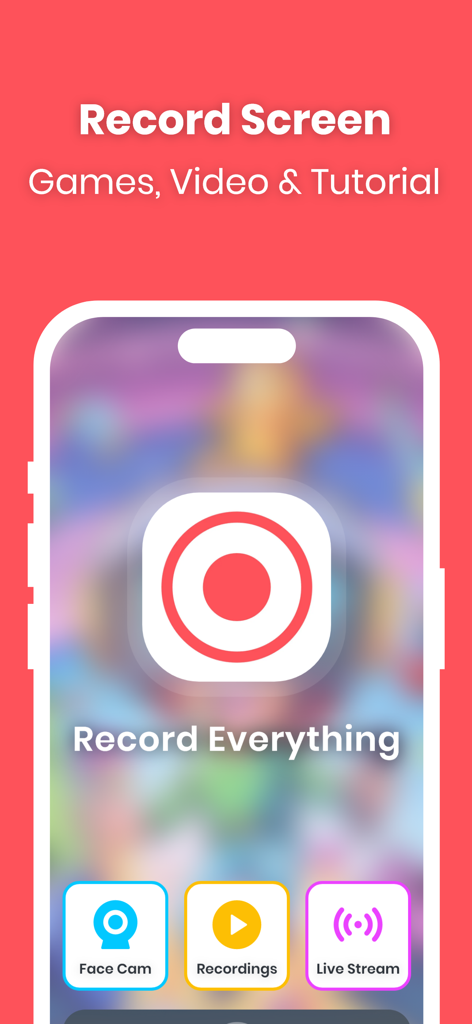
Screen recorder app interface for recording games and tutorials with face cam and live stream features
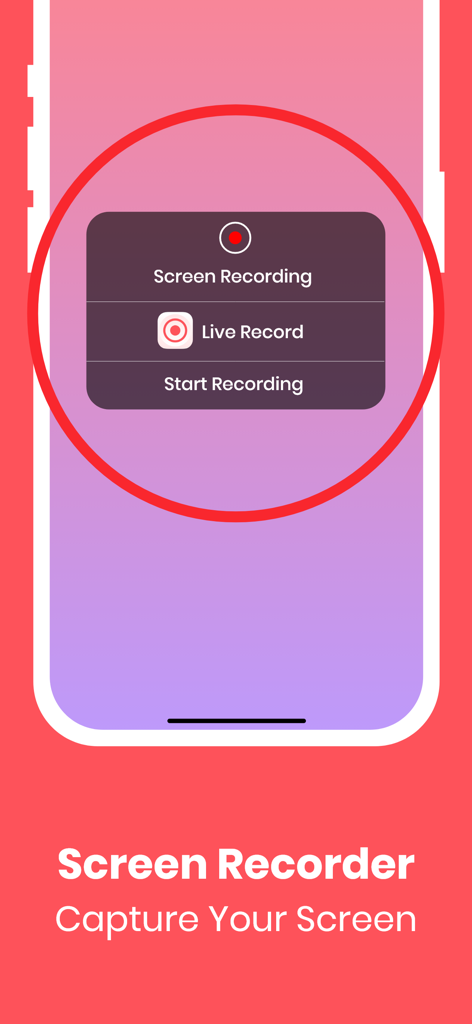
Interface of the Screen Recorder app on a mobile device showing options to start a screen recording
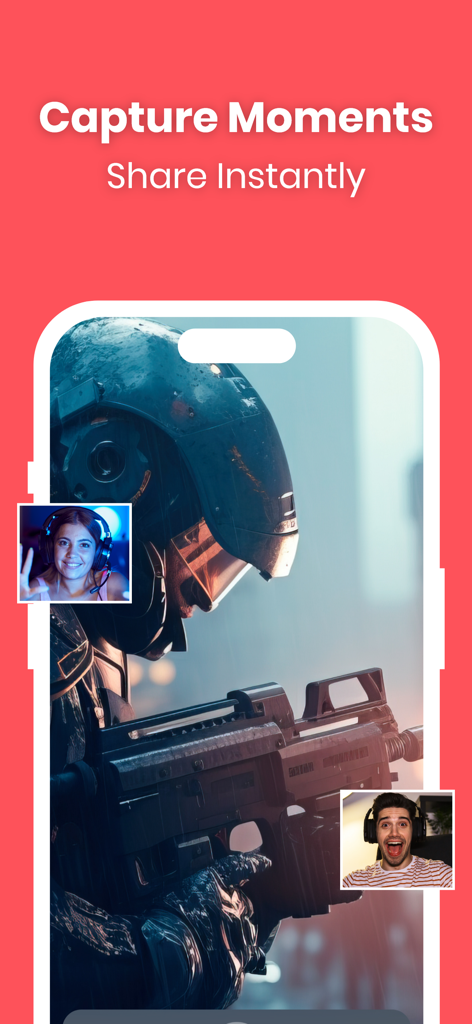
Screen Recorder app interface showing mobile gameplay with FaceCam reaction overlays
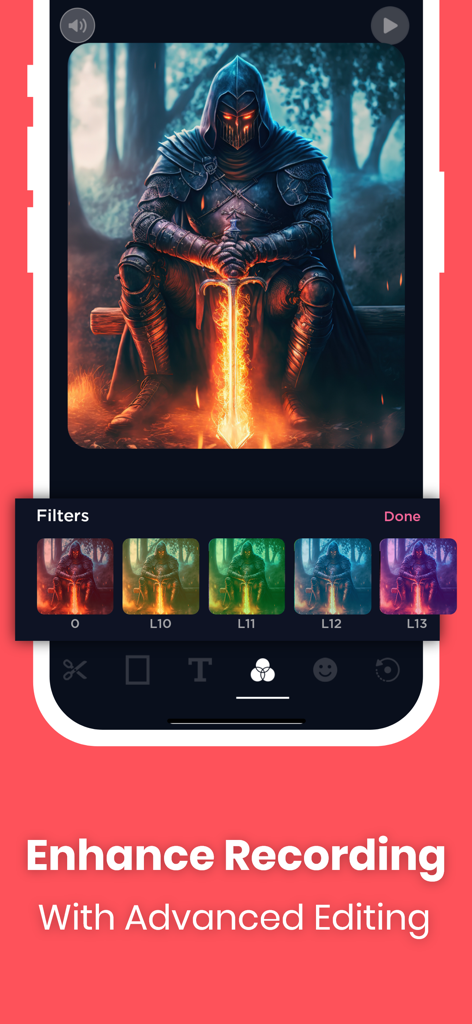
A mobile interface showing advanced video filters being applied to a gaming screen recording
Description
Download
More Like This
Apps with similar features and user experience

Medal - Game Clipping
Medal B.V.

Screen Recorder,Video Recorder
VIDEOSHOW PTE. LTD.

Screen Recorder
App of the Year LLC

Record it! :: Screen Recorder
DIGISET LLC

Screen Recorder Voice & Video
Arthur Eduardo Skaetta Alvarez Desenvolvimento de Software LTDA.

Screen Recorder ®
Poster App LLP

Super Screen Recorder: Full HD
Dream United, Ltd.

Screen Recorder: Go Record
Torqued Studios LLC

Screen Recorder-Video & Voice
Danila Ianushev
This page is not an official page of the app or its developer, but an independent editorial publication created for informational and commentary purposes. Unless expressly stated otherwise, neither the app nor its developer is affiliated with, endorsed by, sponsored by, authorized by, or otherwise officially connected with MWM, Apple, Google Play, the app publisher, or the app's developer, and nothing on this page implies that the app was developed using MWM's services. Any trademarks, logos, screenshots, and other content remain the property of their respective owners.