
This page is not an official page of the app or its developer, but an independent editorial publication created for informational and commentary purposes. Unless expressly stated otherwise, neither the app nor its developer is affiliated with, endorsed by, sponsored by, authorized by, or otherwise officially connected with MWM, Apple, Google Play, the app publisher, or the app's developer, and nothing on this page implies that the app was developed using MWM's services. Any trademarks, logos, screenshots, and other content remain the property of their respective owners.
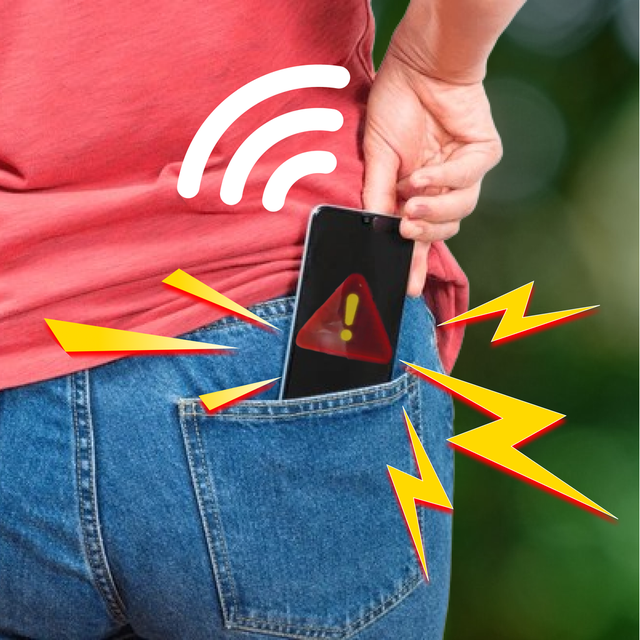

Don't Touch My Mobile
Stop snoops and thieves with motion-activated alarms, smart charging alerts, and custom 'Keep Out' wallpapers. Your phone is your business—keep it that way.
Downloads
101K+User Rating
Total Ratings
0Publisher
Category
UtilitiesLocales
1Latest Version
2.5Size
61.0 MBFirst Released
Jun 13, 2024Complete Protection for Your Digital Life
Keep your privacy intact and your phone exactly where you left it with smart motion triggers, anti-theft alerts, and personalized security styles designed for your peace of mind.
Anti-Snoop Motion Alarm
Stop nosy friends or siblings in their tracks. A loud, customizable alarm triggers the second someone tries to pick up or move your device.
Safe Public Charging
Power up with confidence in cafes, airports, or dorms. Receive an immediate alert if your phone is unplugged by anyone but you.
Frequently Asked Questions
Everything you need to know about Don't Touch My Mobile
What is the primary function of the "Don't Touch My Mobile" app?
The "Don't Touch My Mobile" app protects your device by triggering loud alarms when unauthorized individuals touch or move your phone, disconnect it from charging, or when the battery is full.
How does "Don't Touch My Mobile" detect unauthorized movement?
Yes, "Don't Touch My Mobile" features a Motion Detection system. This system detects unauthorized phone movement and immediately triggers an alarm to alert you.
Does "Don't Touch My Mobile" have an alarm for a full battery?
Yes, "Don't Touch My Mobile" includes a Battery Full Alarm. This feature notifies you when your battery is fully charged to help prevent overcharging.
Can I customize the alarm sounds in "Don't Touch My Mobile"?
Yes, "Don't Touch My Mobile" allows custom alarm sounds. You can select from various tones or record your voice to create a unique alert experience.
Is my privacy protected when using the "Don't Touch My Mobile" app?
Yes, "Don't Touch My Mobile" respects your privacy. The app explicitly states it does not track or spy on your device, and your data remains private and unshared.
Does "Don't Touch My Mobile" alert me if my phone is unplugged?
Yes, "Don't Touch My Mobile" offers a Charging Plug-Out Alarm. This feature instantly notifies you if someone disconnects your phone from charging.
Can I set custom wallpapers with the "Don't Touch My Mobile" app?
Yes, "Don't Touch My Mobile" provides customization options for wallpapers. You can choose "Do Not Touch" wallpapers to enhance style and reinforce security.
Does "Don't Touch My Mobile" use flashlight and vibration for alerts?
Yes, "Don't Touch My Mobile" enhances alarms with both flashlight and vibration alerts. These features provide additional noticeable signals for triggered alarms.
How do I activate the alarm feature in "Don't Touch My Mobile"?
You activate the alarm in "Don't Touch My Mobile" by tapping the "Tab to Active" button on the main screen, which initiates a countdown before the alarm becomes active.
Is there a password feature to control alarms in "Don't Touch My Mobile"?
Yes, "Don't Touch My Mobile" incorporates a password feature for activating sounds. This password likely serves to disarm the alarm and prevent unauthorized deactivation.
The following screenshots and description are sourced directly from the app's official store listing and are the property of the app developer.
App Store
Screenshots
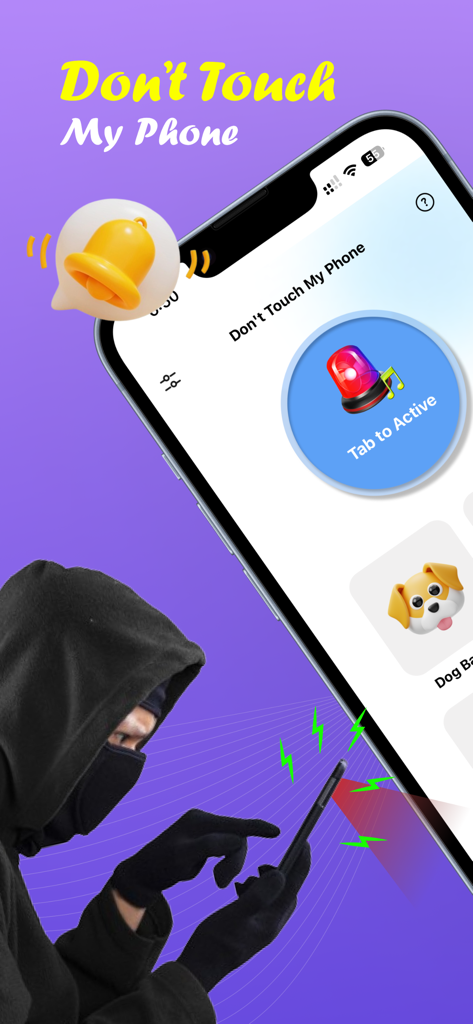
A hooded figure trying to steal a smartphone with an active anti-theft alarm siren and ringing bell icon
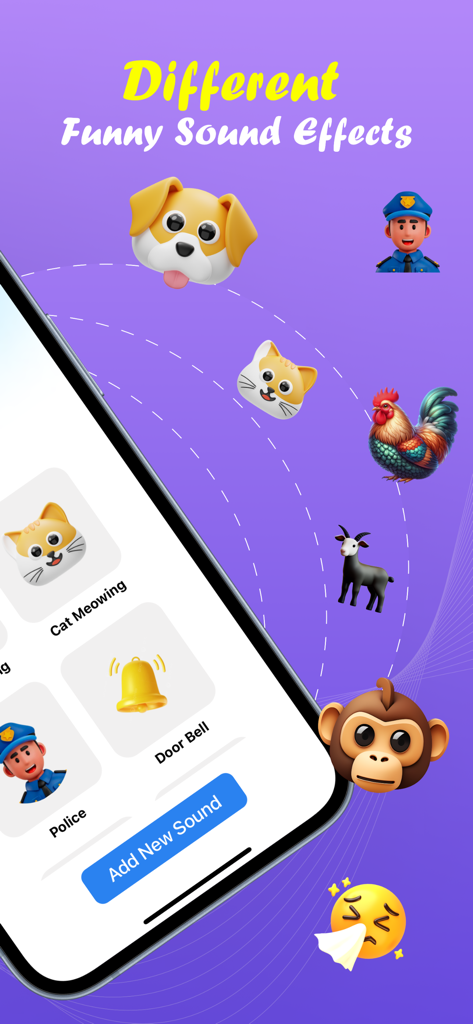
Interface of the Don't Touch My Mobile app displaying various funny alarm sounds including animals and sirens
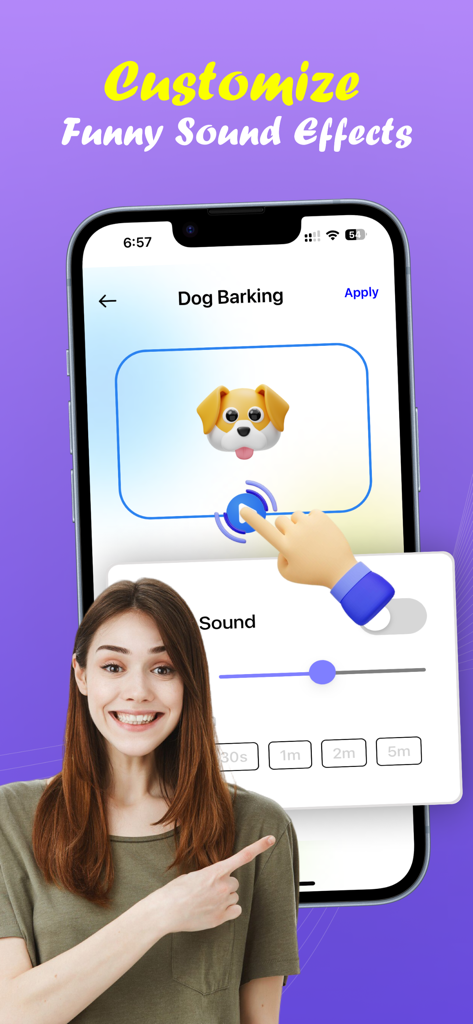
A woman pointing at a smartphone screen showing customization options for funny alarm sound effects like a dog barking.
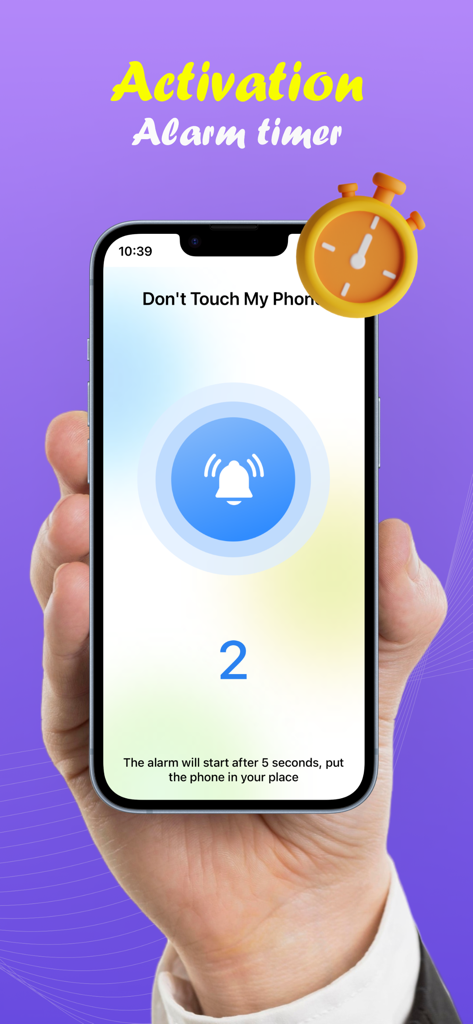
A smartphone screen displaying an activation alarm timer countdown
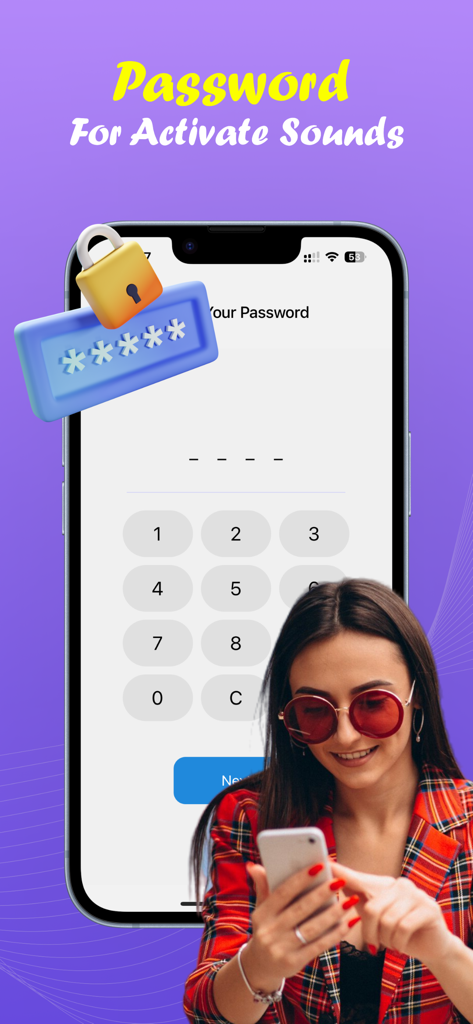
App screen showing a numeric keypad for password activation with a woman holding her smartphone
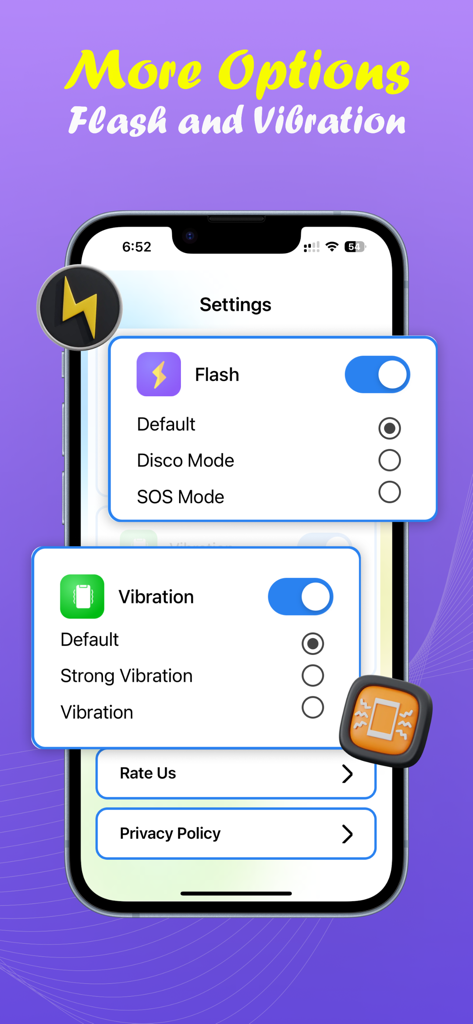
Interface for configuring flash and vibration alarm settings in the Don't Touch My Mobile app
Description
Download
More Like This
Apps with similar features and user experience
Amor AntiTheft-Clap Find Phone
FUTURISTIX DIGITAL MARKETING PTE. LTD
ClapSeek: Find phone by clap
PIXEL VERTEX MOBILE PTE. LTD.
Dont Touch My Phone: Antitheft
FITNESS TRAINING GLOBAL ONE MEMBER COMPANY LIMITED
ClapBack: Antilost
CODEJOY TECHNOLOGY LIMITED

iAntiTheft
Hung Nguyen
AntiLost: Phone Finder & Alarm
MATRIX MOBILE PTE. LTD.
ClapFind: Phone Finder
MATRIX MOBILE PTE. LTD.
Who Touched My Phone :Guardian
Emre Erol
ClapTrack : Clap to Find Phone
80ugame Limited
This page is not an official page of the app or its developer, but an independent editorial publication created for informational and commentary purposes. Unless expressly stated otherwise, neither the app nor its developer is affiliated with, endorsed by, sponsored by, authorized by, or otherwise officially connected with MWM, Apple, Google Play, the app publisher, or the app's developer, and nothing on this page implies that the app was developed using MWM's services. Any trademarks, logos, screenshots, and other content remain the property of their respective owners.