
This page is not an official page of the app or its developer, but an independent editorial publication created for informational and commentary purposes. Unless expressly stated otherwise, neither the app nor its developer is affiliated with, endorsed by, sponsored by, authorized by, or otherwise officially connected with MWM, Apple, Google Play, the app publisher, or the app's developer, and nothing on this page implies that the app was developed using MWM's services. Any trademarks, logos, screenshots, and other content remain the property of their respective owners.


LoiLoNote School
Empower students to organize their thoughts, collaborate in real-time, and present their work—all within a single, intuitive workspace designed for the modern 1:1 iPad classroom.
Downloads
2M+User Rating
Total Ratings
11K+Publisher
Category
EducationLocales
4Latest Version
48.0.0Size
93.0 MBFirst Released
Apr 2, 2014Empower Every Student to Think Visually
LoiLoNote School is the all-in-one workspace for iPad classrooms that simplifies lesson management while fostering creative, collaborative learning experiences.
Intuitive Idea Mapping
Students organize thoughts by connecting digital cards with a swipe. This visual approach helps learners of all levels structure complex ideas and build logical presentations with ease.
All-in-One Lesson Workflow
Eliminate app fatigue. Distribute materials, collect assignments, and provide feedback within a single interface, allowing you to spend more time teaching and less time managing tech.
Frequently Asked Questions
Everything you need to know about LoiLoNote School
What is LoiLoNote School?
LoiLoNote School is a lesson support application for tablets. It helps students organize ideas, express them, and engage in personalized, communicative learning experiences, fostering independent learning skills.
How does LoiLoNote School assist in organizing ideas?
LoiLoNote School helps organize ideas by allowing users to write them on cards and connect these cards by drawing lines. This method facilitates collecting and arranging thoughts, supporting various media types.
Can users share their work within LoiLoNote School?
Yes, LoiLoNote School allows students to share their creations, including cards and presentations, with teachers and classmates. It supports collaborative learning through work comparison and presentation features.
What media types can be saved as cards in LoiLoNote School?
LoiLoNote School cards support various media types. Users can save text, PDF documents, photos, and videos as cards, integrating diverse forms of information into their projects.
Does LoiLoNote School facilitate personalized learning records?
Yes, LoiLoNote School supports personalized learning. It enables students to collect in-class work, presentations, exercise answers, and reflections in one place, creating a customized and reviewable record of their learning progression.
What digital tools are included in LoiLoNote School for lessons?
LoiLoNote School offers all basic digital tools for lessons. It allows information to be created, distributed, displayed, collected, and shared within the app, providing a comprehensive solution for classroom activities.
The following screenshots and description are sourced directly from the app's official store listing and are the property of the app developer.
App Store
Screenshots
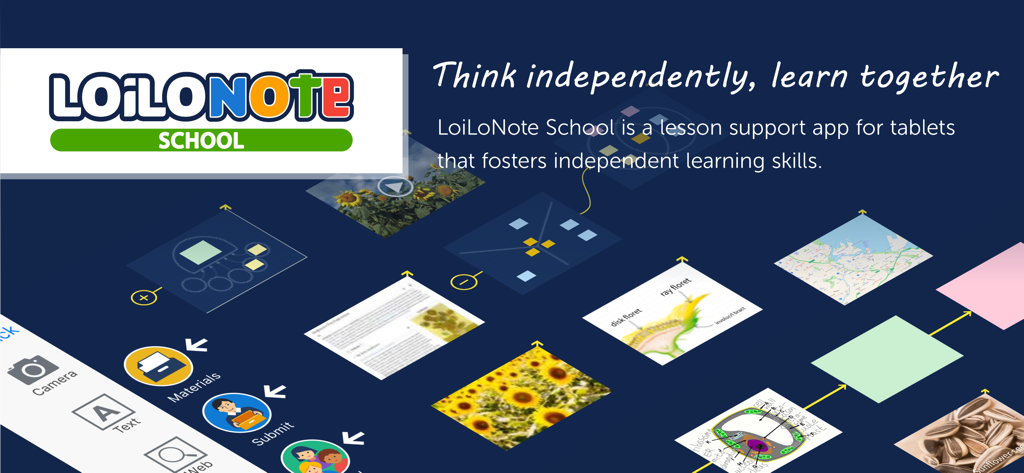
LoiLoNote School app interface displaying connected visual cards for interactive classroom lessons
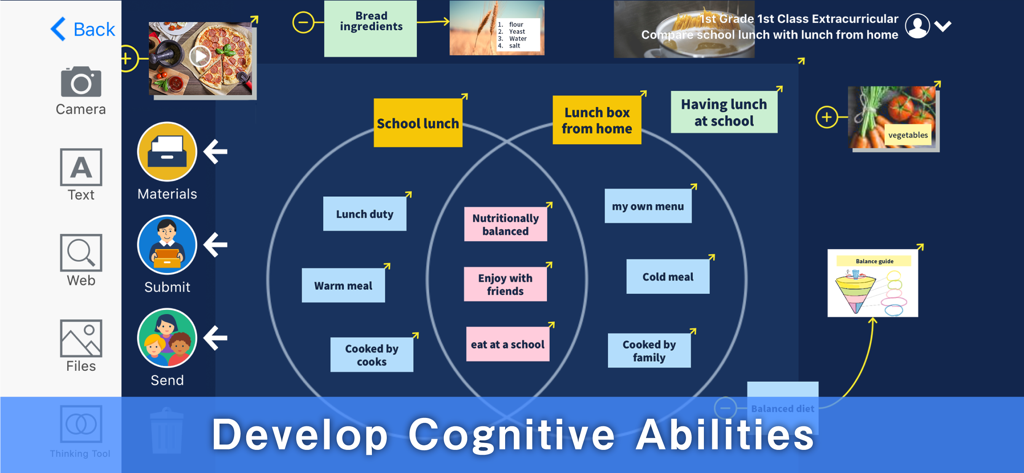
LoiLoNote School interface showing a Venn diagram thinking tool comparing school lunch with home lunch
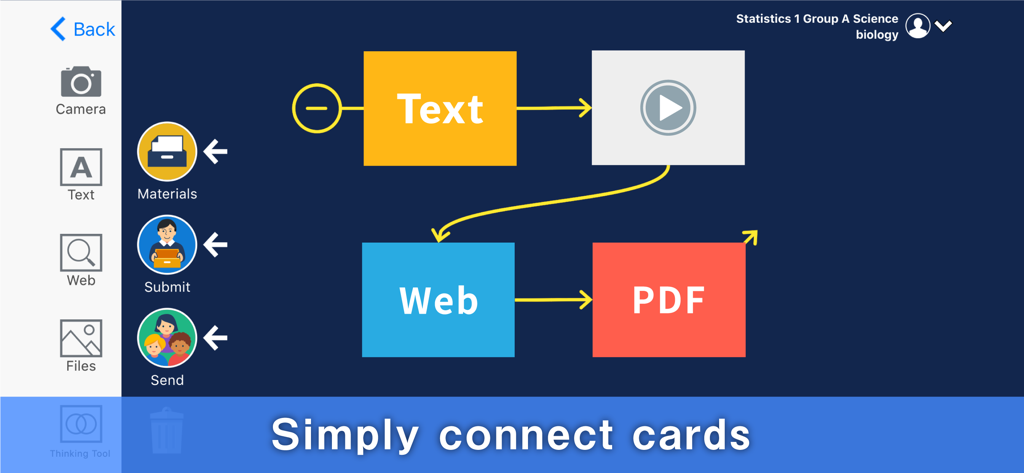
Interface of LoiLoNote School app for connecting visual content cards
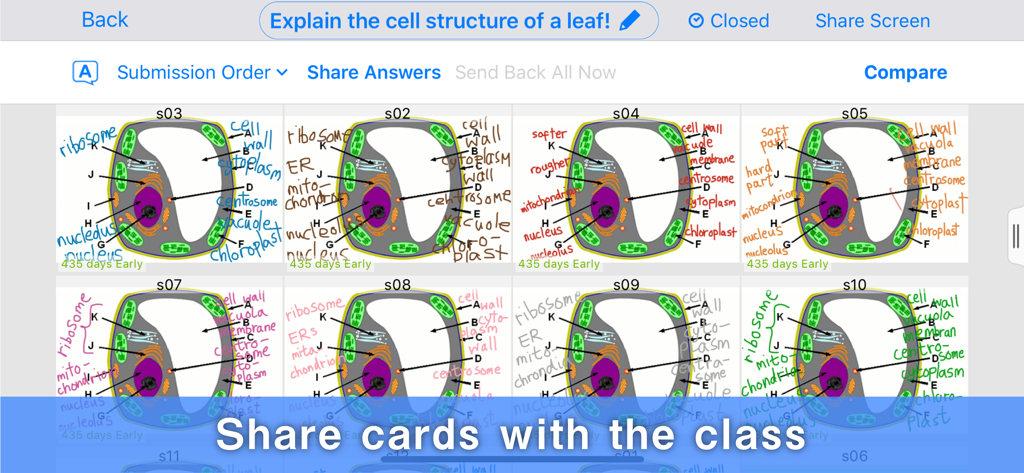
A teacher view showing multiple student submissions of plant cell diagrams for class sharing and comparison
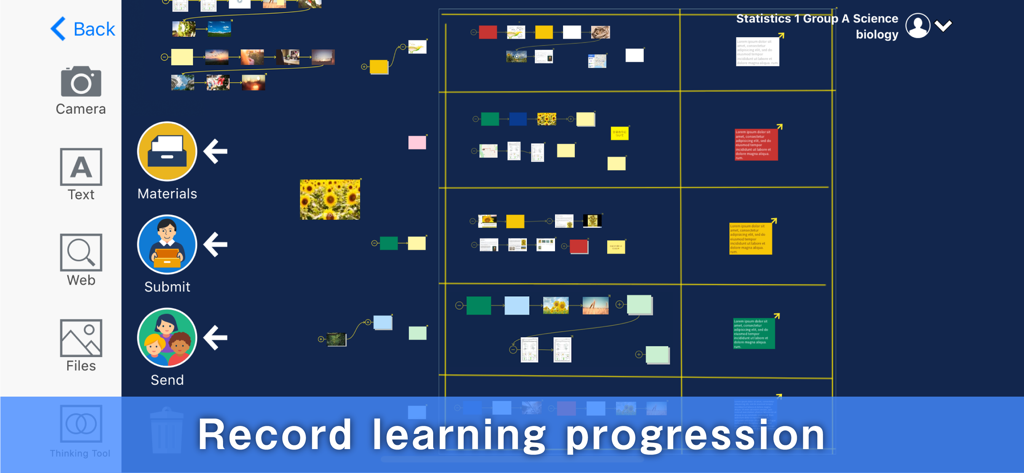
LoiLoNote School app interface showing connected cards for recording student learning progression
Description
Download
More Like This
Apps with similar features and user experience

Xmind - Mind Map & Brainstorm
Xmind Ltd.

Smartsheet: Projects & Teams
Smartsheet Inc.

Miro: your visual workspace
Realtimeboard Inc.

Padlet
Wallwisher, Inc.

Asana: Work Management
Asana, Inc.

Microsoft Planner
Microsoft Corporation

Microsoft Loop
Microsoft Corporation

Microsoft Whiteboard
Microsoft Corporation

Nola: Story Planner & Writing
indent Inc.
This page is not an official page of the app or its developer, but an independent editorial publication created for informational and commentary purposes. Unless expressly stated otherwise, neither the app nor its developer is affiliated with, endorsed by, sponsored by, authorized by, or otherwise officially connected with MWM, Apple, Google Play, the app publisher, or the app's developer, and nothing on this page implies that the app was developed using MWM's services. Any trademarks, logos, screenshots, and other content remain the property of their respective owners.