
This page is not an official page of the app or its developer, but an independent editorial publication created for informational and commentary purposes. Unless expressly stated otherwise, neither the app nor its developer is affiliated with, endorsed by, sponsored by, authorized by, or otherwise officially connected with MWM, Apple, Google Play, the app publisher, or the app's developer, and nothing on this page implies that the app was developed using MWM's services. Any trademarks, logos, screenshots, and other content remain the property of their respective owners.


Slow Motion Video Fx Editor
Elevate your Reels and TikToks with professional speed ramping, 240fps precision, and trending soundtracks designed to capture that main character energy.
Downloads
4M+User Rating
Total Ratings
14K+Publisher
Category
Photo & VideoLocales
1Latest Version
2.9Size
66.7 MBFirst Released
Mar 2, 2017Make Every Moment Viral-Ready
Stop the scroll with cinematic speed ramping, professional filters, and a massive music library designed for today's creators.
Precision Speed Ramping
Master the 'speed ramp' look with frame-by-frame control to highlight your best moves in 240fps slow-mo.
All-In-One Aesthetic Suite
Ditch the app-hopping with 170+ trending music tracks and premium filters that give your feed a cinematic glow.
Frequently Asked Questions
Everything you need to know about Slow Motion Video Fx Editor
What is Slow Motion Video Fx Editor?
Slow Motion Video Fx Editor is an advanced video editor app. It allows users to control video speed, applying slow-motion, time-lapse, and stop-motion effects.
Can I edit video speed at specific points in Slow Motion Video Fx Editor?
Yes, Slow Motion Video Fx Editor allows users to adjust video speed from particular frames. You can also hold a video's specific portion with precise control.
Does Slow Motion Video Fx Editor support live video recording with speed control?
Yes, Slow Motion Video Fx Editor supports recording live video. It includes integrated speed control options for slow-motion, time-lapse, and normal recording directly within the app.
What are the subscription options for Slow Motion Video Fx Editor?
Slow Motion Video Fx Editor offers a monthly subscription for $9.99 after a 3-day free trial, or an annual subscription for $34.99/Year.
Can I add music to my videos in Slow Motion Video Fx Editor?
Yes, Slow Motion Video Fx Editor allows users to add music to their edited videos. The premium subscription includes access to over 170 background music tracks.
What benefits does a Premium Subscription offer in Slow Motion Video Fx Editor?
A Premium Subscription to Slow Motion Video Fx Editor includes over 170 background music tracks, premium filters, unlimited video editing, and regular content updates.
How fast or slow can I make my videos with Slow Motion Video Fx Editor?
Slow Motion Video Fx Editor allows editing video speed up to 240fps or 12x faster or slower. Specific controls for various slow and fast speeds are available.
Does Slow Motion Video Fx Editor provide high-resolution video output?
Yes, Slow Motion Video Fx Editor provides high-resolution video output for all edited content. It also features quick processing times for user convenience.
How do I manage my subscription for Slow Motion Video Fx Editor?
Users manage their Slow Motion Video Fx Editor subscriptions and can turn off auto-renewal by accessing their iTunes Account Settings after purchase.
Where can I find the privacy policy for Slow Motion Video Fx Editor?
The privacy policy for Slow Motion Video Fx Editor is available at the following link: https://sites.google.com/a/braincraftapps.com/slomo/privacy.
Can I share videos edited with Slow Motion Video Fx Editor directly to social media?
Yes, Slow Motion Video Fx Editor allows users to share their edited videos directly to Instagram, YouTube, Facebook, Twitter, and other media platforms.
The following screenshots and description are sourced directly from the app's official store listing and are the property of the app developer.
App Store
Screenshots
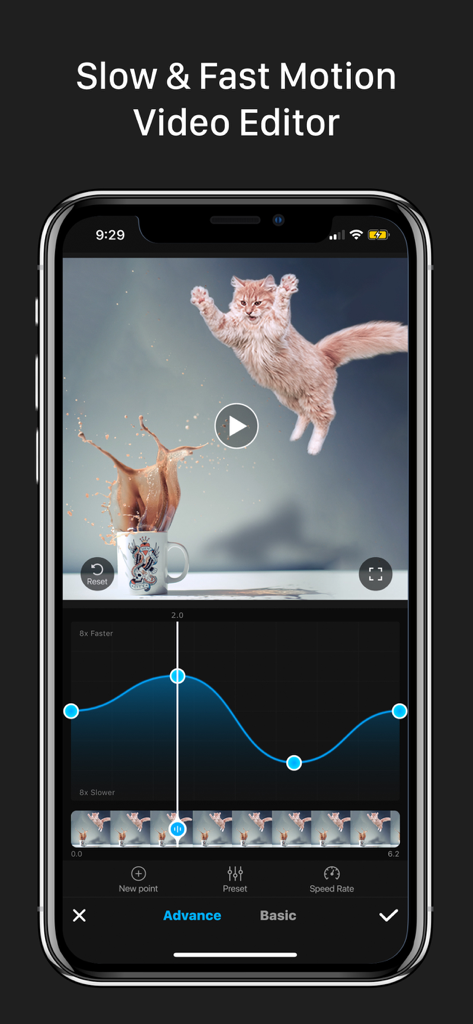
Smartphone screen showing a video of a jumping cat being edited with a speed ramp curve in the Slow Motion Video Fx Editor app
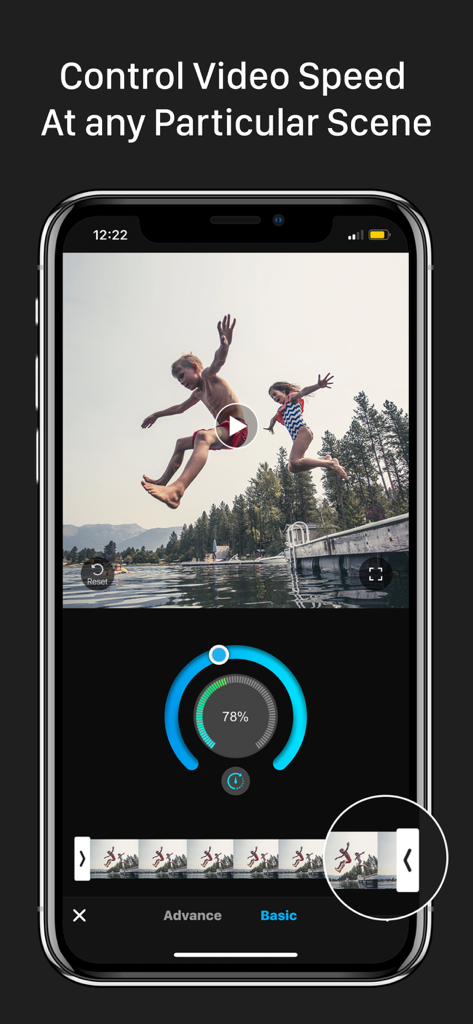
Interface of a slow motion video editor app showing speed adjustment dial and video timeline
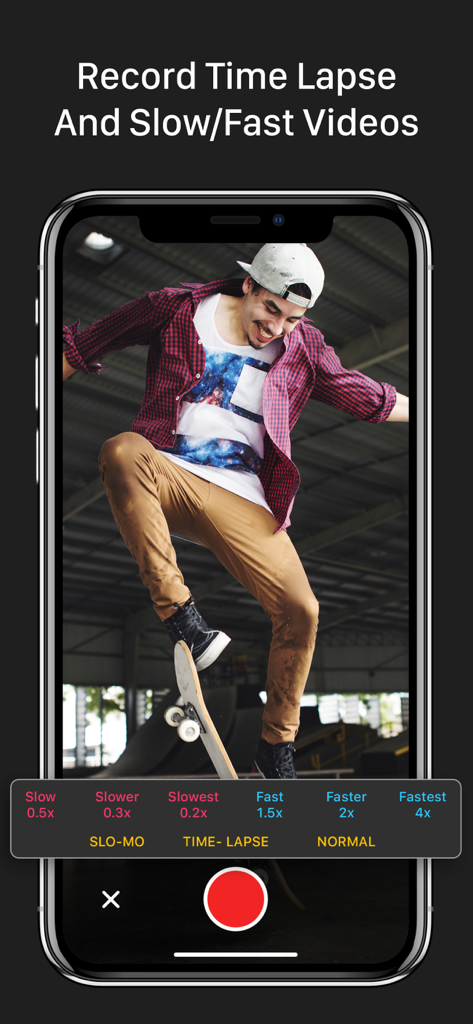
Recording slow motion and time lapse video of a skateboarder in the Slow Motion Video Fx Editor app.
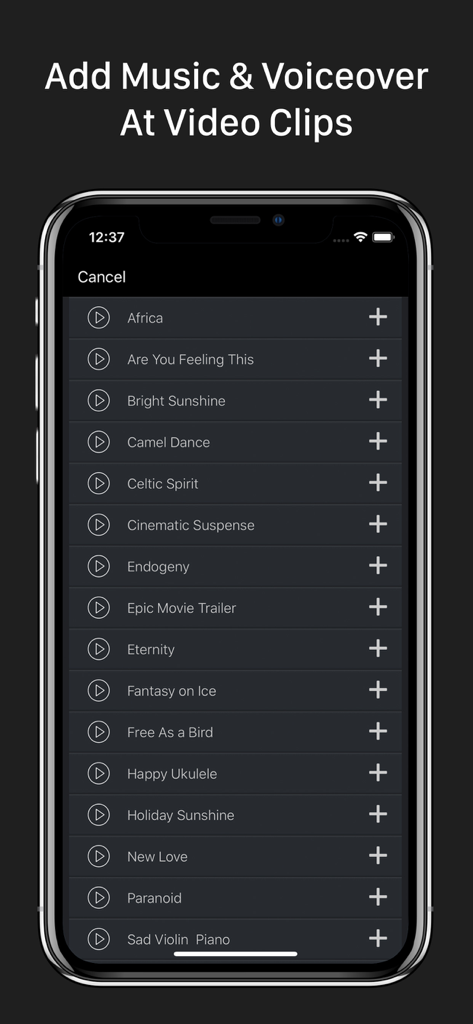
Music selection screen in Slow Motion Video Fx Editor for adding soundtracks and voiceovers to video clips.
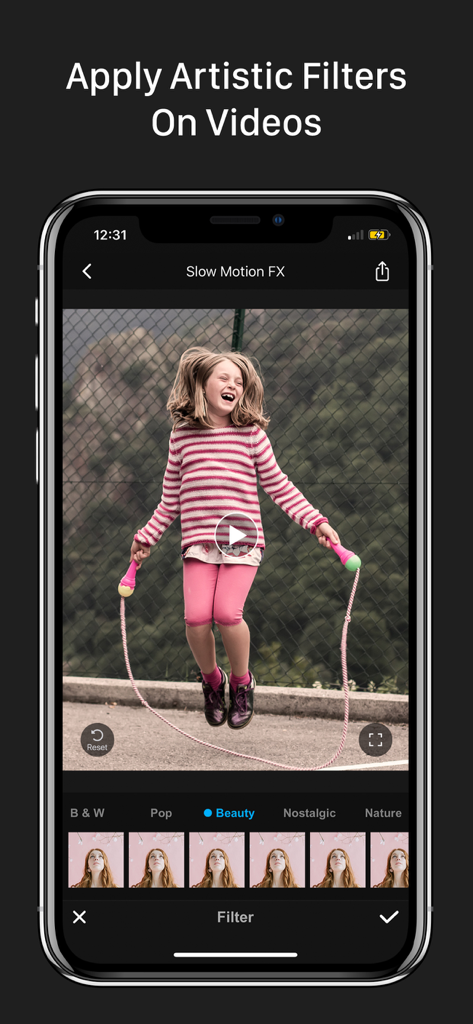
A mobile phone screen displaying artistic filters in the Slow Motion Video Fx Editor app for social media content creation.
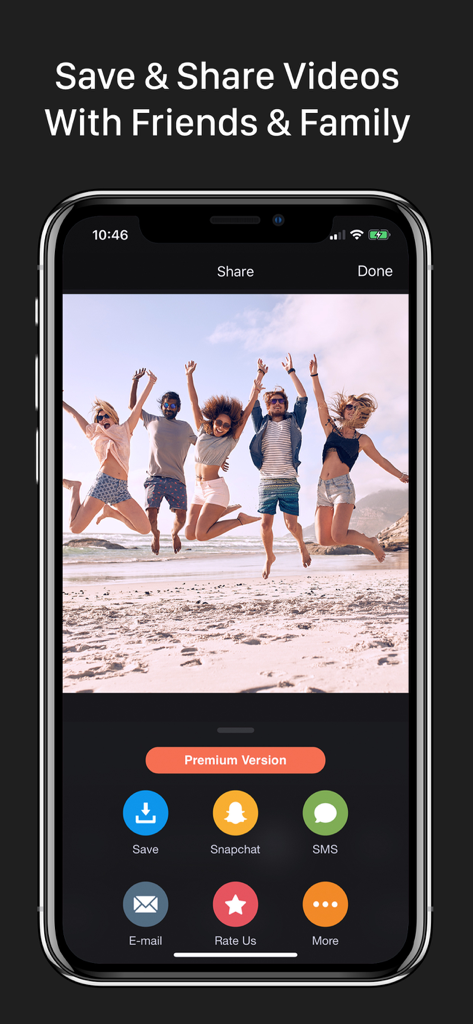
Sharing screen of the slow motion video editor app showing options to save or share a video of friends jumping on the beach.
Description
Download
More Like This
Apps with similar features and user experience

VN: AI Video Editor
Ubiquiti Labs, LLC

Splice - Video Editor & Maker
Bending Spoons Apps ApS

Blurrr-Music video editor
TBPS INTERNATIONAL TECHNOLOGY PTE. LTD.

Node Video
小为 罗

Filmmaker Pro - Video Editor
Tinkerworks Apps

Time Cut: Smooth Slow Motion
立亚 林

LumaFusion
Luma Touch LLC

WEILO - My Last Video Editor
vimosoft

Video Effects Editor: Riveo
Forge and Form GmbH
This page is not an official page of the app or its developer, but an independent editorial publication created for informational and commentary purposes. Unless expressly stated otherwise, neither the app nor its developer is affiliated with, endorsed by, sponsored by, authorized by, or otherwise officially connected with MWM, Apple, Google Play, the app publisher, or the app's developer, and nothing on this page implies that the app was developed using MWM's services. Any trademarks, logos, screenshots, and other content remain the property of their respective owners.