
This page is not an official page of the app or its developer, but an independent editorial publication created for informational and commentary purposes. Unless expressly stated otherwise, neither the app nor its developer is affiliated with, endorsed by, sponsored by, authorized by, or otherwise officially connected with MWM, Apple, Google Play, the app publisher, or the app's developer, and nothing on this page implies that the app was developed using MWM's services. Any trademarks, logos, screenshots, and other content remain the property of their respective owners.


Time Cut: Smooth Slow Motion
Transform your clips into buttery-smooth cinematic masterpieces. Master the viral velocity look with deep-learning frame interpolation, professional motion blur, and AI-driven quality enhancement.
Downloads
2M+User Rating
Total Ratings
40K+Publisher
Category
Photo & VideoLocales
9Latest Version
2.6.4Size
174.5 MBFirst Released
Nov 4, 2021Level Up Your Aesthetic with AI-Powered Edits
Stop settling for choppy clips. Use professional-grade AI tools to create the buttery-smooth velocity edits and high-definition content your feed deserves.
Ultra-Smooth Slow Motion
Our RIFE deep-learning model generates new frames to turn standard footage into fluid, cinematic slow-mo without the lag or stutter.
Pro Motion Blur (RSMB)
Achieve the coveted 'clean' edit look. Add realistic motion blur to your movements and transitions for a high-end, professional feel.
Frequently Asked Questions
Everything you need to know about Time Cut: Smooth Slow Motion
What is Time Cut?
Time Cut is a powerful video editor designed for smooth slow-motion video creation. It utilizes deep-learning frame interpolation and offers features like motion blur, AI-driven quality enhancement, and frame rate conversion.
How does Time Cut create smooth slow motion videos?
Time Cut uses advanced image processing algorithms, including Optical Flow, RIFE deep-learning models, and frame blending. This unique de-duplication technique ensures smooth velocity edits, even when slowing down videos significantly.
Can Time Cut add motion blur effects to videos?
Yes, Time Cut supports motion blur effects. It offers two modes for RSMB/VSMB edits and various other blur options, including BCC lens blur and directional blur, to enhance video aesthetics.
Does Time Cut enhance video quality?
Yes, Time Cut includes an AI-driven quality enhancer. This feature enhances the quality of both pictures and videos, taking edits to a professional level with improved clarity and detail.
What are the subscription options for Time Cut?
Time Cut offers several subscription options: $1.99 per week, $5.99 per year, or a $7.99 one-time payment for forever VIP access. Subscribing grants unlimited access to all app features.
Can Time Cut change the frame rate of a video?
Yes, Time Cut functions as a Frame Rate Converter. It can increase video frame rates to 60, 120, or 240 fps and also convert high frame rate videos to cinematic 24fps or common 30fps.
Does Time Cut provide different types of lens blur effects?
Yes, Time Cut offers multiple lens blur effects. These include Circular, Hexagonal, Minimax, Heart, Gaussian, Star, Octagon, Directional, Zoom, and Spin, providing diverse creative options for users.
Can Time Cut convert video formats?
Yes, Time Cut includes a Video Format Converter. It can convert various formats like MOV, AVI, MKV, and WEBM into the MP4 format for broader compatibility and sharing.
What types of AI technology does Time Cut use?
Time Cut uses deep-learning frame interpolation models like RIFE and AI-driven quality enhancement. It also employs AI Frame Interpolation for its Frame Rate Converter to ensure smooth video processing.
Where can I find the privacy policy for Time Cut?
The privacy policy for Time Cut is available at the following URL: https://www.floatcamellia.com/privacy.html. This link provides details on how user data is handled by the app.
The following screenshots and description are sourced directly from the app's official store listing and are the property of the app developer.
App Store
Screenshots
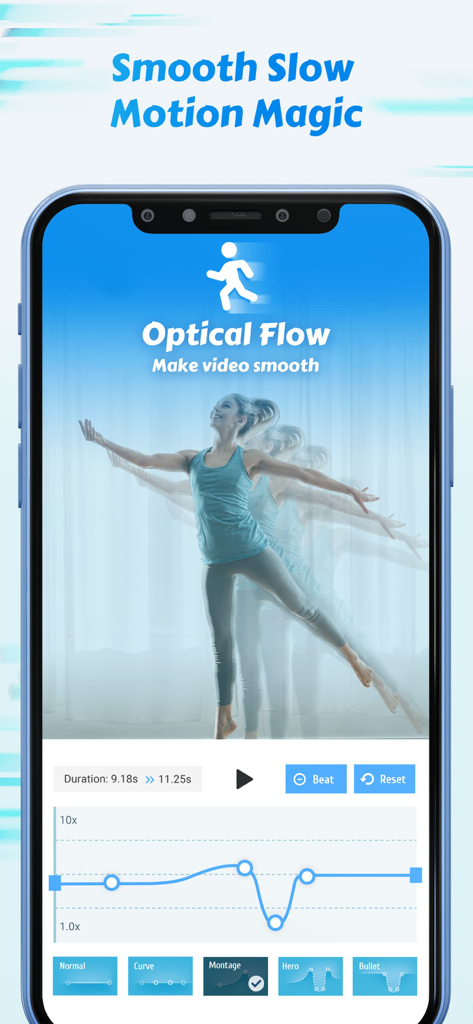
A mobile interface of the Time Cut app showing the optical flow feature and a velocity speed curve for creating smooth slow motion video effects.
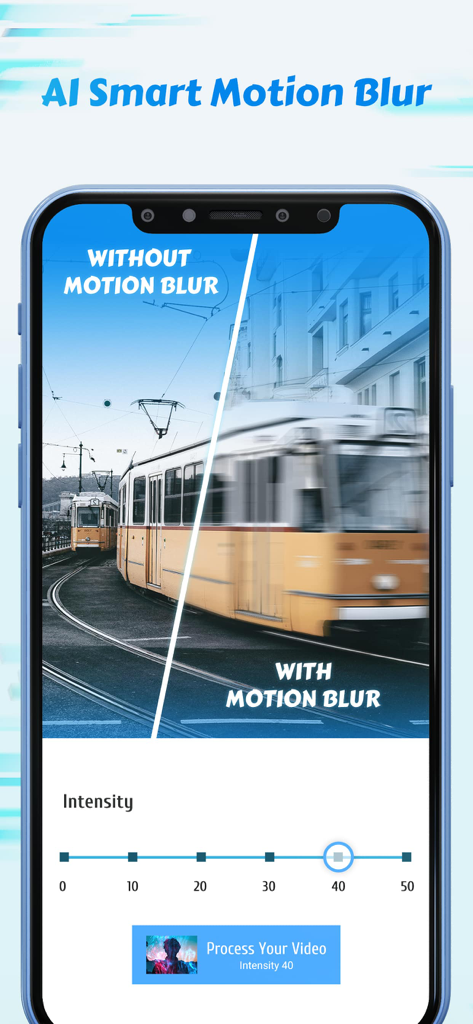
A split screen comparison showing a tram with and without AI smart motion blur in the Time Cut app
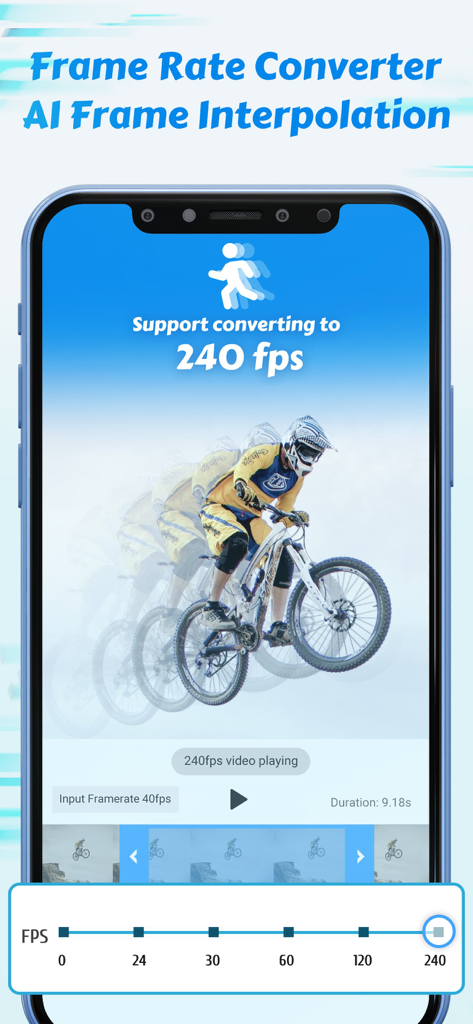
Time Cut app screen showing AI frame interpolation for converting video to 240 fps with a mountain biker visual example
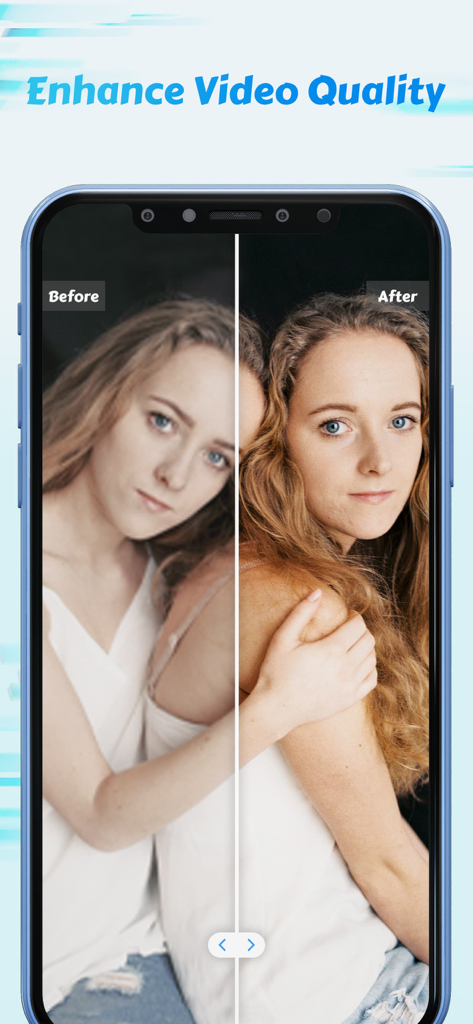
Before and after demonstration of the AI video quality enhancement feature in the Time Cut app
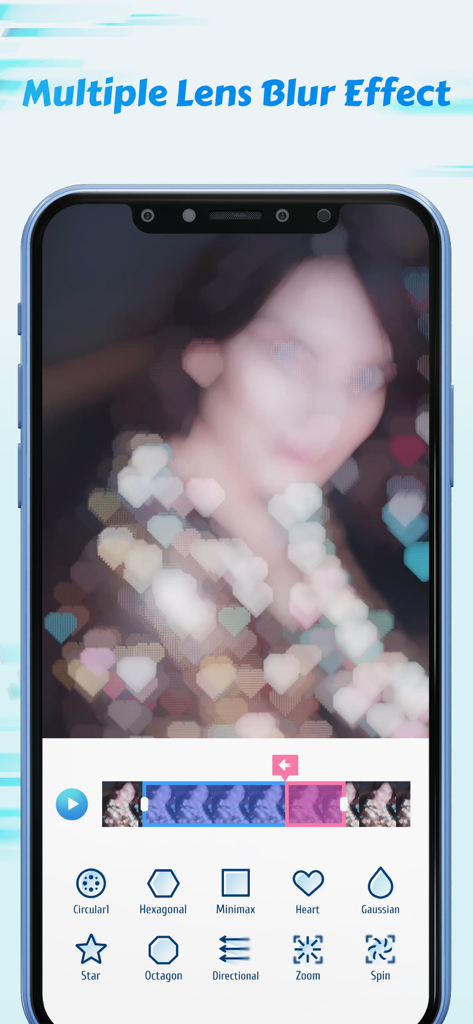
Time Cut app interface showing various lens blur options including heart shaped bokeh and other creative filters
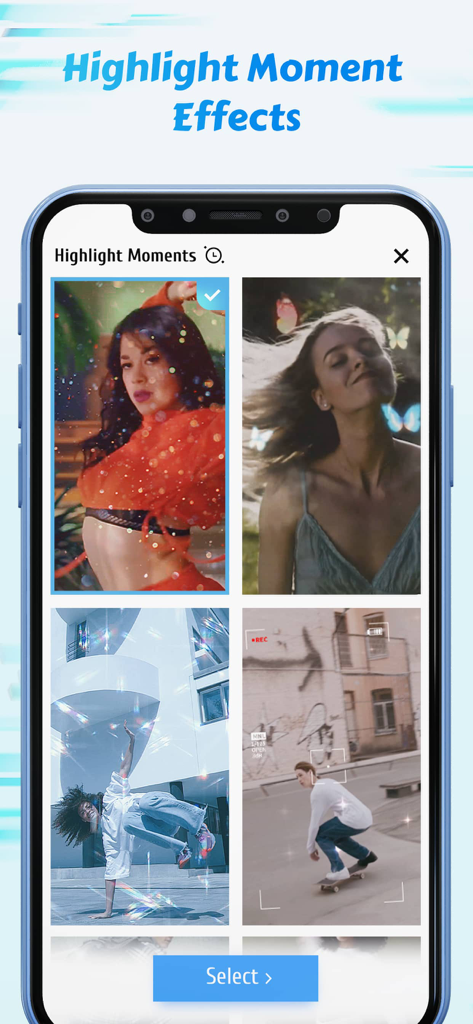
A collection of aesthetic video highlight effects and filters including butterflies and sparkles in the Time Cut app interface.
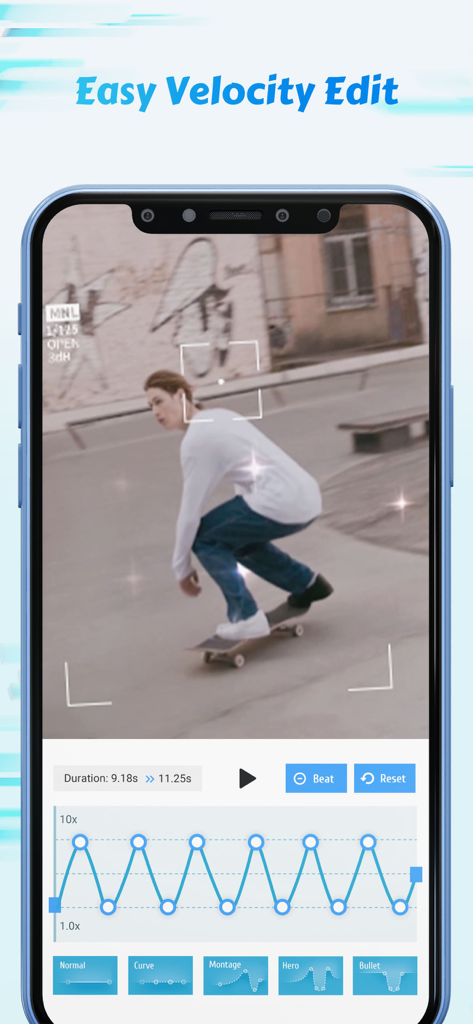
Smartphone screen displaying the Time Cut app with a velocity speed curve editor and a video of a skateboarder.
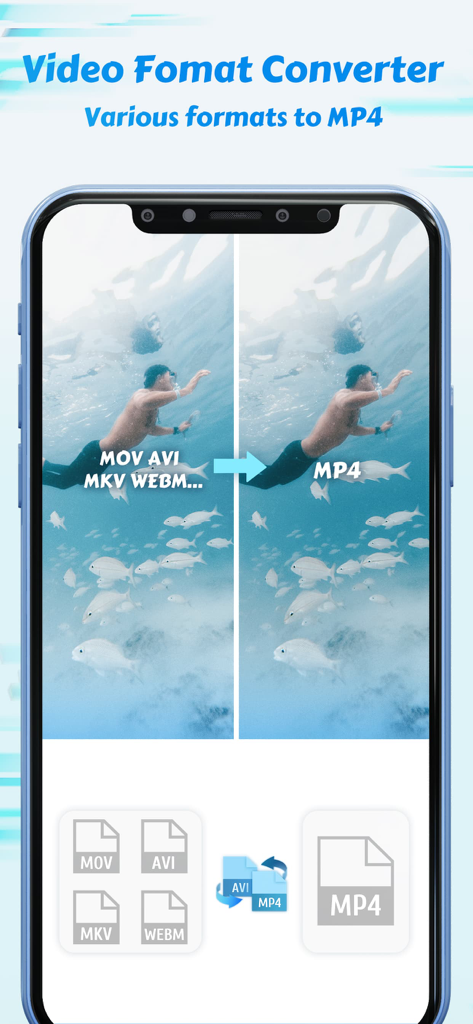
Mobile app interface showing video format conversion from multiple formats to MP4
Description
Download
More Like This
Apps with similar features and user experience

VN: AI Video Editor
Ubiquiti Labs, LLC

Splice - Video Editor & Maker
Bending Spoons Apps ApS

Blurrr-Music video editor
TBPS INTERNATIONAL TECHNOLOGY PTE. LTD.

Node Video
小为 罗

Filmmaker Pro - Video Editor
Tinkerworks Apps

LumaFusion
Luma Touch LLC

Slow Motion Video Fx Editor
Brain Craft Ltd

WEILO - My Last Video Editor
vimosoft

Video Effects Editor: Riveo
Forge and Form GmbH
This page is not an official page of the app or its developer, but an independent editorial publication created for informational and commentary purposes. Unless expressly stated otherwise, neither the app nor its developer is affiliated with, endorsed by, sponsored by, authorized by, or otherwise officially connected with MWM, Apple, Google Play, the app publisher, or the app's developer, and nothing on this page implies that the app was developed using MWM's services. Any trademarks, logos, screenshots, and other content remain the property of their respective owners.