
This page is not an official page of the app or its developer, but an independent editorial publication created for informational and commentary purposes. Unless expressly stated otherwise, neither the app nor its developer is affiliated with, endorsed by, sponsored by, authorized by, or otherwise officially connected with MWM, Apple, Google Play, the app publisher, or the app's developer, and nothing on this page implies that the app was developed using MWM's services. Any trademarks, logos, screenshots, and other content remain the property of their respective owners.

Video Effects Editor: Riveo
Transform your iPhone footage into viral-ready masterpieces with AI-driven masking, keyframe animations, and 3D motion effects. Create stunning reels and shorts that stand out on every feed.
Downloads
84K+User Rating
Total Ratings
3K+Publisher
Category
Photo & VideoLocales
12Latest Version
3.91Size
268.2 MBFirst Released
Mar 16, 2021Unleash Your Creative Power
Riveo bridges the gap between basic editing and studio-grade production, designed specifically for the next generation of viral creators.
AI-Driven Masking
No green screen? No problem. Use advanced AI to instantly isolate subjects and swap backgrounds for a professional studio look.
Cinematic 4K Quality
Stand out with ultra-crisp 4K exports at 60fps and trend-ready filters that give your content a polished, cinematic aesthetic.
The following screenshots and description are sourced directly from the app's official store listing and are the property of the app developer.
App Store
Screenshots
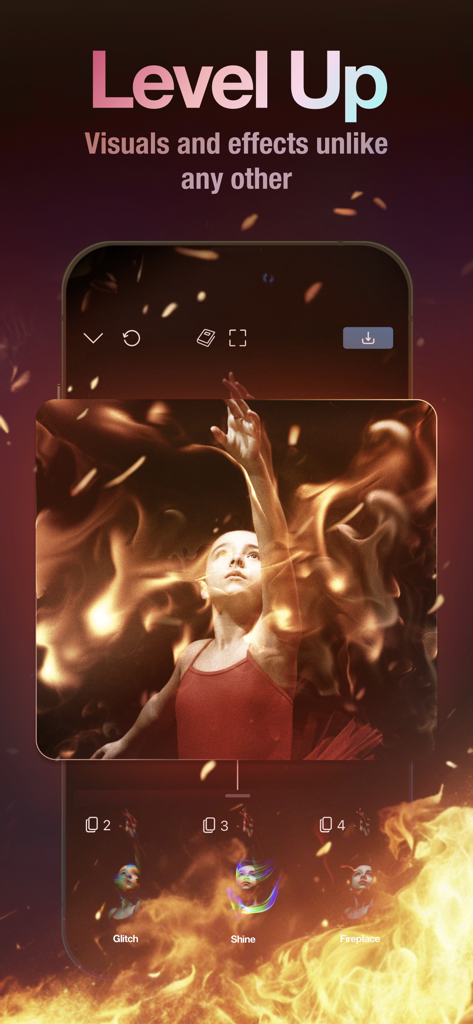
Riveo mobile app interface showing a cinematic fire effect overlay on a video of a dancer
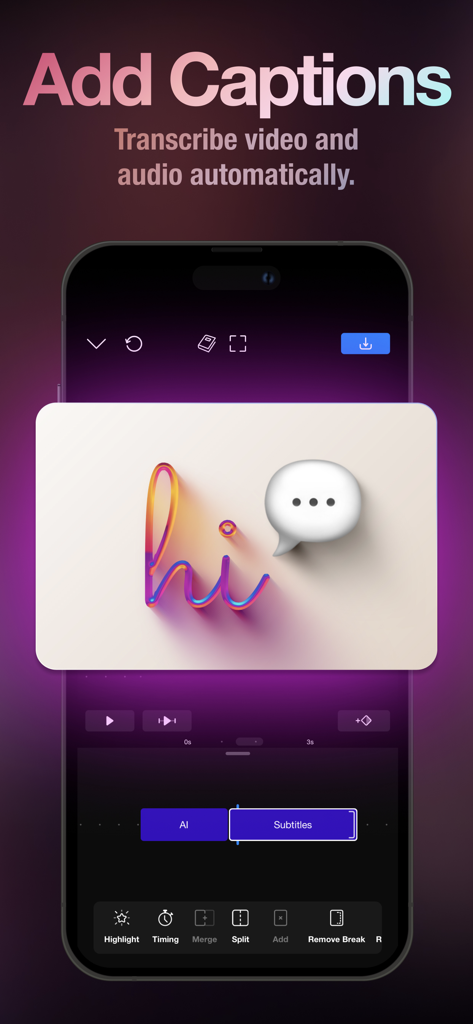
Riveo app screen showing automatic AI caption transcription and video editing timeline
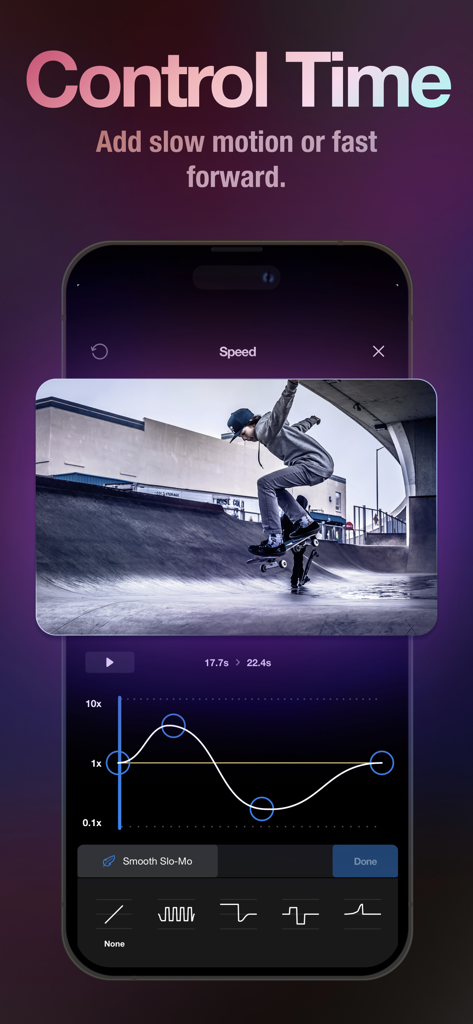
Video speed control interface in Riveo featuring a skateboarding clip and speed ramp graph
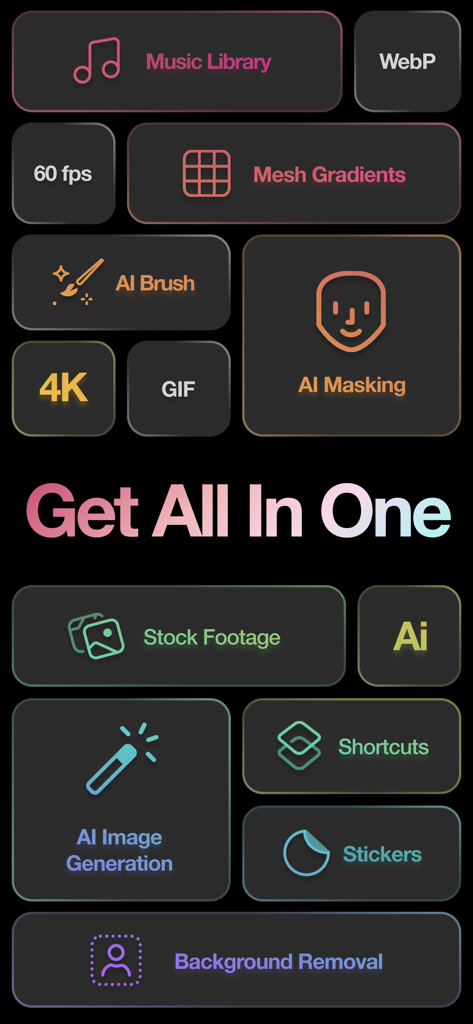
A display of Riveo app features including AI masking background removal and stock footage
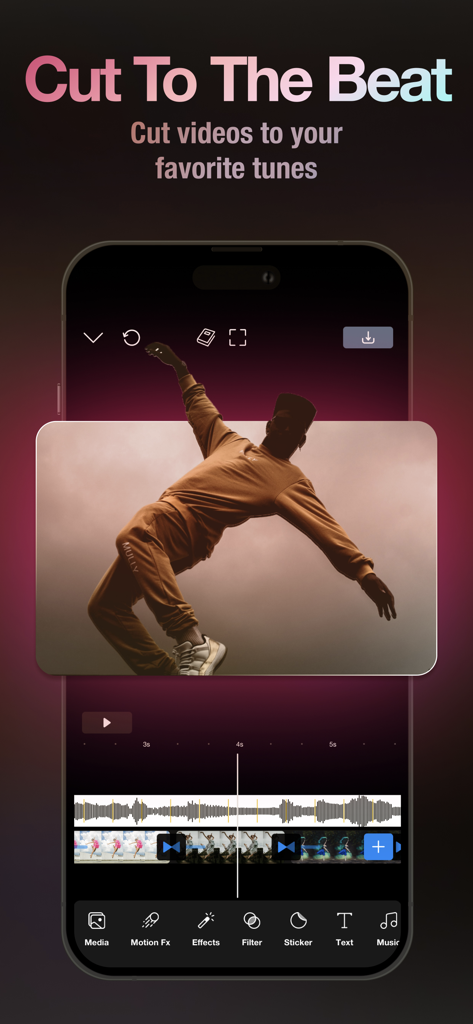
Riveo app interface showing a video timeline synchronized with a music waveform for cutting clips to the beat
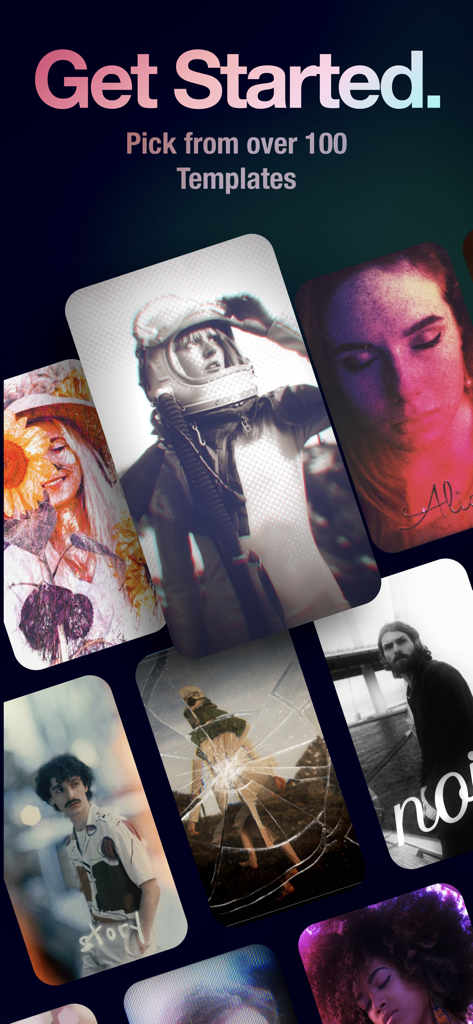
Selection of creative video editing templates and filters in the Riveo app
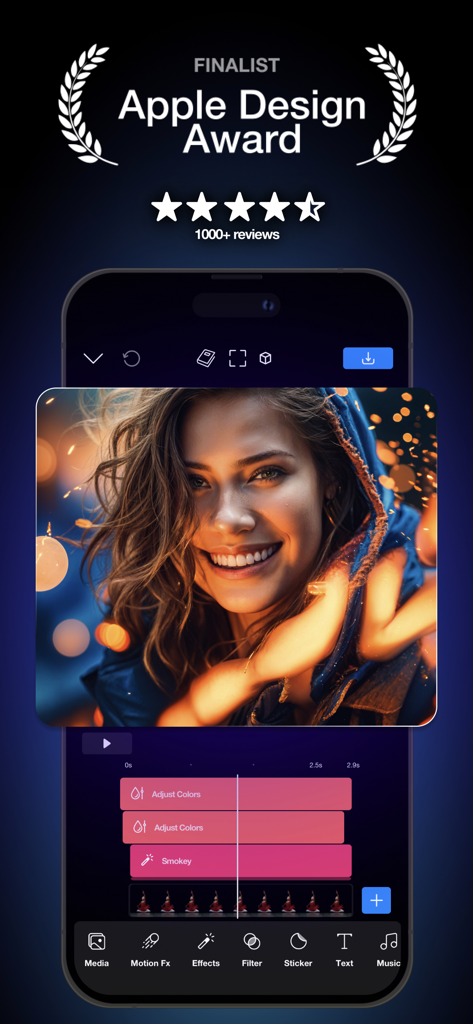
Riveo video editor interface on a smartphone featuring an Apple Design Award Finalist badge and cinematic portrait editing with a multi layer timeline
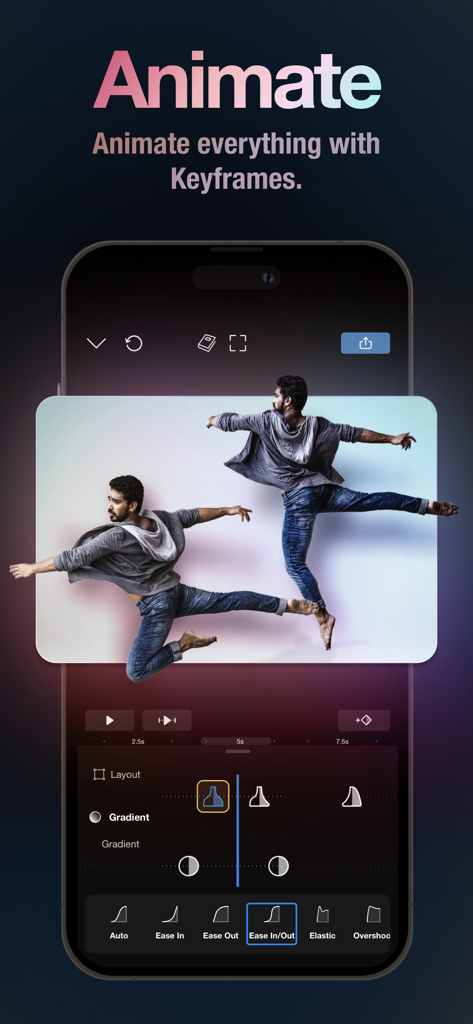
Riveo mobile app interface showing professional keyframe animation and easing curve tools for video editing
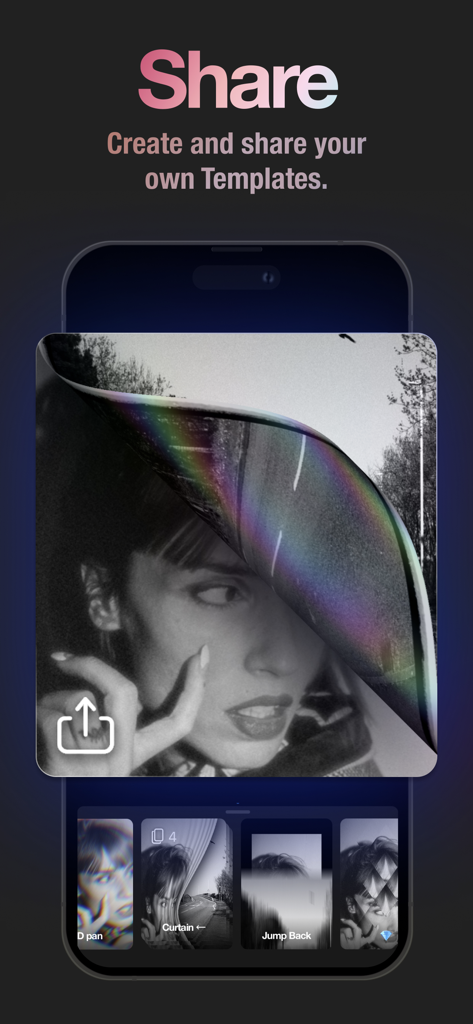
Riveo app screen demonstrating the ability to create and share custom video templates with professional effects
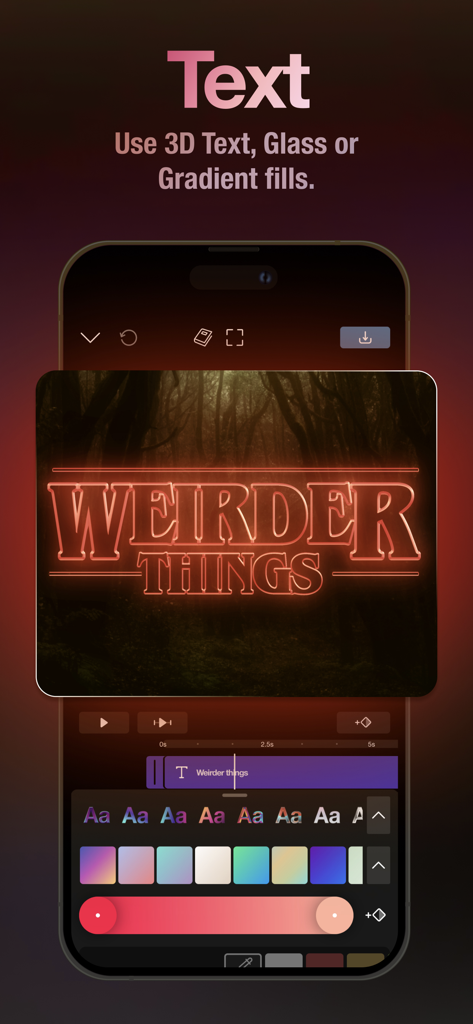
Riveo mobile app interface showing 3D neon text editing for cinematic videos
Description
Download
More Like This
Apps with similar features and user experience

VN: AI Video Editor
Ubiquiti Labs, LLC

Splice - Video Editor & Maker
Bending Spoons Apps ApS

Blurrr-Music video editor
TBPS INTERNATIONAL TECHNOLOGY PTE. LTD.

Node Video
小为 罗

Filmmaker Pro - Video Editor
Tinkerworks Apps

Time Cut: Smooth Slow Motion
立亚 林

LumaFusion
Luma Touch LLC

Slow Motion Video Fx Editor
Brain Craft Ltd

WEILO - My Last Video Editor
vimosoft
This page is not an official page of the app or its developer, but an independent editorial publication created for informational and commentary purposes. Unless expressly stated otherwise, neither the app nor its developer is affiliated with, endorsed by, sponsored by, authorized by, or otherwise officially connected with MWM, Apple, Google Play, the app publisher, or the app's developer, and nothing on this page implies that the app was developed using MWM's services. Any trademarks, logos, screenshots, and other content remain the property of their respective owners.